macOS High Sierra 10.13.6 (macOS)
Intel build. On Apple Silicon it runs through Rosetta 2. Opens the install steps and mirrors.
- Version
- 10.13.6
- Size
- 4.9 GB
- CPU type
- Intel
- Updated
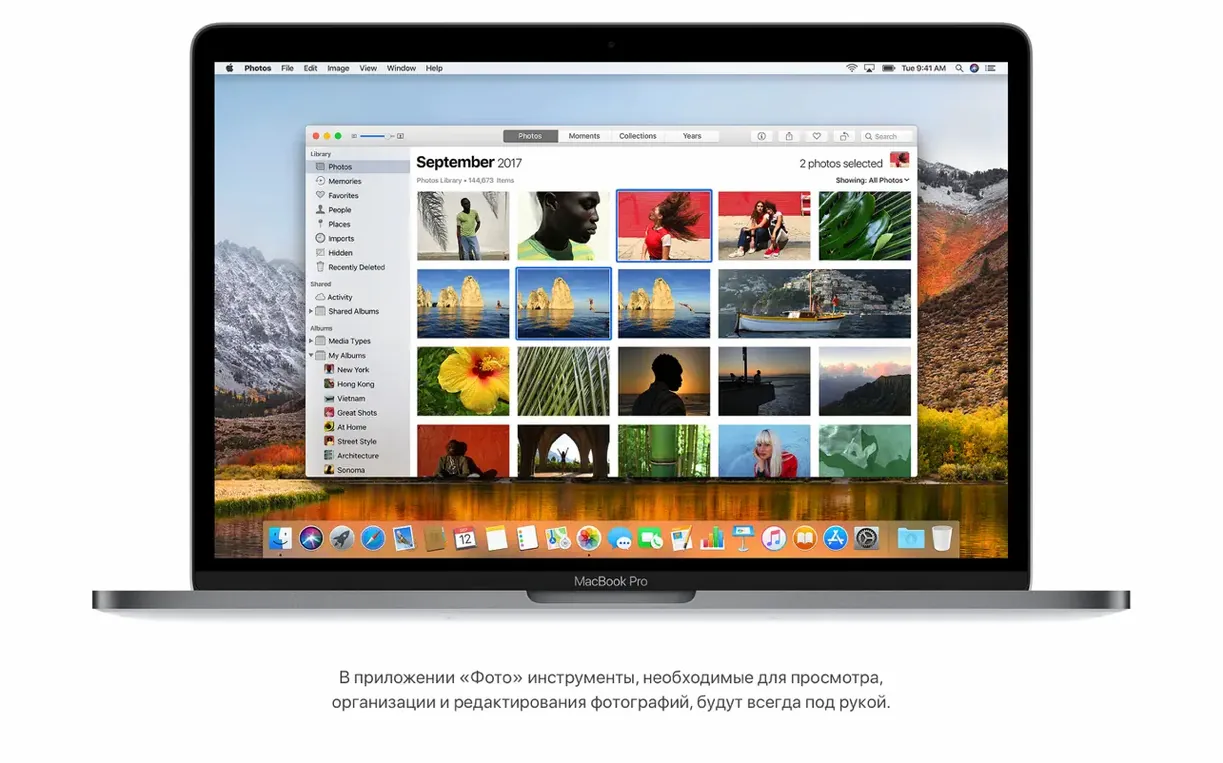
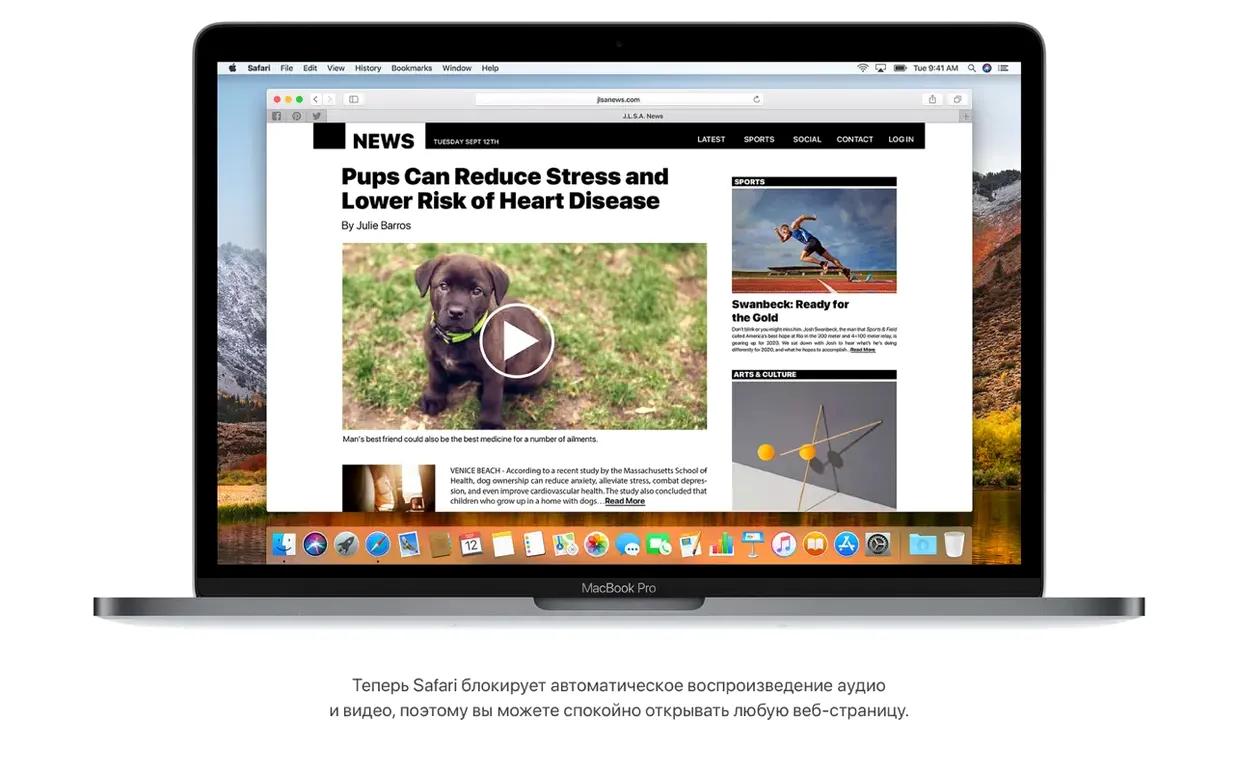
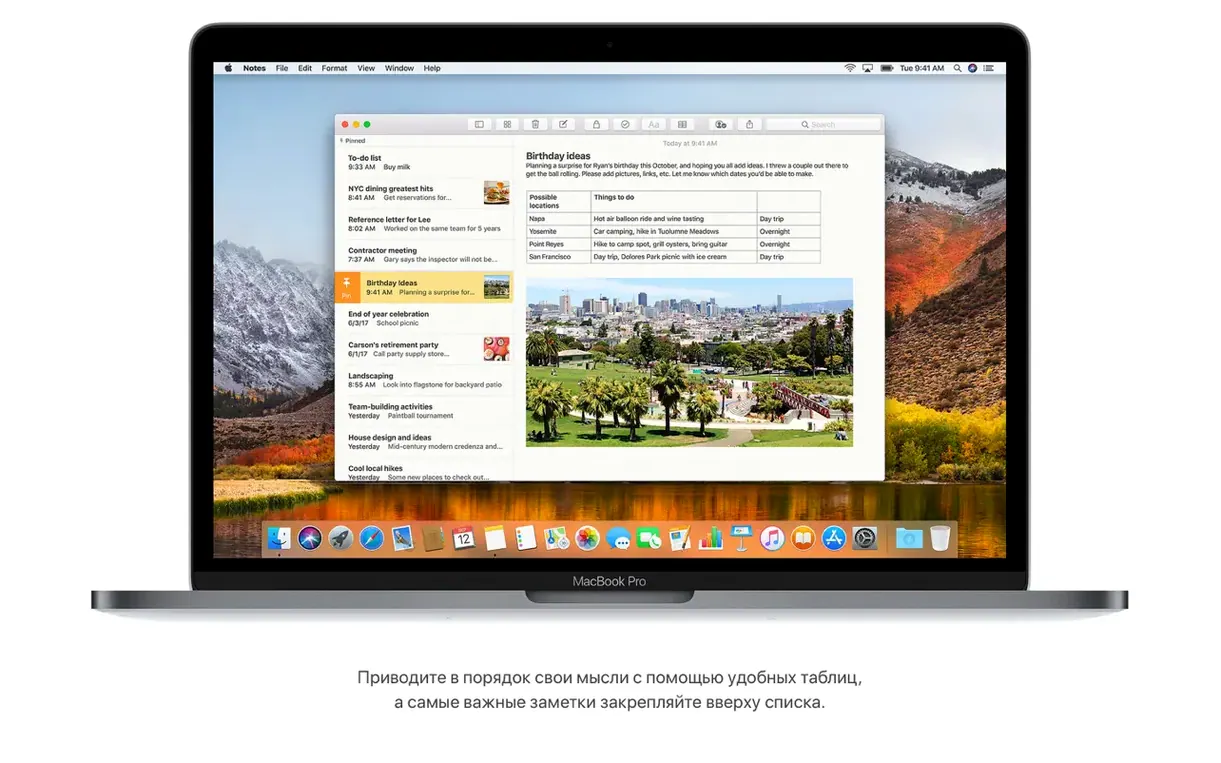
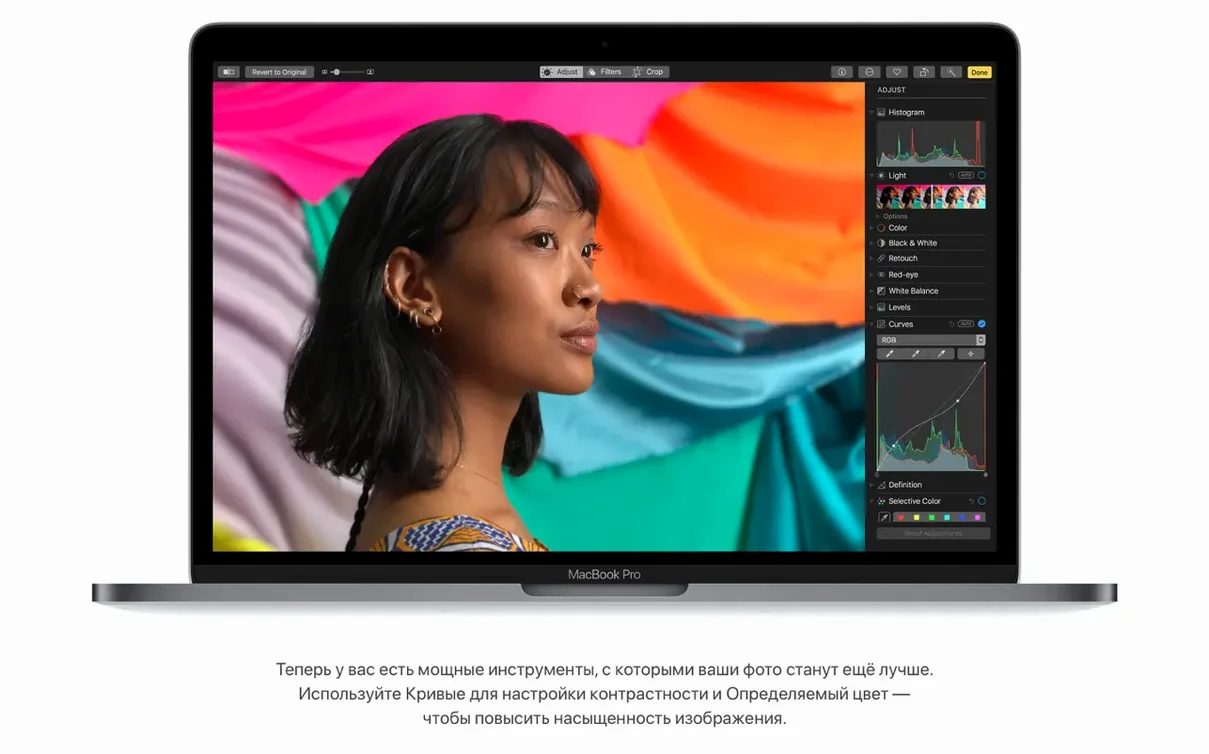
Before you look for a macos high sierra dmg torrent, you’ll want to know what it asks of your hardware and what features you’re actually getting. High Sierra was the version that introduced Apple File System (APFS) — a fundamental change under the hood — alongside HEVC video support and a few practical updates in Photos, Safari and Mail.
Intel Macs from 2009 or newer
The installer needs an Intel-based Mac, 2GB of memory and 14.3GB of free space. Any Mac from 2009 or later that runs OS X Mountain Lion or newer is eligible. If your Mac is older, stick with an earlier release.
Understand what APFS means for you
APFS replaces HFS+ automatically on SSDs during install. It includes built-in encryption and is tuned for flash storage. The conversion is one-way — you cannot easily revert to HFS+. On Fusion or hard drives the installer keeps the old format.
Know what else ships with it
You get Safari with an automatic Reader mode, Photos with Curves and Selective Color editing, and Mail search that shows Top Hits. The final build 17G66 added AirPlay 2 for iTunes and camera compatibility fixes.
APFS file system vs Sierra's HFS+
If you are deciding between High Sierra and its neighbours, the picture is fairly clear. macOS Sierra (10.12) was the immediate predecessor and runs on the same generation of hardware. The main difference is the file system — Sierra still uses HFS+, so you do not get the built-in encryption or the performance tweaks of APFS. For daily use, the two feel similar, but if you rely on flash storage or want the newer security model, High Sierra is the cleaner option.
Compared with macOS Mojave (10.14), High Sierra lacks the Dark Mode and the desktop Stacks feature that made Mojave popular in school computer labs. Mojave also added a more aggressive security layer in the Finder. However, Mojave drops support for some older Macs that High Sierra still handles — for example, certain 2009 iMac models. If you are running older kit, High Sierra is the better fit.
macOS Catalina (10.15) moved to 64-bit only and dropped 32-bit app support entirely. High Sierra still runs 32-bit software, which matters if your school site uses legacy applications that never received a 64-bit update. Catalina also requires more recent hardware. For a secondary school technician maintaining a mixed fleet, High Sierra strikes a useful balance between modern features and compatibility.
2GB memory and 14.3GB free space needed
From the requirements listed, you need an Intel-based Mac with 2GB of memory and 14.3GB of free disk space. The installer itself is a disk image — you open it, extract the installer app to Applications, and run it. The architecture is 64-bit x86, so PowerPC or early Intel Core models will not work.
The supported Mac list covers machines from late 2009 onwards, but not every variant within those lines. If you are unsure, check your model year against the list: MacBook late 2009 or newer, MacBook Pro mid 2010 or newer, MacBook Air late 2010 or newer, Mac mini mid 2010 or newer, iMac late 2009 or newer, Mac Pro mid 2010 or newer. Anything outside those ranges will not install.
Language support is broad — 37 languages including English, Russian, Arabic, Chinese, Japanese and most European languages. The system itself can be set to any of them during or after install. No other regional restrictions apply.
APFS converts only SSDs, not hard drives
The most common error is assuming APFS conversion applies to every drive. It does not — only SSDs get converted automatically during a fresh install or upgrade. Hard drives and Fusion drives keep HFS+. Beginners sometimes restart partway through the conversion, which can leave the system volume in an inconsistent state. Let the install finish completely before rebooting.
Another mistake is ignoring the 14.3GB storage requirement. The installer will warn you, but some users try to free space during the install process rather than before. If the disk fills partway through, the upgrade fails and you may need to restore from a backup. Clear the space beforehand.
Beginners also forget that High Sierra drops support for some older peripherals. Printers, scanners and audio interfaces that worked under Snow Leopard or Mavericks may lack High Sierra drivers. Check the manufacturer’s site before upgrading a lab machine with legacy hardware attached. Similarly, some 32-bit applications will run but others will not — test a sample before rolling out across a whole classroom.
Finally, people sometimes download a high sierra torrent and try to install it on a Mac that is still running OS X 10.8 or older. The upgrade path requires at least macOS 10.13.5 already installed. If your current system is older, you will need to step through intermediate versions first. Skipping versions is not supported and will fail at the compatibility check.
- Adds AirPlay 2 multi-room audio support for iTunes.
- Improves the stability and security of the Mac.
- Fixes an issue that may prevent Photos from recognising AVCHD media from some cameras.
- Fixes an issue that may prevent Mail users from moving a message from Gmail to another account.
- macOS 10.13.5 or later
- Intel-based Mac
- 2GB of memory
- 14.3GB of available storage to perform the upgrade
Questions people ask
Can I upgrade directly from OS X Mavericks?
Yes. Any Mac running OS X Mountain Lion (10.8) or later can upgrade to High Sierra, as long as the hardware meets the 2GB RAM and 14.3GB disk requirements.
Will my old 32-bit apps still work?
High Sierra still supports 32-bit apps, though Apple began warning about future 64-bit-only transitions. Most software from the Sierra era should run without issues.
Staffroom comments 0
Sign in or create an account here to leave a comment.
Nobody has commented on this one yet.