
ACDSee Photo Studio 26.0.3 (macOS)
One download for Apple Silicon and Intel. Opens the install steps and mirrors.
- Version
- 26.0.3
- Size
- 441 MB
- Earliest macOS
- 14 or later
- CPU type
- Universal
- Updated
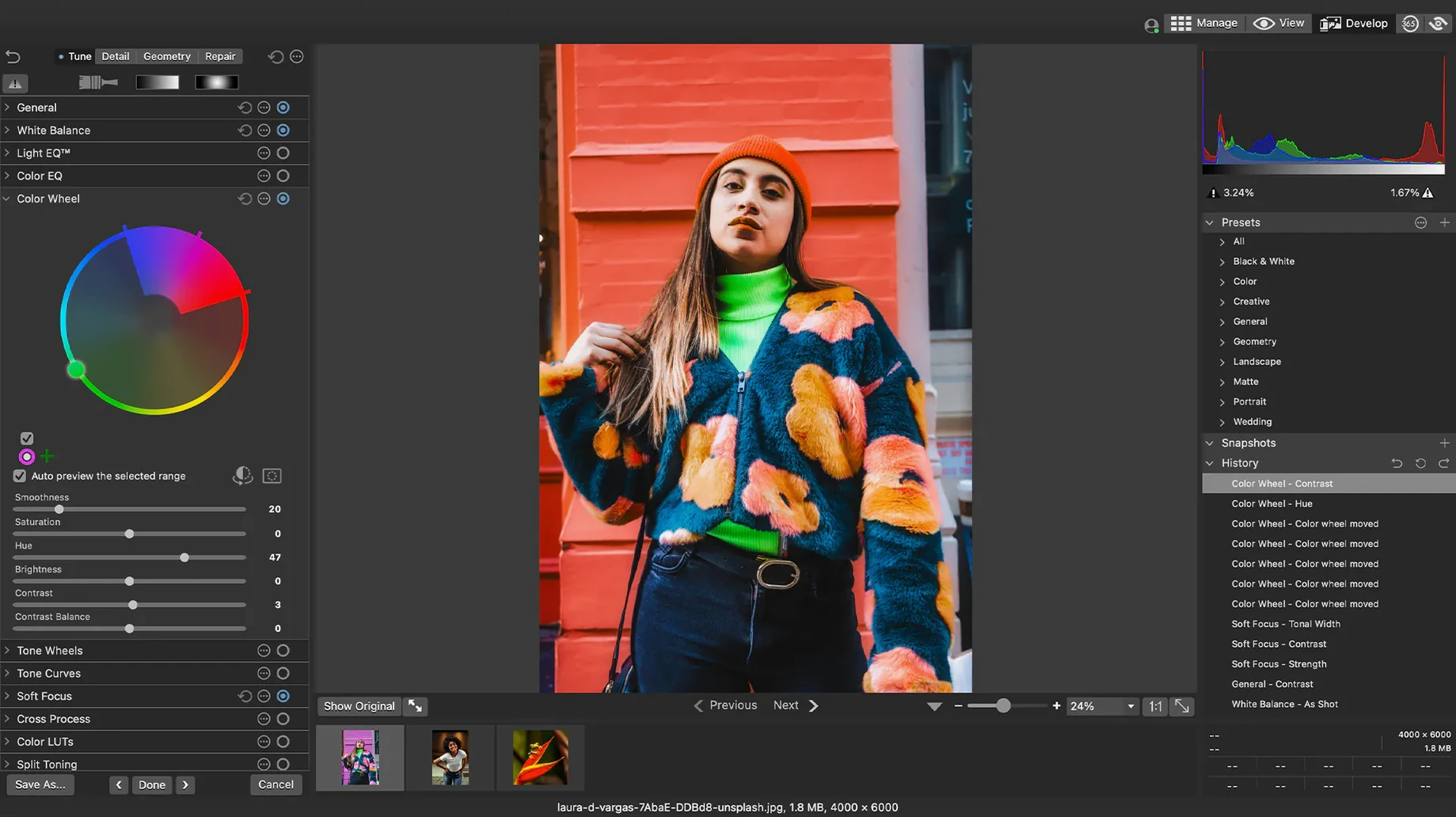
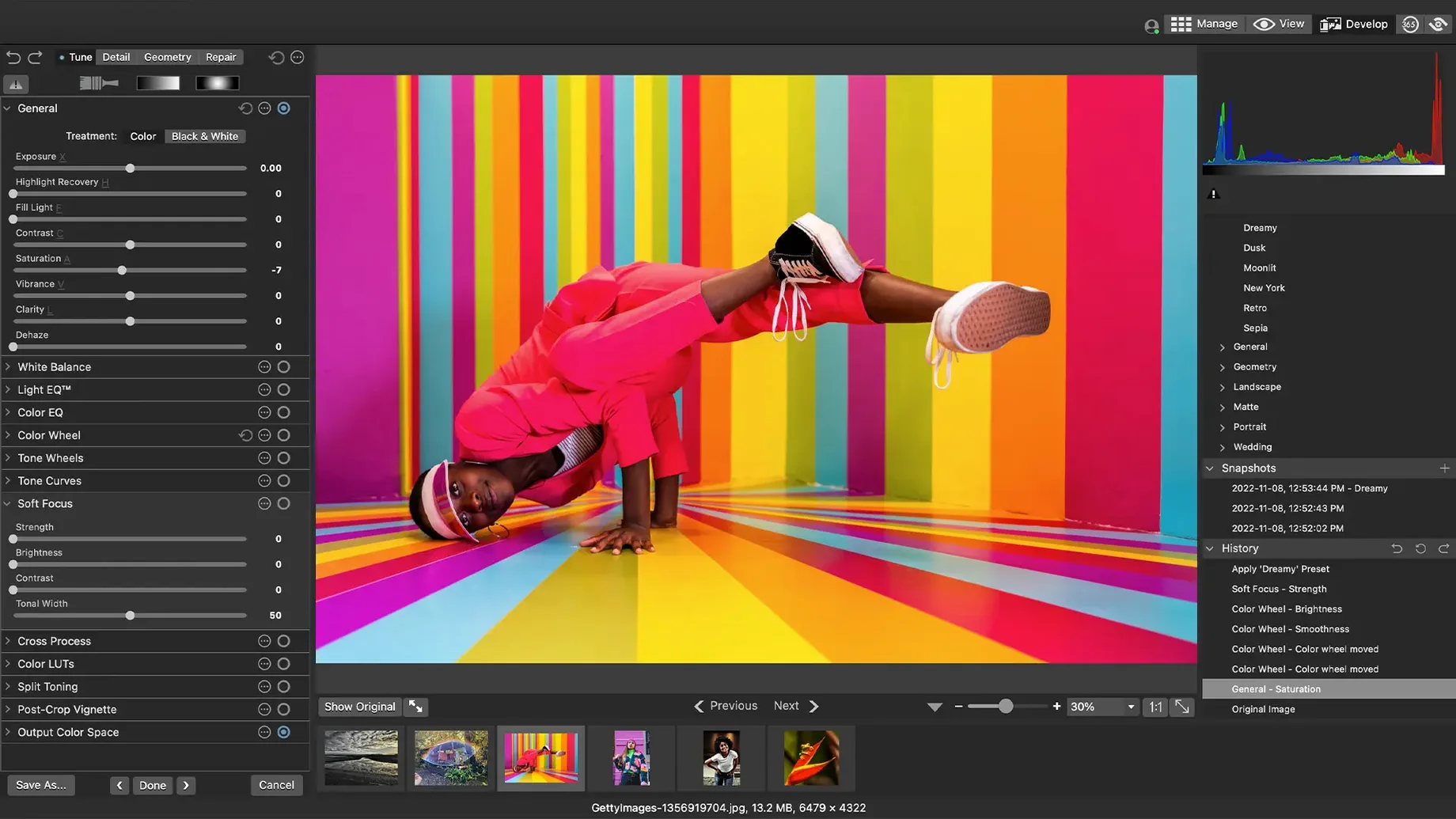
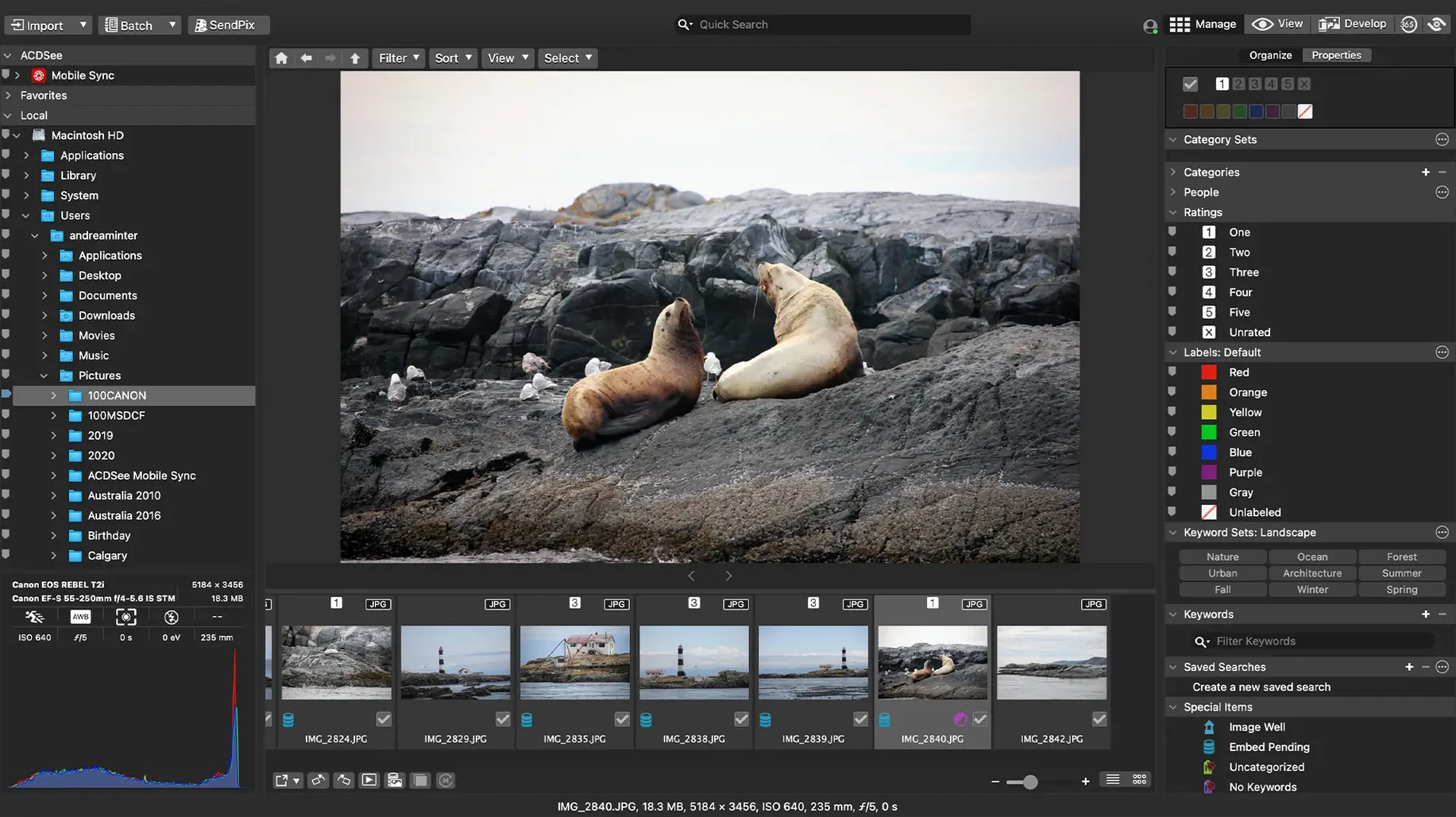
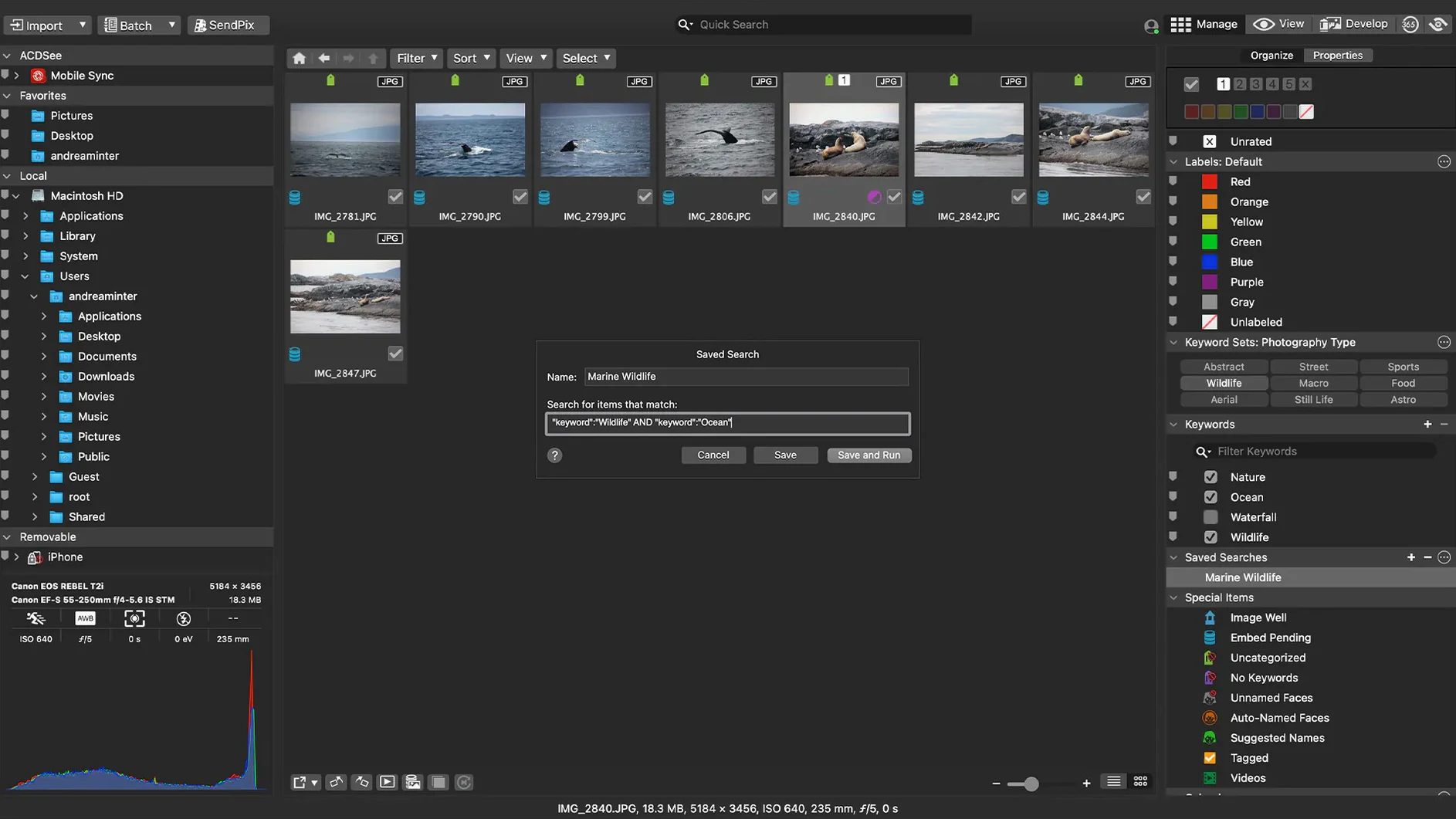
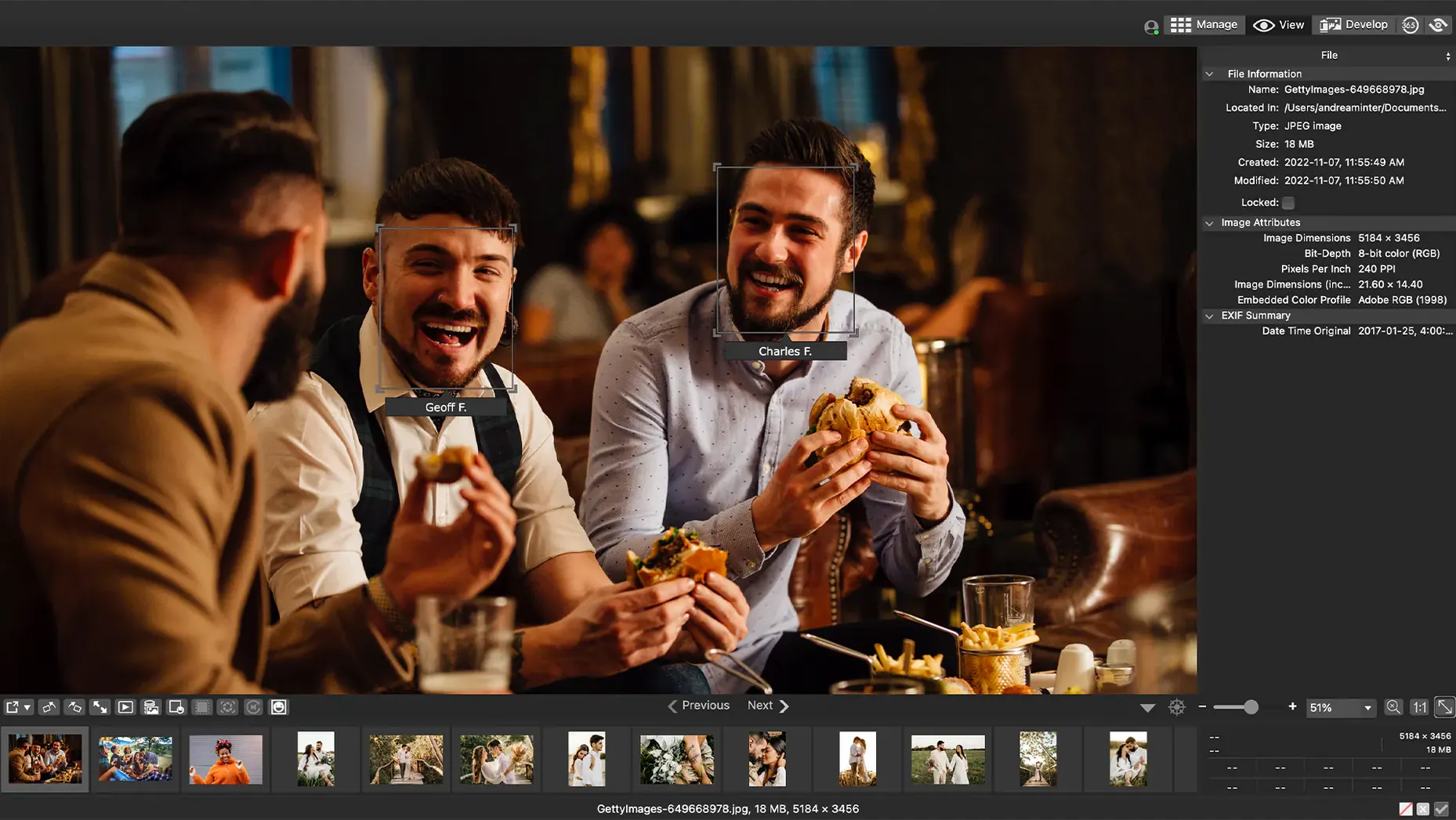
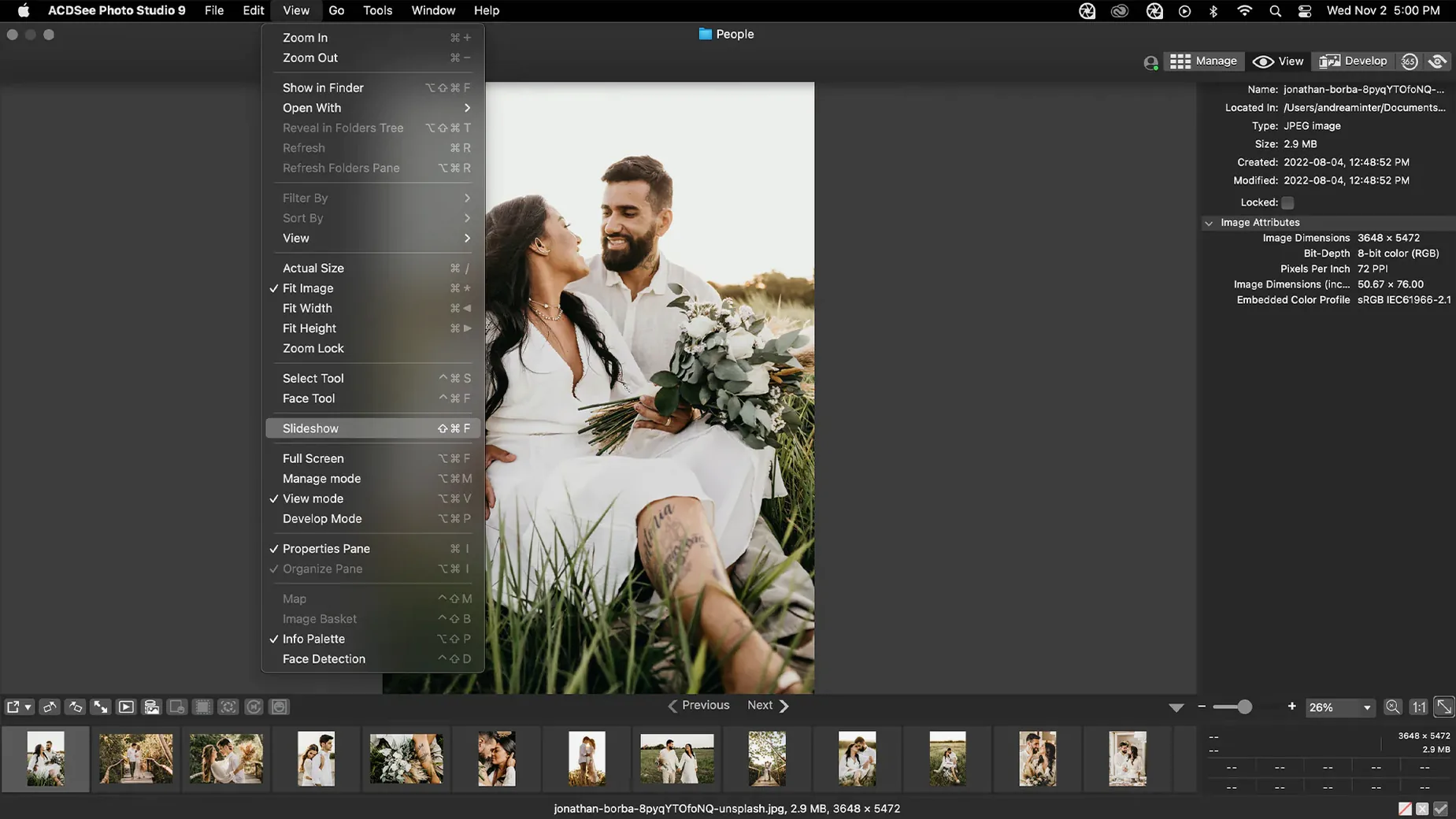
Version 26.0.3.3479 landed as a stability fix. The iCloud integration was misbehaving and that's sorted now. A crash when adding a new keyword in a particular sequence has been patched, and clicking away from an in-progress keyword or category edit now commits the change properly instead of leaving it dangling.
| Detail | Info |
|---|---|
| Current version | 26.0.3 |
| Architecture | Apple Silicon and Intel |
| macOS required | macOS 14 or later |
| RAW support | 450+ camera models |
It runs natively on Apple Silicon and Intel Macs, asking for macOS 14 as a minimum. The tool handles the full asset pipeline: import, browse, rate, sort by date, and edit. The editing side works non-destructively on RAW files — exposure, clarity, sharpness, colour, noise, and detail all get dedicated controls. You can also view and edit EXIF and IPTC metadata directly. If you need an acdsee torrent download for a Mac that fits that spec, this build covers it.
First days with ACDSee Photo Studio
A common slip is to import everything into the default database location without checking where it lives. Sort out a folder structure before you bring photos in — a date-based hierarchy usually works well. ACDSee picks up folder dates during import, so if you have images scattered across drives, point the browser at each one and let it index them.
Another early mistake is ignoring the category and keyword system. It looks like optional overhead, but without it you end up scanning thumbnails for an hour looking for that shot from last June. Assign a couple of keywords per import batch as you go. The fix in 26.0.3 means clicking away from a keyword edit now saves it, so there is less friction.
What beginners often miss
- RAW ratings that do not stick — the 26.0.3 patch fixed inaccurate reading of RAW file ratings in certain scenarios. If older versions showed wrong star ratings, that is now reliable. Re-rate anything that looked off after the update.
- Duplicate detection — it is there but easy to overlook. Run it after a big import to catch files that got copied across folders over the years.
- Batch presets — you can save a set of adjustments and apply them to a whole folder. Do not tweak each photo individually when they were shot in the same light.
iCloud sync fixes in 26.0.3
ACDSee integrates with iCloud — the 26.0.3 fixes addressed an issue there. If you keep photos in iCloud Photos or use iCloud Drive for syncing, the app should now read and write files without hiccups. It does not replace Photos.app for system-level album syncing across devices, but it works alongside it.
Drag-and-drop search lets you pull images from Finder straight into a search query — useful if you keep a working folder on the desktop and need to find similar shots without typing. The app also respects macOS file tagging, so any colour labels or star ratings you set in Finder come through in the browser.
For an acdsee photo studio torrent that runs on both Apple Silicon and Intel Macs, this build is the current stable release. The k'ed version installs cleanly with the Gatekeeper bypass — mount the disk image, run the terminal command, drag to Applications. No surprises.
- Fixed a crash when adding a new keyword or category in a certain scenario.
- Clicking away from a new keyword or category now stops editing as expected.
- Fixed inaccurate reading of RAW file ratings in certain scenarios.
- Fixed an issue with iCloud integration.
- macOS 14 or later
- Apple Silicon or Intel Mac
Staffroom comments 0
Sign in or create an account here to leave a comment.
Nobody has commented on this one yet.
Other Mac Apps tools
All Mac Apps tools-
 Absynth
6.2.1
2.6 GB
Mac Apps
-
 Ableton Live
12.4.16
5.1 GB
Mac Apps
-
 Adobe After Effects
26.5.0
8.8 GB
Mac Apps
-
 Adobe InDesign
21.6.0
1.5 GB
Mac Apps
-
 Adobe Lightroom Classic
15.6.0
3.7 GB
Mac Apps
-
 Adobe Photoshop
27.11
3.5 GB
Mac Apps
-
 Adobe Premiere Pro
26.5.2
4.1 GB
Mac Apps
-
 Adobe Premiere Rush
1.5.62Intel Macs only
1.6 GB
Mac Apps