Adobe Premiere Rush 1.5.62 (macOS)
Intel build. On Apple Silicon it runs through Rosetta 2. Opens the install steps and mirrors.
- Version
- 1.5.62
- Size
- 1.6 GB
- Earliest macOS
- 10.12 or later
- CPU type
- Intel
- Updated
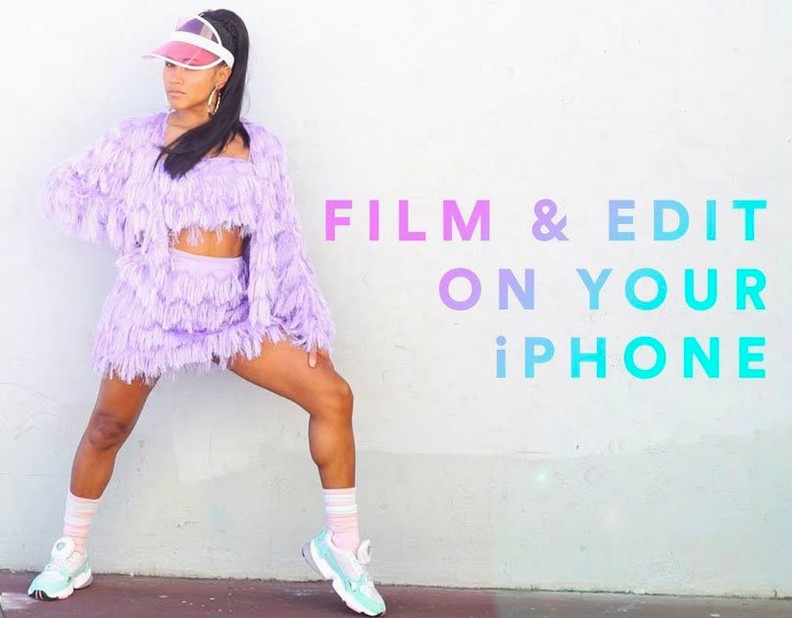



The auto-ducking controls are where you turn when background music fights with a voiceover. Set the sensitivity and reduction amount, and Rush drops the music level during speech without manual keyframes.
Balancing a mix with multiple tracks
Three audio tracks stack alongside four video tracks. The audio tools cover basic balancing, a noise reduction slider, and that auto-ducking feature. Enough to clean up a clip shot in a busy corridor.
Recording a voiceover directly
No external recorder needed. Hit the microphone button in the timeline and record straight into the project. Useful for adding narration to a cut before publishing.
Publishing without leaving the timeline
Export presets push the finished video to social networks from inside the app. Drag-and-drop scene placement keeps the assembly quick, and Adobe Stock integration sits there if you need a royalty-free clip to fill a gap.
What this version needs from your Mac
Version 1.5.62 runs on macOS 10.12 or later. It is built for x86 64-bit Intel architecture, so it will run on any Mac from that era with a Core i-series processor or Xeon. No M-series native version here — this is the last Intel-only build before the app was retired.
The installer is bundled. Mount the disk image, open the Extra folder, and run the installer. A standard install with no serial entry or account sign-in required.
Fifteen languages are included: Russian, English, German, Spanish, Italian, Chinese (traditional and simplified), Korean, Dutch, Polish, Portuguese, Turkish, French, Swedish, and Japanese. The interface language picks up from the system locale, but you can switch it inside the app if needed.
Who might find this useful
A teacher editing a weekly round-up of classroom activities. They shoot clips on a phone, drop them into the timeline, add a simple title from the motion graphics templates, and record a voiceover explaining what the class did. They publish to the school’s YouTube channel directly. No After Effects, no round-trips through Premiere Pro. Four video tracks and three audio tracks are enough for that workflow, and the auto-ducking means the background track drops while the narration plays.
Ignoring timeline layers and muting project audio
- Ignoring the timeline layers. Four video tracks means you can stack clips and use opacity or masks, but beginners place everything on one track and complain about limited space.
- Recording voiceover without muting the project audio first. The mic picks up whatever is playing through the speakers, and you end up with a loop of the backing track in your narration.
- Skipping the motion graphics templates because they look like placeholders. They render correctly on export; judging them in the preview window gives the wrong impression.
- Treating it like Premiere Pro. Rush has a simple timeline by design. There are no nested sequences, no advanced colour grading panels, no multi-cam sync. Trying to force complex edits into it leads to frustration.
- Forgetting to set the audio ducking threshold before recording. The auto-ducking works on existing audio only. If you apply it after recording the voiceover, the background track may duck at the wrong moments.
- Overlooking the Adobe Stock integration. It is there if you need a short clip or a motion graphics template. Not essential, but some beginners never look for it.
Rush is a tool built for a specific workflow. Know that workflow and the limits make sense. Ignore them and you will spend time looking for features that were never there.
No “what's new” for 1.5.62. The release line gave nothing I could check, and I will not stretch it into a changelog.
- macOS 10.12 or later
- Intel processor (64-bit)
Staffroom comments 0
Sign in or create an account here to leave a comment.
Nobody has commented on this one yet.
Other Mac Apps tools
All Mac Apps tools-
 Adobe Premiere Pro
26.5.2
4.1 GB
Mac Apps
-
 Adobe Substance 3D Painter
12.1.5
3 GB
Mac Apps
-
 Adobe XD
59.0.12
2.6 GB
Mac Apps
-
 Adobe Photoshop
27.11
3.5 GB
Mac Apps
-
 Affinity Designer
2.6.5
779 MB
Mac Apps
-
 Adobe Lightroom Classic
15.6.0
3.7 GB
Mac Apps
-
 Adobe InDesign
21.6.0
1.5 GB
Mac Apps
-
 AI Transcription
2.16
5.1 GB
Mac Apps