
7 Days To Die 3.4.0 (macOS)
- Version
- 3.4.0
- Size
- 16 GB
- CPU type
- Universal
- Updated
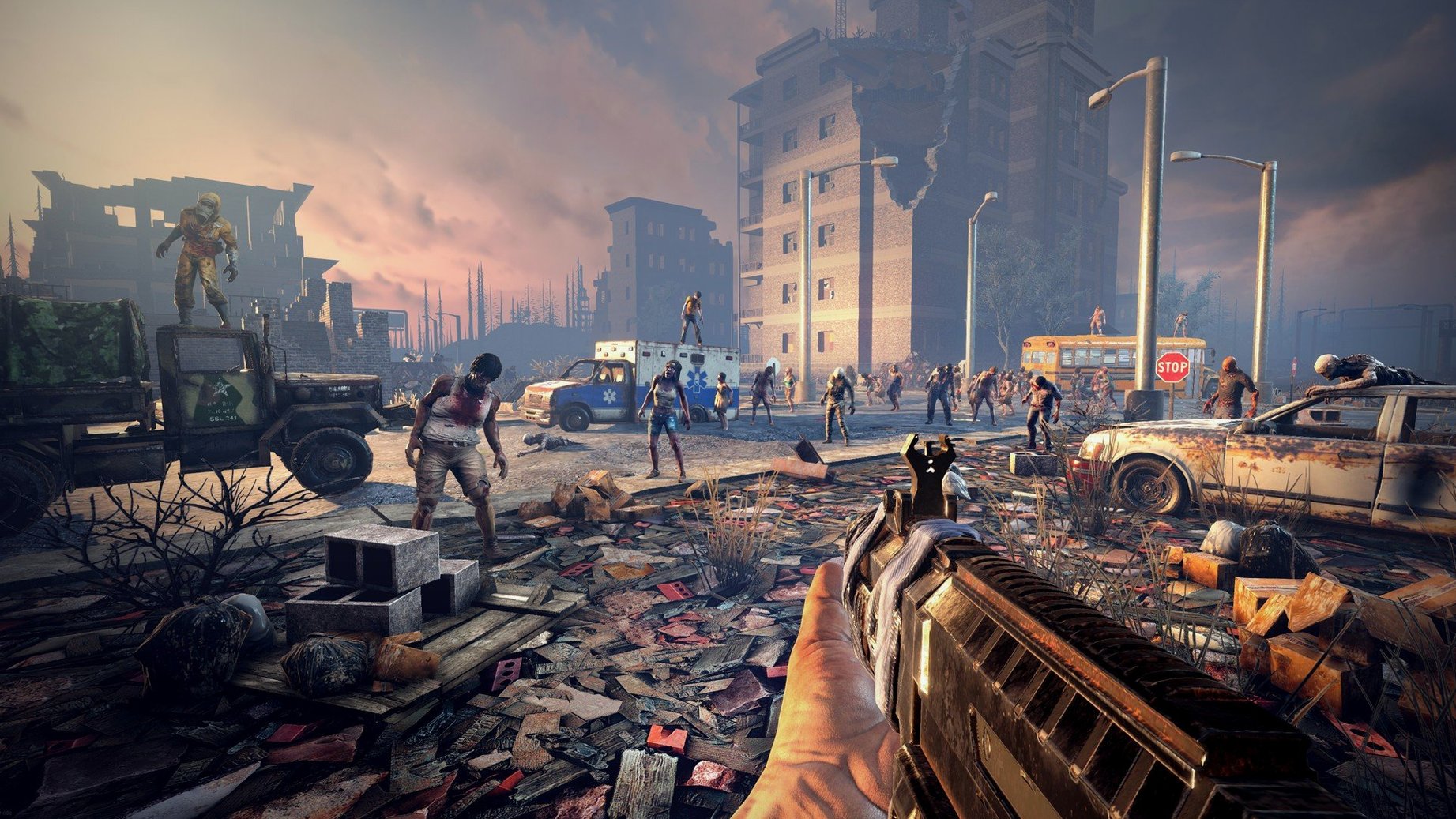
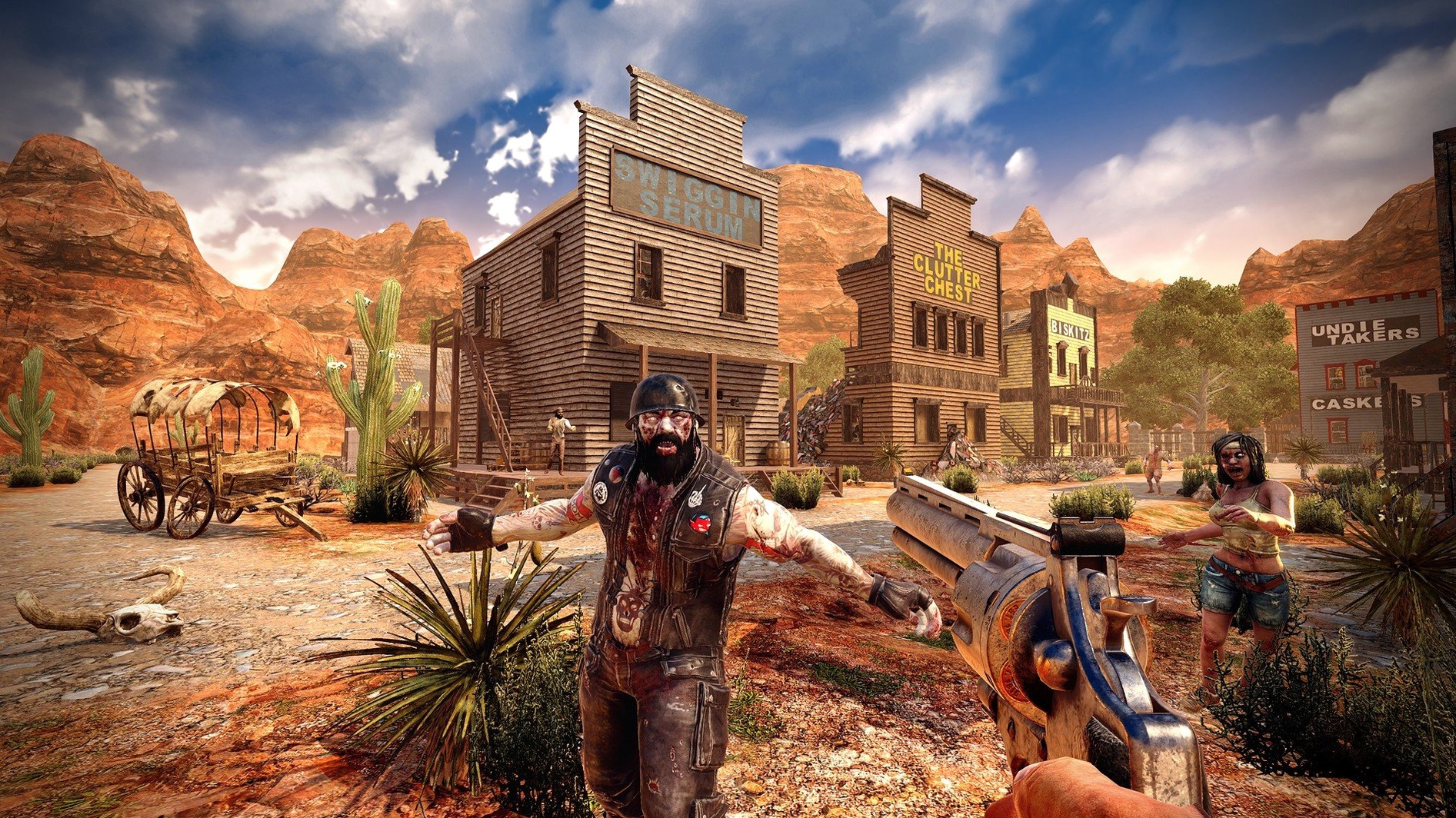
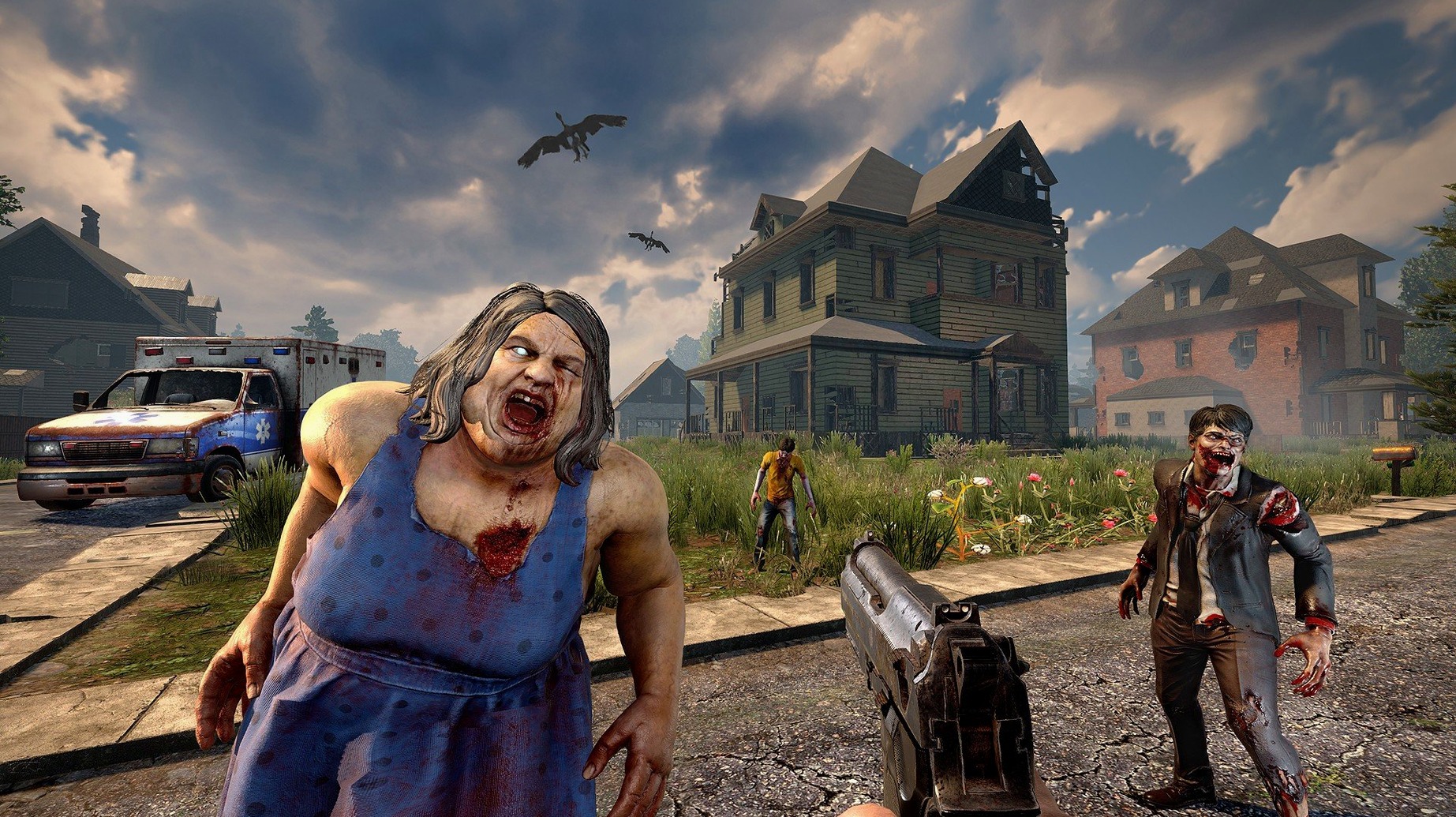
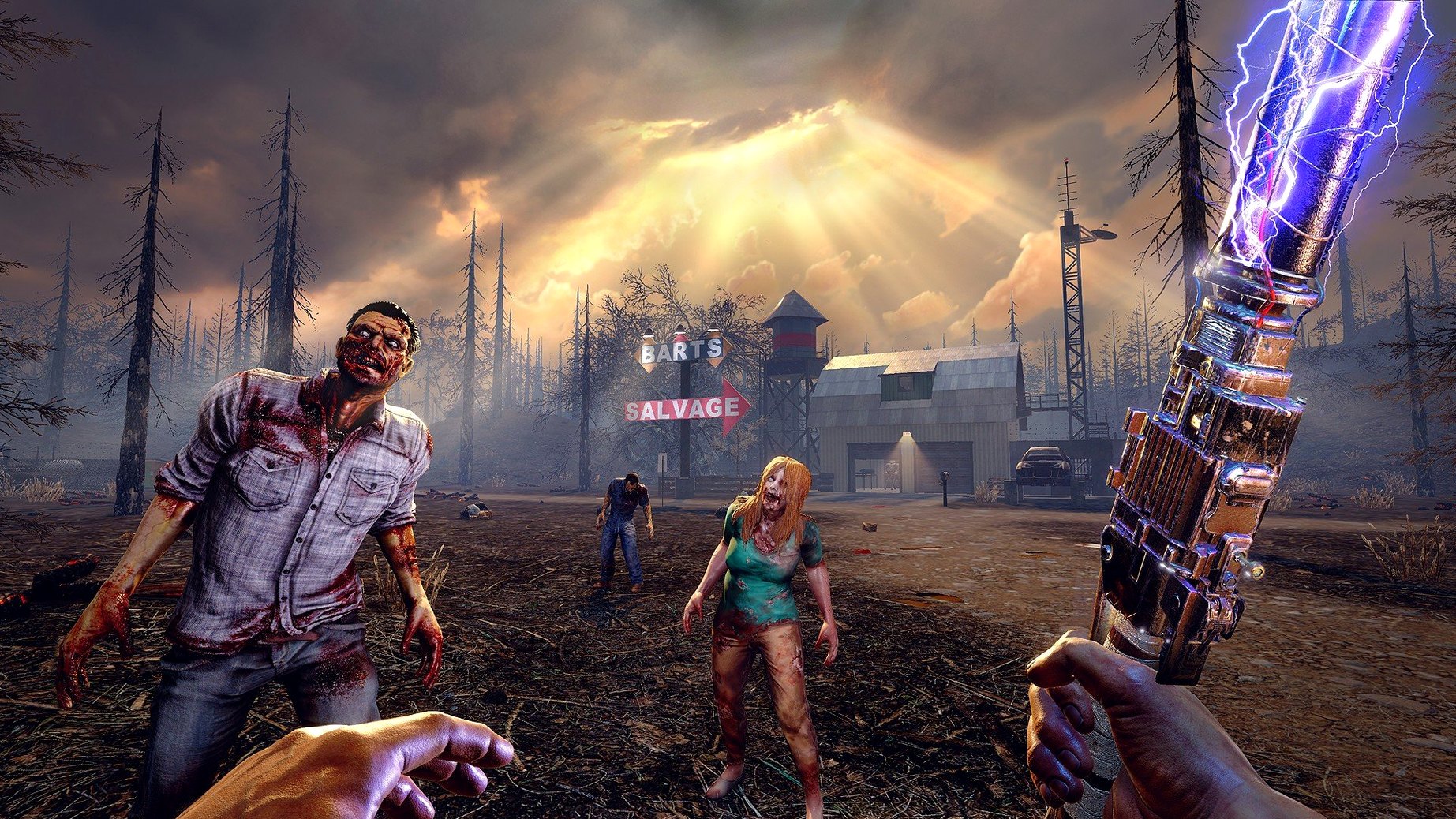
7 Days to Die is a survival sandbox where every seventh night throws a feral horde at whatever shelter you have managed to cobble together.
Scavenge and fortify
Daylight hours are for looting abandoned houses, shops, and factories. You haul back wood, stone, iron, and old food. Walls get upgraded from frames to reinforced concrete. A base without spikes and electric fences is a grave site waiting for nightfall.
Farm, hunt, and read
Between raids you plant crops, track deer, and boil murky water. Over 100 skill books sit waiting in cupboards and mailboxes—each one unlocks a new crafting recipe or stat boost. Nearly 50 buffs and illnesses keep your character teetering between well-fed efficiency and a bad case of dysentery.
Hold the line
When the sky turns red on day seven, auto-turrets spin up, blade traps whir, and you patch holes while firing through iron bars. The game mixes first-person shooting with castle defence logic. You can play on hand-crafted maps or let the world generator spit out a wasteland of your own.
Easy-to-miss touches
A few small details in 3.2.0.B10 are worth knowing about before you settle in. Trader doors now open if you honk a vehicle horn outside them—saves climbing out and fumbling for a key. The combine station interface was cleaned up in this build, so moving stacks of grain between bags is less of a chore than it used to be.
More than 500 recipes cover everything from a crude axe to reinforced armour, and the painting system lets you colour your walls and furniture without hunting for a separate mod. If you find yourself hauling too much junk, remember that NPC traders buy and sell goods and occasionally offer quests that pay better than scrapping.
Runs on macOS 10.13+, ARM and Intel, tested on M4 Mac mini
The build runs on macOS 10.13 or later and supports both ARM and 64-bit x86 architectures. It was tested on macOS Tahoe with a Mac mini 2024 M4, so the M-series machines are covered. Minimum memory is 8 GB RAM, and you will need 15 GB free disk space for the install. The graphics side asks for 2 GB dedicated video memory and DirectX 11—integrated chips from before 2016 will struggle. A broadband connection is listed as required, presumably for multiplayer or world generation data.
Settings I would adjust first
Before you dig in, a few things are worth changing from the defaults.
- Check the video memory usage. The 3.2.0 release notes fixed some player gear textures that were eating too much memory, so if you have an 8 GB Mac, keep texture quality on medium until you are sure the rest of the world loads cleanly.
- Turn on autosave manually if it is not on by default. Losing a day-seven defence to a crash hurts more than any zombie bite.
- If you play in a language other than English, swap it in the launcher before starting a campaign—the game ships with Russian, German, Spanish, Italian, Chinese, Korean, Polish, Portuguese, Turkish, French, and Japanese built in.
Sound is limited to music accompaniment only, so do not expect directional footstep audio. Play with subtitles on if you rely on ambient cues.
- Trader doors can be opened with a vehicle horn.
- The combine station UI was reworked.
- Some player gear textures using too much memory were fixed.
- macOS 10.13 or later
- Intel or Apple Silicon Mac
- 8 GB RAM
- 15 GB available disk space
- 2 GB dedicated graphics memory
- DirectX 11
- Broadband internet connection
Staffroom comments 0
Sign in or create an account here to leave a comment.
Nobody has commented on this one yet.
Other Games tools
All Games tools-
 Batman: Arkham City - Game of the Year Edition
1.2.1Intel Macs only
11.3 GB
Games
-
 Civilization V
1.4.2Intel Macs only
5.6 GB
Games
-
 Crusader Kings III
1.20.1
9.4 GB
Games
-
 Cuphead
1.3.3Intel Macs only
Games
-
 Dead Cells
1.26.0Intel Macs only
1.9 GB
Games
-
 Dead Island
7.0.0
77 GB
Games
-
 Euro Truck Simulator 2
1.61.1Intel Macs only
35 GB
Games
-
 Factorio
2.1.24
5.7 GB
Games