Dead Cells 1.26.0 (macOS)
Intel build. On Apple Silicon it runs through Rosetta 2. Opens the install steps and mirrors.
- Version
- 1.26.0
- Size
- 1.9 GB
- CPU type
- Intel
- Updated
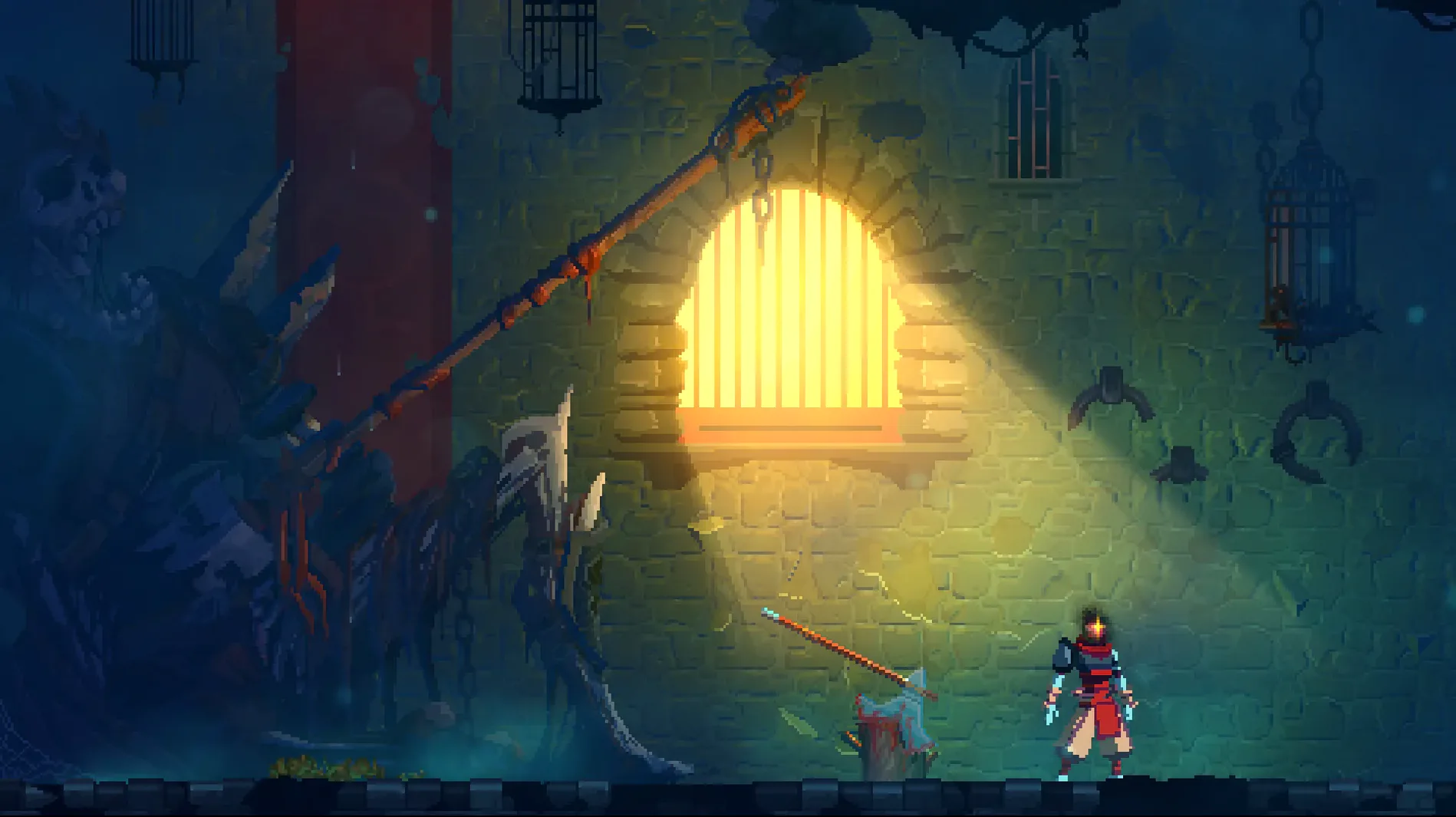
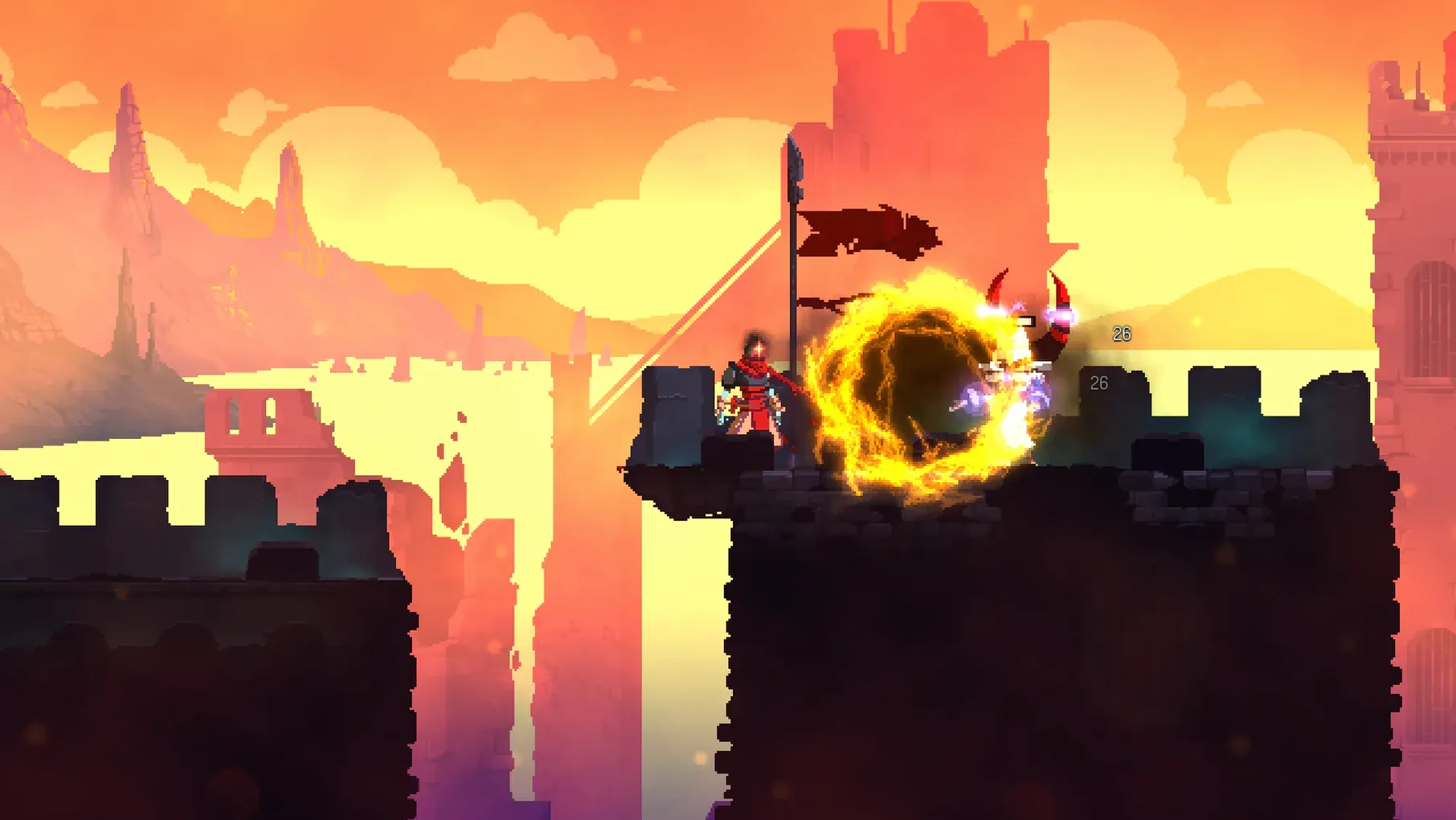
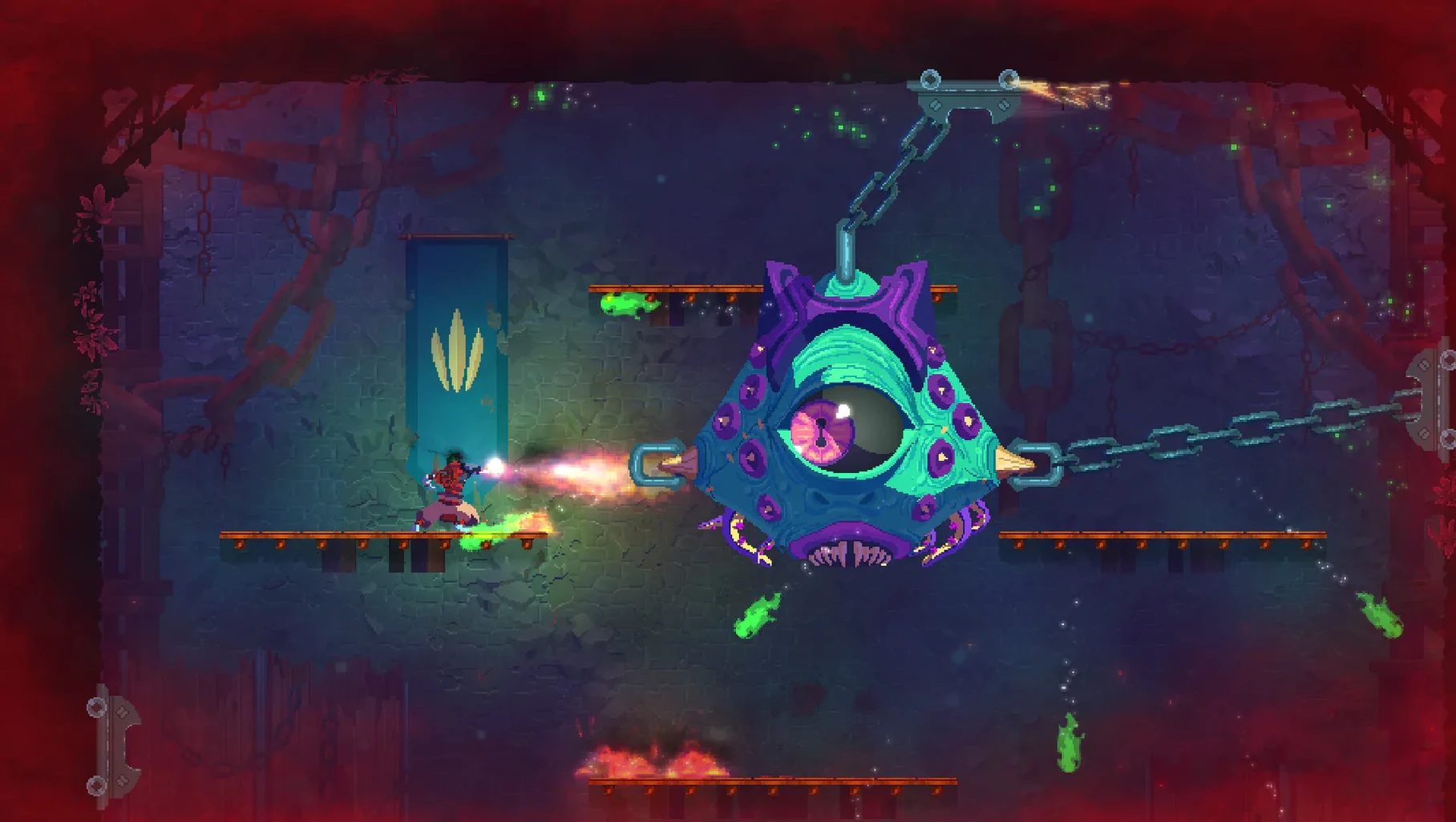
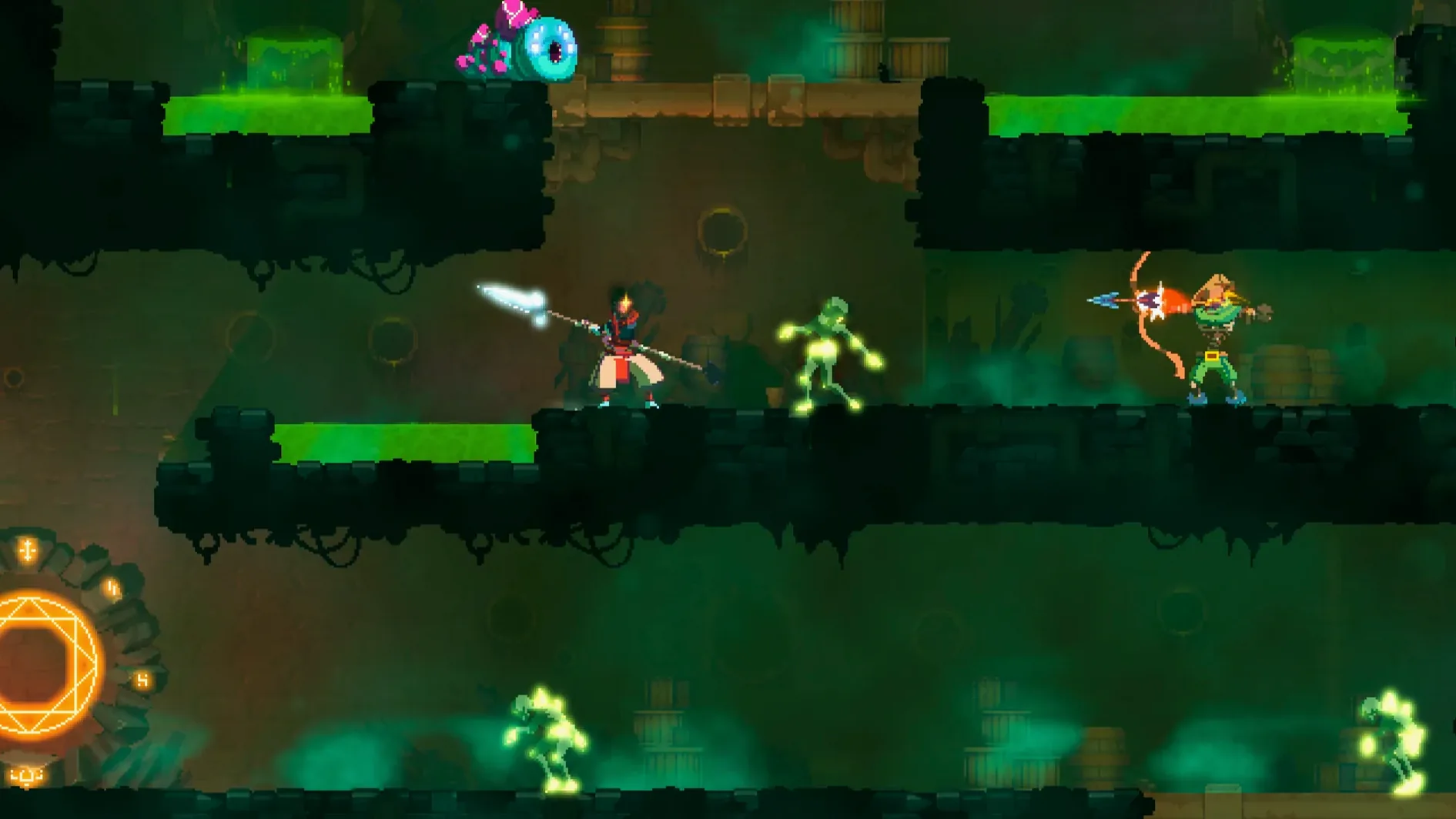
You start a run, die, and start again — each time a little stronger, a little wiser. That’s the loop in Dead Cells, the 2D action-platformer from Motion Twin, a French workers cooperative based in Bordeaux. Progress comes from repeated runs: you unlock permanent weapon upgrades and character traits that carry over, while the levels shift layout each time you restart. The combat is deliberate, Souls-like in its timing and risk, and the exploration borrows from metroidvania design with shortcuts and locked paths that open as you gain new abilities.
- Unpack the downloaded archive.
- Run the standard installer and choose where to put the game.
- Launch Dead Cells using the
deadcellsfile inside the game folder.
Version 1.26.0 fix is the current build. For everyday play, this means the game runs as it did at release — no added story content, no new biomes. What you get is the core loop, polished and stable. The DRM-free build means no launcher, no online checks, just the deadcells binary. That matters if you play on a school-issued Mac during a lunch break or on a machine that never sees the internet.
Bug fixes and balancing smooth biome transitions
The patch history from older builds to 1.26.0 fix is mostly about bug fixes and balancing. Early versions had issues with biome transitions and weapon scaling that could make a run feel unfair. The current build smooths those out. If you are coming from a pre-1.0 version, expect fewer crashes on level transitions and more consistent enemy behaviour. The controls still map to the same keys — no retraining needed. The game does not phone home, so no updates to wait through. What you install is what you play.
Map dodge before your first run and spend cells at the Collector
- Bind dodge to a comfortable key before the first enemy. The Souls-like combat relies on timing rolls through attacks. Default layouts vary by keyboard; remap in the settings menu before your first run.
- Spend cells at the Collector between runs on the health flask upgrades first. More flask charges mean more room for error while you learn enemy patterns.
- Explore every path in the Prisoners' Quarters before moving on. The metroidvania shortcuts are not obvious; finding a wall that a future ability can break saves time on later runs.
- Save a second copy of the
deadcellsfolder after a few successful unlocks. The game has no save system, but you can snapshot the whole folder manually if you want a fallback point. Helpful if you want to test risky weapons without losing permanent progress. - Run the installer from the local drive, not an external disk. The game loads biome assets on the fly during transitions; a fast internal SSD reduces stutter on level changes, especially on an Intel Mac with slower storage.
For a new player, the first three runs are about learning the layout of the first biome and the timing of the basic sword swing. Do not chase every upgrade yet. Focus on the dodge roll timing and the parry window on the shield. The game rewards patience, not speed.
No “what's new” for 1.26.0. The release line gave nothing I could check, and I will not stretch it into a changelog.
- macOS (version not specified by developer)
- Intel processor
Questions people ask
What languages does Dead Cells support?
The game supports Russian, English, German, Spanish, Italian, Simplified Chinese, Korean, Portuguese, Turkish, French, and Japanese. Audio is music-only.
What kind of game is Dead Cells?
It is a rogue-lite, Castlevania-inspired action-platformer with 2D combat in a Souls-like style. Progression relies on repeated runs with permanent upgrades.
Who developed Dead Cells?
Motion Twin, a French workers cooperative based in Bordeaux, created and published the game.
Staffroom comments 0
Sign in or create an account here to leave a comment.
Nobody has commented on this one yet.
Other Games tools
All Games tools-
 Dead Island
7.0.0
77 GB
Games
-
 Cuphead
1.3.3Intel Macs only
Games
-
 Crusader Kings III
1.20.1
9.4 GB
Games
-
 Euro Truck Simulator 2
1.61.1Intel Macs only
35 GB
Games
-
 Civilization V
1.4.2Intel Macs only
5.6 GB
Games
-
 Factorio
2.1.24
5.7 GB
Games
-
 Farming Simulator 25
1.25.0
31 GB
Games
-
 Firewatch
1.12aIntel Macs only
2.1 GB
Games