
Factorio 2.1.24 (macOS)
One download for Apple Silicon and Intel. Opens the install steps and mirrors.
- Version
- 2.1.24
- Size
- 5.7 GB
- CPU type
- Universal
- Updated
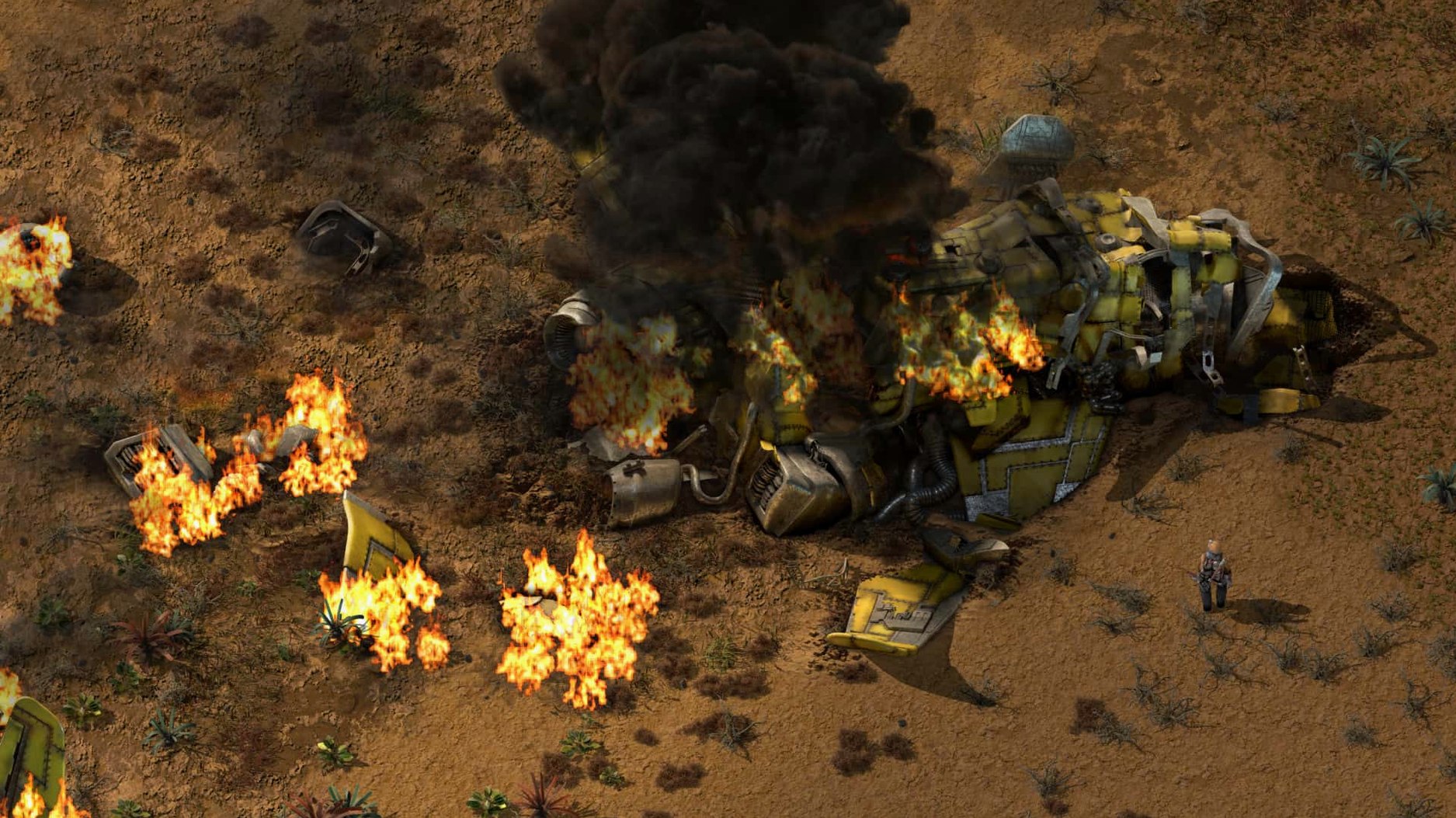
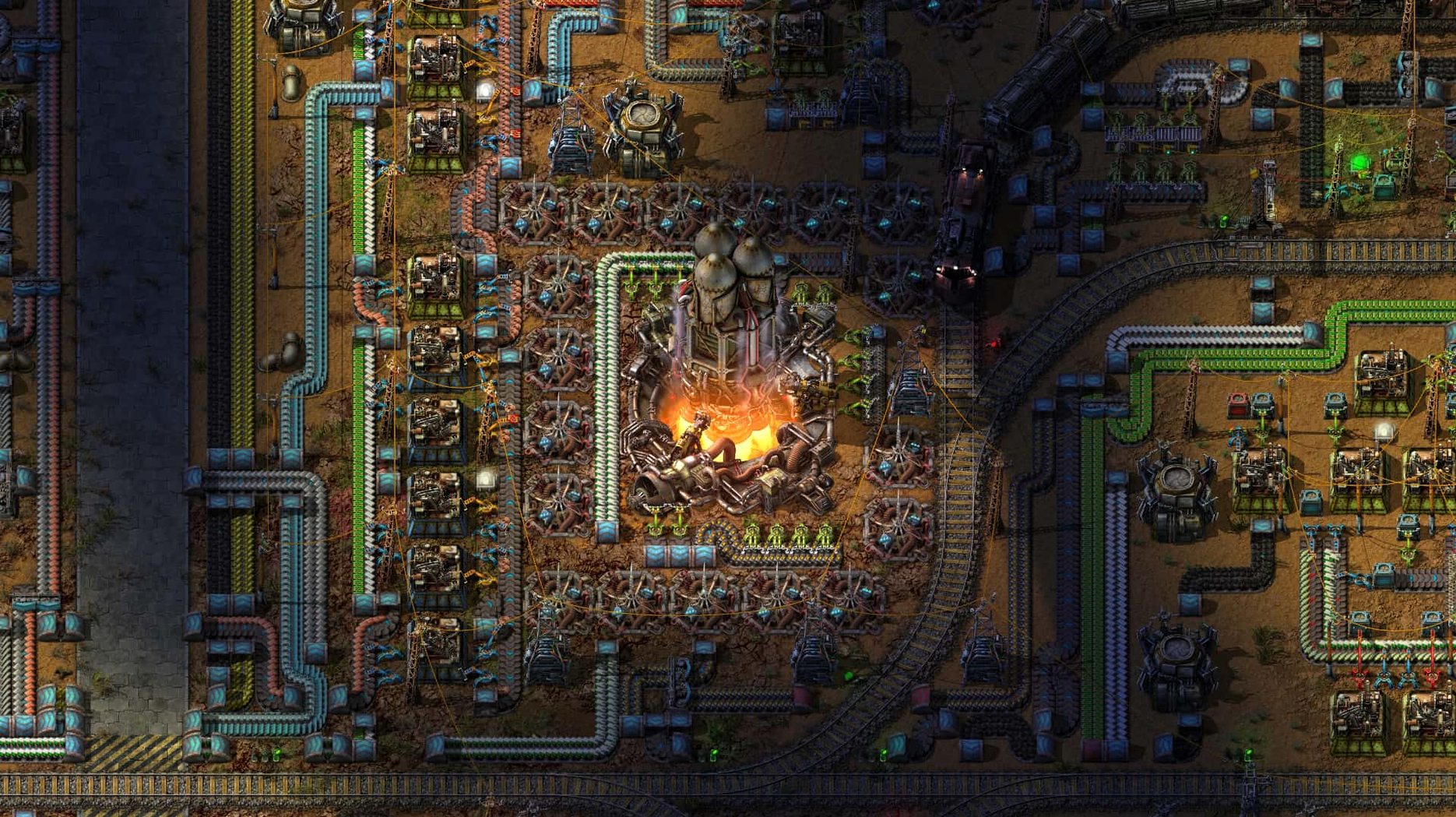
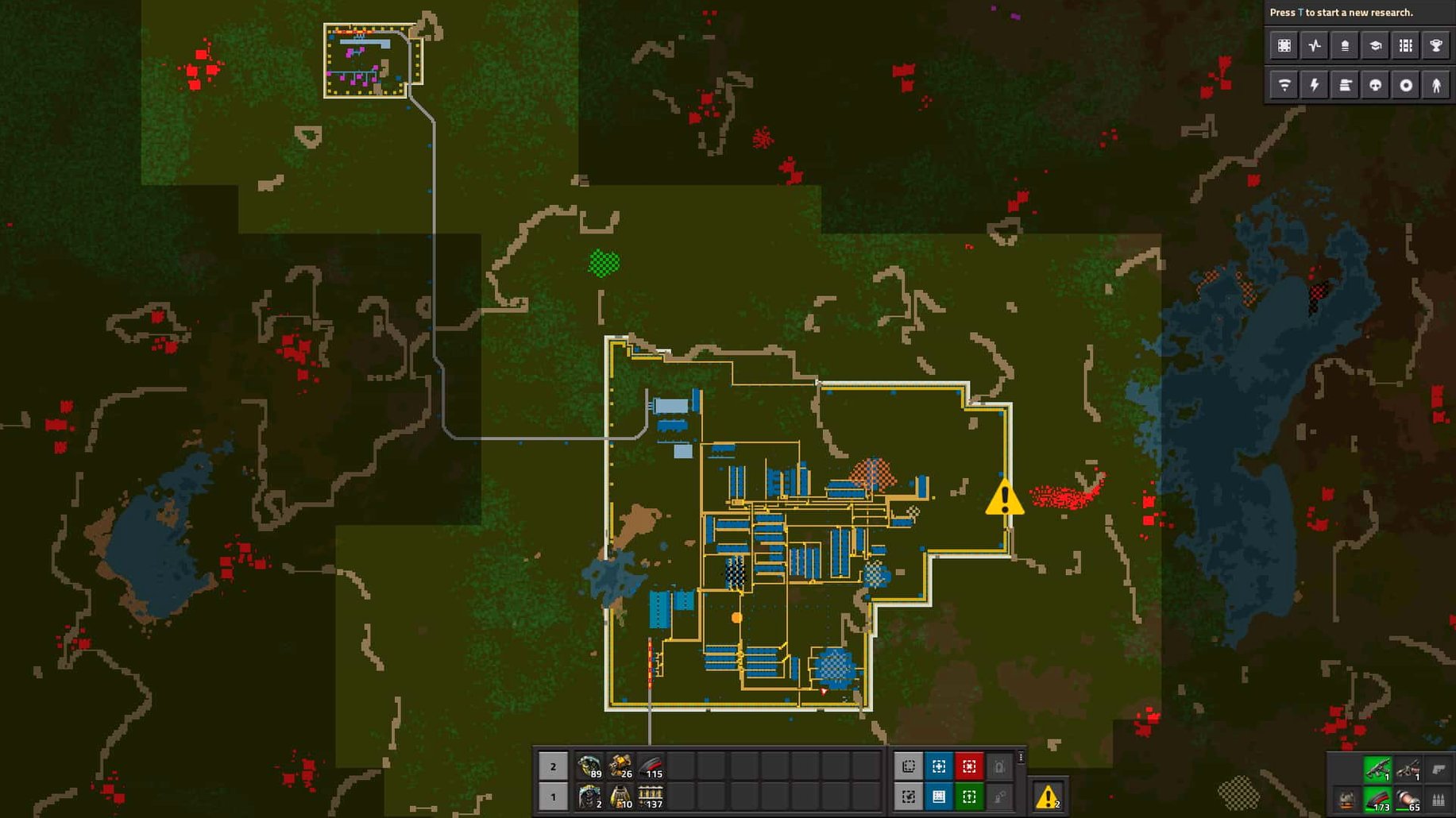
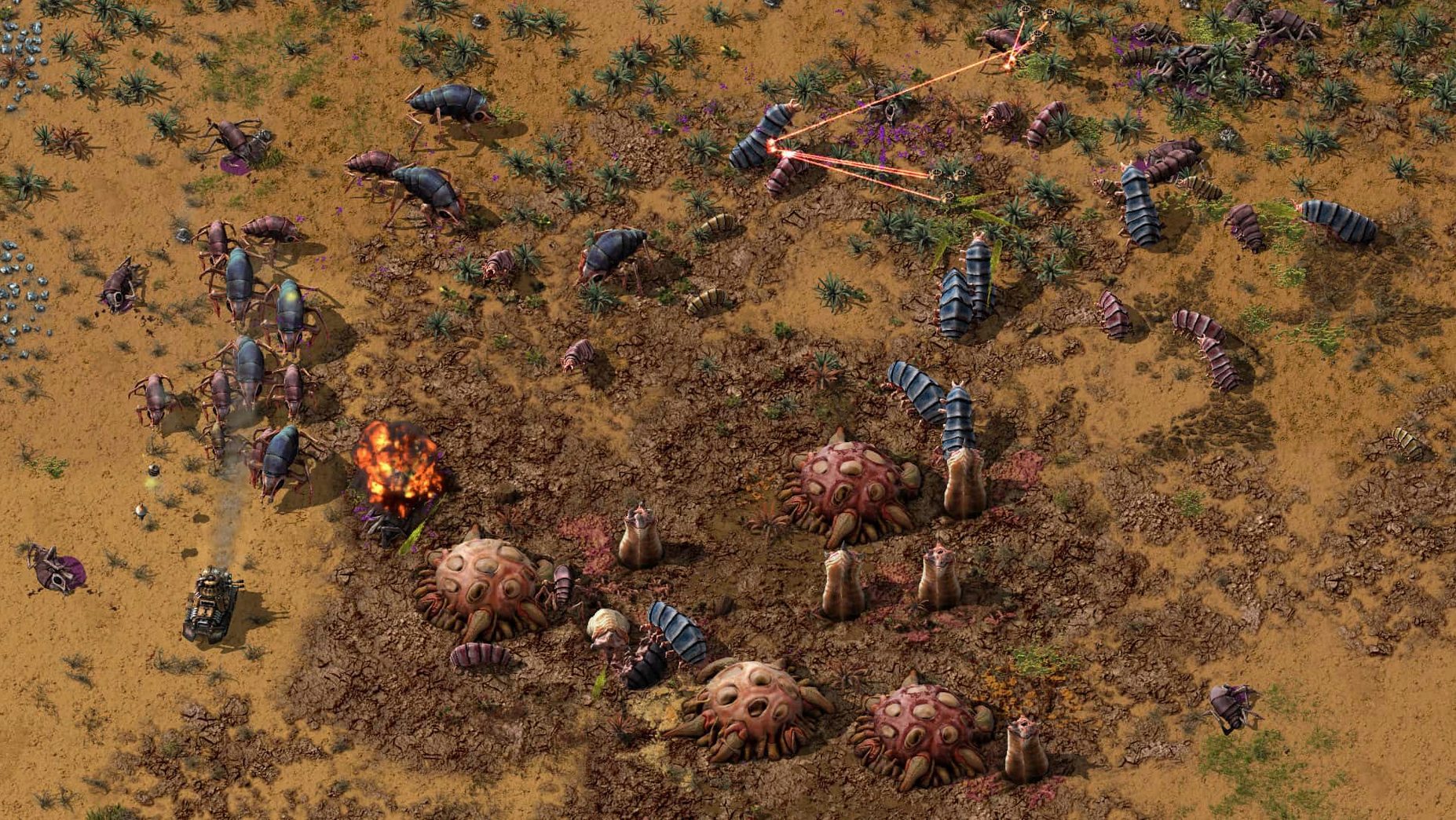
Factorio is a factory-building game set in an endless 2D world where you start by cutting trees and mining ore, then build transport belts, inserters, and eventually solar farms, oil processing, and a logistics network.
For players who love optimisation puzzles
Players who like solving optimisation puzzles, scaling production lines, and watching automation run without interference will get the most out of it. The sandbox mode and mod support mean you can shape the experience to your taste.
Not for those wanting guided stories or quick sessions
If you prefer guided storytelling, hand-crafted levels, or quick sessions with clear endpoints, Factorio's open-ended loop of expand-defend-optimise may feel relentless. The main mode has no ending; you set your own goals.
What else to know
Multiplayer works well for co-op factory building, and the in-game map editor lets you design blueprints or tweak layouts. The game runs on both Apple Silicon and 64-bit Intel Macs and supports 20 interface languages.
Self-contained app with mods in standard macOS folders
Factorio doesn't need much from the OS — it's a self-contained app that copies straight into Applications. Mods live in ~/Library/Application Support/factorio/mods, which is the standard macOS user data folder convention, so Time Machine or rsync backups will scoop it up without extra setup. The game's Lua API means you can write your own helper scripts outside the game if you prefer, though most people edit mods directly in the game's text files. I keep a shortcut to the mods folder in my Finder sidebar for quick access.
The DRM-free build means no launcher apps, no background services, no login prompts. It sits quietly in your dock or Launchpad and stays out of the way. For multiplayer sessions, macOS's built-in firewall won't block it — the game handles its own networking without needing admin rights or driver installs.
The common slip of building too fast
The most common slip is building too fast. New players tend to place miners, smelters, and assemblers as soon as they're unlocked, then spend the next twenty minutes untangling belts that cross, loop, or feed the wrong machine. Factorio rewards stopping to plan the belt layout before you place the first inserter. A second mistake is ignoring the map editor's blueprint feature — it's easy to forget you can save a production block and paste it elsewhere, so you end up rebuilding the same four-belt splitter arrangement by hand each time.
Another trap is under-rating the logistics network. Beginners often build long, single-purpose belt lines when a short rail network with shared stations would move materials more flexibly. The game gives you the tools; it just doesn't hold your hand through the trade-offs. Finally, new players frequently miss that mods go in a specific folder — /Library/Application Support/factorio/mods — and try to drop them into the game's install folder instead. The game won't complain; it just won't load them.
Best for systems thinkers who enjoy watching designs run
Two groups benefit most. First, systems thinkers — people who enjoy watching a machine they designed run without intervention. If you have ever spent an afternoon optimising a spreadsheet formula, re-routing a home network, or tweaking a homebrew beer recipe, Factorio scratches that same itch. You design, test, tear down, redesign. The sandbox mode never forces a reset, so you can leave a refinery running for days and come back to a stockpile of finished goods.
Second, mod creators and tinkerers. The built-in map editor and Lua scripting let you alter almost everything: enemy behaviour, resource placement, belt speeds, inserter range. The community shares mods freely, and the DRM-free nature means you can run modified builds without hassle. For a school IT technician, that also means the game deploys cleanly across multiple Macs — one disk image, one mods folder per user, no activation server to fight with.
- Fixed cargo pod clipping, inserter deadlocks, rocket silo deadlocks, and several crash cases.
- Added new Lua prototype reads for quality-related values and other entity and fluid properties.
- macOS 10.13 or later
- Apple Silicon or 64-bit Intel processor
Staffroom comments 0
Sign in or create an account here to leave a comment.
Nobody has commented on this one yet.
Other Games tools
All Games tools-
 Farming Simulator 25
1.25.0
31 GB
Games
-
 Euro Truck Simulator 2
1.61.1Intel Macs only
35 GB
Games
-
 Firewatch
1.12aIntel Macs only
2.1 GB
Games
-
 Frostpunk
1927Intel Macs only
8.9 GB
Games
-
 Dead Island
7.0.0
77 GB
Games
-
 Dead Cells
1.26.0Intel Macs only
1.9 GB
Games
-
 Hearts of Iron IV
1.19.4Intel Macs only
6 GB
Games
-
 Cuphead
1.3.3Intel Macs only
Games