
Mafia III 1.0.0 (macOS)
- Version
- 1.0.0
- Size
- 45.2 GB
- CPU type
- Apple Silicon
- Updated
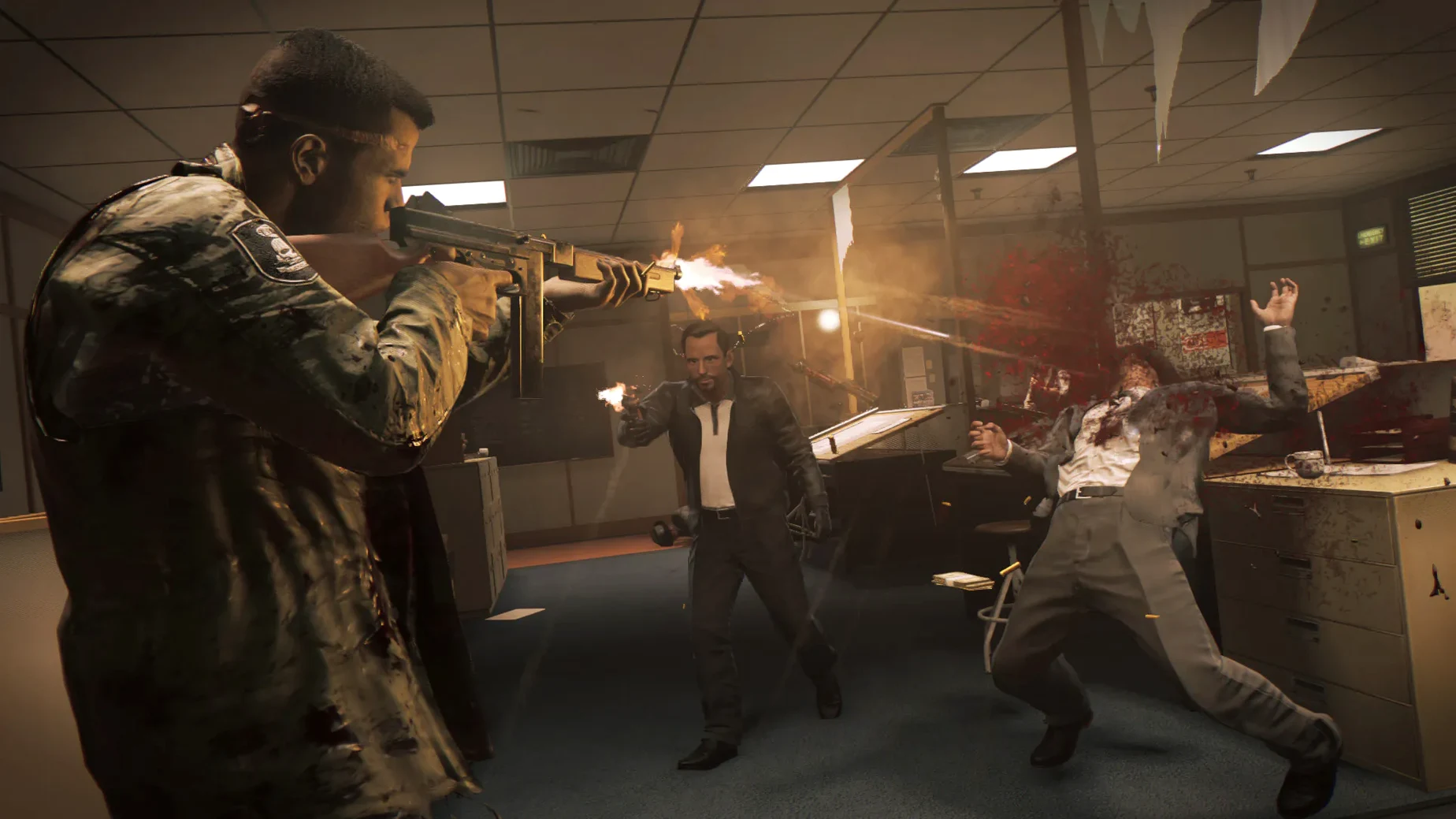
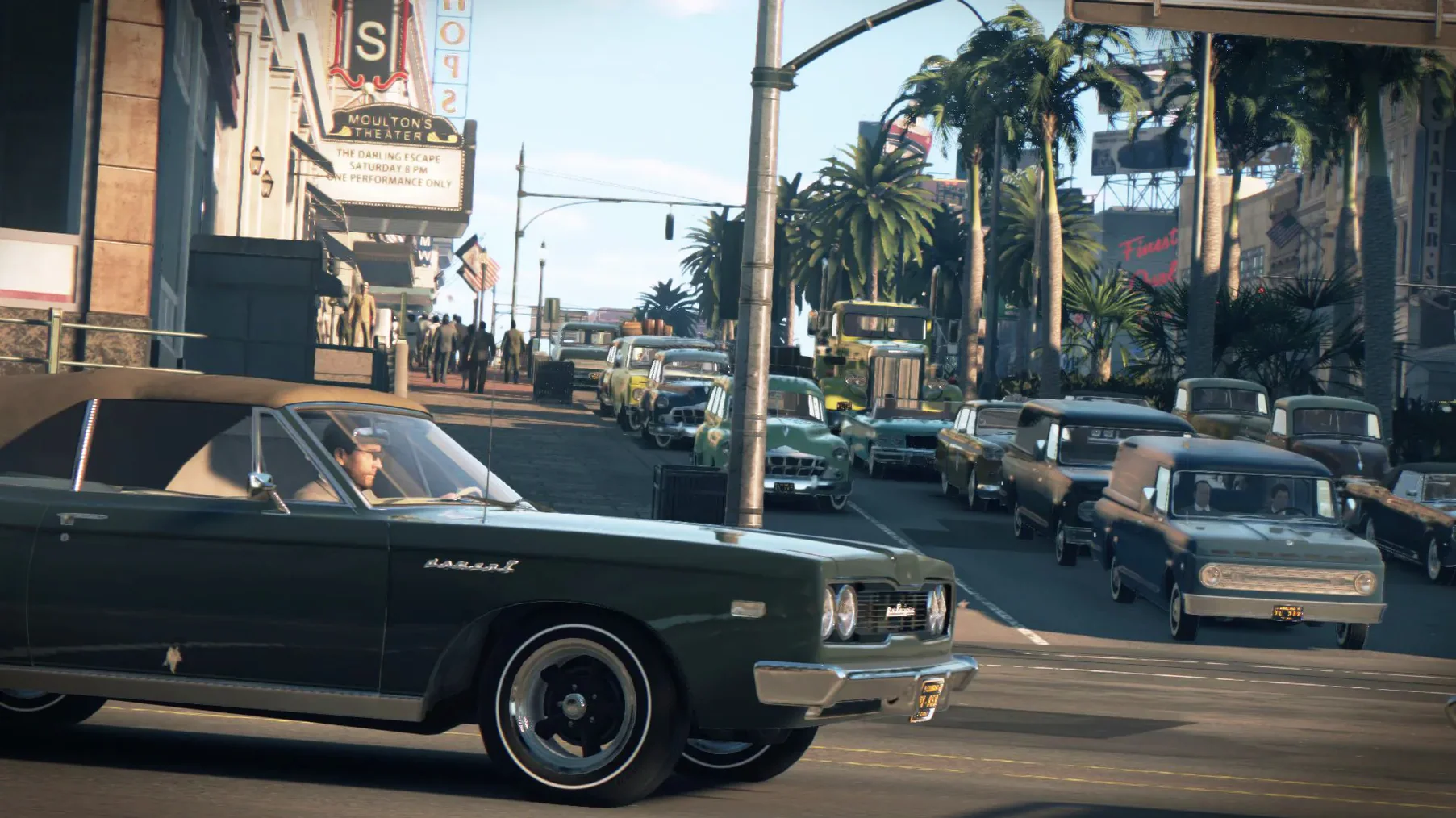
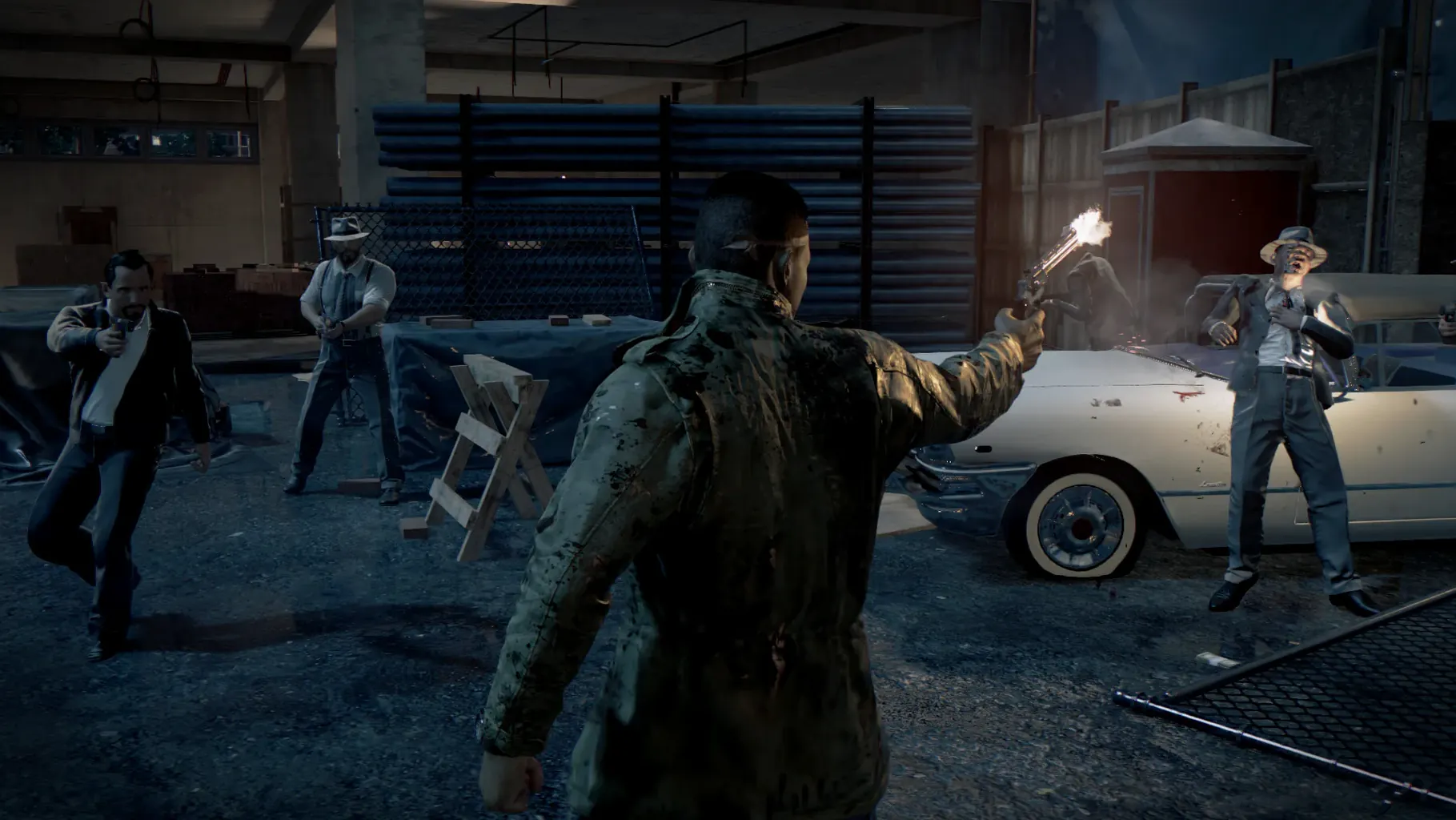
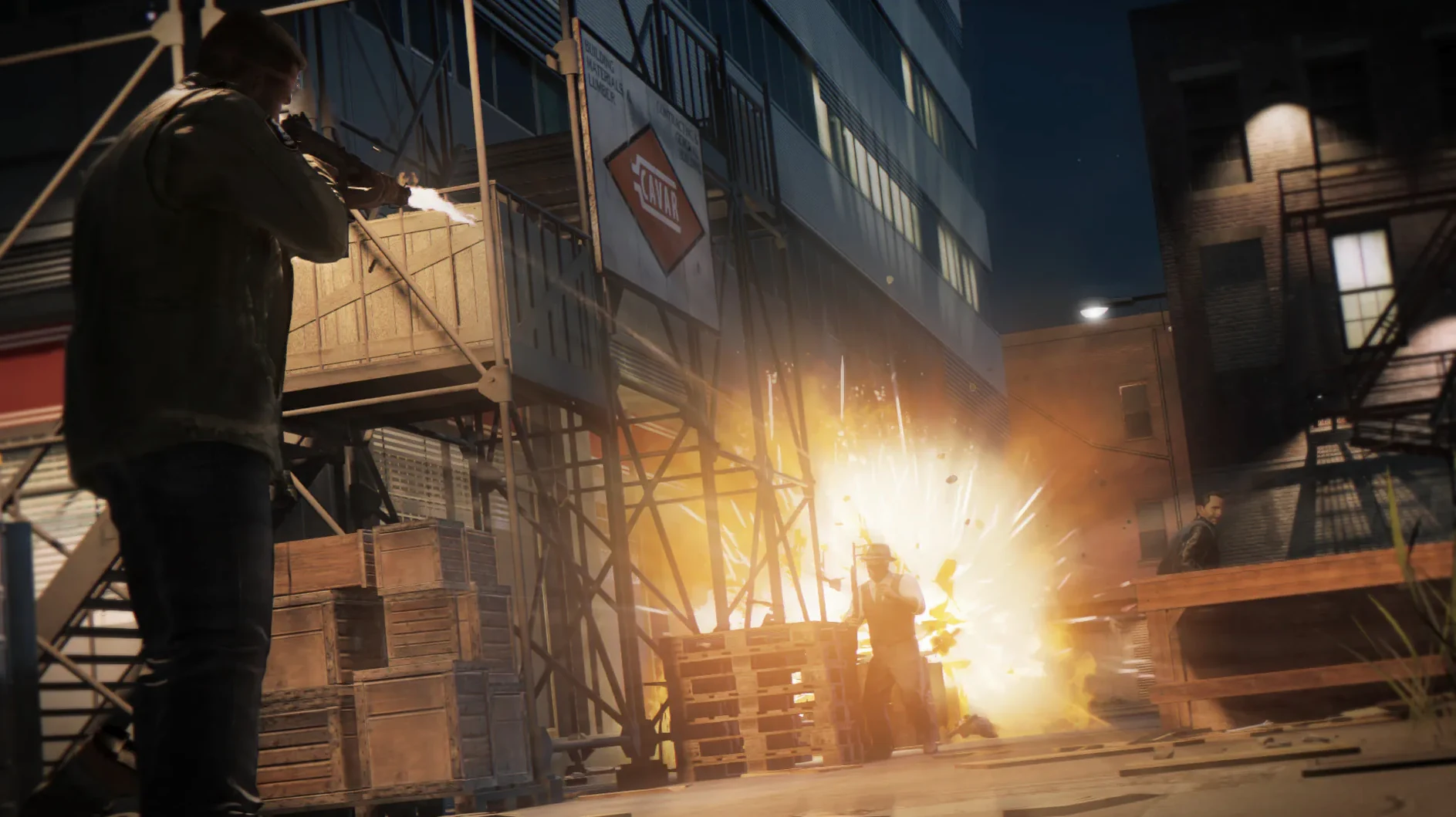
Family Kickback lets you call in backup. Faster Baby adds new vehicles and races. Judge, Jury & Executioner is a standalone story mission. All three DLCs are included in this Mac version of Mafia III, published by Aspyr.
Lincoln Clay's revenge campaign and empire building
Campaign — The main story follows Lincoln Clay’s revenge against the Italian mafia in 1968 New Bordeaux.
Empire building — Choose which lieutenants to reward or betray as you take over the city’s criminal operations.
DLCs included — Judge, Jury & Executioner (story mission), Family Kickback (recruit allies), and Faster Baby (new vehicles and races).
50 GB install needs patience and a graphics check
Mafia III is a big game — 50 GB of storage is the minimum. Copying it from the disk image to your Applications folder takes a while. Walk away and let it finish.
Before you launch it, check your graphics settings. The game defaults to a resolution and quality level that might not suit your machine. If you are on an older Mac with an AMD card that just meets the 2 GB VRAM requirement, drop the texture quality and turn off anti-aliasing.
Save your game manually after the first mission. The autosave works, but it only keeps one slot. If something goes wrong — a crash, a stuck mission trigger — you will want that manual save to fall back on.
If you use a controller, plug it in before starting the game. The game picks it up on launch. Xbox 360, Xbox One, DualShock 4 and DualShock 3 all work. If you prefer keyboard and mouse, change the control scheme in the options menu before you start the tutorial.
AMD graphics required — Intel and Nvidia won't run it
Will this run on my Intel or Nvidia Mac?
No. The Mac version from Aspyr only supports AMD graphics cards. If your Mac has Intel integrated graphics or an Nvidia chip, the game will not run. There is no workaround.
Can I play this on Apple Silicon?
Yes. The build is tested on macOS Sequoia with an M4 Mac mini. It runs under Rosetta 2 emulation. Expect it to work on M1, M2, M3 and M4 machines.
Do I need to be online to play?
No. Mafia III is a single-player game. No internet connection is required after installation.
What languages are available?
Audio comes in English, French, Italian, German and Spanish. Text is available in thirteen languages including Russian, Japanese, Polish and Chinese (Simplified).
Fix launch crashes by checking macOS and AMD card
Game crashes on launch.
First check that your Mac meets the minimum requirement of macOS 10.12.4 and has an AMD card. If it does, try launching the game from the Applications folder directly, not from a shortcut. If it still crashes, delete the configuration file in ~/.local/share/aspyr/Mafia III and launch again. The game will create a fresh config.
Controls feel laggy or unresponsive.
Open the graphics settings and reduce the resolution or turn off shadows.
Cutscenes stutter or audio desyncs.
Try setting the game to borderless windowed mode instead of fullscreen. Some players report smoother playback that way. If the audio is still out of sync, lower the texture quality to medium.
Empire building menu does not respond.
This can happen if you assign too many districts to one lieutenant. Spread your rewards across different lieutenants to keep the menu responsive. If it is already stuck, reload your last manual save.
No “what's new” for 1.0.0. The release line gave nothing I could check, and I will not stretch it into a changelog.
- macOS 10.12.4 or later
- Apple Silicon or Intel Mac with AMD graphics
- At least 8 GB RAM
- 50 GB available storage
- AMD video card with 2 GB VRAM (Intel and NVIDIA not supported)
Questions people ask
Does Mafia III support Intel or NVIDIA graphics cards on Mac?
No. The Mac version requires an AMD video card with at least 2 GB of VRAM. Intel and NVIDIA graphics cards are not supported.
Staffroom comments 0
Sign in or create an account here to leave a comment.
Nobody has commented on this one yet.
Other Games tools
All Games tools-
 Metro Exodus
1.0Intel Macs only
73 GB
Games
-
 Nova Roma
0.7.2988
374 MB
Games
-
 Old World
84977
4 GB
Games
-
 Hearts of Iron IV
1.19.4Intel Macs only
6 GB
Games
-
 Oxygen Not Included
744825
1.4 GB
Games
-
 Palworld
1.0.5
31 GB
Games
-
 Frostpunk
1927Intel Macs only
8.9 GB
Games
-
 Firewatch
1.12aIntel Macs only
2.1 GB
Games