
Firewatch 1.12a (macOS)
Intel build. On Apple Silicon it runs through Rosetta 2. Opens the install steps and mirrors.
- Version
- 1.12a
- Size
- 2.1 GB
- CPU type
- Intel
- Updated
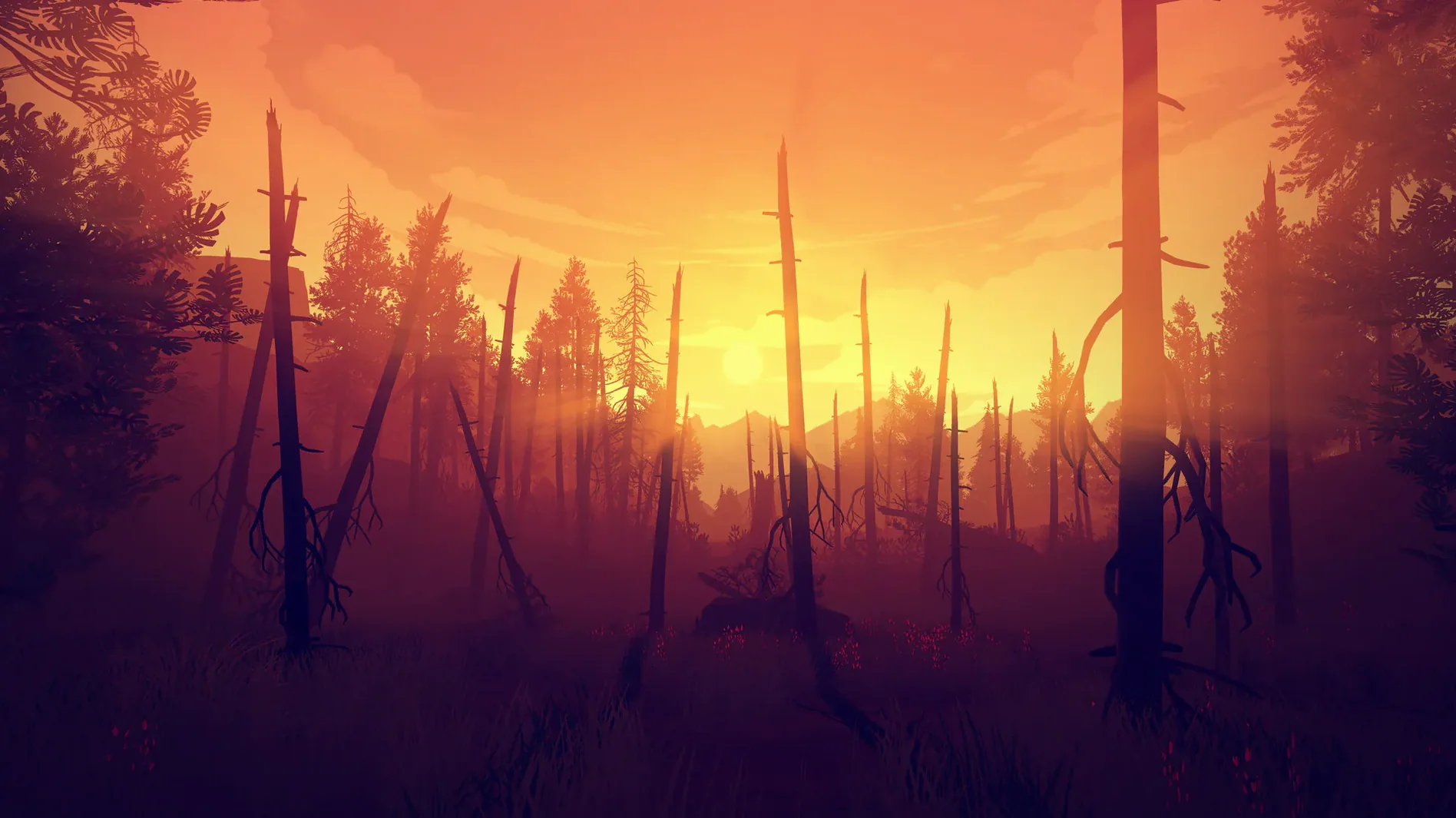
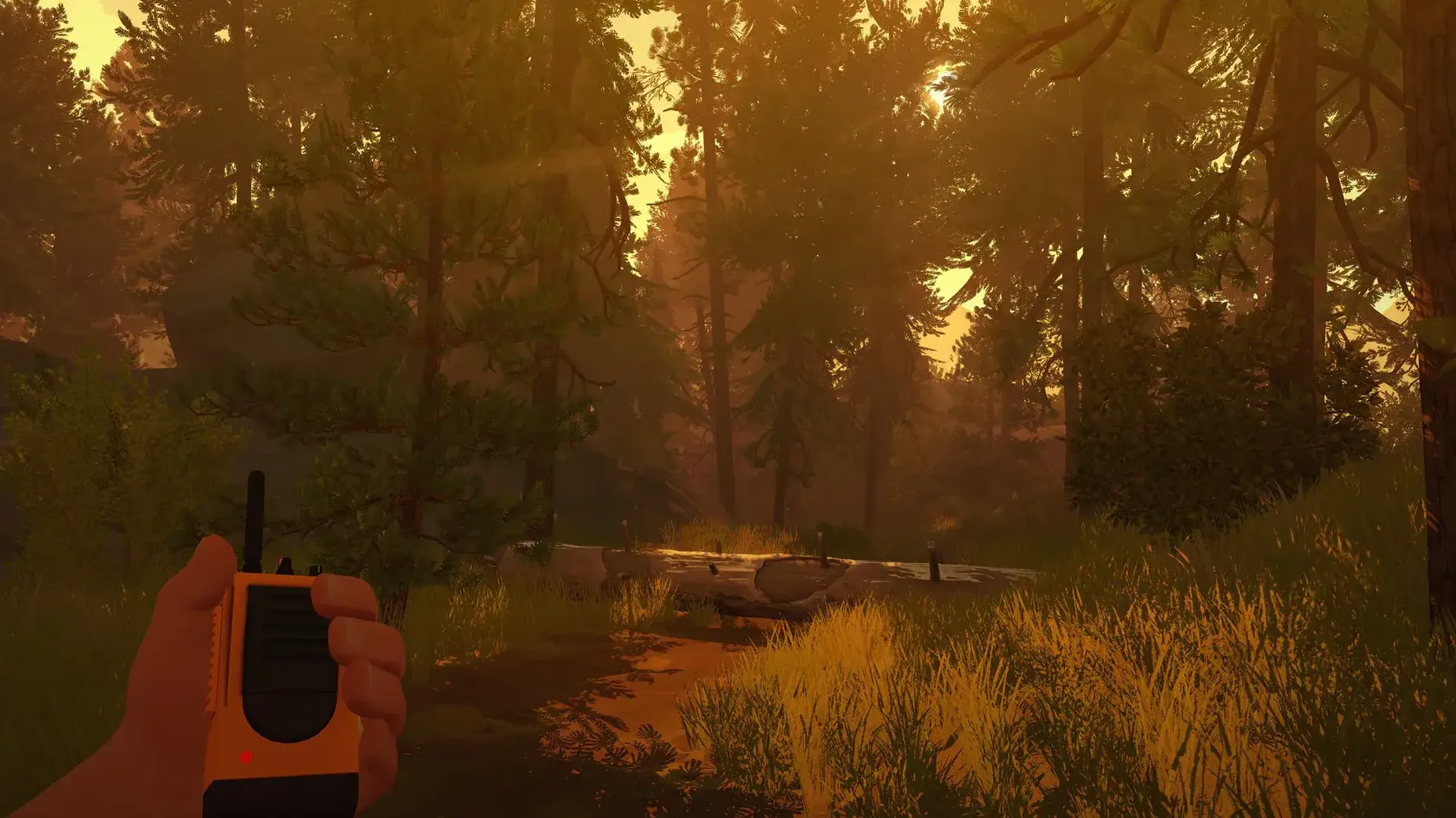
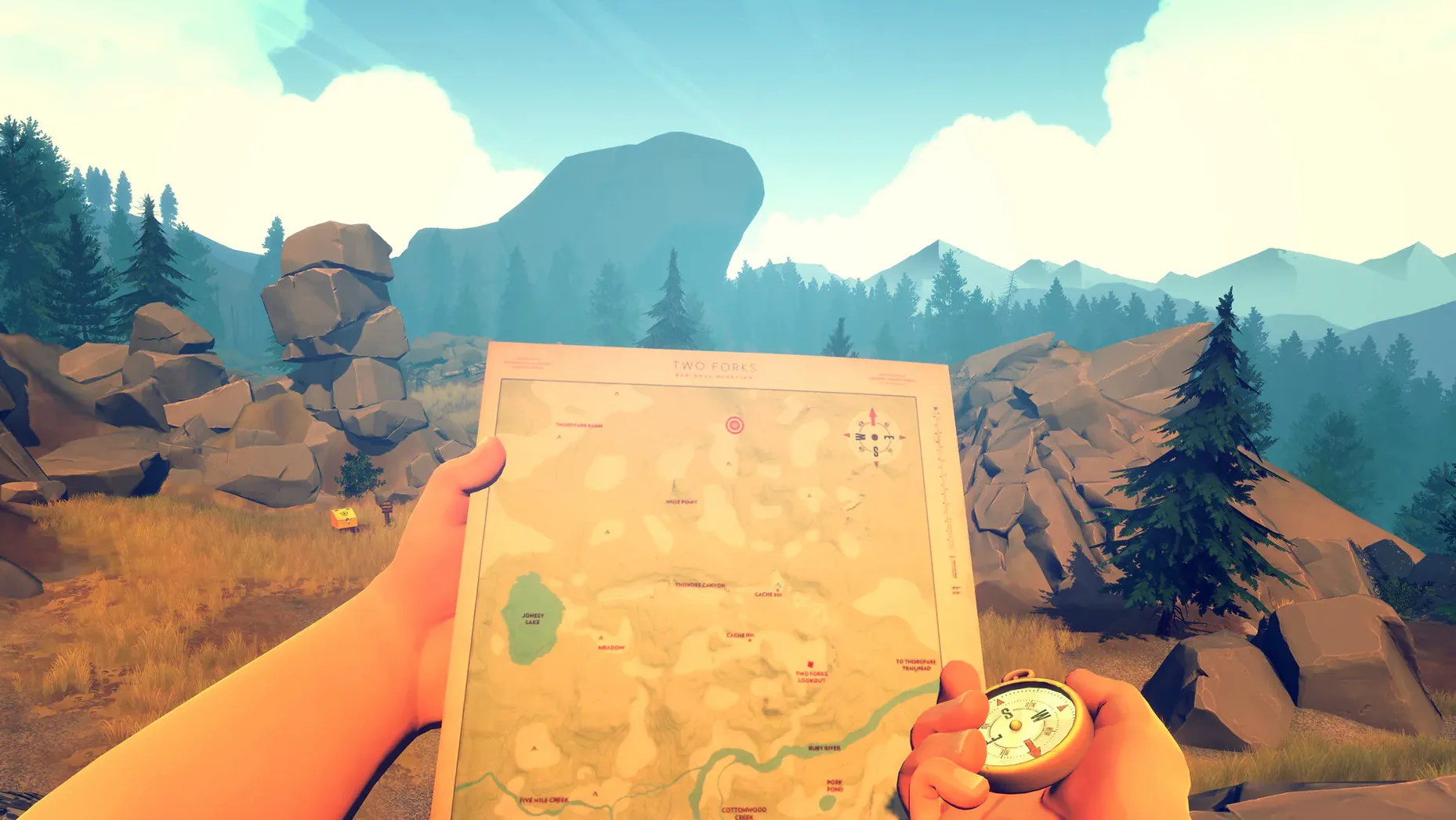
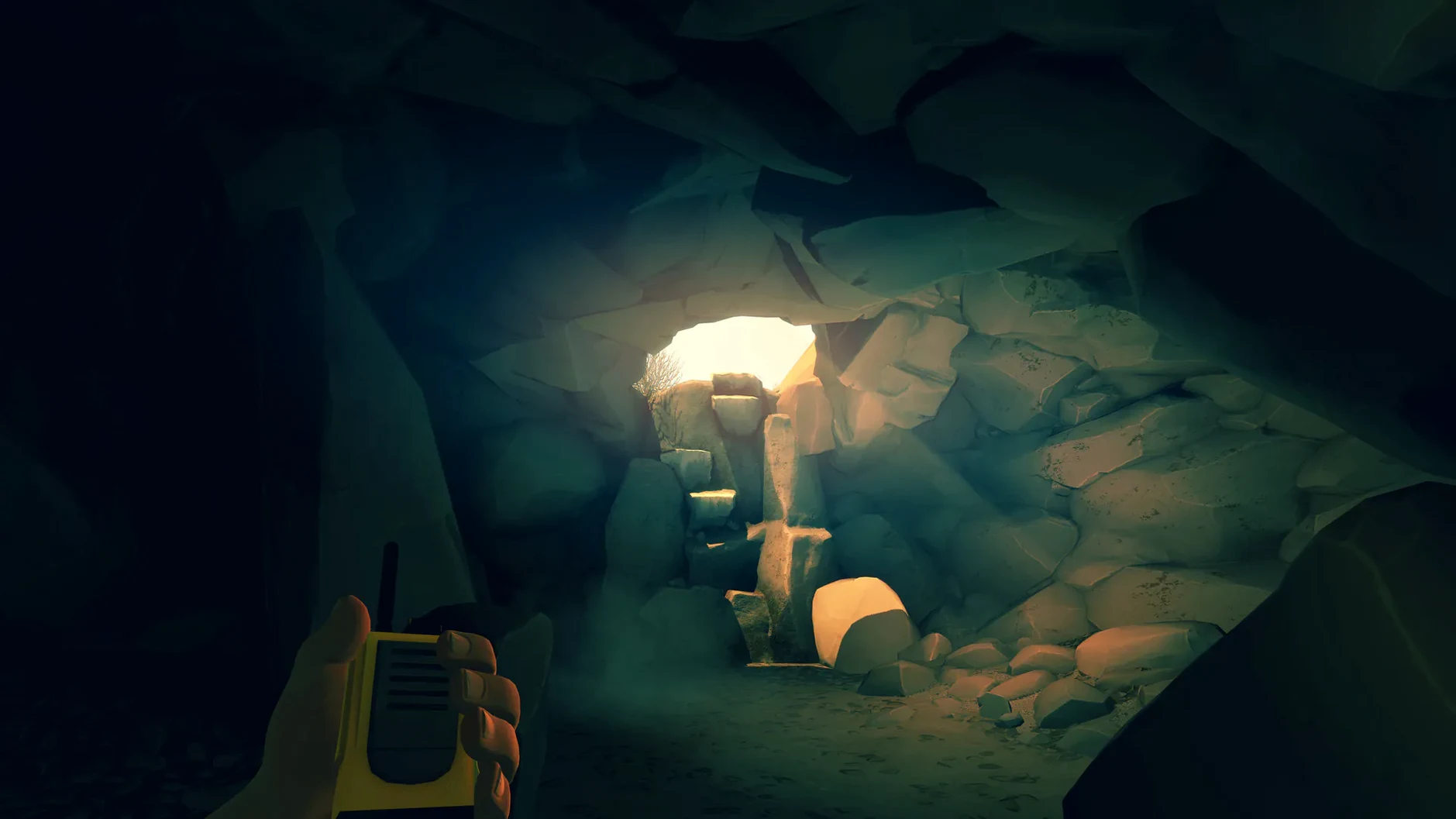
You spend about five hours in the Wyoming wilderness, and the only human voice you hear comes from a handheld radio.
Your base, the radio, and the walk through the forest
Lookout tower — Your base of operations. Henry starts here after something strange draws him into the forest.
Radio — Your lifeline. You talk to Delilah on it. The choices you make affect how Henry and Delilah relate.
Walking — Most of the game is on foot. You follow trails, climb rocks, and find notes left by other people.
Map and compass — No minimap. You read a physical map and use a compass to find your way.
Mystery — Something is happening in the woods. You decide whether to investigate or stay safe.
Double-click to zoom the map
Firewatch does not flash up tutorial screens. It trusts you to work things out. A few details are easy to overlook on a first run.
- Double-click the map — When you open the map, you can zoom in to see trail names and lookout numbers. You can also rotate the map to match the direction you are facing.
- Your compass always faces north — The compass needle sits at the top of the screen. It stays fixed so you can orient yourself without opening the full map.
- Your radio stays on — The radio does not shut off when you put it away. Delilah keeps talking while you keep walking. You can hear her even when the radio is tucked onto your belt.
- Objects stay where you drop them — Notes, photographs, tools. Anything you pick up stays in your inventory. You cannot discard them, but you can re-read found notes from the inventory screen.
- No health bar or timer — Firewatch never tells you how fast to move, how much health you have, or where an objective marker is. The only pressure comes from the story and your own curiosity.
Adjust the look sensitivity before you start
Before you start, open the options menu. A few defaults do not suit everyone.
- Look sensitivity — The default mouse or trackpad speed can feel too fast or too slow. Drop it down a notch if the camera swings too quickly. The game is slow-paced; you do not need a twitchy cursor.
- Subtitles — The voice language is English only. If you want on-screen text, pick your language from the subtitle list: Russian, English, German, Spanish, Simplified Chinese, French, or Japanese. I leave English subtitles on even with English audio — it helps catch names and map references in the quiet parts.
- Display mode — The game runs fullscreen by default. If you want to tab out to check a map or a walkthrough, switch to windowed mode first. The game does not pause when you leave it.
- Sound mix — Firewatch uses stereo audio. If you have headphones, the ambient sounds — wind, footsteps on pine needles, the distant crackle of the radio — are worth hearing clearly.
Start at the tower with the map and Delilah's note
You start at the lookout tower. The sun is low. You pick up the map from the table, read the note from Delilah, and step onto the wooden platform outside. The view stretches across treetops and a lake.
You open your inventory — the map, the compass, the radio. You call Delilah. She tells you where she wants you to go. You check the map, find the trail number she mentioned, and fold the map away.
You walk down the tower stairs and into the forest. The path forks. You pull out the map again, rotate it to match the trail, and choose the left fork. You keep walking.
You find a note pinned to a tree. You pick it up. A few words from a camper, dated two weeks ago. You flip the note over — nothing on the back. You put it back in your pocket and keep moving.
The radio crackles. Delilah asks what you found. You pick a reply. Your choice does not change the note, but it changes how she answers. You keep walking. The trees thin. You reach a small cabin.
You look through the window. You circle around. A door is wedged shut. You find a tool nearby, come back, and open the door. Inside: a desk, a lamp, a locked drawer. You search the room. You find a key under a loose floorboard. You open the drawer. A photograph. You pick it up, look at it, put it in your pocket.
Your radio beeps. Delilah again. You report what you found. She sounds concerned. The sun is lower now. Shadows stretch across the forest floor. You step outside, check the compass, and head toward the next landmark on your map.
Forty minutes have passed. You have walked maybe half a mile in the game world. You have read three notes, opened one door, and talked to Delilah four times. That is a typical session — quiet, deliberate, and driven by wherever the next clue takes you.
No “what's new” for 1.12a. The release line gave nothing I could check, and I will not stretch it into a changelog.
- macOS (version not specified)
- Intel processor
- Interface languages: Russian, English, German, Spanish, Simplified Chinese, French, Japanese
Questions people ask
What language is the voice acting in?
The voice language is English.
Does Firewatch run on Apple Silicon natively?
No. The Mac build is Intel-only and was tested on macOS Sonoma on an M1 MacBook Air via Rosetta 2.
Can my choices in the game change anything?
Yes. Choices you make during conversations with Delilah can affect Henry's relationship with her.
Staffroom comments 0
Sign in or create an account here to leave a comment.
Nobody has commented on this one yet.
Other Games tools
All Games tools-
 Farming Simulator 25
1.25.0
31 GB
Games
-
 Factorio
2.1.24
5.7 GB
Games
-
 Frostpunk
1927Intel Macs only
8.9 GB
Games
-
 Euro Truck Simulator 2
1.61.1Intel Macs only
35 GB
Games
-
 Hearts of Iron IV
1.19.4Intel Macs only
6 GB
Games
-
 Dead Island
7.0.0
77 GB
Games
-
 Dead Cells
1.26.0Intel Macs only
1.9 GB
Games
-
 Cuphead
1.3.3Intel Macs only
Games