
STORROR Parkour Pro 0.39.0 (macOS)
- Version
- 0.39.0
- Size
- 25 GB
- CPU type
- Apple Silicon
- Updated
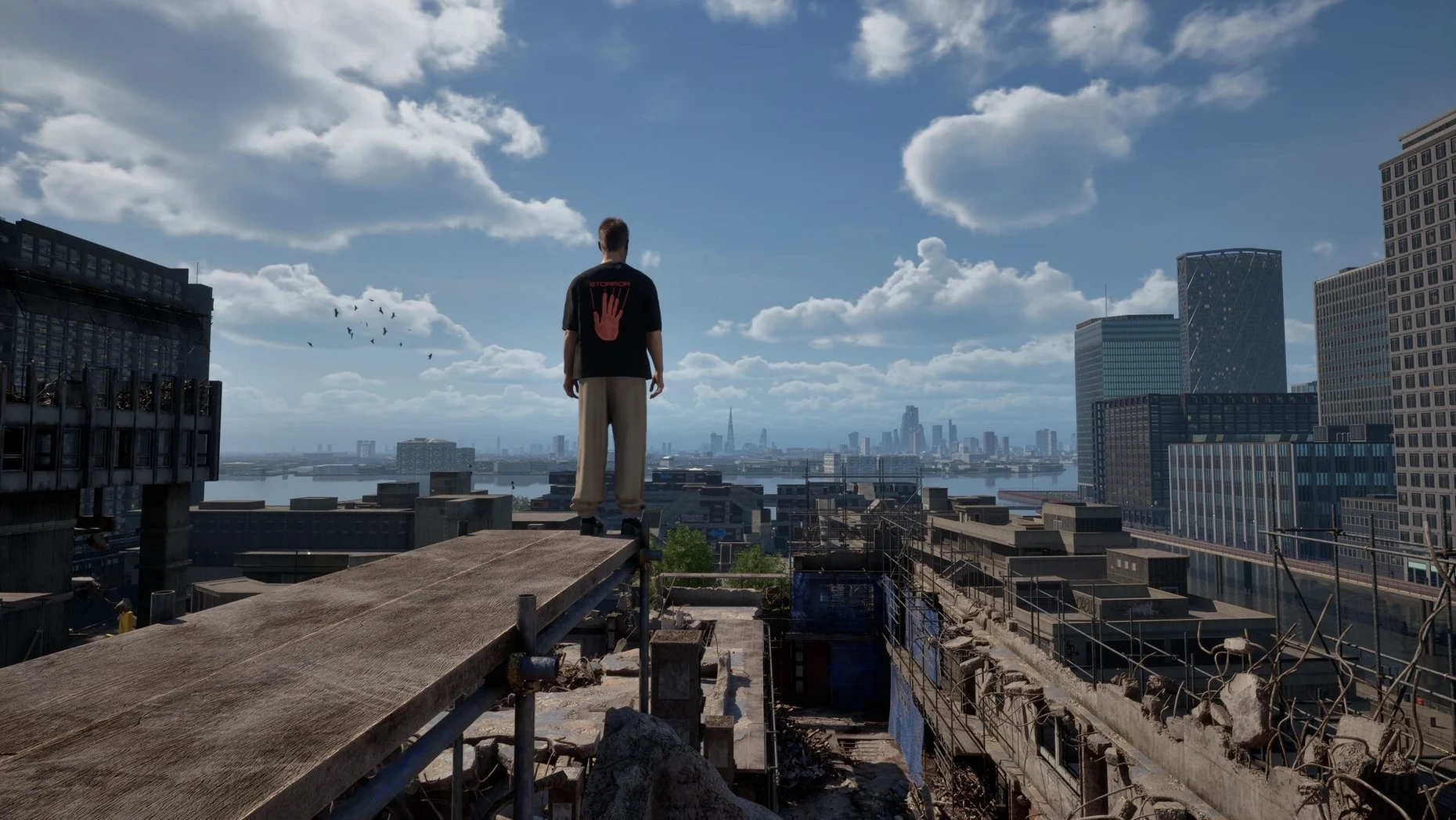
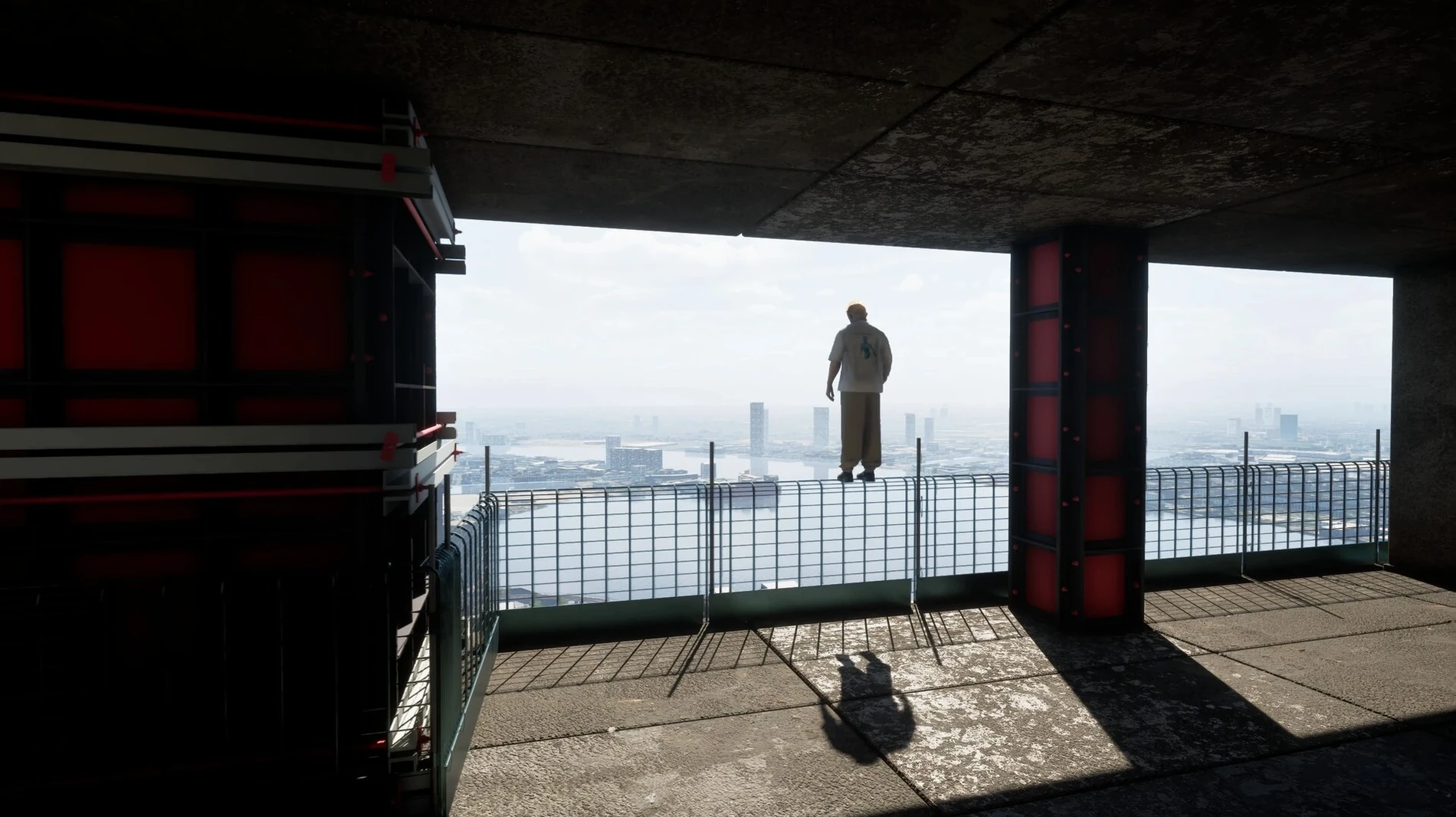
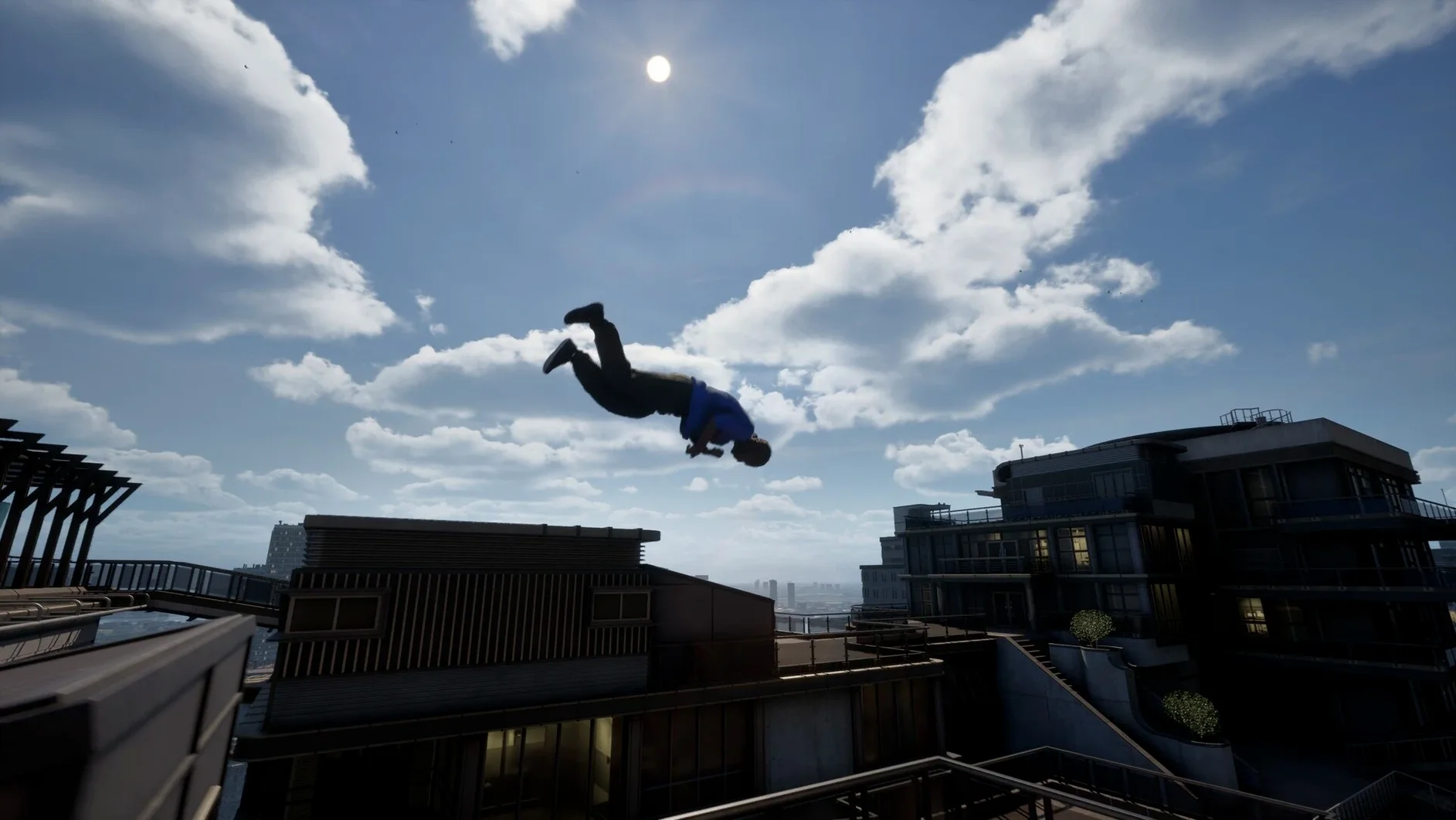
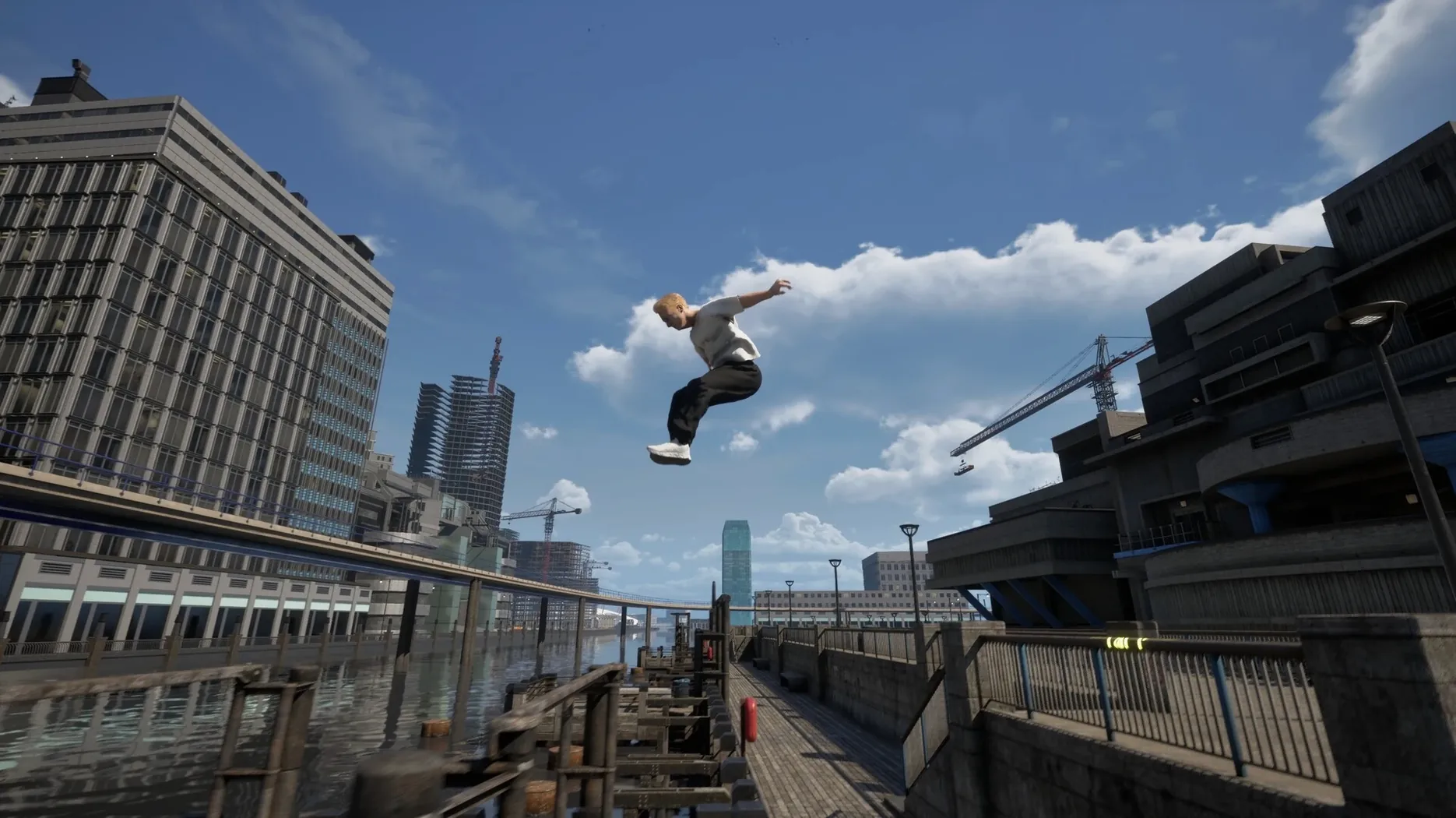
You drop onto a rooftop in London's Isle of Dogs. Below, a train rattles past. A helicopter sweeps the alley you were about to jump into. You adjust your line, sprint across a narrow ledge and launch into a vault that carries you onto the train roof. That is the core loop of Storror Parkour Pro — find a route, keep moving, don't stop.
Chaining motion-captured vaults and landings
You explore streets and rooftops, chaining together hundreds of motion-captured parkour animations. The movement is physics-based, so every landing and vault depends on speed and angle.
Can you avoid the helicopter?
Yes. Helicopters patrol parts of the map. You duck into doorways, use overhead cover or simply outrun them across the rooftops.
What are the Speed Challenges?
Common snags you might hit
Version 0.39.0 is Early Access, so a few rough edges are expected. Here are the ones I've seen most often and how to get past them.
Game doesn't launch after dragging to Applications
First launch sometimes takes a couple of minutes on Apple Silicon Macs. Wait for the window to appear. If nothing happens after three minutes, restart the Mac and try again. Make sure you dragged the app file itself, not a shortcut or a folder.
Controls feel unresponsive or laggy
If you are running other apps in the background — especially browsers with many tabs open — close them. Also check that your Mac is not in a power-saving mode. A quick restart of the game usually clears temporary stutter.
Can't complete a line challenge
Some routes demand a specific sequence of moves. Watch the ghost replay that appears before the challenge starts. It shows the intended line. If you still cannot nail it, try approaching the first obstacle from a different angle — the game rewards precision over speed in these challenges.
A quick workflow: running a speed challenge from start to finish
- Open the game and select Speed Challenges from the main menu. You will see a list of available routes.
- Pick one you have not yet completed. The game shows a preview of the start point and a timer.
- Watch the ghost run that plays automatically. It shows the developer's intended path.
- Press start and move immediately. Do not wait for the countdown to finish before pressing a key — the timer begins when you move.
- Keep your momentum. Every time you stop or hesitate, you lose seconds. Use wall-runs and vaults to maintain speed rather than climbing over obstacles.
- Replay once you finish. The game saves your best time per challenge, so you can try again without resetting anything.
Start with the first Storror Mission
Start with the first Storror Mission. It introduces the movement system step by step, so you learn the timing for vaults and landings before the helicopters appear.
Do not rush into Chase and Escape mode with friends until you are comfortable with the basic controls. The multiplayer mode expects you to know the map and the movement range.
Set the language to English initially. The voice acting is English only, and the menu labels are clearer in English until you are familiar with the layout. You can switch later from the options menu.
Revisit early challenges after you have unlocked more animations. Better wall-runs and vaults open up routes that were impossible on your first attempt.
Timed routes through the environment. You replay them to shave seconds off your run, learning better lines and tighter wall-runs.
No “what's new” for 0.39.0. The release line gave nothing I could check, and I will not stretch it into a changelog.
- macOS 14.0
- Apple Silicon
Questions people ask
What hardware does the game need?
Storror Parkour Pro requires macOS 14.0 and an Apple Silicon Mac. It is built for ARM architecture.
Is the game finished?
No. It is an Early Access release. The current version is 0.39.0.
Can you ride the trains?
Yes. You can run alongside a train, vault onto its roof and ride it through the map.
Staffroom comments 0
Sign in or create an account here to leave a comment.
Nobody has commented on this one yet.