
The Sims 4 1.127.41 (macOS)
One download for Apple Silicon and Intel. Opens the install steps and mirrors.
- Version
- 1.127.41
- Size
- 78 GB
- CPU type
- Universal
- Updated


The current version (1.127.41.1030) improves marketplace browsing and caches images after the first download. Bug fixes are included.
Direct your Sims' daily lives
You create Sims — choose their appearance, traits, and outfits — then direct their daily lives. You follow them through the day, deciding what they do next.
Can your Sims leave the house?
Yes. Travel to different towns and meet other Sims. Relationships form, jobs advance, and sometimes things go wrong. That is the loop.
Runs natively on Apple Silicon
Best for builders and decorators
Any Mac user who wants a life simulation game will find something here, but a few types in particular get more mileage out of it.
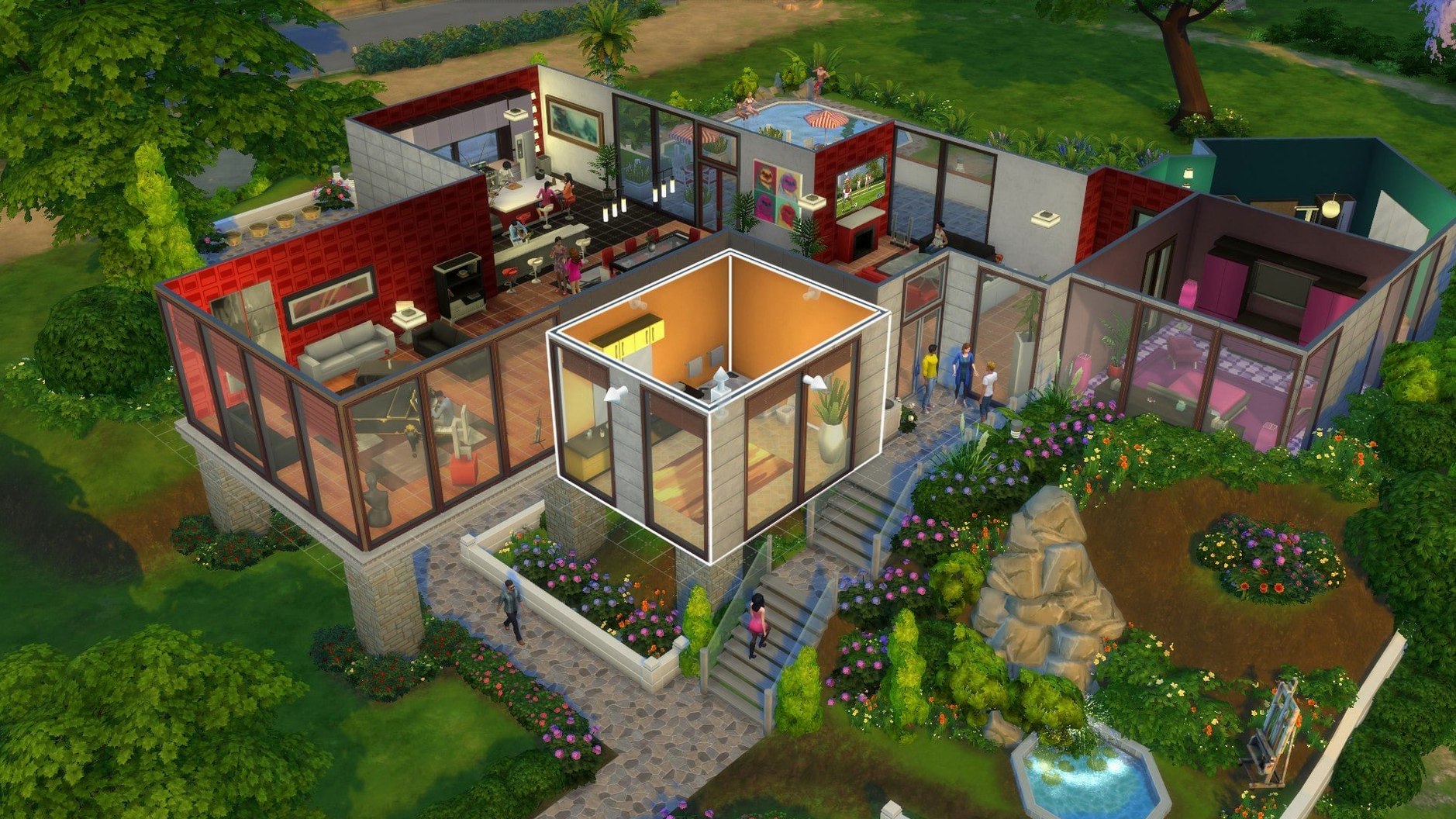
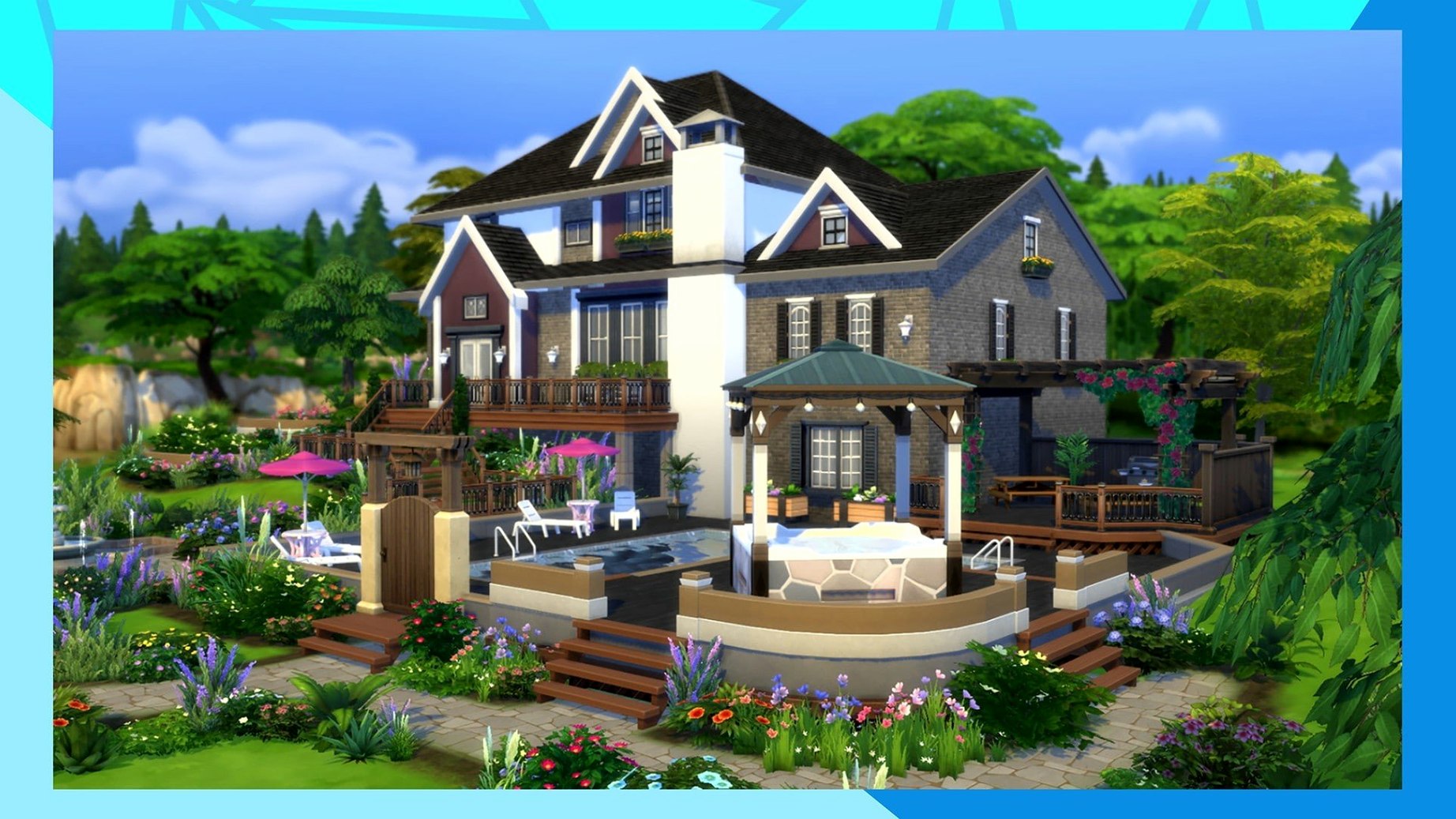
- Builders and decorators. The base game's building tools let you design a home from the foundation up. I see school staff spend hours on floor plans and furniture placement. If you enjoy interior design software but want something less technical, The Sims 4 works the same way.
- Character creators. The appearance options are thorough. Hair, face shape, body type, walk style, voice pitch — you can make a Sim that looks like someone you know, or no one you have ever met. Players who treat it like a digital dollhouse get the most from this.
- Storytellers. Some players never build a house. They make a Sim with a specific personality and see what happens. A clumsy Sim who keeps setting the kitchen on fire. A creative Sim who writes novels in the garden. The game generates stories on its own.
- Players on Apple Silicon Macs. This build runs natively on ARM Macs, so no emulation overhead. That matters if you are on a MacBook Air or a MacBook Pro without a fan that you want to stay quiet.
Recreating a real flat with Sims furniture
One afternoon a few weeks ago, a colleague wanted to recreate her actual flat as a Sims house so she could try different furniture layouts without moving real furniture. She opened the base game, picked an empty lot in Willow Creek, and started drawing rooms.
The grid-based building tools let her set room dimensions by dragging walls. She placed windows where her real ones sit, added a kitchen island she has been considering, and furnished the whole place with the base game items. No downloads, no packs — just what came with the game. She finished in about forty minutes and said the virtual version convinced her the island would work.
That is the use case. Not building a mansion. Testing a real decision.
Marketplace browsing got faster
The version 1.127.41.1030 update from August 2026 made two practical changes.
- Marketplace browsing is faster. The interface for finding and downloading community content loads quicker. If you regularly browse for houses or Sims other players have uploaded, the delay between pages is noticeably shorter.
- Marketplace images cache locally. The first time you view a listing, the game downloads its preview image. After that, it reads the image from your disk instead of fetching it again. That helps if you scroll through a lot of listings or if your internet connection is shared (like a school network).
Bug fixes came with the update too, but the patch notes did not list specifics. General stability improvements for the build.
No online login needed to play
EA account not required for offline play
No. The EA App is used for language selection and updates, but the game itself does not require an online login. You can play offline once it is set up.
Does the game save automatically?
Yes. The Sims 4 auto-saves periodically. You can also save manually from the menu. If you ever need to start over without losing everything, copy the Saves folder from Documents/Electronic Arts/The Sims 4 before you clean the folder.
Can I move saves between my school Mac and my home Mac?
Yes. Copy the Saves folder onto a USB drive and place it in the same path on the other Mac. The game reads the folder from Documents/Electronic Arts/The Sims 4. Make sure both Macs run the same game version.
First-launch freeze fix: clean the Documents folder
This happens sometimes. Clean the The Sims 4 folder in Documents, but keep Tray, Saves, and Mods if you need them. Then launch again. The game creates fresh configuration files and starts normally.
Switch languages through the EA App
Yes. Open the EA App without the DLC Unlocker. In the game properties, find the language setting, pick your language from the list (Russian, English, German, Danish, Spanish, Italian, Traditional Chinese, Simplified Chinese, Korean, Dutch, Polish, Portuguese, Finnish, French, Czech, Swedish, Japanese), save the change, and let the app update the game files. Then launch the game.
Yes. The build supports both ARM and 64-bit Intel Macs. Tested on macOS Sonoma with a 2020 MacBook Air M1 — works fine.
- Marketplace browsing improved.
- Marketplace images cached after the first download.
- Bug fixes included in the update.
- macOS Sonoma (tested)
- Apple Silicon or 64-bit Intel processor
- Tested on MacBook Air (M1, 2020)
Questions people ask
What languages does The Sims 4 support on Mac?
The game supports Russian, English, German, Danish, Spanish, Italian, Traditional Chinese, Simplified Chinese, Korean, Dutch, Polish, Portuguese, Finnish, French, Czech, Swedish, and Japanese.
What are the system requirements for The Sims 4 on macOS?
The game runs on macOS Sonoma and supports both Apple Silicon and 64-bit Intel Macs. Tested on a MacBook Air (M1, 2020).
Staffroom comments 0
Sign in or create an account here to leave a comment.
Nobody has commented on this one yet.