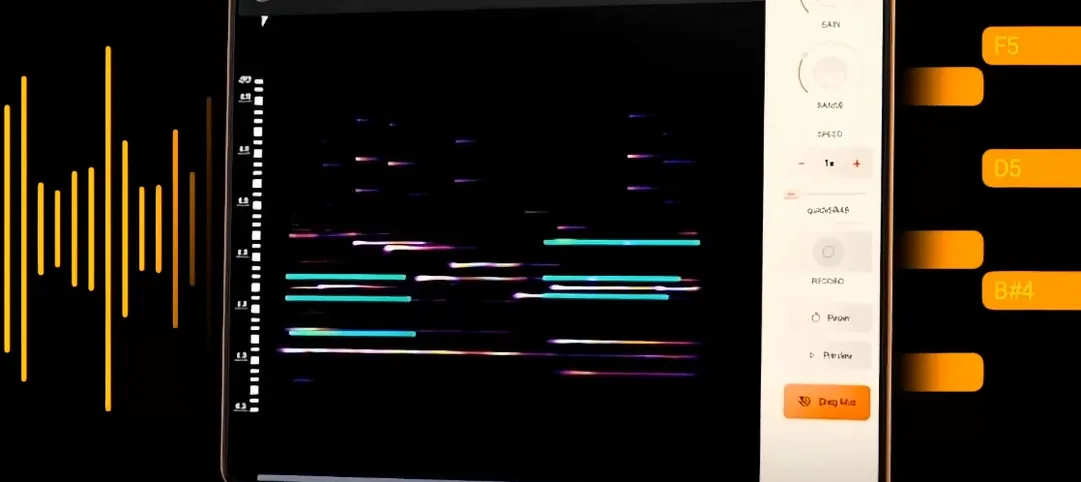
noteGRABBER 2.0.0 (macOS)
- Version
- 2.0.0
- Size
- 35 MB
- Earliest macOS
- 10.12 or later
- CPU type
- Universal
- Updated
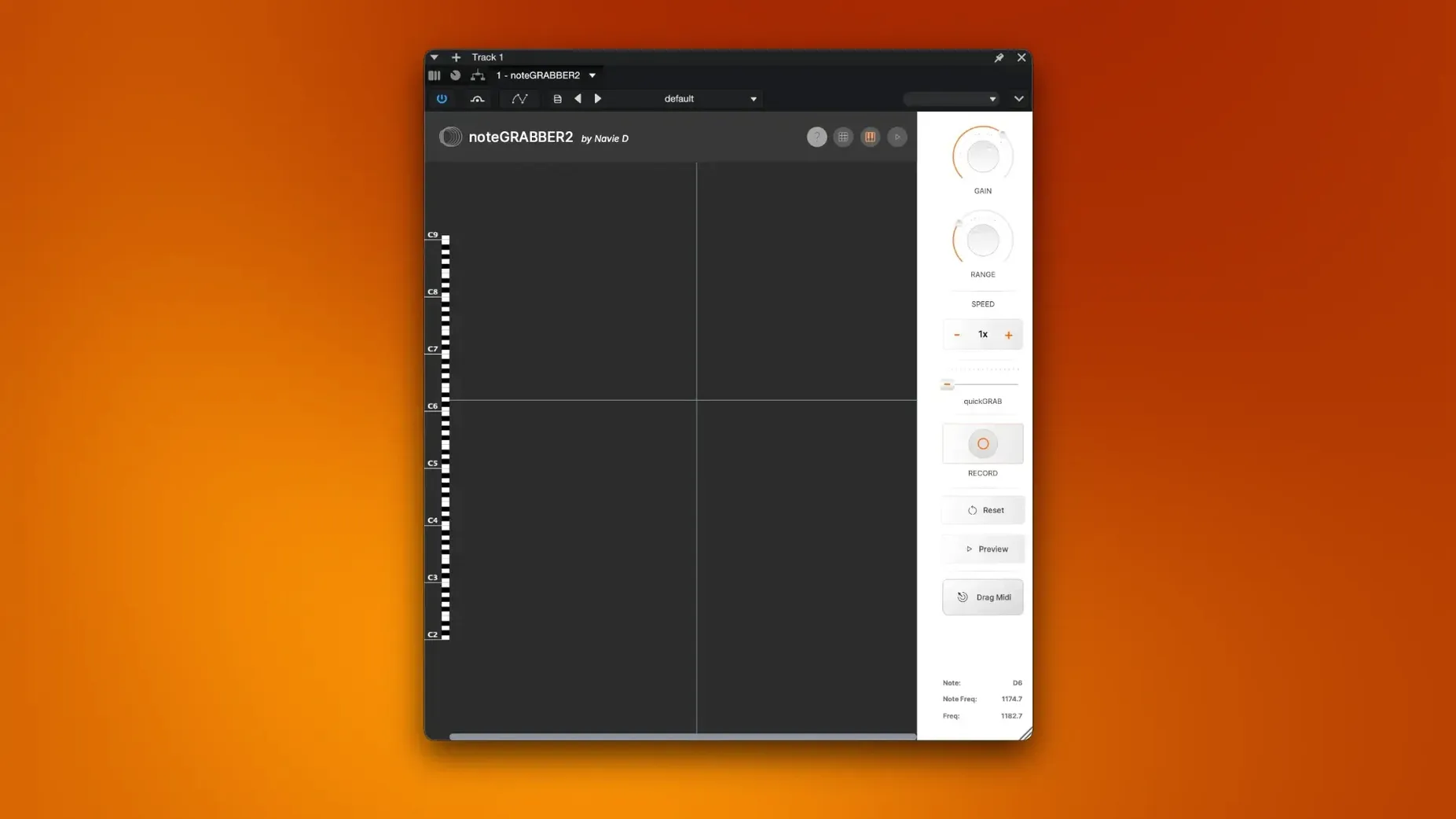
What changed in version 2.0.0? The developer has rebuilt noteGRABBER to make sampling easier. The core job is the same — analyse notes in an audio file and convert them to MIDI data — but the plugin now sits more naturally in a session.
Load on an audio track to extract MIDI
- Load noteGRABBER on an audio track that contains a sample or recorded phrase.
- Play the region. The plugin analyses pitch, timing and velocity.
- Drag or copy the resulting MIDI clip to a software instrument track. You now have the notes as MIDI — edit, transpose or reharmonise without touching the original audio.
Route layered tracks to a bus for composite MIDI
Route several audio tracks to a bus with noteGRABBER. The plugin sees the combined signal. This is useful when you have layered samples or a stem mix and want one MIDI representation of the composite part. The output becomes a single MIDI region you can send to any instrument.
noteGRABBER does not need to sit alone. It works alongside other plugins and macOS features in ways that suit a sample‑based workflow.
Alongside other notes
- Run noteGRABBER before a pitch‑correction tool. Let the plugin extract the MIDI notes, then use that MIDI to drive a tuned instrument or vocal synthesiser. The original sample stays untouched.
- Pair it with a gate plugin. If your sample contains unwanted noise or low‑level bleed, gate the audio before noteGRABBER sees it. The MIDI output becomes cleaner, with fewer ghost notes.
- Use it after an EQ. High‑pass filtering a bass sample can help the plugin focus on fundamental frequencies. Low‑pass a noisy string sample for the same reason. noteGRABBER sees what the EQ lets through.
macOS and system fit
noteGRABBER runs as a plugin inside a DAW, so it uses the audio engine of the host application. On macOS 10.12 or later, both Intel and Apple Silicon systems are supported. The plugin package installs alongside your other audio plugins — VST, AU or AAX depending on the format supplied. Activation follows the included instructions; once done, noteGRABBER appears in your plugin list like any other insert.
Because it is a native macOS plugin, it respects the system audio buffer and sample rate you set in your DAW. No separate service or background process is needed.
Revive old drum loops and vocal takes as MIDI
You have a folder of drum loops and a few vocal phrases you recorded years ago. You want to build a new track from them without losing the feel of the original takes.
- Import a vocal phrase into your DAW. Place noteGRABBER as an insert on that track. Play the phrase once. The plugin analyses the pitch and timing of each note.
- Drag the MIDI output to a new software instrument track loaded with a synth pad. The pad now plays the same notes as the vocal phrase, but with its own timbre. You transpose the MIDI region down a fourth to match a chord progression you already have.
- Import a drum loop on a second track. Add noteGRABBER to that track. The plugin detects the kick and snare hits and converts them to MIDI notes. You drag that MIDI to a drum sampler and replace the original kick and snare sounds with ones that fit the new arrangement.
- Route both processed tracks to a group bus. Insert noteGRABBER on the bus. It sees the combined signal — vocal phrase plus drum loop — and outputs a single MIDI region. That region contains the composite rhythm and pitch information. You send it to a bass synth to create a bassline that follows the vocal melody and the drum accents together.
- Edit the bass MIDI region to remove a few notes that clash with the new chords. The original audio tracks remain untouched throughout the session. You can always go back to them if the arrangement changes.
The same process works for any sampled material — field recordings, old library records, live instrument takes. noteGRABBER gives you the MIDI data; the arrangement decisions stay with you.
Either way, noteGRABBER helps you rewrite melodies and develop musical ideas from sampled material without leaving your DAW.
No “what's new” for 2.0.0. The release line gave nothing I could check, and I will not stretch it into a changelog.
- macOS 10.12 or later
- Intel or Apple Silicon
Questions people ask
Does noteGRABBER work on macOS beyond 10.12?
The plugin requires macOS 10.12 or later and runs on both Intel and Apple Silicon Macs. It is distributed in English.
Staffroom comments 0
Sign in or create an account here to leave a comment.
Nobody has commented on this one yet.
Other VST Plugins tools
All VST Plugins tools-
 Nudist Audio Nudistort
1.2.5
45 MB
VST Plugins
-
 Omnisphere
3.0.2c
205 MB
VST Plugins
-
 Neural DSP Archetype Rabea X
1.0.1
742 MB
VST Plugins
-
 Output Portal
1.2.1
319 MB
VST Plugins
-
 Plugin Alliance Brainworx Bundle
2025.06.16
2.1 GB
VST Plugins
-
 Plugin Alliance Shadow Hills OptoMax
1.0.0
73 MB
VST Plugins
-
 Melodyne
5.4.2
97 MB
VST Plugins
-
 reFX Nexus
5.5.21
72 MB
VST Plugins