
Plugin Alliance Shadow Hills OptoMax 1.0.0 (macOS)
- Version
- 1.0.0
- Size
- 73 MB
- Earliest macOS
- 12 or later
- CPU type
- Universal
- Updated
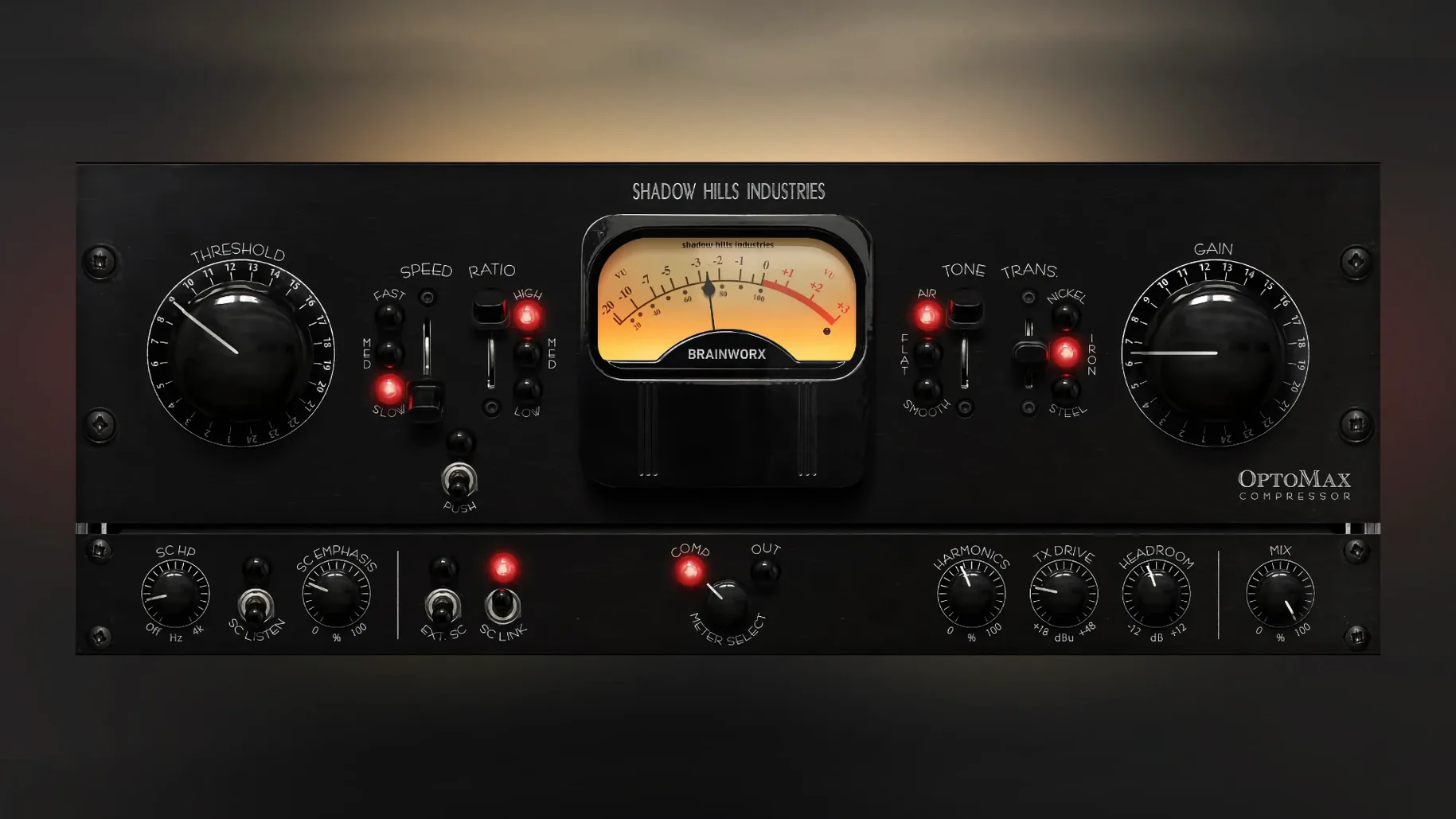
Three transformer types. That is the first thing that sets the Plugin Alliance Shadow Hills OptoMac apart from the usual optical compressor. Nickel, iron, and steel each change the harmonic character, so the same threshold and ratio sound noticeably different. Version 1.0.0 landed on 18 September 2025, and it runs on Intel and Apple Silicon Macs under macOS 12 or later.
| Detail | Value |
|---|---|
| Developer | Plugin Alliance / Brainworx |
| Format | Plugin (VST, AU, AAX) |
| macOS | 12 and newer; Intel + Apple Silicon |
| Response modes | Slow, medium, fast |
| Extra | Shine high-frequency mode, parallel mix, sidechain filter |
Beyond the transformers, the controls stay straightforward. Slow response gives gentle leveling for a mix bus; fast catches transients on drums or vocals. The Shine mode adds a high-frequency lift without pushing the compressor harder. A parallel mix knob blends dry and compressed signal, and the sidechain filter keeps low-end thump from triggering the gain reduction. It works on individual tracks, groups, or the whole master bus. No crack, no torrent—just a solid optical compressor.
Start with the transformer switch
Give yourself a few sessions just exploring the transformer switch before you touch anything else. Nickel is the most transparent; iron adds a little weight; steel brings a forward midrange. Pick a vocal or a drum loop and cycle through them at the same settings. You will hear the character change without reaching for EQ.
Start with the response set to medium. That is the safest starting point for most material. Switch to slow for a mix bus or acoustic instruments that need a gentle hand. Use fast for aggressive transients—snare hits, plosive vocals, or percussive loops. The sidechain filter is worth engaging early: set it to around 150 Hz so kick and bass do not pump the gain reduction.
Ideal for dense pop, rock, and electronic mixes
Mix engineers working on dense pop, rock, or electronic music will find the OptoMax useful across multiple roles. It can sit on a vocal bus with medium response and steel transformer for presence, then move to a drum group with fast response and iron for punch. Mastering engineers will appreciate the slow response paired with nickel for a transparent glue on the stereo bus. Producers tracking vocals can set it before the DAW’s limiter for controlled leveling without audible artefacts.
It is less suited to sound designers or post-production engineers who need surgical dynamics control. The OptoMax is an optical compressor, not a multiband or transient shaper. It shapes level with musicality, not precision.
Fix missing gain reduction in Pro Tools
- Gain reduction not showing in Pro Tools – This was fixed in version 1.0.1, but if you are on the initial release, check that the meter is not set to ‘off’ in the plugin window. Re-insert the plugin if it still does not register.
- Compression sounds muddy – Likely the sidechain filter is inactive or set too low. Activate it and raise the frequency until the low end stops driving the compressor. Also try switching from steel to nickel for a cleaner result.
- Levels drop too much – The parallel mix knob is your friend. Alternatively, use a slower response and lower ratio.
- Plugin does not appear in your DAW – Verify you installed the correct architecture (Apple Silicon or Intel) for your system. Rescan plugins in your DAW’s preferences. Some hosts need a manual cache clear after a new install.
No “what's new” for 1.0.0. The release line gave nothing I could check, and I will not stretch it into a changelog.
- macOS 12 or later
- Intel or Apple Silicon
- Interface language: English
Staffroom comments 0
Sign in or create an account here to leave a comment.
Nobody has commented on this one yet.
Other VST Plugins tools
All VST Plugins tools-
 Plugin Alliance Brainworx Bundle
2025.06.16
2.1 GB
VST Plugins
-
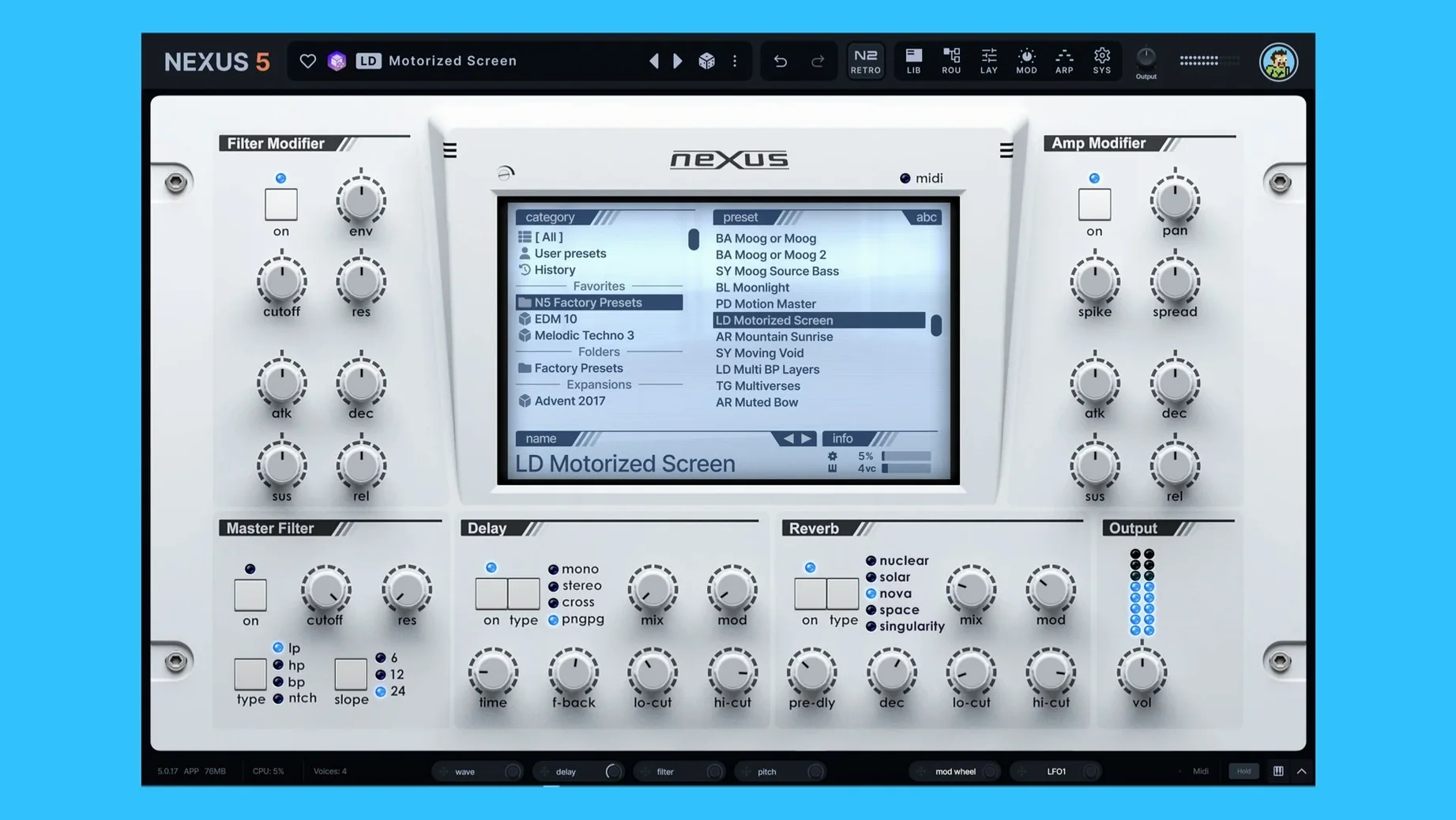 reFX Nexus
5.5.21
72 MB
VST Plugins
-
 Revoice Pro
5.1.30
39 MB
VST Plugins
-
 RipX DAW Pro
8.0.3
1.6 GB
VST Plugins
-
 Output Portal
1.2.1
319 MB
VST Plugins
-
 Roland ZENOLOGY Pro
2.0.7
1.8 GB
VST Plugins
-
 Safari Pedals Everything Bundle
2026.05
628 MB
VST Plugins
-
 Omnisphere
3.0.2c
205 MB
VST Plugins