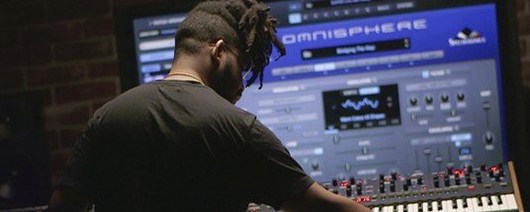
Omnisphere 3.0.2c (macOS)
One download for Apple Silicon and Intel. Opens the install steps and mirrors.
- Version
- 3.0.2c
- Size
- 205 MB
- Earliest macOS
- 11 or later
- CPU type
- Universal
- Updated
Covers more ground than wavetable-focused synths like Massive X
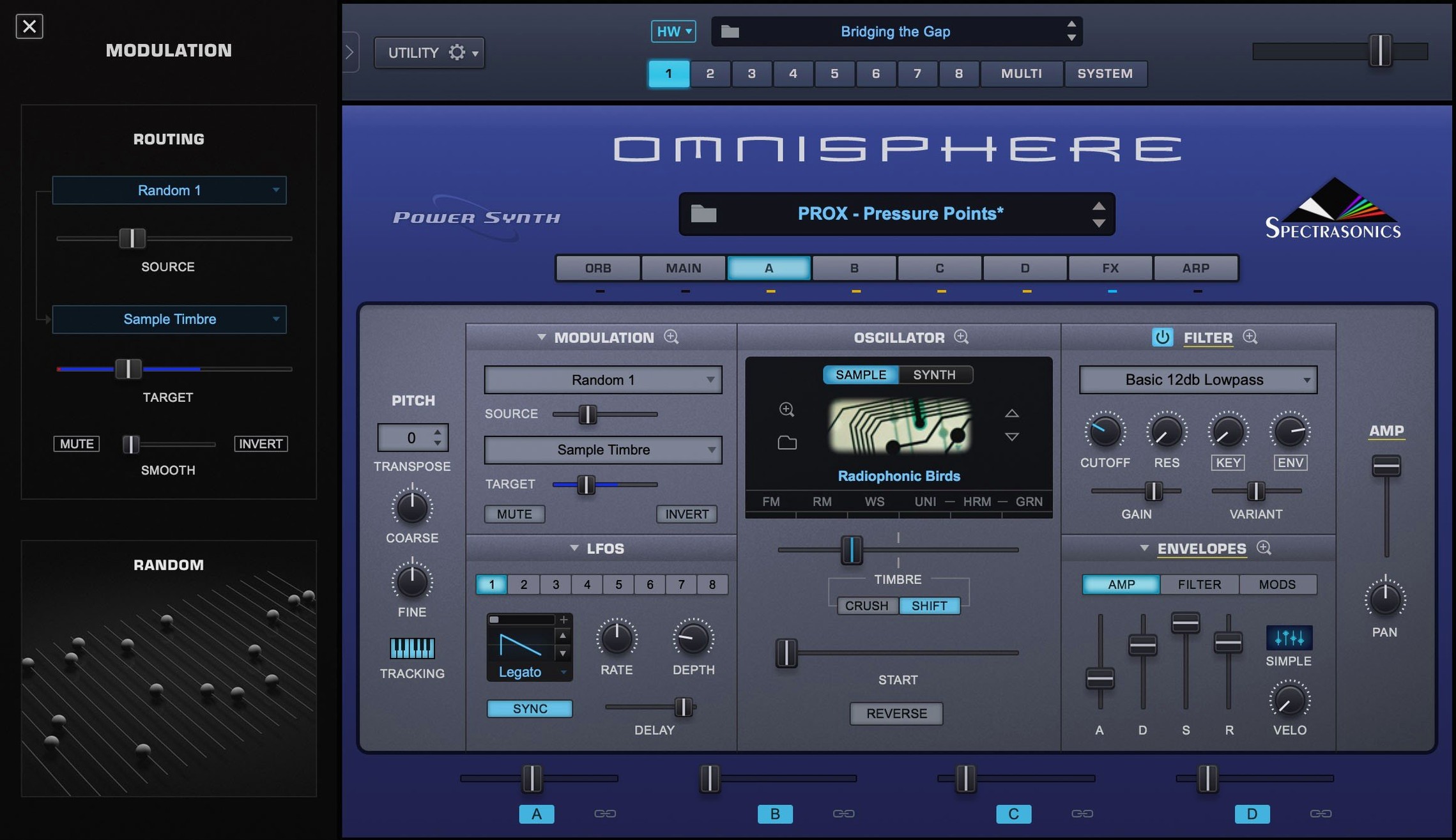
Omnisphere 3 sits in a different lane from most other Mac soft synths. Against something like Native Instruments Massive X, which is wavetable-focused and built for aggressive electronic sounds, Omnisphere covers far more ground. Massive X does one thing well; Omnisphere does several. Where Massive X expects you to build from a single oscillator model, Omnisphere gives you wavetable, granular, FM, ring modulation and subtractive in the same session. You aren't switching plugins to change synthesis type — you stay inside one interface.
Against Arturia Pigments, the difference is library size. Pigments is a fine polysynth with a modular-ish layout, but its included sound set is modest. Omnisphere ships with the STEAM factory library (version 2.8 supplied separately on the image), which runs into thousands of patches. For a school music tech lab or a working producer who wants breadth without downloading extra packs, that matters.
Against UVI Falcon, the comparison is closer. Both are multi-engine synths with deep modulation. Falcon leans into key-switching and multi-articulation instruments, whereas Omnisphere is more about sound design and hardware bridging. Falcon's library is sold in layers, so you pay for what you need. Omnisphere gives you the full factory set on one disc image.
Skipping the STEAM folder setup causes missing patches
- Skipping the STEAM folder setup. The factory library is delivered as a separate STEAM folder from the Omnisphere 2.8 image. Beginners sometimes install the plugin but leave the library unmounted, then wonder why patches are missing. The Russian installation page is explicit — the STEAM folder must be present and correctly located before the installer runs. Check that your library image is mounted before you start.
- Treating it like a preset player. Omnisphere 3's synthesis engines are capable of deep sound design, but newcomers often stick to browsing presets without digging into the oscillator layers or modulation routings. That is fine for quick work, but you are leaving most of the instrument untouched. Explore the granular engine and the FM pair — those are where Omnisphere differs from a ROMpler.
- Ignoring Hardware Synth Integration. The feature works with major brands of hardware synths and MIDI controllers. Beginners who own a hardware synth often do not realise Omnisphere can map its controls two-way. You can edit patches on a hardware keyboard and hear the changes back in the plugin without manual MIDI learn. That is not obvious from the front panel.
- Mounting the image wrong. The install step says "mount the downloaded disk image and run the standard installation procedure". On macOS 11 or later, double-clicking the .iso should mount it. Beginners sometimes try to extract it instead, which breaks the installer's relative paths. Use the mount — do not unzip into a folder.
Runs native on Apple Silicon and Intel Macs
Omnisphere 3.0.2c runs on macOS 11 and newer. It is compiled for both ARM and x86 64-bit architectures. That means it works on Apple Silicon Macs (M1, M2, M3 onwards) and on Intel Macs of the same era. No Rosetta translation needed on ARM — the plug-in is native.
The interface is English only. There is no localised UI for other languages. If you manage a school lab with EAL students, factor that in — the parameter labels and menu paths are all in English.
The standalone application and the plug-in formats (VST, AU, AAX) are all part of the same installer. You do not download separate versions for each format. One mount, one run, and all four are available in your DAW or on your desktop.
Expect a large library from the separate STEAM folder (Omnisphere 2.8 factory library). The installer does not bundle the patches into the plugin — they live on disk, and the plugin reads them from the STEAM location. Make sure you have space for the full factory set before you start. If you are deploying across 120 machines, you will want to store the STEAM folder on a network share or clone it from a single prepared image rather than copying it 120 times.
No “what's new” for 3.0.2c. The release line gave nothing I could check, and I will not stretch it into a changelog.
- macOS 11 or newer
- 64-bit Intel or Apple Silicon processor
Questions people ask
Does Omnisphere 3 run on Apple Silicon Macs?
Yes, it supports both ARM and x86 64-bit macOS systems from version 11 onwards.
Staffroom comments 0
Sign in or create an account here to leave a comment.
Nobody has commented on this one yet.
Other VST Plugins tools
All VST Plugins tools-
 Nudist Audio Nudistort
1.2.5
45 MB
VST Plugins
-
 Output Portal
1.2.1
319 MB
VST Plugins
-
 noteGRABBER
2.0.0
35 MB
VST Plugins
-
 Neural DSP Archetype Rabea X
1.0.1
742 MB
VST Plugins
-
 Plugin Alliance Brainworx Bundle
2025.06.16
2.1 GB
VST Plugins
-
 Plugin Alliance Shadow Hills OptoMax
1.0.0
73 MB
VST Plugins
-
 reFX Nexus
5.5.21
72 MB
VST Plugins
-
 Revoice Pro
5.1.30
39 MB
VST Plugins