Pixelmator Pro 4.3 (macOS)
One download for Apple Silicon and Intel. Opens the install steps and mirrors.
- Version
- 4.3
- Size
- 641 MB
- Earliest macOS
- 26 or later
- CPU type
- Universal
- Updated
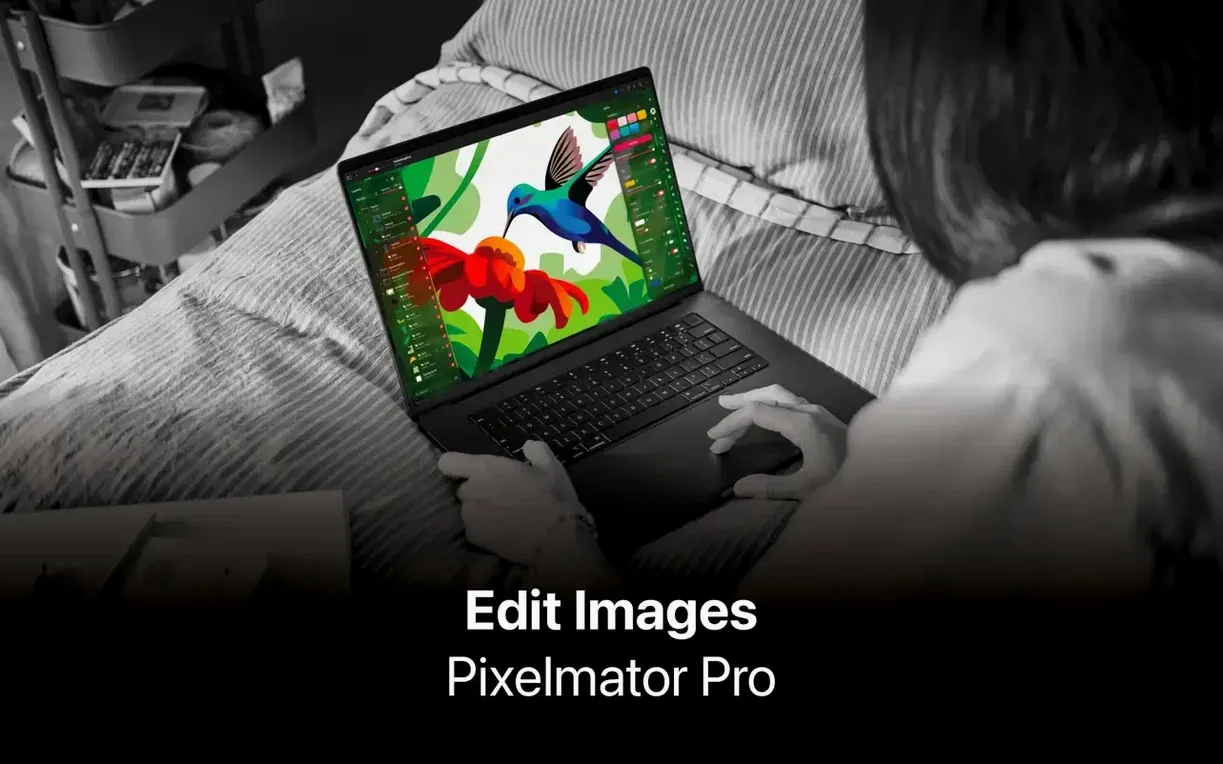
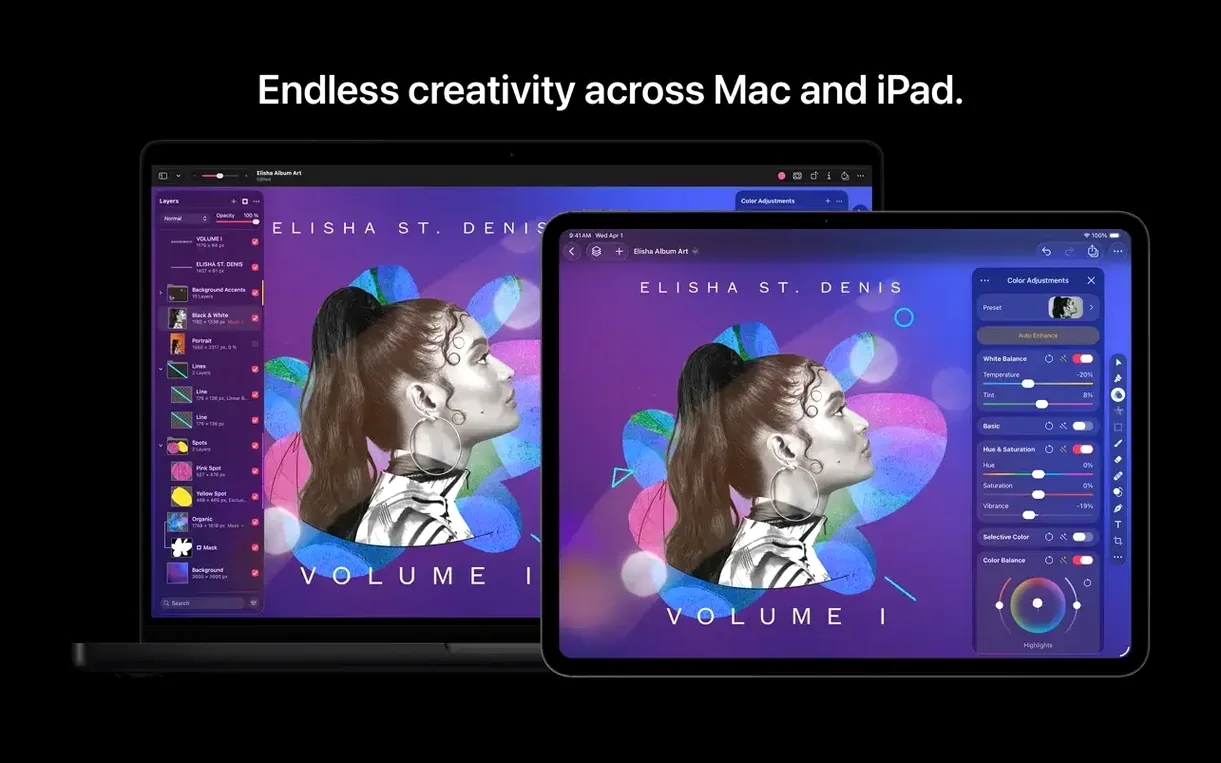
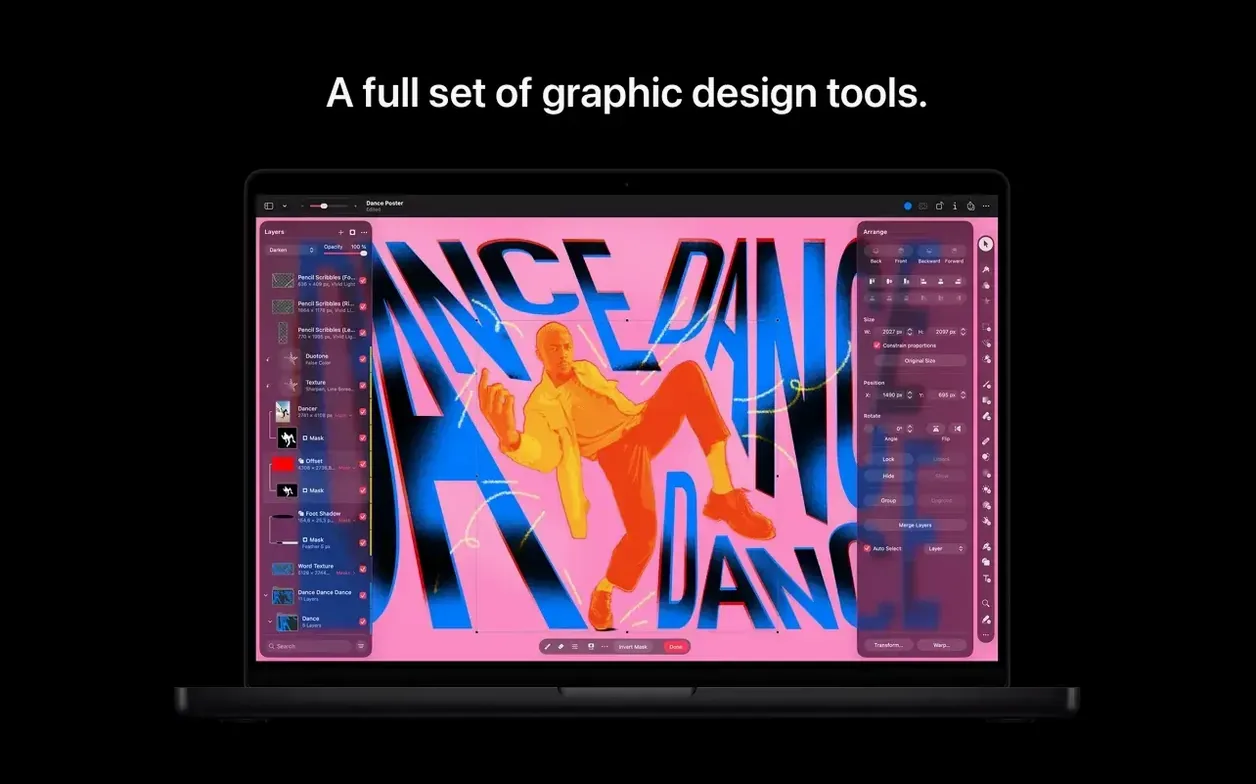
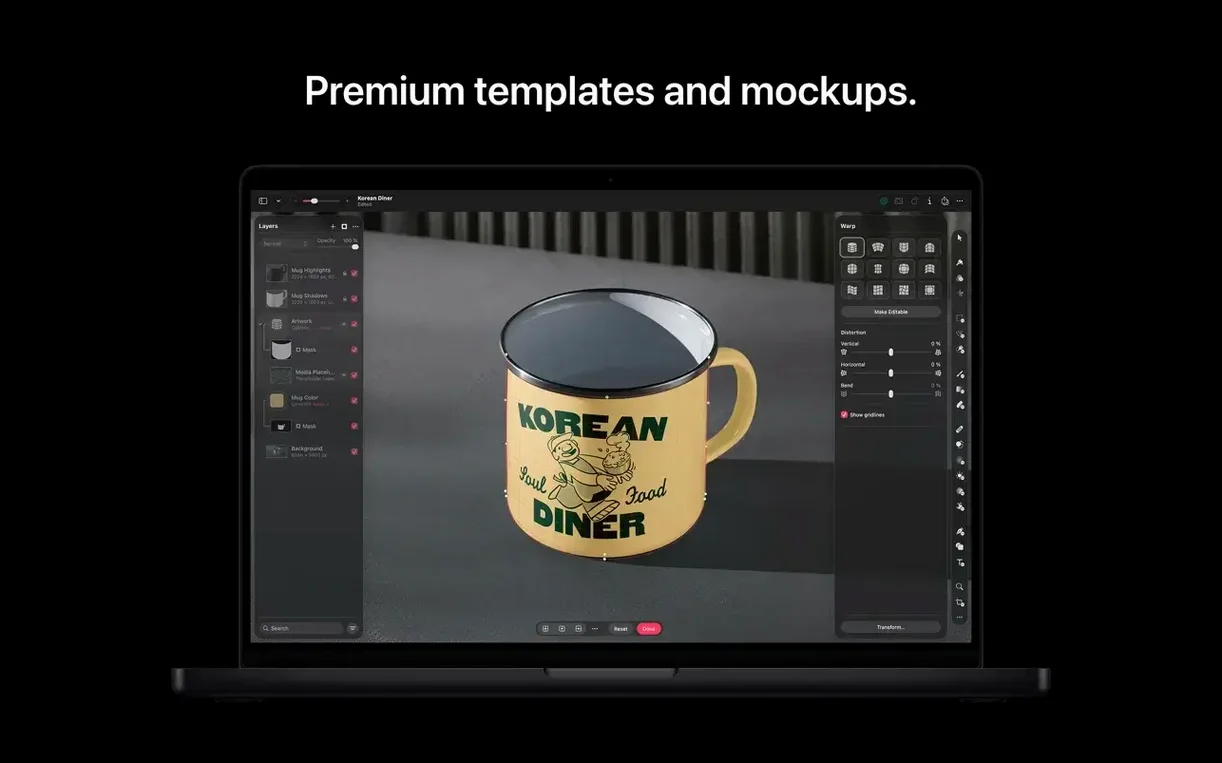
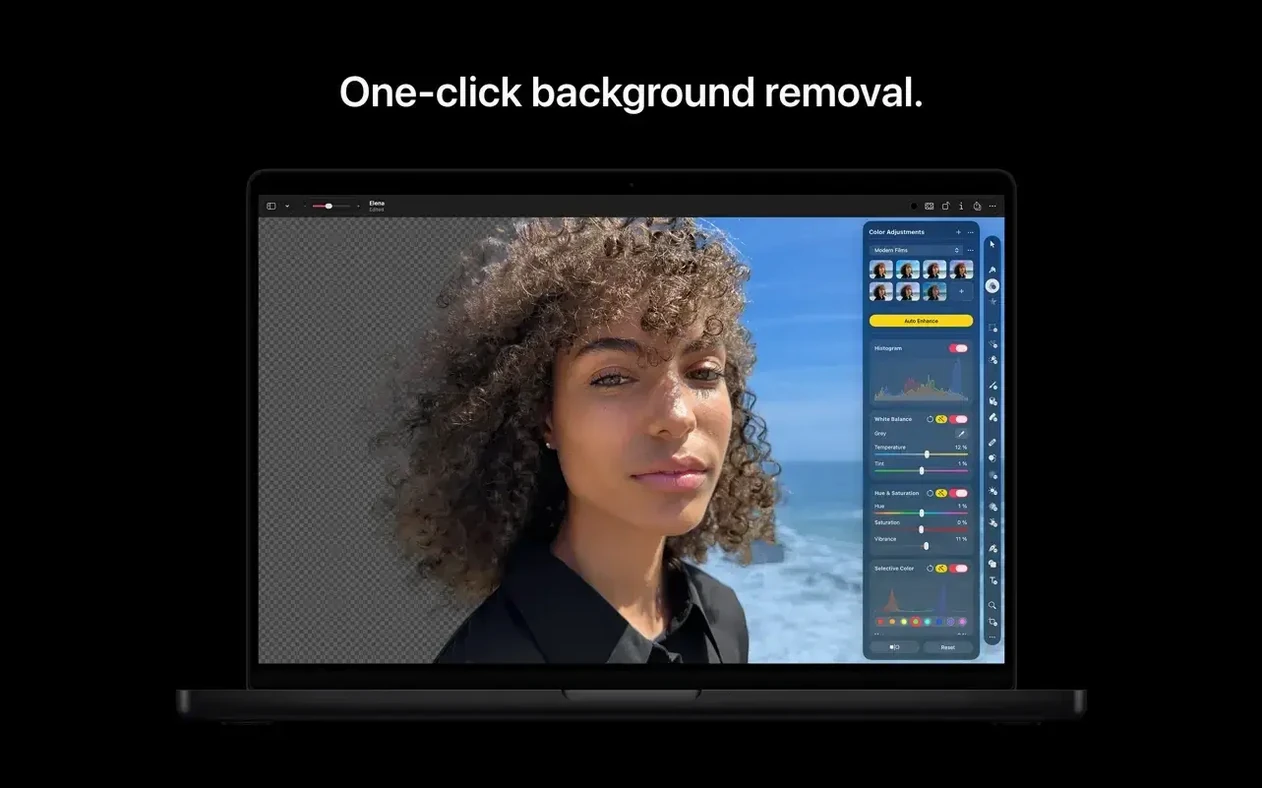
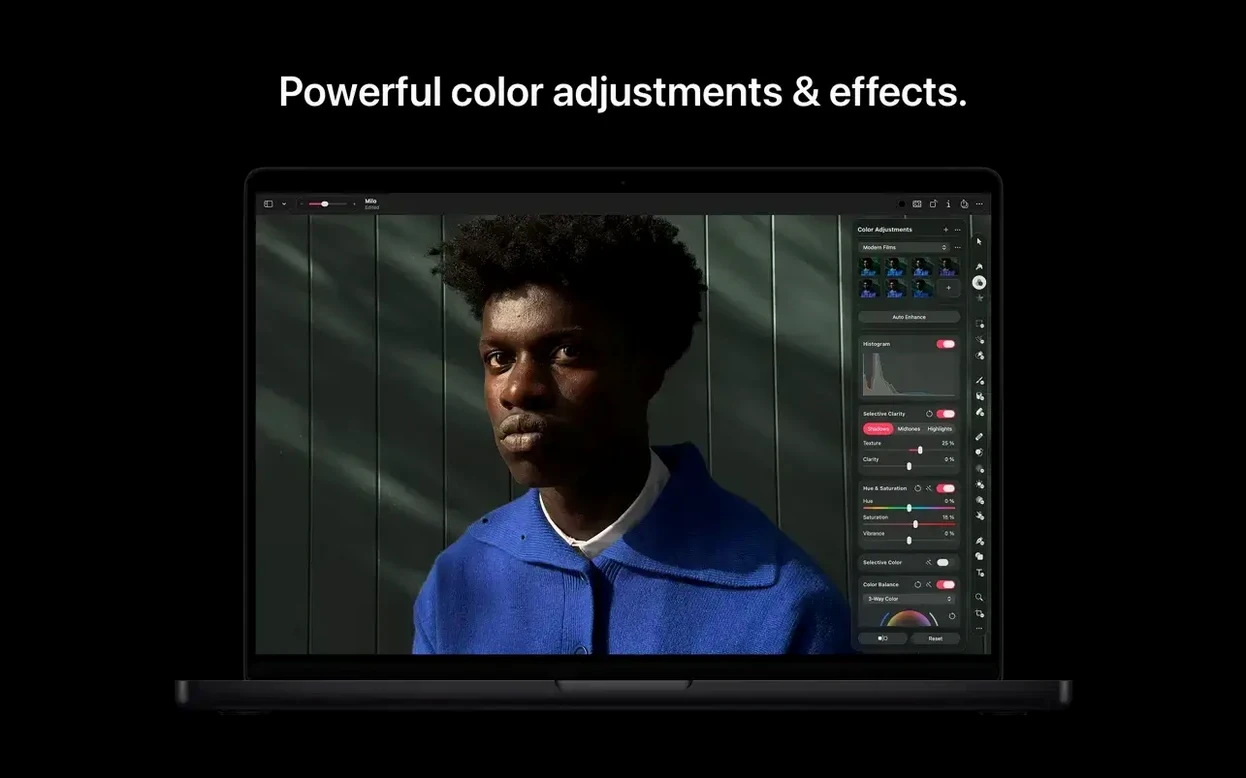
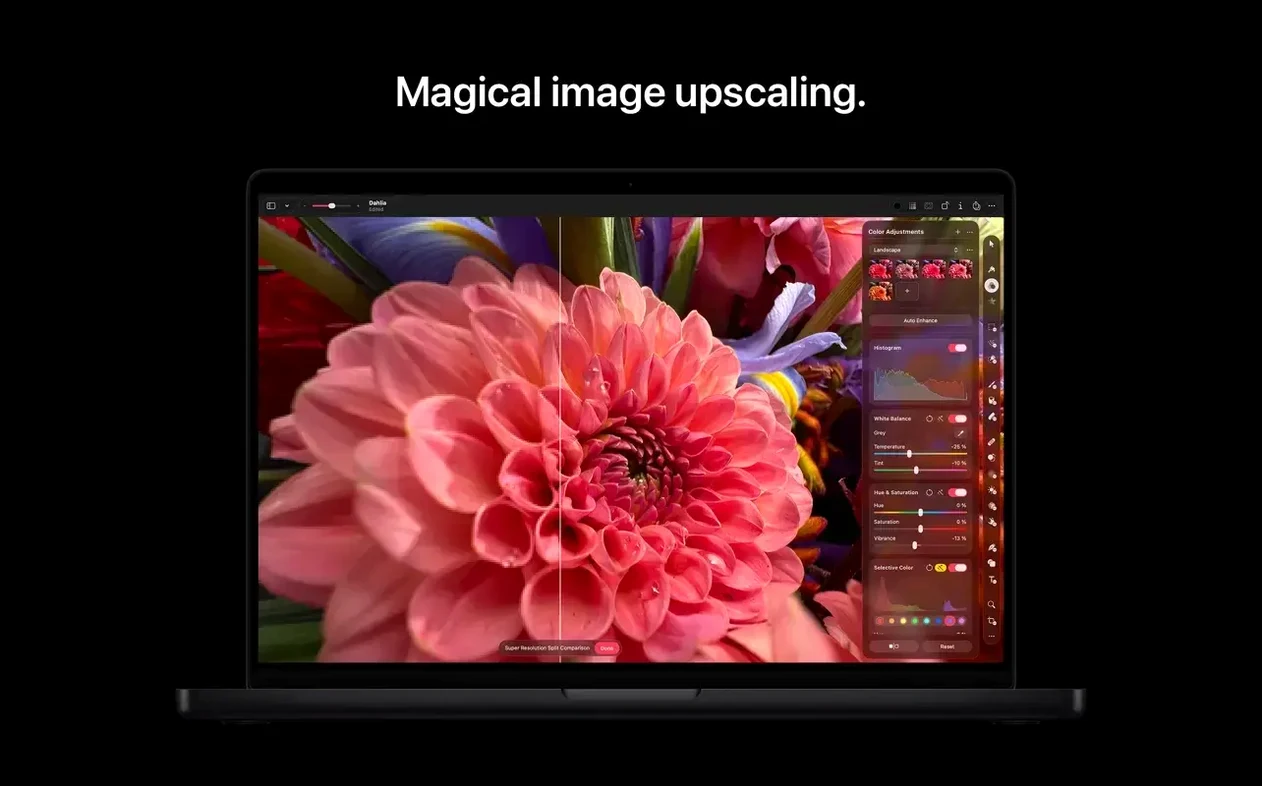
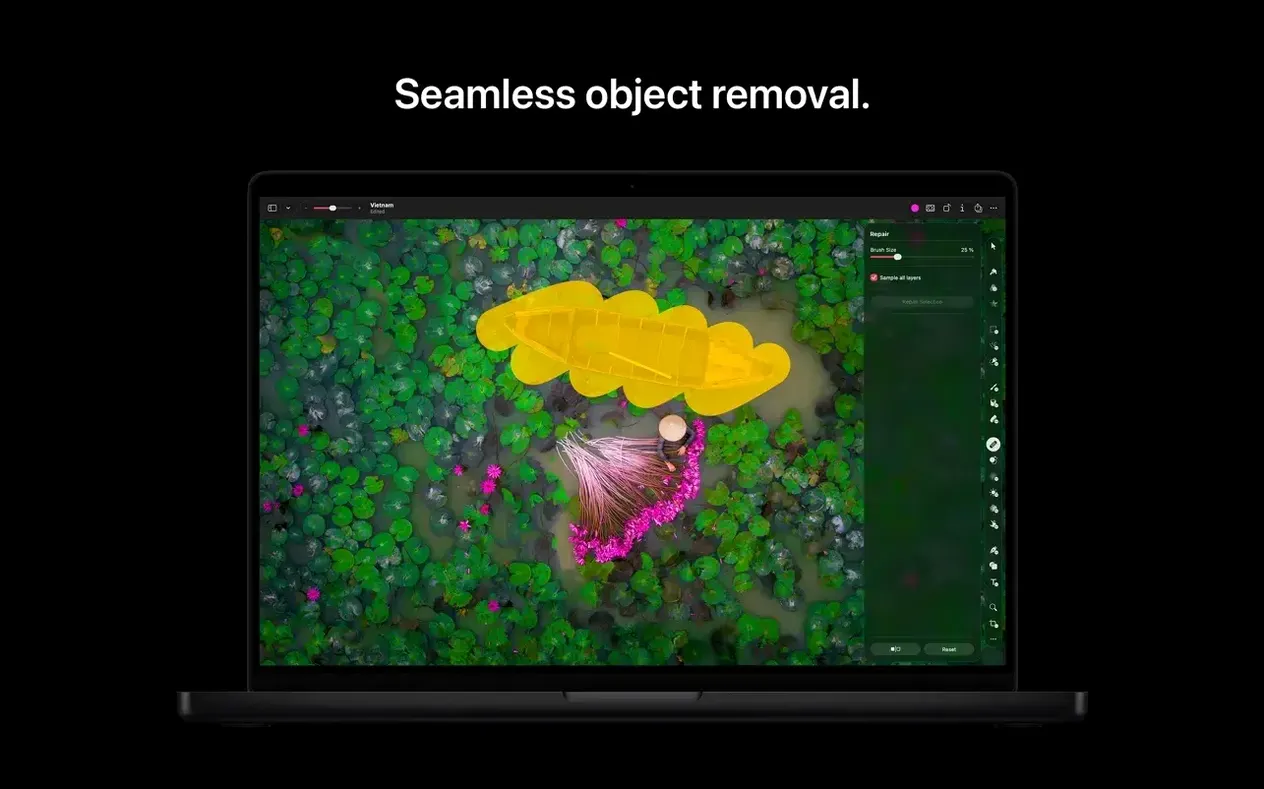
School techs and design teachers reach for Pixelmator Pro when a job needs to look good without a steep learning curve. Version 4.3 keeps that spirit while adding a few AI tricks.
Touch up a photo
Open a layered Photoshop file or a raw image. The non-destructive tools let you adjust exposure, colour, and sharpness without baking in changes. When you are happy, save the edit straight back to your Photos library.
Generate a missing element
Need a backdrop or an object that was not in the original shot? The new Generate Image command creates one from a text description. Generate from Image takes it further, letting you transform parts of the picture with a prompt.
Drop in a vector shape
The Content Hub offers photos, graphics, and illustrations to drag into a composite. For something specific, type a description and Pixelmator Pro makes a custom vector shape you can scale without losing quality.
Apple Silicon required for Pixelmator Pro
Apple Silicon is required. That means any Mac with an M-series chip will run version 4.3. The app also supports both ARM and x86 architectures, so if you are on an older Intel Mac still running macOS 26, it works there too. The developer lists macOS 26 or later as the requirement, though some documentation still references macOS 10.13 High Sierra. For practical purposes, anyone on a recent macOS version on an Apple Silicon Mac is covered.
Content Hub and text-prompt image generation
The three new features are the headline changes. Content Hub gives you a library of ready-made assets to drop into composites without hunting online. Generate Image and Generate from Image both work from text prompts, which saves time when you need a specific element or want to alter part of an existing image. The custom vector shape generation from descriptions is a useful shortcut for designers who would otherwise draw from scratch.
Accessibility got attention too. Switch Control and VoiceOver support are improved, which matters in a school setting where staff or students rely on assistive technology.
Opens layered Photoshop and SVG files directly
Pixelmator Pro slots into the Apple ecosystem without fuss. It opens layered Photoshop files, so teachers getting PSDs from colleagues or students on Windows can edit them directly. SVG vector files open too, which is handy for pulling in graphics made in other tools.
The Photos app integration is straightforward: launch an image from Photos, edit it, and save back to the library. Sharing to Photos, Mail, or AirDrop is a quick way to send finished work to students or colleagues. The app is now part of Apple Creator Studio, which ties it into Apple's broader creative software suite.
For batch work, the Automator feature handles repetitive tasks across multiple files. Exporting to common formats like JPEG, TIFF, PNG, or HEIF covers most school needs, and support for JPEG 2000 and PDF adds flexibility for specialist projects.
The interface language list covers eleven options, including Russian, Chinese, Korean, and Japanese. That is useful in a school with multilingual staff or EAL students who prefer working in their own language.
Install in a managed environment
The process is straightforward if you are pushing this out to a lab or a batch of staff machines. Mount the disk image, drag the app into the Applications folder alias, then launch from Launchpad once copying finishes. No serial numbers or online activation steps to trip over. The activation in this build is handled by Antibiotics x TEAM EDiSO, so it is ready to run after the copy completes.
Describe a composite element and generate it instantly
Generate Image and Generate from Image are the two additions that change the workflow most noticeably. Instead of sourcing a photo elsewhere for a composite, you describe what you need in a text prompt and the app produces it. The same approach works for editing: select an area, write a prompt, and the app transforms that part of the image. The vector shape generation follows the same pattern, which cuts out a step for anyone who needs a quick custom icon or graphic element.
- Adds Content Hub for inserting photos, graphics, shapes, and illustrations.
- Adds Generate Image for creating images from text descriptions.
- Adds Generate from Image for text-based edits and transformations.
- Adds custom vector shape generation from text descriptions.
- Adds improved support for Switch Control and VoiceOver.
- macOS 26 or later
- Apple silicon
Questions people ask
Can Pixelmator Pro open Photoshop files?
Yes, it opens and edits layered Photoshop files.
What macOS do I need for Pixelmator Pro 4.3?
Apple lists the app as available on macOS 26 or later, and it requires a Mac with Apple silicon.
Does Pixelmator Pro work with the Photos app?
Yes, it integrates with Photos for launching and saving edits back to the library.
Staffroom comments 0
Sign in or create an account here to leave a comment.
Nobody has commented on this one yet.
Other Mac Apps tools
All Mac Apps tools-
 Pixologic Zbrush
2026.2.1
3.1 GB
Mac Apps
-
 Plasticity
26.1.3
256 MB
Mac Apps
-
 Photomator
3.4.15
662 MB
Mac Apps
-
 PowerPhotos
3.4.9
40 MB
Mac Apps
-
 QLab
5.6.5
34 MB
Mac Apps
-
 QuarkXPress
22.0.1
2.4 GB
Mac Apps
-
 ON1 Photo RAW
27.0.2
1.1 GB
Mac Apps
-
 OmniPlayer: MKV Video Player Pro
2.1.22Intel Macs only
78 MB
Mac Apps