
Plasticity 26.1.3 (macOS)
- Version
- 26.1.3
- Size
- 256 MB
- Earliest macOS
- 10.14 or later
- CPU type
- Apple Silicon
- Updated
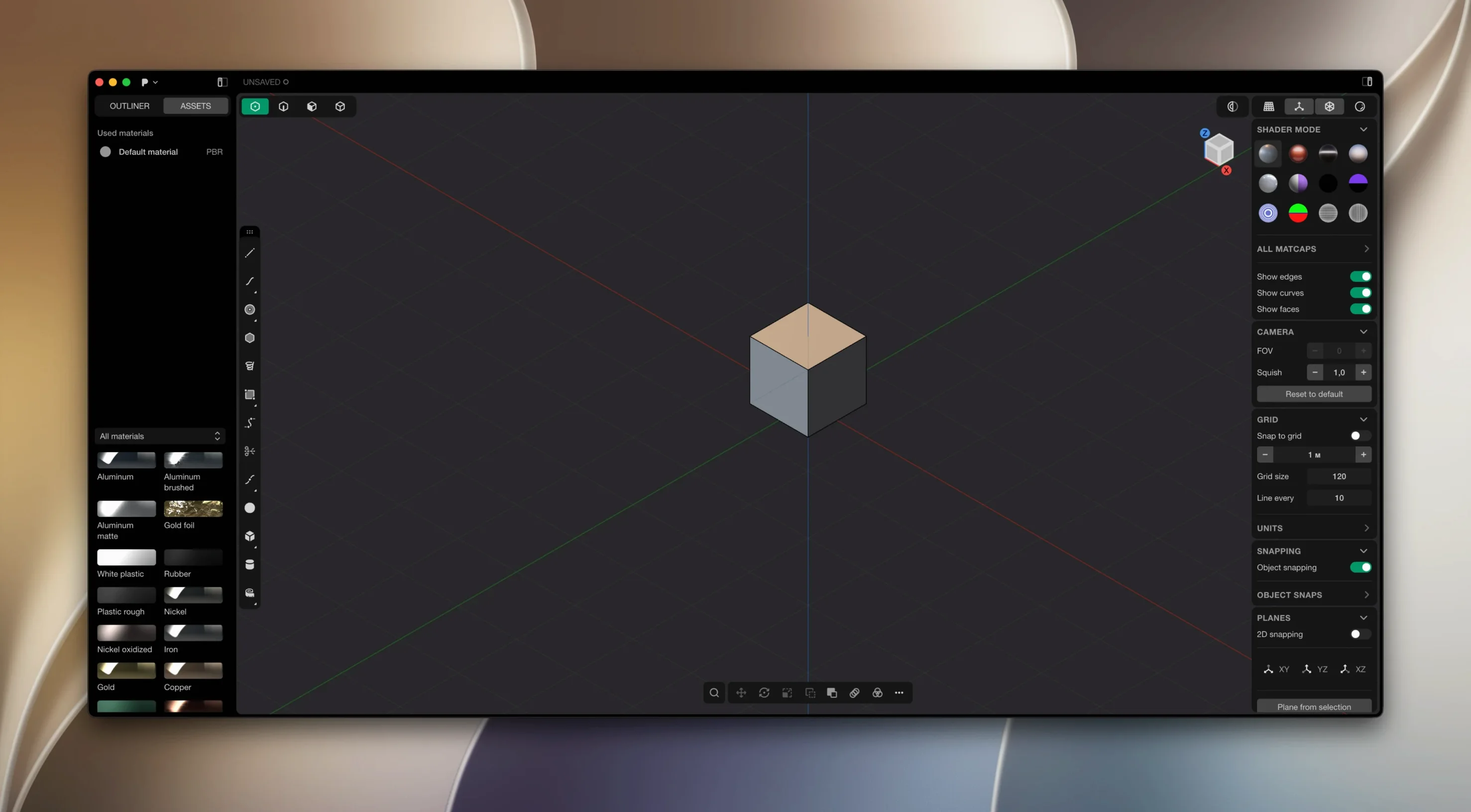
Version 26.1.3 of Plasticity brings no visible change list, but the app remains a solid choice for 3D modelling on a Mac. It is professional software for solids and surfaces, with live dimensions that update geometry as you type. Boolean operations produce watertight results, and XNURBS Surface blending gives G2-continuous surfaces.
CAD-style modeller for artists and designers
It is a CAD-style modeller pitched at artists and designers, not engineers. The workflow is direct and visual. It runs on macOS 10.14 and later, including Apple Silicon natively. Updates are manual — you download and install them yourself.
Languages and requirements
The interface is available in English, German, Spanish, Italian, French, Russian, Japanese, and both Simplified and Traditional Chinese. macOS 10.14 or later is required, with Apple Silicon support built in.
Live dimensions update geometry instantly
Plasticity uses direct editing, so you do not have to rebuild a model when you change a dimension. Live dimensions update the geometry immediately — type a number and the shape follows. This sounds obvious but in practice it saves constant back-and-forth between a parameter panel and the viewport.
Precise fillets are another one. XNURBS Surface blending for G2-continuous surfaces means the transition between surfaces is smooth at the mathematical level, which matters if the model goes to a CNC machine or a render engine that respects surface continuity.
Boolean operations that produce watertight results are worth a second look too. Many modellers leave gaps or overlapping geometry after a union or difference. Plasticity’s kernel handles that, so you spend less time patching holes in solid models.
Manually check for updates to open collaborator files
The documentation states updates are not automatic and must be downloaded and installed manually. It is easy to forget to check for a newer build and then wonder why a file from a collaborator will not open. Make a habit of visiting the developer’s site every few weeks if you use Plasticity daily.
If the patcher included in the package causes issues, move the Patcher folder to the desktop. That is the recommended fix in the included instructions. Do not delete it — just relocate it so the app can start cleanly.
Install and activation instructions are included in the package. Follow them in order. Skipping a step is the usual cause of a failed activation. If something does not work, remove the app, restart the Mac, and run the installer again from the beginning.
Switch interface language before you start working
Plasticity lets you work in several languages without reinstalling. Switch the interface to your preferred language early on — it is easier to find options when you do not have to translate menu labels in your head.
Live dimensions are on by default. Leave them on. They are the main reason to use this modeller over a history-based one. If you prefer to type dimensions in a separate box before committing, you can toggle that behaviour, but the direct approach is faster once you are used to it.
For Studio users, PolySplines and the Export Hidden Line feature for technical SVG drawing output are available in version 26.1.3. If you need clean line drawings from a 3D model for documentation, set up the export defaults early so you are not reconfiguring every time you need a drawing.
No “what's new” for 26.1.3. The release line gave nothing I could check, and I will not stretch it into a changelog.
- macOS 10.14 or later
- Apple Silicon or Intel processor
Questions people ask
Does Plasticity support Apple Silicon?
Yes, the app runs natively on Apple Silicon Macs. macOS 10.14 or later is required.
How do I update Plasticity?
Updates are not automatic. You must download and install the new version manually from the developer.
Staffroom comments 0
Sign in or create an account here to leave a comment.
Nobody has commented on this one yet.