Rhino 8.30.26103 (macOS)
One download for Apple Silicon and Intel. Opens the install steps and mirrors.
- Version
- 8.30.26103
- Size
- 760 MB
- Earliest macOS
- 12.4 or later
- CPU type
- Universal
- Updated
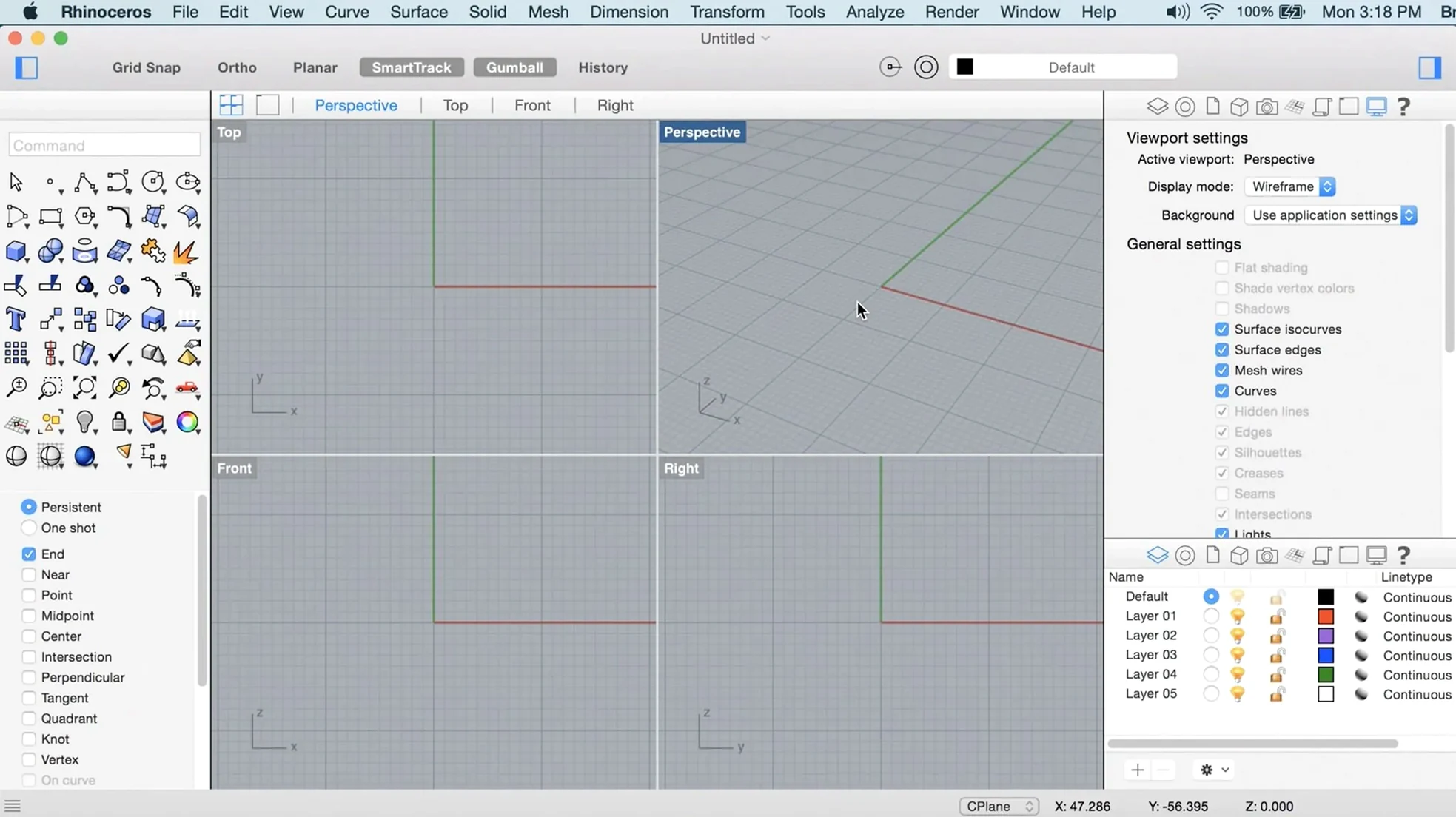
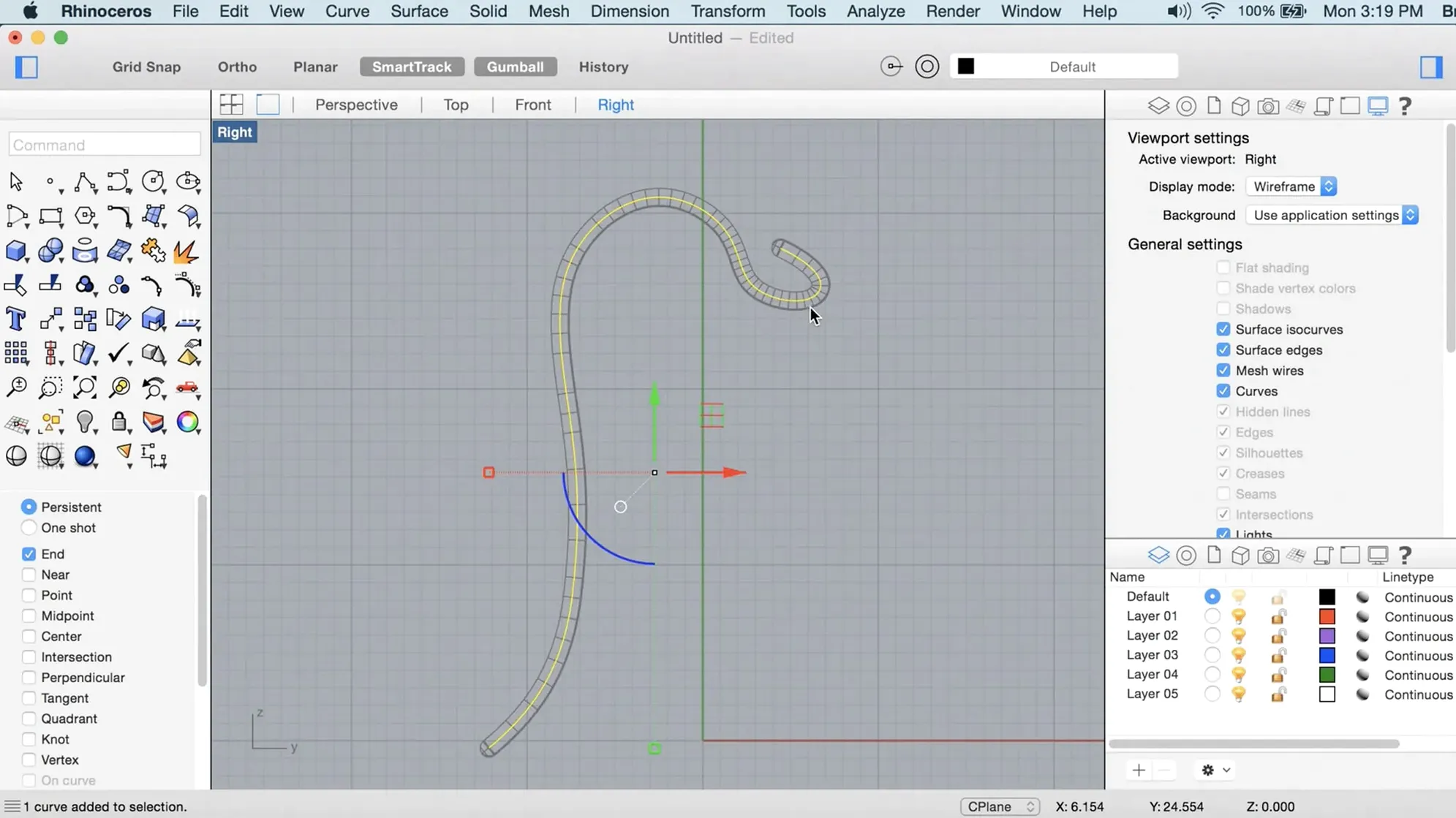
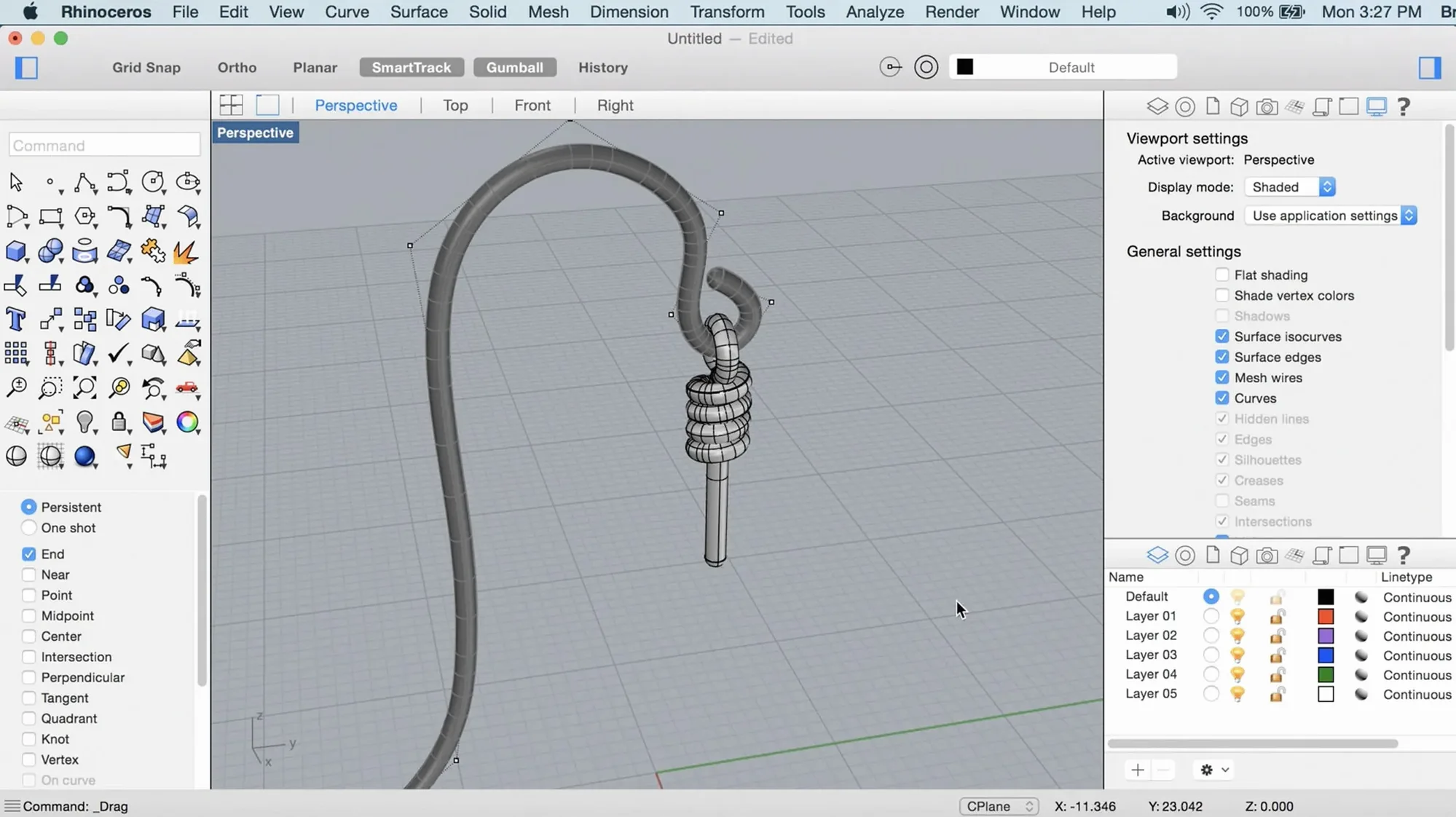
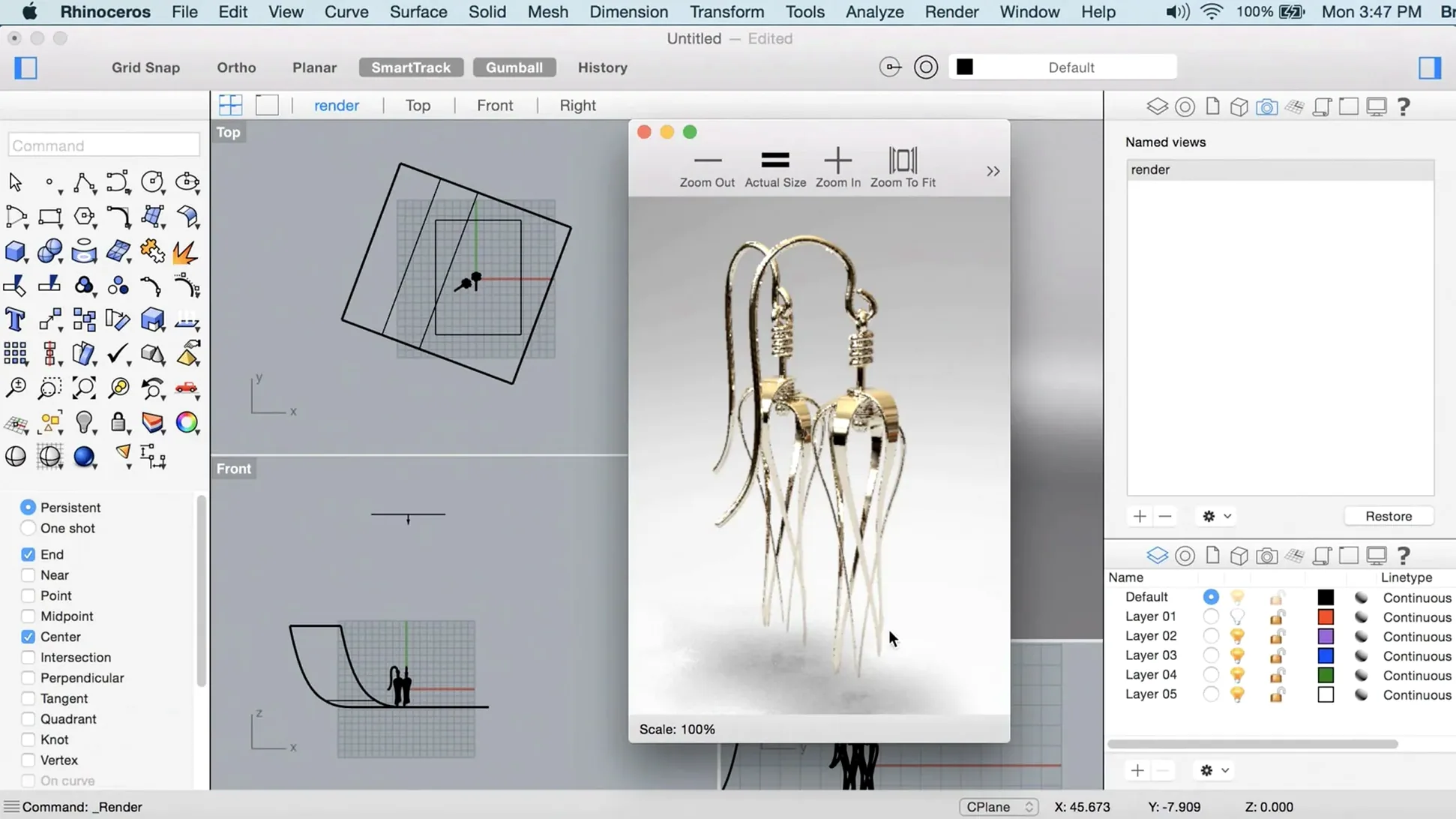
If you already work with SolidWorks or Fusion 360, Rhino feels familiar at first – but the deeper tools are what keep experienced users here. Rhino 8 for Mac runs natively on Apple Silicon and Intel, so it actually uses the hardware you have, not a compatibility layer.
Tools you will use every day
- ShrinkWrap – wraps a mesh tightly around any geometry, useful for organic forms and packaging work.
- Faster render engine – the Metal-based graphics on Mac mean previews and final renders come up noticeably quicker.
- Customisable UI – you can rearrange panels and toolbars to match your workflow, not the other way around.
- New Grasshopper data types – more flexibility when building parametric models.
- Handles objects of different complexity, degree, or size, limited only by the hardware.
What changes on a Mac
The Mac version is now a proper native app, not a port. The Metal renderer makes real-time feedback faster, and the UI customisation means you can set up a layout that stays out of the way when you are working on complex assemblies. The install process still needs a Terminal step to bypass Gatekeeper, but it is a one-off – after that, Rhino behaves like any other Mac app.
SubD Creases sharpen or soften edges without rebuilding
A few things in Rhino 8 do not shout for attention but save time every day if you look for them. The SubD Creases tool is one. It lets you sharpen or soften edges on a SubD surface without rebuilding the geometry. Useful when you are working on automotive or product forms and need a hard crease line in one place but a fillet in the next. It is a small toggle, not a separate operation.
PushPull workflows are another. If you have used SketchUp you know the gesture – pull a face and the whole shape follows. Rhino 8 brings that same direct manipulation to NURBS surfaces and solids. You click a face, drag, and the model updates. No extra command, no typing a distance first. For quick iterative changes, it cuts out a lot of tool switching.
The faster render engine is not just about final output. It makes the viewport itself feel more responsive when you rotate, pan or zoom in a shaded view. Metal display technology pushes more frames through the Mac GPU, so the lag that used to happen with large point clouds or complex meshes is largely gone. You notice it most when you are orbiting a model with several million points – the view keeps up.
Drag the whole Rhinoceros 8 folder into Applications
First run after install: Rhino may not appear in your Dock the way you expect. Dragging the app to Applications is the correct step, but make sure you drag the whole Rhinoceros 8 folder, not just the launcher inside it. If you only drag the launcher, the app will look for support files in the wrong place and refuse to start.
The Gatekeeper bypass step (pressing Enter in Terminal) is necessary because the Mac version is not signed by an Apple-recognised developer. If you skip it, the system blocks the app silently. If Rhino appears to do nothing after you double-click it, open Terminal and run rhino to see the actual error. Usually it is a permissions issue that the one-off bypass would have fixed.
Large models with many linked files: Rhino 8 handles them, but if you work off a network drive, move the project folder to your local SSD first. The app does not cache remote data the way some CAD suites do, so network latency shows up as stutter when you orbit or select. Local copy fixes that every time.
UI customisation resets sometimes after a crash. Save your workspace layout once you have it the way you want – Preferences > Interface. That way a crash does not cost you half an hour of panel arrangement.
Better NURBS curves for engineering and architecture than Blender
Blender. Blender is free, open source and strong at organic modelling and animation. Its NURBS tools are weaker than Rhino's, and Blender relies on polygon meshes for most work. If you need precise NURBS curves for engineering or architectural surfaces, Rhino is the better fit. Blender wins on rendering out of the box and on animation, but its modelling workflow is less direct for CAD-style geometry.
Moi. Moi (from Bang Zoom) is a NURBS modeller used in industrial design and film effects. It is lighter and cheaper, but its macOS build is Rosetta-only – it does not run natively on Apple Silicon. Rhino 8's native ARM support means better performance on current Macs, and Rhino's ecosystem of plug-ins and Grasshopper for parametric design is much larger. You would pick Moi if you need a lean NURBS tool and your projects stay small. For anything collaborative or large-scale, Rhino is more practical.
FreeCAD. FreeCAD is parametric and open source, but its Mac version is still playing catch-up. The UI is less polished, and complex assemblies bog down faster than in Rhino. FreeCAD is fine for learning parametric modelling or for simple mechanical parts. For professional work with tight deadlines, Rhino 8's stable viewport and native Metal render save time that FreeCAD cannot match on the same hardware.
Architects move between 2D drawings and NURBS geometry in one app
Architects who need to move between 2D drawings and NURBS geometry in one app. The customisable UI and PushPull tools speed up early massing studies, and the native render engine makes client presentations smoother on a MacBook without a dedicated GPU.
Industrial designers working with organic surfaces – ShrinkWrap and SubD Creases handle the transition from scanned clay models to production-ready surfaces. The new Grasshopper data types also help if you iterate through dozens of parametric variations before settling on a final form.
CAD users switching from Windows who want a Mac-native app, not a WINE wrapper. Rhino 8 does not pretend to be Windows software. It uses Mac display APIs, Mac font rendering and standard Mac file dialogs. The learning curve is about the tools, not about fighting the platform.
Anyone collaborating on large models with a team. The workflow changes in Rhino 8 are aimed at reducing bottlenecks when you open a file that has been edited by three other people that morning. That is the kind of real-world pressure where Rhino 8 holds its ground better than the previous version did.
- ShrinkWrap added
- Metal-based graphics for faster rendering on Mac
- More customisable user interface
- macOS 12.4 Monterey or later
- Intel 64-bit or Apple Silicon processor
- 8 GB RAM minimum
- 10 GB available disk space
- Multi-button mouse with scroll wheel recommended
Staffroom comments 0
Sign in or create an account here to leave a comment.
Nobody has commented on this one yet.