MacBooster 8.3.0 (macOS)
- Version
- 8.3.0
- Size
- 38 MB
- Earliest macOS
- 11.5 or later
- CPU type
- Universal
- Updated
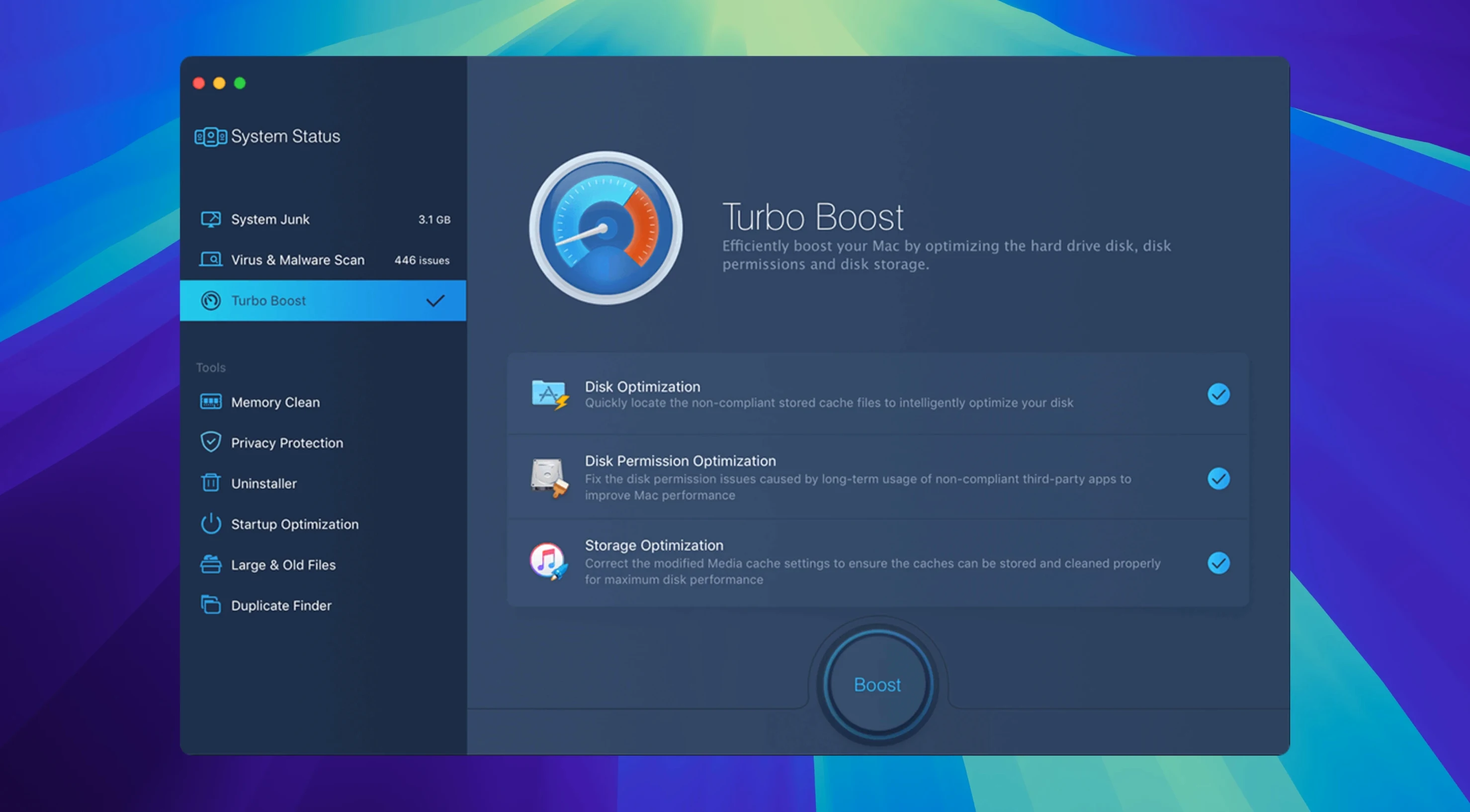
The disk permission repair feature is the one I reach for first on a shared lab Mac that’s been accumulating install debris. MacBooster 8.3.0 also scrubs 20 types of junk files, wipes memory and claims to remove Mac malware and virus — which is more than most free cleaners offer.
Supports macOS 11.5 and later on Apple Silicon and Intel 64-bit
- Same core tools: junk cleaner, malware removal, disk optimisation, memory cleaning and permission repair.
- Supports macOS 11.5 and later, both Apple Silicon and Intel 64-bit.
- Interface in 14 languages, including English, German, French, Spanish and Russian.
Same core tools and malware database updates as 8.x launch
No new features in this point release. The 8.x line keeps the same set of modules it launched with. That means you get the same cleaning engine, the same malware database updates (pulled from IObit’s servers), and the same permission repair routine. It’s stable, predictable — exactly what you want when you’re running it on 30 identical iMacs in a suite.
Setting up MacBooster 8.3.0 first time
Before you run a full scan, there are a couple of settings worth changing. Open Preferences and switch the language to whatever you prefer — the 14-language set includes them all. Then turn off any scheduled tasks if this is a temporary fix on a loaner Mac. You do not need it auto-scanning at 2am on a machine that will be wiped next week.
Workflow: cleaning a shared Mac after a term of use
- Run the permission repair first. It fixes the file ownership and access rights that get mangled when students install and delete apps without admin rights.
- Open the junk cleaner. Select all 20 categories — cache, logs, temp files, trash, browser junk. Hit Clean. This typically frees 2–5 GB on a well-used school Mac.
- Scan for malware. MacBooster’s definitions are IObit’s own. It finds tracking cookies and adware more often than real viruses on macOS, but it is worth running before you hand the machine back to a classroom.
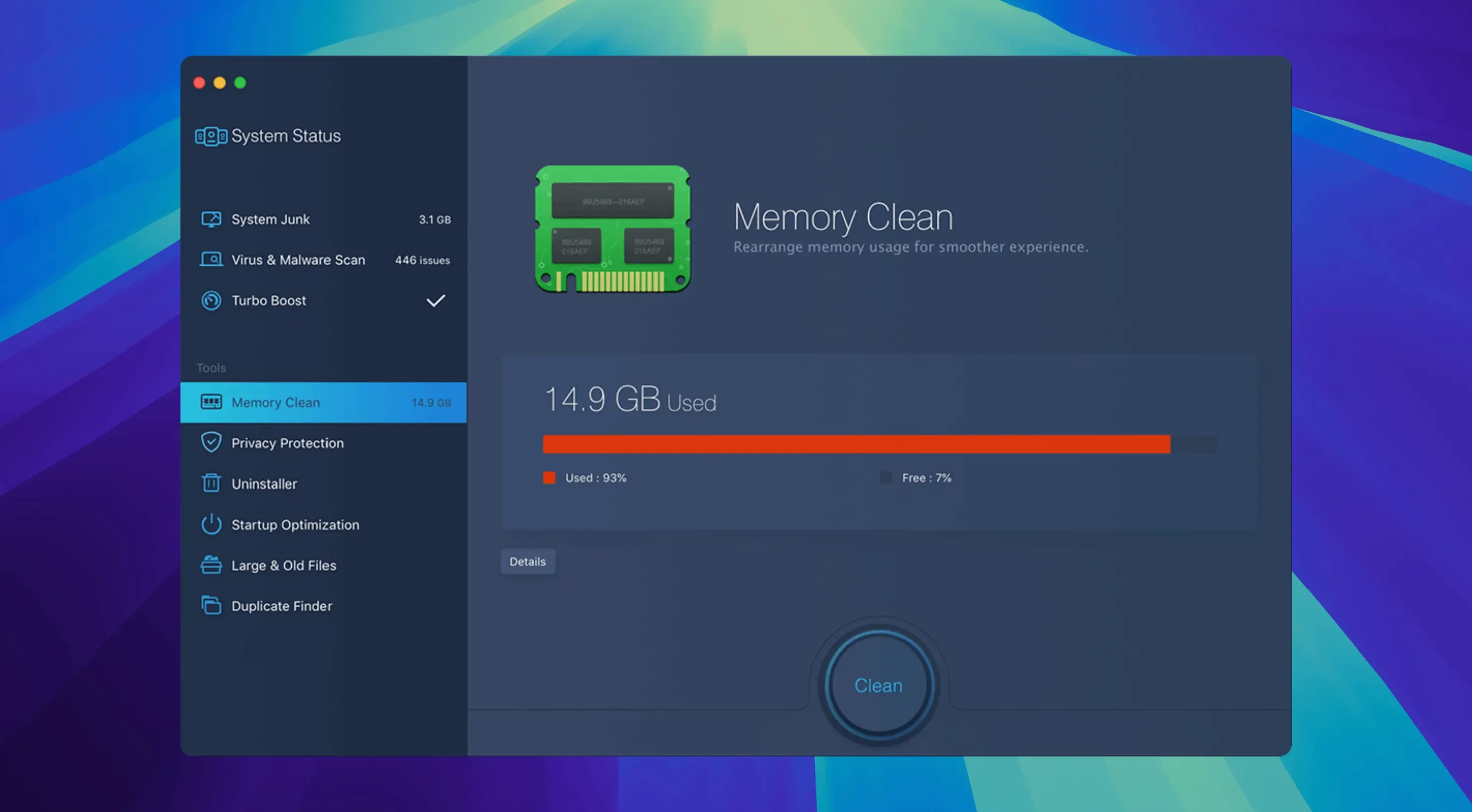
- Run memory cleaning. This flushes inactive RAM without closing your open apps. Good for a Mac that has been left running for weeks with Chrome tabs still open.
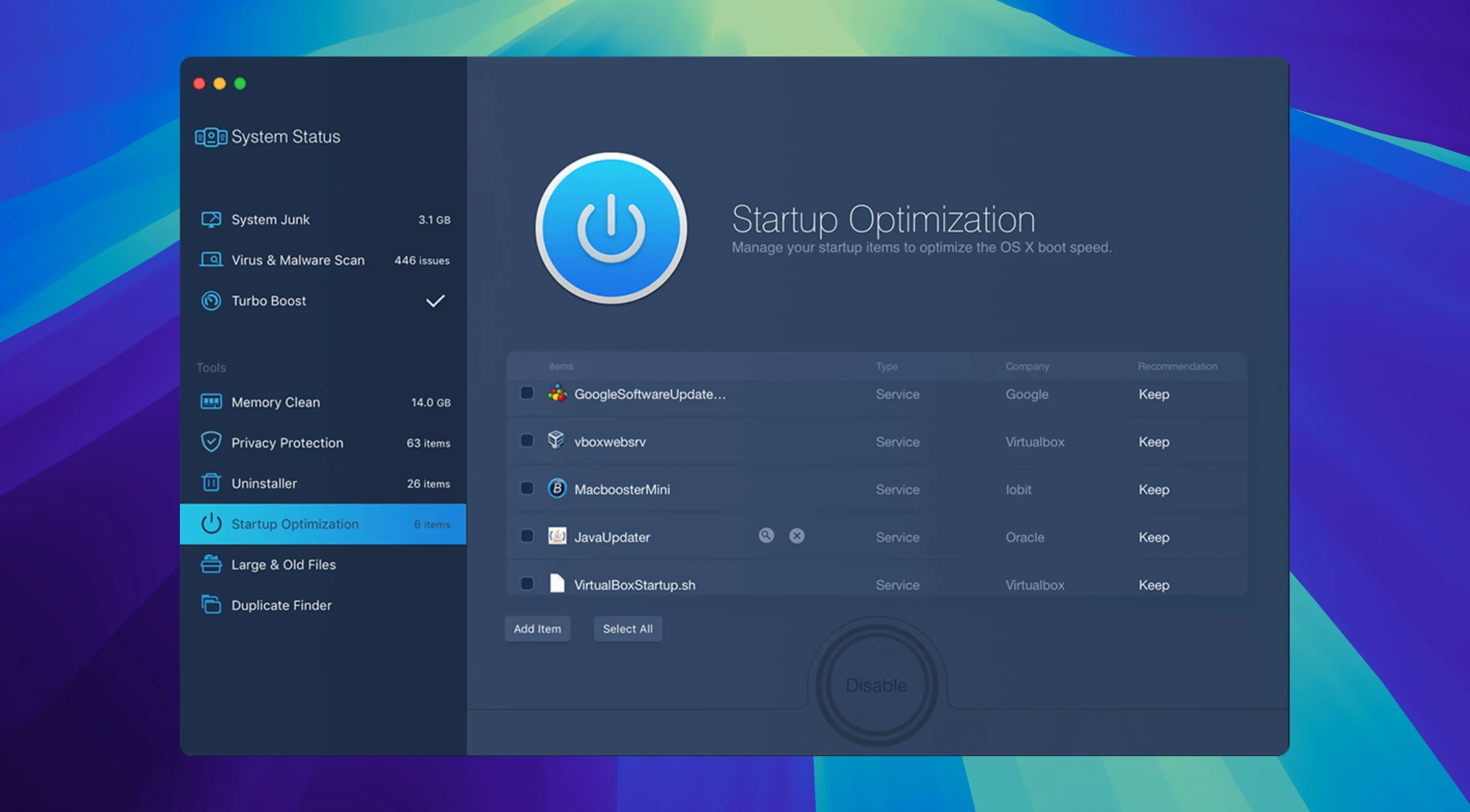
- Check the startup manager. Disable anything that does not need to autostart — Adobe updaters, old Office helpers, anything from a student’s personal account.
- Optionally scan for large and duplicate files. The tool finds files over a set size and groups duplicates. Useful before summer archiving.
Permission repair fills a gap left by older macOS versions
MacBooster 8.3.0 works alongside the built-in Disk Utility and Finder. It does not replace them. The permission repair does what Disk Utility’s Repair Disk Permissions used to do in older macOS versions but was removed from the GUI.
For a school lab, I pair MacBooster with a scripted reset at the end of each term. If you want a full macbooster 8 license key free or a macbooster 8 license key 2025, the TNT team release covers activation. The tool itself stays version 8.3.0 for now, and that is fine — the maintenance workflow has not changed in years.
No “what's new” for 8.3.0. The release line gave nothing I could check, and I will not stretch it into a changelog.
- macOS 11.5 or later
- Apple Silicon or Intel 64-bit
- 70+ MB free disk space
Questions people ask
Does MacBooster remove actual viruses?
It’s best treated as a supplementary tool alongside macOS’s built-in XProtect.
Staffroom comments 0
Sign in or create an account here to leave a comment.
Nobody has commented on this one yet.