Farming Simulator 25 1.25.0 (macOS)
- Version
- 1.25.0
- Size
- 31 GB
- CPU type
- Universal
- Updated
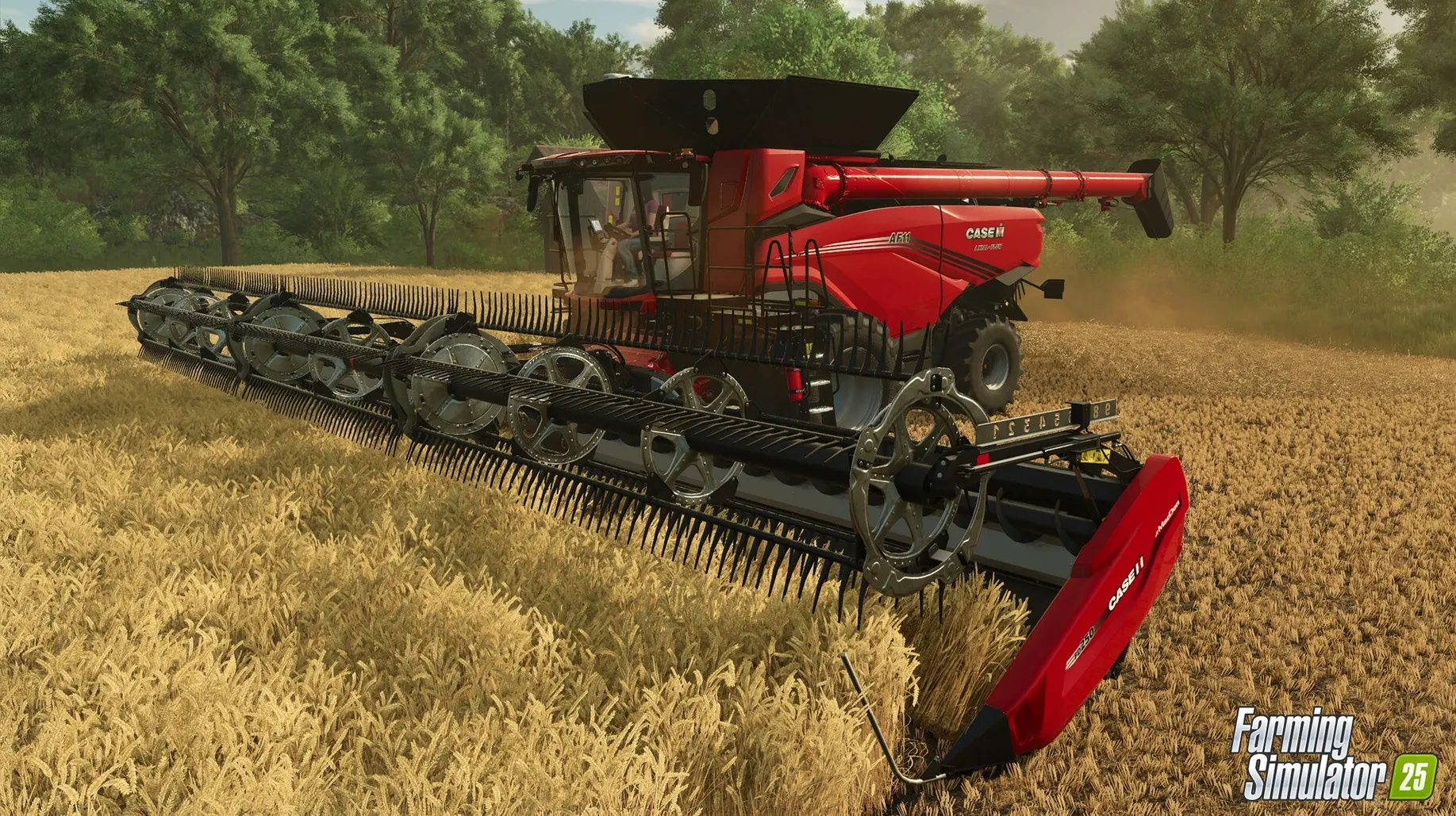
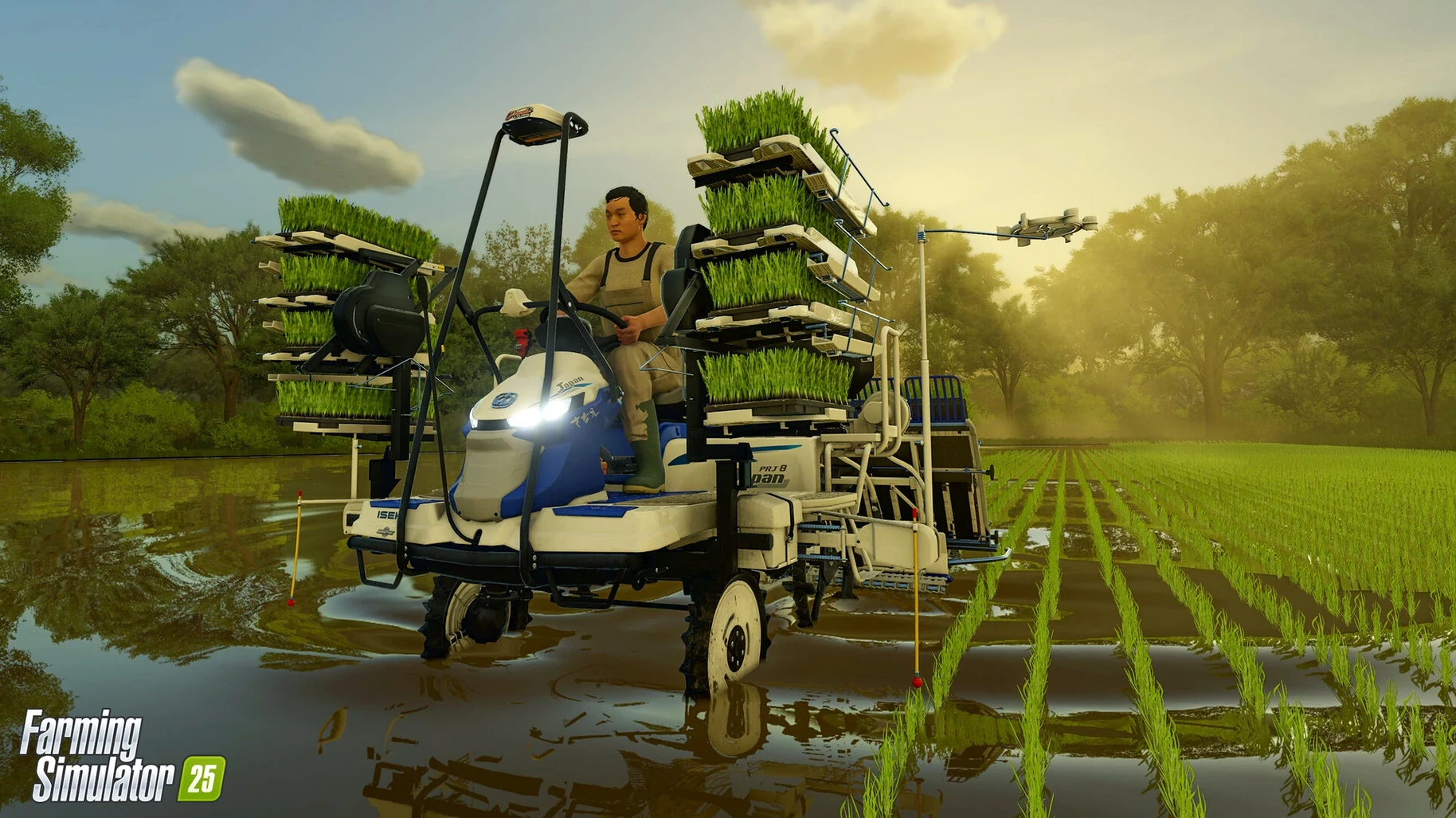
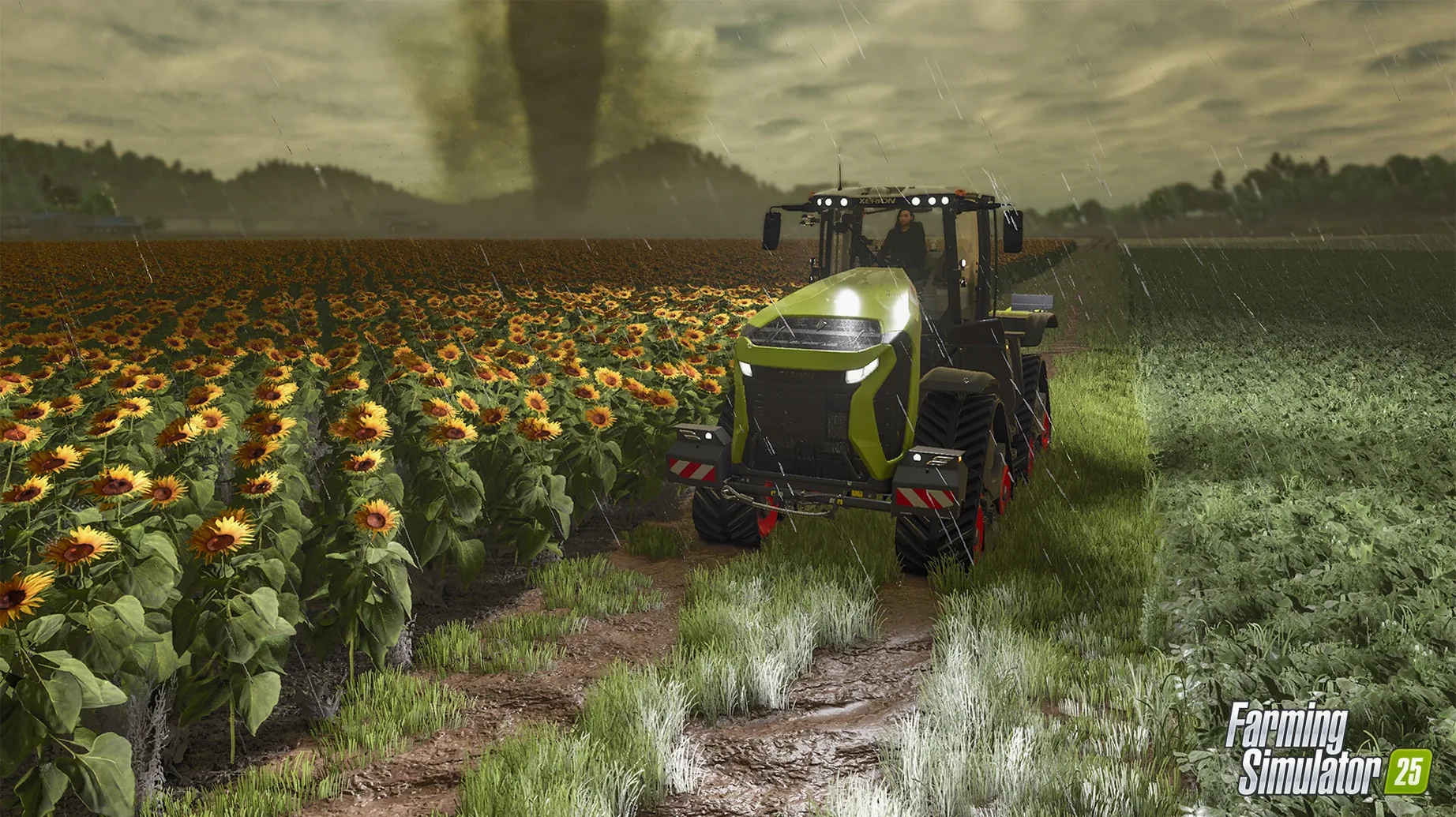
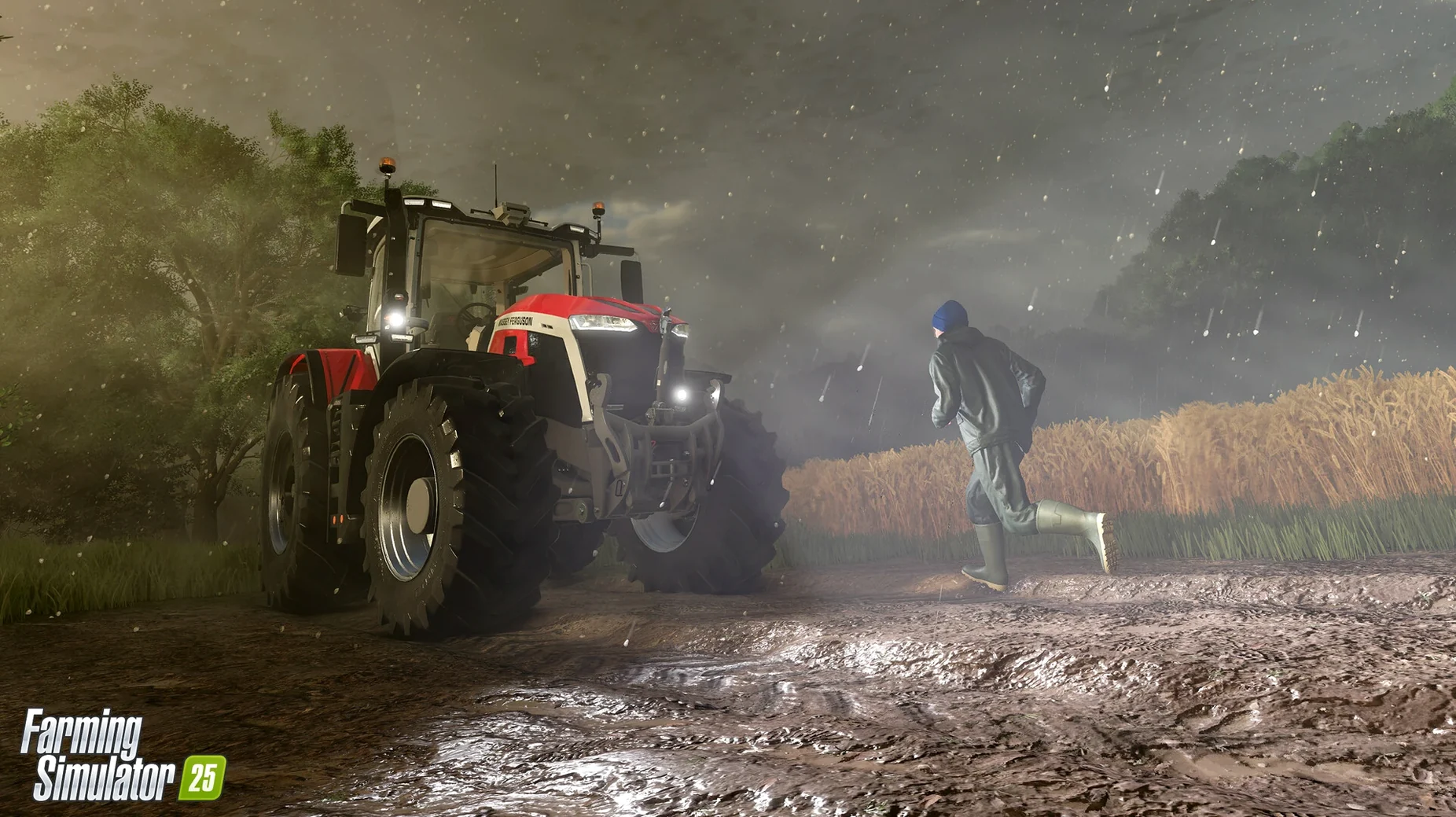
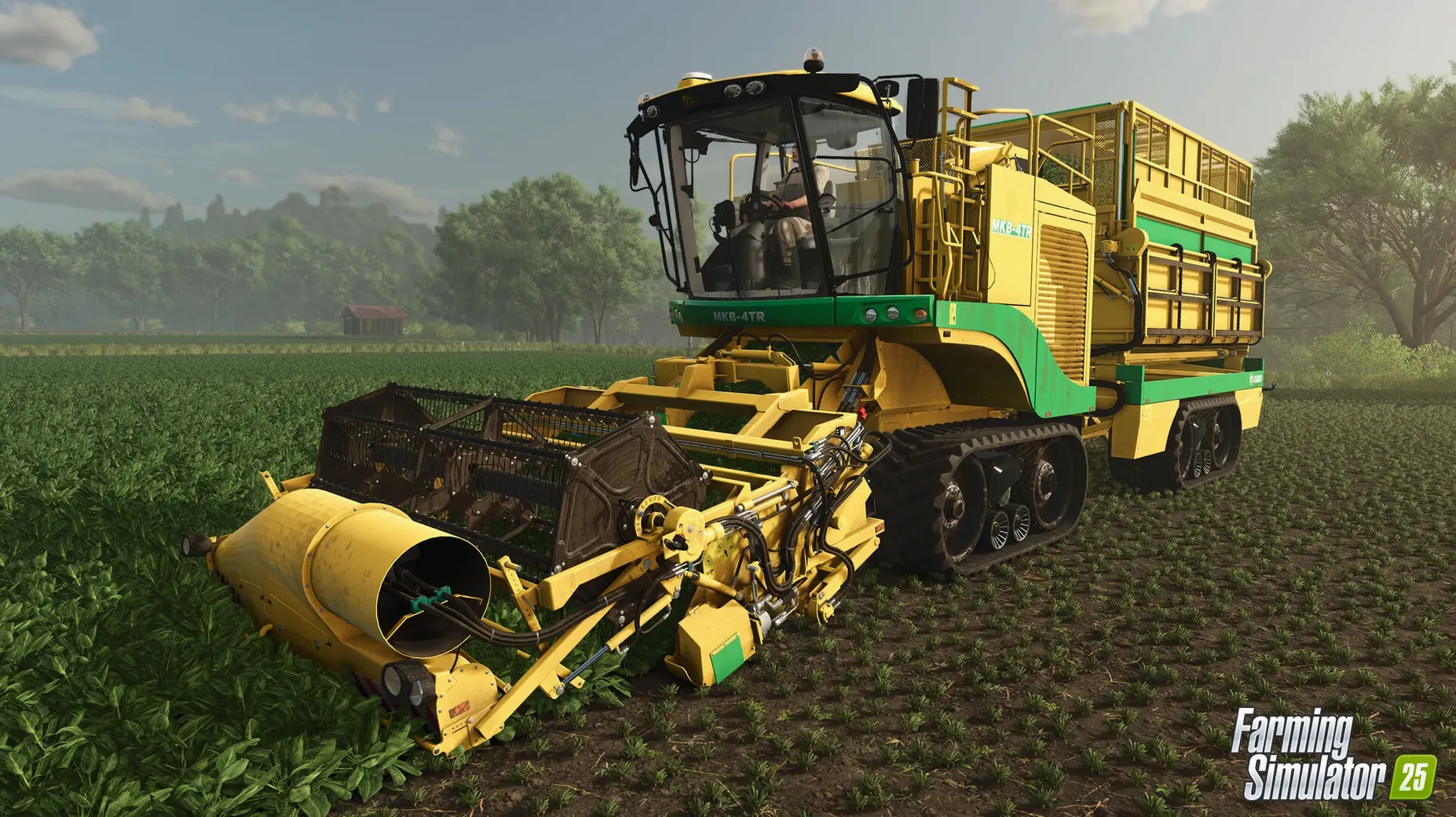
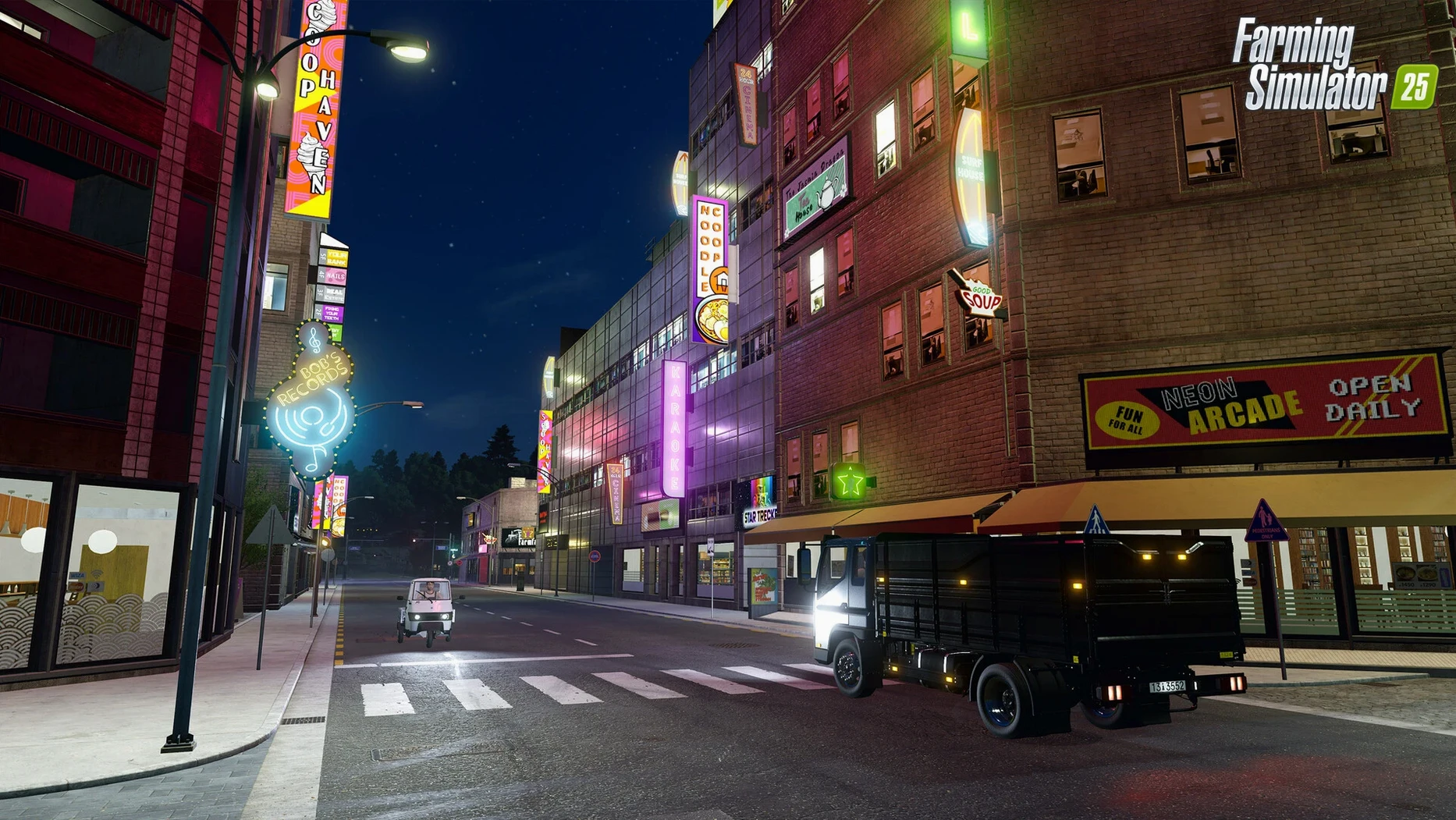
400 machines from more than 150 manufacturers, three real-world settings, and crops like spinach, peas and green beans. Farming Simulator 25 runs on Giants Engine 10 and covers North America, Central Europe and East Asia. If you like slow, methodical work — planting, harvesting, managing equipment, building a farm from scratch — this is your game. It rewards patience over reflexes. The update 1.23.1.0 (September 2026) fixes bugs and improves stability.
| Detail | Value |
|---|---|
| Developer | Giants Software |
| Latest version | 1.23.1.0 |
| Released | 12 November 2024 |
| macOS required | 11.3 or later |
| Architecture | Intel & Apple Silicon |
| RAM | 8 GB |
| Storage | 45 GB |
If you need fast action, competitive multiplayer, or a clear story with cutscenes, look elsewhere. Farming Simulator 25 is a sandbox for the calm and the curious: you set your own pace, download user creations from ModHub, and grow two kinds of rice if you want to. It is not a game for everyone, but for those who enjoy the quiet cycle of seasons and machines, it is hard to beat.
Start with medium equipment, not the biggest
The game does not hold your hand much. Better to start with the medium-sized equipment the farm gives you and upgrade when you know the field shapes.
Another common stumble: ignoring the GPS-assisted steering. It is there from the start. Beginners manually line up row after row, which gets tiring. Switch it on early and let the game handle the straight lines while you watch the map or plan the next field.
Weather surprises people too. Hurricanes and hail are not just visual effects — they can damage crops and equipment. New players sometimes leave expensive machinery parked in a field during a storm. It is worth watching the forecast and moving things under cover.
The deformation feature that keeps tyre tracks in the ground is a nice detail, but it also means mud builds up in wet weather. If you drive the same route repeatedly, the ground gets churned up. Beginners who race across a wet field often get stuck. Slow down, stay on established paths when it rains.
Finally, the mod list. ModHub is full of user creations and it is tempting to install dozens at once. Some mods conflict or get abandoned by their makers. Start with one or two mods, play a few hours, then add more. It saves chasing compatibility issues later.
Runs standalone without a launcher or always-online
Farming Simulator 25 is a standalone game — no launcher, no always-online requirement for single-player. It works with standard macOS window management: you can run it fullscreen or in a window if you need to check a browser guide or a spreadsheet for your farm accounts.
If you use multiple desktops (a macOS staple since the trackpad gestures appeared), the game stays on its own desktop and you can swipe to another for web research or music. It does not fight the operating system for focus.
The cooperative multiplayer uses the same game client. You do not need a separate app. One player hosts a save, others join. The host needs a decent upload speed if it is more than two players, but macOS handles that on the network side without extra configuration.
For accessibility, the game includes features baked into Giants Engine 10 — resizable UI elements and adjustable text sizes. These are part of the game itself, not something macOS handles. They work well on both Intel and Apple Silicon machines, so the experience is the same regardless of hardware.
The game saves locally. If you use Time Machine or a cloud sync service like Dropbox, you can back up the save folder manually. ModHub downloads are also stored locally, so a clean macOS reinstall means re-downloading your mods unless you saved the folder.
Let the first launch finish building its cache
After you double-click the DMG and drag the app into Applications, the first launch might take a while on the initial load. That is normal — the game is building caches. Let it finish. Do not force quit if it seems slow.
Start the tutorial farm. It is a small setup with basic equipment. Run through the first season. It teaches the controls without the pressure of debt or deadlines. You can leave the tutorial farm at any point and start a free game on one of the three maps — North America, Central Europe or East Asia.
Learn the key bindings early. F2 opens the shop, F1 the help menu. The controls for attaching and detaching implements are not intuitive for everyone, so spend ten minutes in the first field just hitching and unhitching trailers. It saves frustration when you are mid-harvest and need to swap tools.
Keep an eye on the storage requirement: 45 GB. If your drive is nearly full, the game will complain or run slowly. Clear space before installation.
Finally, the game includes baby animals. If you start with livestock, the initial setup includes a couple of animals. They will breed. Do not overstock pens early — you can end up with more animals than you can feed. Start small with animal care, then expand once the crop income is steady.
- Bug fixes and game improvements.
- Update 1.23.1.0 released on 9 September 2026.
- macOS 11.3 or later
- Intel or Apple Silicon (M1 or later)
- 8 GB RAM
- 45 GB available storage
- 64-bit processor and operating system
Questions people ask
Does Farming Simulator 25 include user-made content?
Yes, you can download and install user creations from the in-game ModHub.
What accessibility features does the game have?
The game includes accessibility options, though specific features are not detailed in the summary.
Staffroom comments 0
Sign in or create an account here to leave a comment.
Nobody has commented on this one yet.
Other Games tools
All Games tools-
 Factorio
2.1.24
5.7 GB
Games
-
 Firewatch
1.12aIntel Macs only
2.1 GB
Games
-
 Euro Truck Simulator 2
1.61.1Intel Macs only
35 GB
Games
-
 Frostpunk
1927Intel Macs only
8.9 GB
Games
-
 Dead Island
7.0.0
77 GB
Games
-
 Dead Cells
1.26.0Intel Macs only
1.9 GB
Games
-
 Hearts of Iron IV
1.19.4Intel Macs only
6 GB
Games
-
 Cuphead
1.3.3Intel Macs only
Games