
Revoice Pro 5.1.30 (macOS)
- Version
- 5.1.30
- Size
- 39 MB
- Earliest macOS
- 10.14 or later
- CPU type
- Universal
- Updated
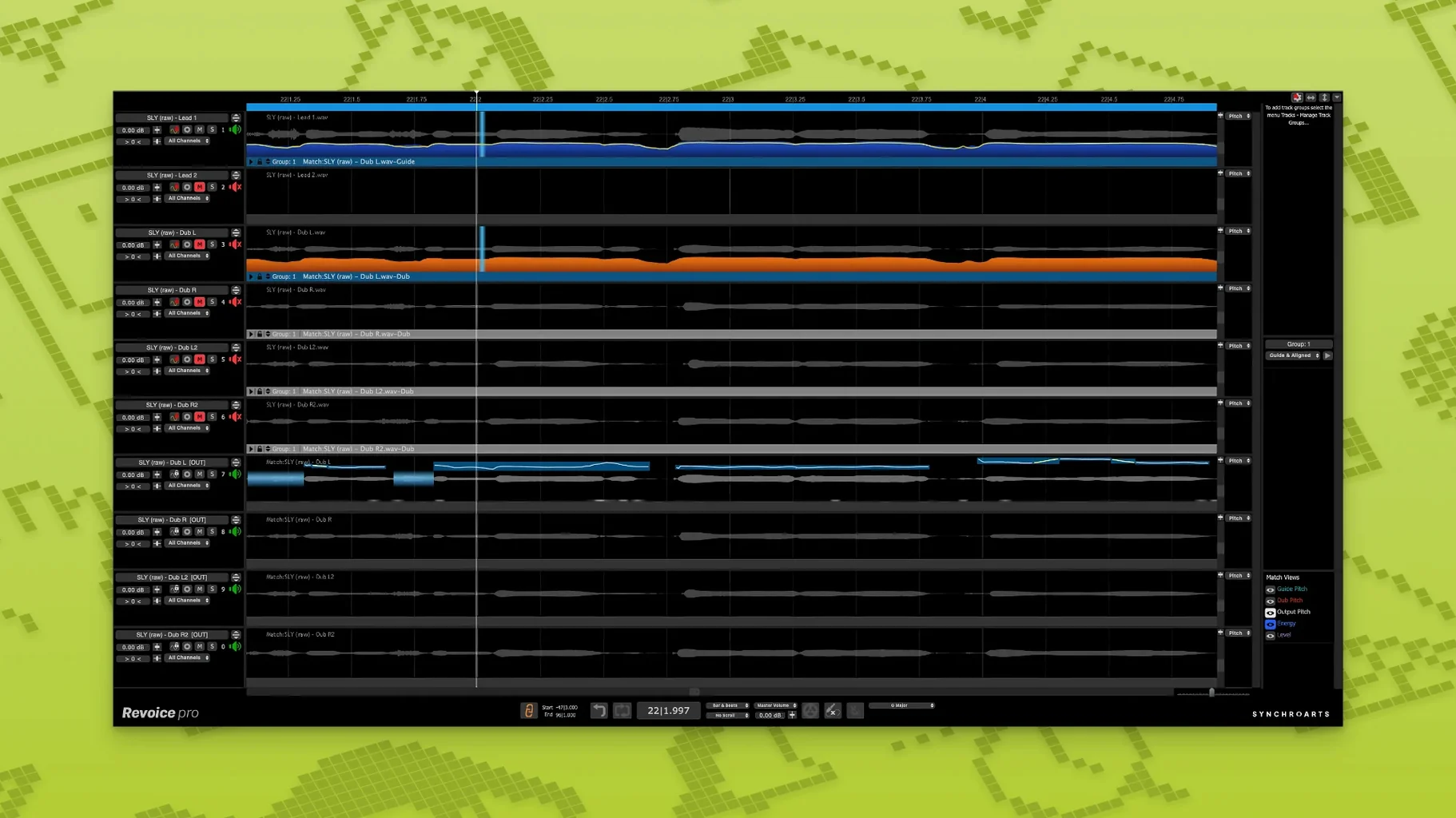
Producers and engineers tracking vocals know the problem: takes that drift in timing, doubles that sit just off, harmonies that never quite lock. Revoice Pro fixes those without comping takes by hand. It aligns time, pitch and loudness across tracks, so a vocal stack or a layered instrument feels like one performance.
| Detail | Spec |
|---|---|
| Version | 5.1.30 |
| Developer | Synchro Arts |
| macOS | 10.14 or newer |
| Architecture | Intel + Apple Silicon |
| Host formats | AU, VST3, AAX 64-bit |
| Language | English |
Three controls shape the sound. SmartAlign synchronises takes that start or end at different points — useful when a comped vocal has gaps. SmartPitch matches the pitch of a double or harmony to the lead, so the layer thickens without a warbly chorus effect. The Shaper Tool gives you direct control over pitch curves, letting you nudge notes that are close but not quite. Together they turn a rough vocal comp into a finished, centred double, and the whole thing lives inside your DAW as an AU, VST3 or AAX plugin.
Saves hours of manual pitch and timing edits
If you spend your session nudging regions and drawing pitch lines by hand, Revoice Pro saves that time. Music producers working on tight delivery dates — pop, hip-hop or any genre where the lead vocal drives the mix — will find SmartAlign alone worth the install. Audio editors who maintain a consistent vocal sound across ad spots or voiceovers also benefit: the same alignment and pitch tools translate to spoken word, keeping takes locked without sounding over-processed.
Vocal doubling is the other big win. Layering takes that are micro-offset sounds natural, but trying to force it with a chorus plug-in rarely works. The vocal doubler in Revoice Pro creates that layered feel without the phase smear, which helps when you need a lead that sounds bigger without calling attention to the effect.
For engineers working in a multi-format studio — running Pro Tools, Logic or Studio One — the plugin architecture (AU, VST3, AAX) means it slots in without a new workflow. And because it runs on both Intel and Apple Silicon Macs, it works across your machines as they transition.
SmartAlign syncs comped takes with different start times
SmartAlign handles a detail that other tools often miss: takes that start or end at different positions on the timeline. If you comp a vocal from three different takes and the edit points don't line up, SmartAlign synchronises them without requiring you to trim the regions first. That saves a round-trip of razor edits before you even start processing.
The Shaper Tool gives you pitch-curve control that feels like an audio editor's drawing tool — useful for a note that lands flat on the tail but is fine at the start. You correct the curve, not the whole note. This avoids the robotic pitch drift you get from a simple retune.
SmartPitch is not just for doubles. It works on harmonies too, so a three-part stack locks against the lead without each part needing its own pitch correction pass. That is the sort of convenience that makes a vocal group sound tight on the first bounce, not after hours of tweaking.
- Shaper Tool — pitch-adjustment tool for fine control
- SmartPitch — matches pitch of doubles and harmonies
- SmartAlign — synchronises takes with different start or end positions
- macOS 10.14 or newer
- Intel or Apple Silicon processor
- AU, VST3, or AAX 64-bit host
Staffroom comments 0
Sign in or create an account here to leave a comment.
Nobody has commented on this one yet.
Other VST Plugins tools
All VST Plugins tools-
 RipX DAW Pro
8.0.3
1.6 GB
VST Plugins
-
 reFX Nexus
5.5.21
72 MB
VST Plugins
-
 Roland ZENOLOGY Pro
2.0.7
1.8 GB
VST Plugins
-
 Safari Pedals Everything Bundle
2026.05
628 MB
VST Plugins
-
 Scaler 3
3.3.2
1.4 GB
VST Plugins
-
 Serum
2.1.5
1.2 GB
VST Plugins
-
 Plugin Alliance Shadow Hills OptoMax
1.0.0
73 MB
VST Plugins
-
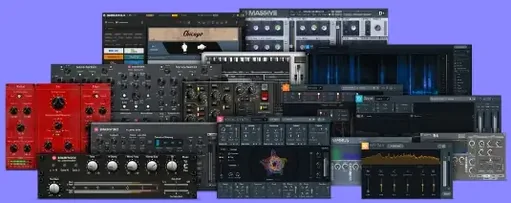 Plugin Alliance Brainworx Bundle
2025.06.16
2.1 GB
VST Plugins