AI Transcription 2.16 (macOS)
One download for Apple Silicon and Intel. Opens the install steps and mirrors.
- Version
- 2.16
- Size
- 5.1 GB
- Earliest macOS
- 14.6 or later
- CPU type
- Universal
- Updated
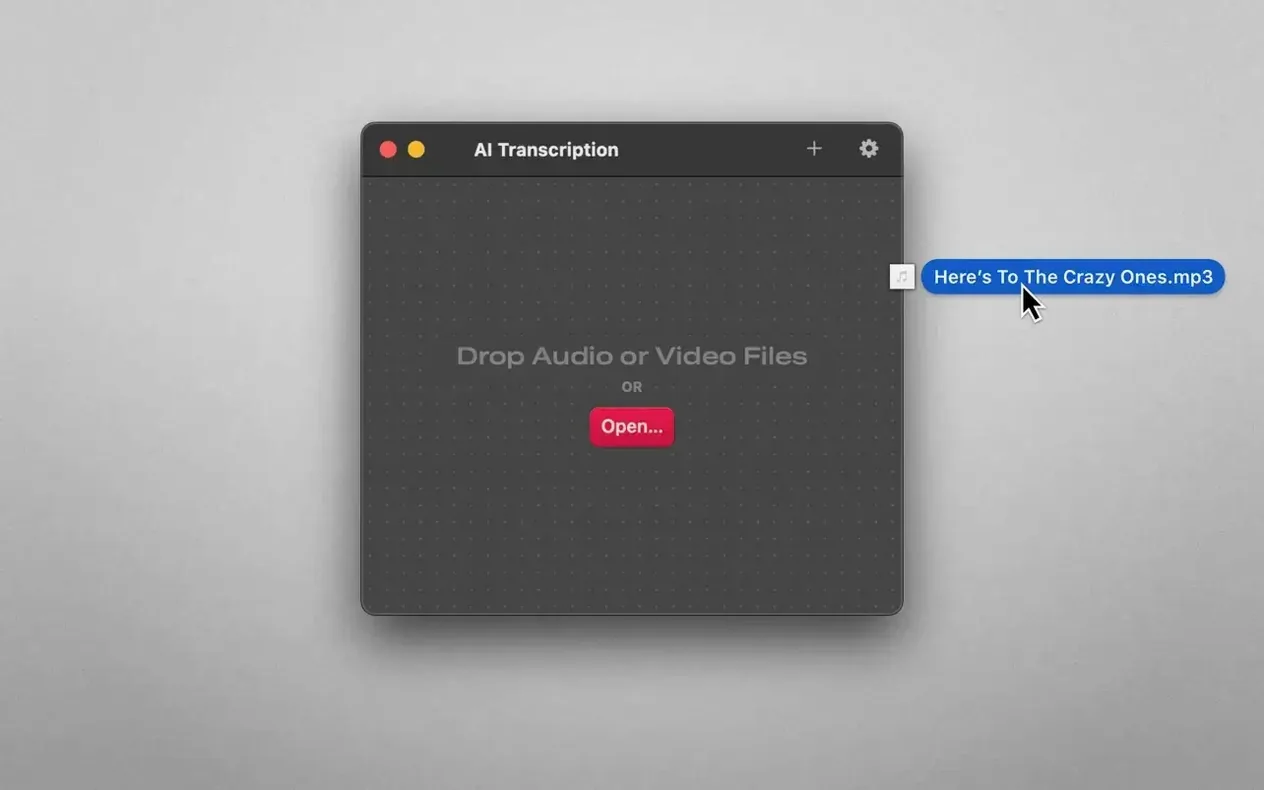
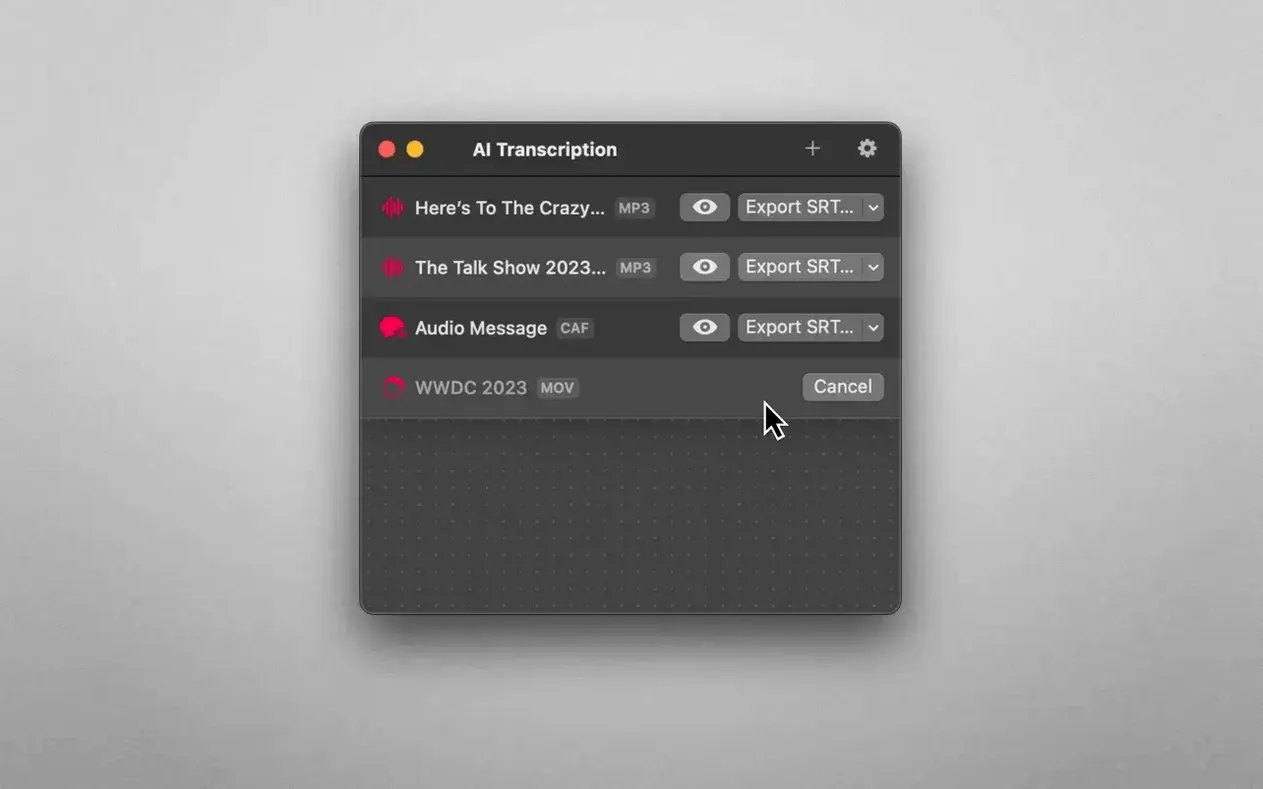
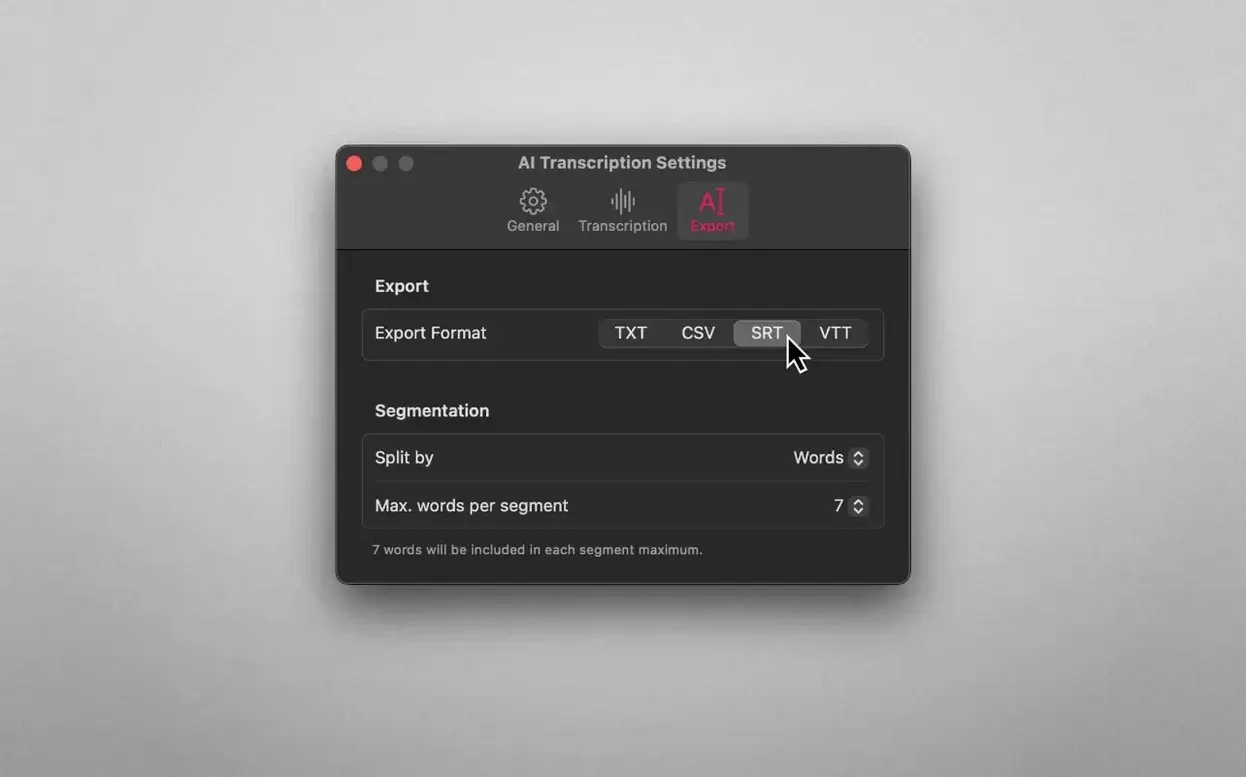
A journalist gets back to the office with three hours of MP3 interviews. No wifi, a tight deadline, and a recording that cannot leave the building. AI Transcription 2.16 chews through the files locally on the Mac, using OpenAI Whisper and Apple's own speech engine, and drops a plain text transcript before the kettle boils.
Offline transcription for sensitive audio
- Offline-only workflows where audio must stay on the machine
- Quick CSV or SRT exports for subtitling and data logging
- Pulling rough text from M4A, MP4, WAV and CAF files without an internet round-trip
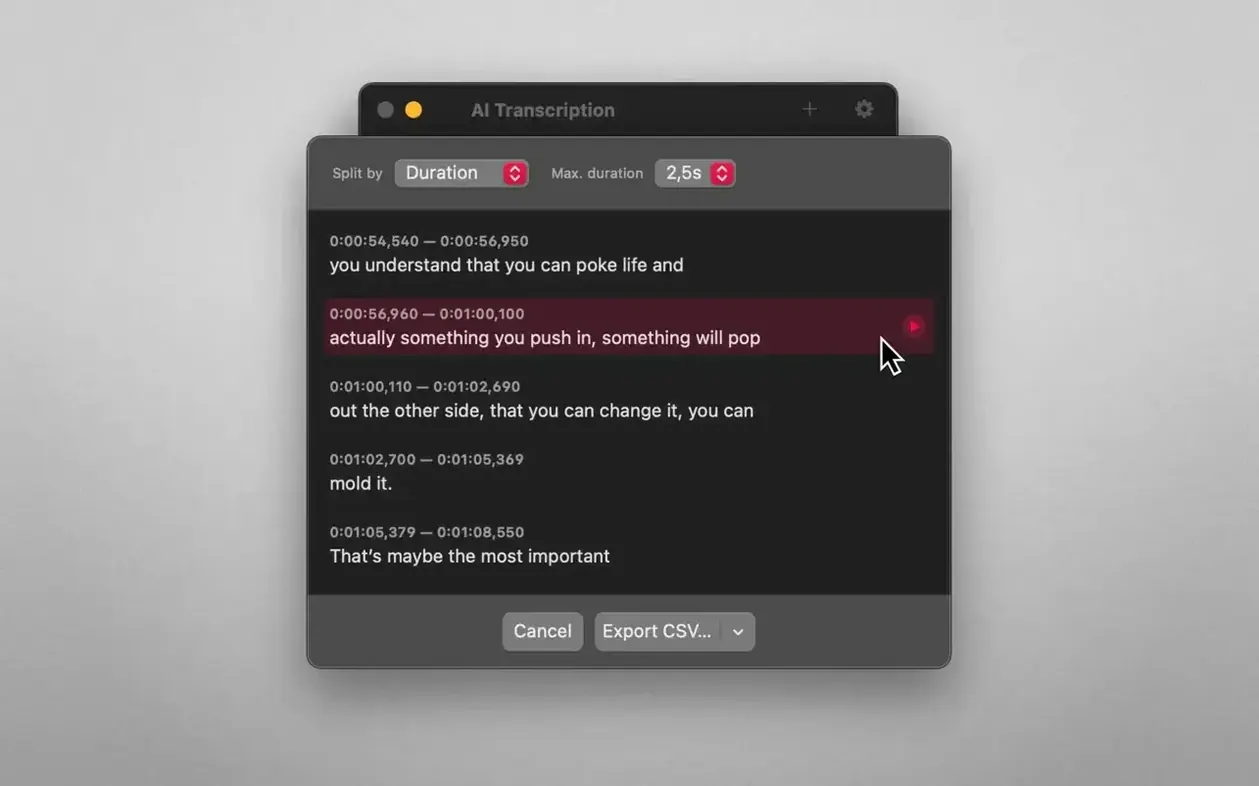
- Splitting output by word, sentence or time block for editing
MacOS 14.6 required; accuracy depends on source
- Requires macOS 14.6 or newer — older machines are locked out
- Accuracy depends on the source recording; Whisper is good, not magic
- Only a handful of file formats are accepted: MP3, WAV, CAF, AIFC, M4A, MP4
Drag a lecture file, transcription starts immediately
Drag a three-hour lecture recording (M4A) onto the app window. The transcription starts straight away — no menus to navigate, no model selection. I go and make tea. By the time I'm back, a text file is waiting in the output folder. No uploading, no waiting on server queues.
For a subtitling job I drag an MP4 interview onto the same window, then choose SRT from the export dropdown. The split-by-sentence option saves me chopping the transcript by hand later. Another time I need speaker-diarised plain text for a research project; the CSV export with time stamps is what I grab, because the data lands neatly in a spreadsheet column.
The drag-and-drop workflow repeats for every file. I don't re-think the steps. The app stays out of the way, which is all I want from a utility.
Runs on Apple Silicon and Intel Macs with macOS 14.6+
The app is compiled for both ARM and x86, so it runs on Apple Silicon Macs and on Intel models alike. It needs macOS 14.6 or later, which means a reasonably modern system. The developer lists no specific RAM or disk space requirements on the download page, so I treat it as a straightforward app that doesn't demand a workstation. It sits in the Applications folder after a normal drag-and-drop install — no extra runtimes, no model downloads.
Interface languages include English, German, Spanish, Italian, Simplified Chinese, Korean, Portuguese, French, and Japanese. The interface adjusts on launch, so colleagues who prefer their OS in German or Spanish see the controls in their own language.
Best for journalists and researchers needing offline compliance
Journalists and podcasters working under NDA or in sensitive settings are the obvious fit. The audio never leaves the Mac, which clears the compliance hurdle in one go. Academic researchers who record interviews and need rough text to search through later get a quick plain-text transcript without an internet round-trip. Video editors handling short clips for subtitles benefit from the SRT export and the sentence-split option — one drag, one export, and the caption file is ready to drop into a timeline.
It's less useful for real-time captioning or multi-speaker separation. It transcribes what it hears; it doesn't name speakers unless you edit the output yourself. For single-speaker recordings or clean interviews, it does the job with no fuss. The split-by-duration export helps when you need consistent time blocks for a transcript, like marking every thirty seconds of a lecture.
Anyone who works entirely offline — a field researcher on a remote site, a translator on a plane — will find the local processing a genuine time-saver.
No “what's new” for 2.16. The release line gave nothing I could check, and I will not stretch it into a changelog.
- macOS 14.6 or later
- Apple Silicon or Intel Mac
Questions people ask
Does AI Transcription send audio to the cloud?
No. All processing stays on the Mac. OpenAI Whisper and Apple Speech Recognition run locally.
Which export formats does version 2.16 support?
Plain text, CSV, SRT and WEBVTT.
Staffroom comments 0
Sign in or create an account here to leave a comment.
Nobody has commented on this one yet.
Other Mac Apps tools
All Mac Apps tools-
 Affinity Designer
2.6.5
779 MB
Mac Apps
-
 Adobe XD
59.0.12
2.6 GB
Mac Apps
-
 Adobe Substance 3D Painter
12.1.5
3 GB
Mac Apps
-
 Adobe Premiere Rush
1.5.62Intel Macs only
1.6 GB
Mac Apps
-
 Adobe Premiere Pro
26.5.2
4.1 GB
Mac Apps
-
 Adobe Photoshop
27.11
3.5 GB
Mac Apps
-
 Adobe Lightroom Classic
15.6.0
3.7 GB
Mac Apps
-
 Adobe InDesign
21.6.0
1.5 GB
Mac Apps