
Adobe Substance 3D Painter 12.1.5 (macOS)
- Version
- 12.1.5
- Size
- 3 GB
- Earliest macOS
- 12 or later
- CPU type
- Apple Silicon
- Updated
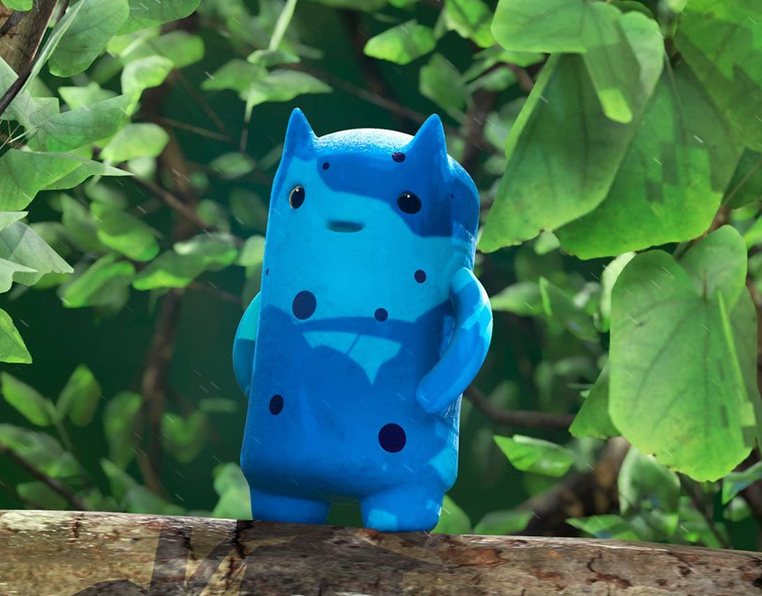
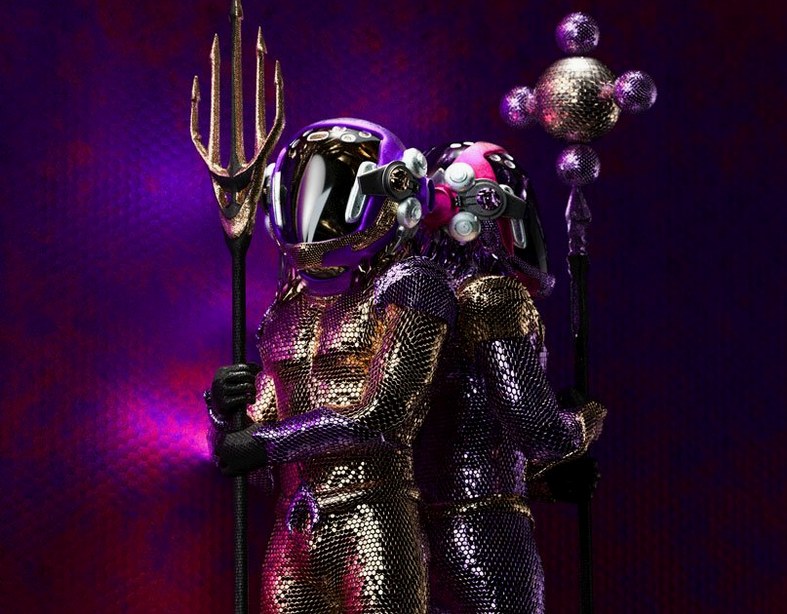
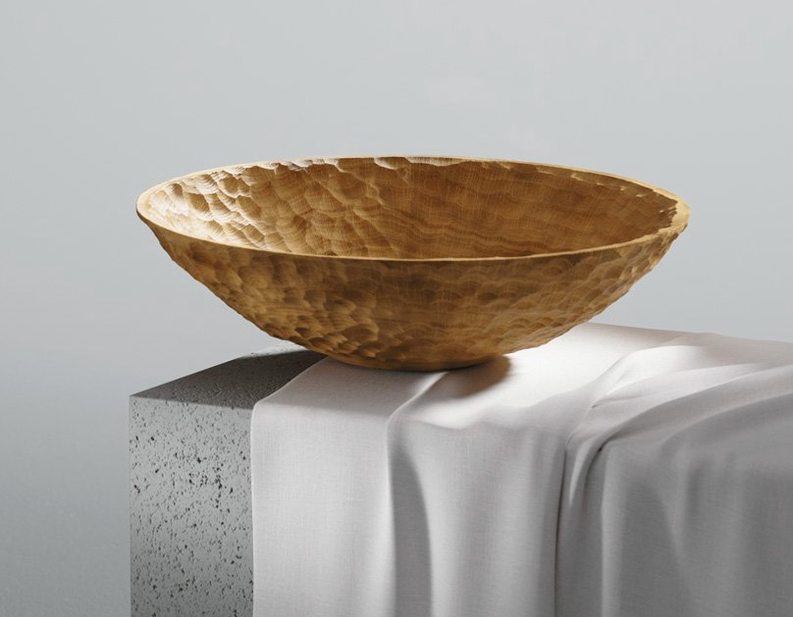

Substance 3D Painter is a 3D painting application that lets you texture meshes in real time. Brushes, smart materials and masks react to the surface geometry as you paint. You see the result in a lit viewport immediately — no round-tripping to a renderer.
Paints wear and dirt directly onto 3D assets
- Painting detailed wear, dirt and material layers directly onto 3D assets
- Non-destructive editing — every stroke and action is recorded and adjustable later
- Changing project resolution after you start, with no quality loss
- Viewport preview with improved lighting and shadows
- Pairing with Substance 3D Designer for material authoring workflows
Runs only on Apple Silicon with 16 GB RAM and 30 GB free
- Runs on Apple Silicon Macs only — no Intel support
- Requires macOS 12 Monterey or newer
- Needs 16 GB RAM and 30 GB free space on an SSD
- Only official Apple hardware configurations are supported
Painting on the raw mesh instead of a material layer
The most common error is painting directly on the base mesh without setting up a material layer first. Because Substance 3D Painter records every stroke non-destructively, you can undo almost anything — but a stroke painted on the raw mesh cannot carry the adaptive behaviour that Smart Materials give you. Newcomers often wonder why their texture looks flat; the answer is usually that they skipped the material assignment step.
Another frequent slip is ignoring the viewport lighting presets. The real-time preview shows your painting under the current light, but if you only check it under one angle, you might miss how the texture behaves under side or top light. Rotate the model and toggle between presets as you work.
Beginners also treat the parametric brushes like Photoshop’s basic round brush. They are not. A parametric brush in Painter responds to surface curvature and angle. If you expect uniform width across a curved surface, you need to adjust the brush orientation settings first. The same applies to projection brushes — they are designed for flat or near-flat areas, not deep concave geometry.
A subtler mistake: working at too low a project resolution. You can raise resolution later without quality loss, true, but if you begin painting at, say, 512×512 and then scale to 2048×2048, fine details you painted early become blocky and need rework. Start at the resolution your final output needs, or one step higher.
Lastly, people forget that Mask Styles adapt to shape. Using a generic circular mask on a complex model edge gives a soft, unconvincing boundary. Let the mask style read the geometry — it saves painting time and looks better.
Workflow: painting weathered armour from start to finish
Here is a typical task — weathering a shoulder pauldron from a clean mesh to a worn, battle-scarred piece.
Open the pauldron mesh in Painter. The viewport shows a neutral grey material. First, assign a Smart Material for the base metal. Substance 3D Painter comes with a library of Smart Materials; pick one labelled ‘Brushed Steel’ or similar. The material adapts to the pauldron’s curves automatically. Set project resolution to 2048×2048 — enough for close-ups in a game cutscene.
Now add a new paint layer above the material. Paint a brownish-orange wash over the raised edges and rim of the pauldron. The brush follows the surface; you do not need to shade manually. Switch the viewport to a side-light preset to check the wash catches the highlights correctly.
For scratches, create another layer. Change to a projection brush with a thin, hard tip. Zoom in on the shoulder curve and paint short, angled strokes that follow the geometry. Because the strokes are non-destructive, you can erase or reshape any scratch later. Use the mask tool with a mask style set to ‘Edge’ so the scratch naturally fades at the tip rather than cutting off square.
Add dirt and grime on a third layer. Use a particle brush (size 8–12, low density) and paint a brown-black dust across the lower half of the pauldron. The particles scatter according to the surface slope — steeper faces catch fewer particles, flatter areas collect more. This reads as realistic grime instantly.
Finally, adjust the overall lighting. The real-time viewport lets you tweak the shadows and highlights without committing. When satisfied, export the textured mesh. The whole process, from clean mesh to finished texture, takes under an hour after a few repetitions.
Pairs with Substance 3D Designer for material authoring
Substance 3D Painter does not live alone. It pairs directly with Substance 3D Designer for creating and editing the smart materials and textures you paint with. You can author a material in Designer, switch to Painter to apply it to a mesh, and return to Designer to tweak the material properties — the changes update in Painter without a re-import.
For Photoshop users: Painter supports Photoshop brush sets. If you have custom brushes for rust, leather or fabric textures, you can load them into Painter and use them alongside the native parametric and particle brushes. This saves recreating brush libraries from scratch.
On the macOS side, the application works with macOS virtual desktops (Spaces). Keep Painter full-screen on one desktop, Substance 3D Designer on another and a Finder window with your reference images on a third. Switch with three fingers on the trackpad — it keeps the painting flow uninterrupted.
File management is standard macOS: save your project as a Painter native file, then export as OBJ or FBX for game engines, or as PNG texture maps for film pipelines. The 30 GB SSD requirement means you should keep your project files on an internal drive or a fast Thunderbolt SSD — network shares can lag when saving large meshes.
Because Painter uses Apple Silicon natively, it integrates well with Rosetta-free workflows. If you also run Blender or Maya on the same machine, you can texture a model in Painter, switch to your DCC app for rigging or animation, and never leave the Apple Silicon native environment. No emulation overhead.
No “what's new” for 12.1.5. The release line gave nothing I could check, and I will not stretch it into a changelog.
- macOS 12 Monterey or newer
- Apple Silicon Mac
- 16 GB RAM
- SSD with 30 GB free space
Questions people ask
Will Substance 3D Painter run on my Intel Mac?
No. Version 12.0.3 requires an Apple Silicon Mac and will not run on Intel hardware.
What macOS version does Painter 12.0.3 need?
It needs macOS 12 Monterey or later. Older systems are not supported.
Can I change the texture resolution later?
Yes. Project resolution can be changed after you begin painting, without reducing quality.
Staffroom comments 0
Sign in or create an account here to leave a comment.
Nobody has commented on this one yet.
Other Mac Apps tools
All Mac Apps tools-
 Adobe XD
59.0.12
2.6 GB
Mac Apps
-
 Adobe Premiere Rush
1.5.62Intel Macs only
1.6 GB
Mac Apps
-
 Affinity Designer
2.6.5
779 MB
Mac Apps
-
 Adobe Premiere Pro
26.5.2
4.1 GB
Mac Apps
-
 Adobe Photoshop
27.11
3.5 GB
Mac Apps
-
 Adobe Lightroom Classic
15.6.0
3.7 GB
Mac Apps
-
 Adobe InDesign
21.6.0
1.5 GB
Mac Apps
-
 AI Transcription
2.16
5.1 GB
Mac Apps