Affinity Designer 2.6.5 (macOS)
One download for Apple Silicon and Intel. Opens the install steps and mirrors.
- Version
- 2.6.5
- Size
- 779 MB
- Earliest macOS
- 10.15 or later
- CPU type
- Universal
- Updated
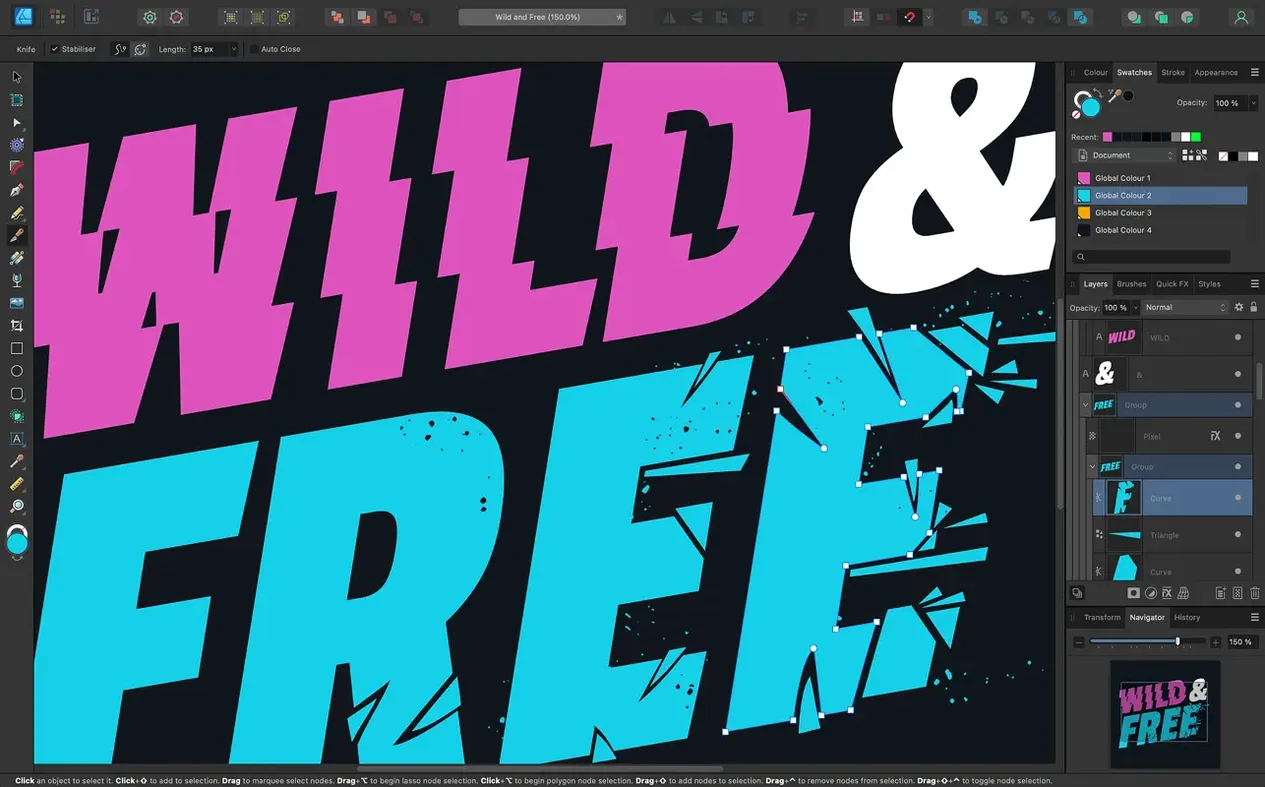
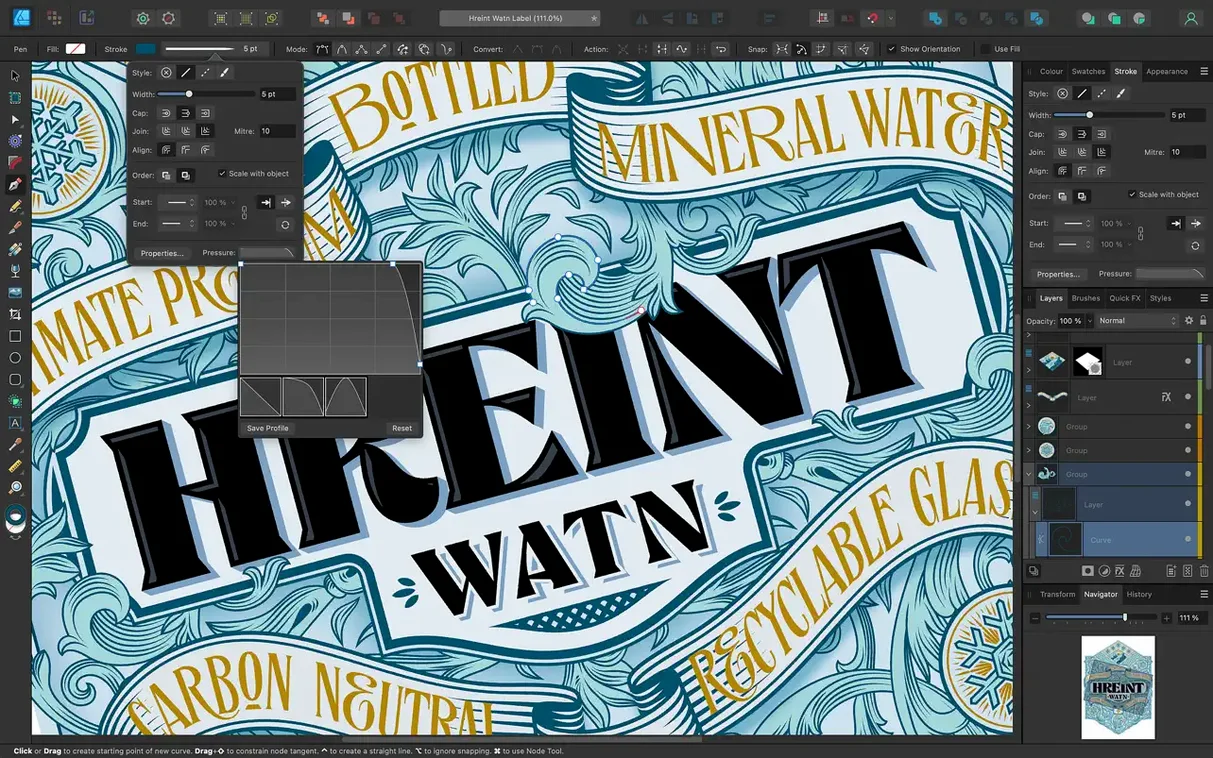
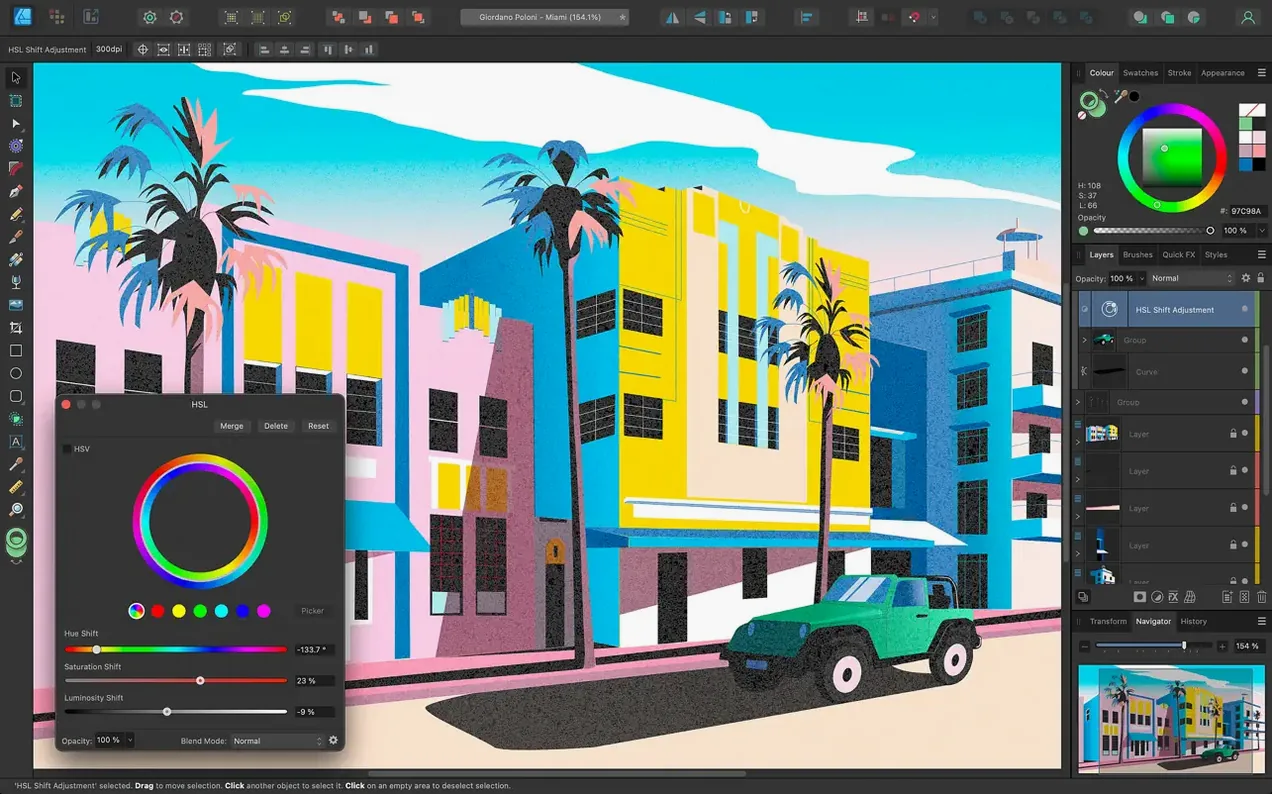
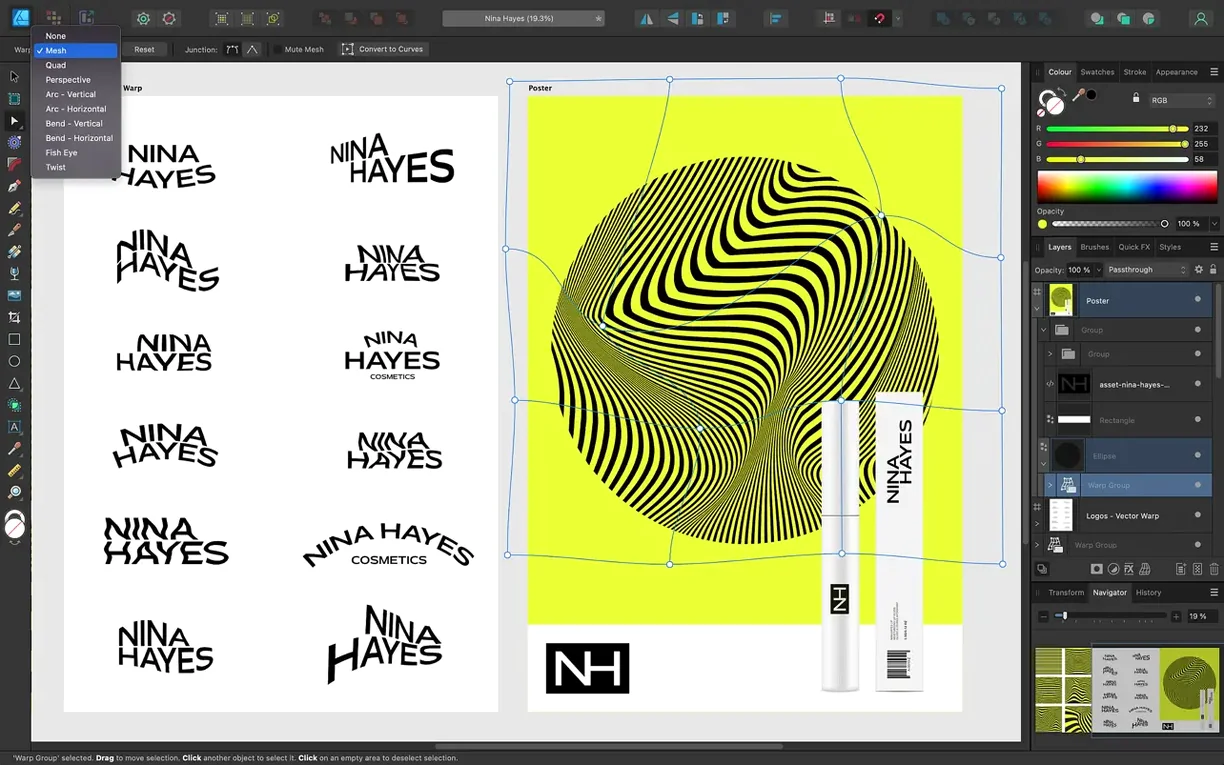
Version 2.6.5 lands with the stroke and pencil tweaks the 2.6 cycle introduced—Stroke Width Tool profiling improvements, a Reset Profile option, and a marquee intersection toggle via Command or Ctrl. Nothing loud. Just the kind of fit-and-finish work that keeps a vector tool predictable under heavy use.
What sort of app is it
Affinity Designer is a vector drawing app built for macOS. It handles the usual toolkit—Pen, Node, shape and curve editing—alongside unlimited artboards, text-on-a-path, and OpenType feature support.
Who actually uses it
Illustrators, UI designers, sign makers, people laying out multi-page brochures via artboards—anyone who needs precise curves and clean exports. It shows up on secondary-school Macs in art and D&T departments because it runs well on older hardware and doesn't phone home for a monthly payment.
What Mac does it need
macOS 10.15 Catalina or later. It runs native on Apple Silicon and 64-bit Intel machines, leans on Metal and Core Graphics for screen redraw, and supports Touch Bar and Force Touch trackpads where present.
Gotchas that trip up new users
Every vector app has a few gotchas that trip up new users. Affinity Designer is no different.
Stroke Width Tool not behaving
The 2.6 release added profiling improvements and a Reset Profile button. If your variable-width strokes look wrong after applying a profile, select the stroke and click the Reset Profile option in the Stroke panel. Nine times out of ten that clears the odd weighting left over from an earlier profile.
Pen tool snapping where you don't want it
Snap-to-grid and snap-to-curve can fight your hand when you're tracing a reference image. Turn off snapping from the toolbar button (it looks like a magnet) or use the keyboard shortcut N to cycle snap modes. Useful to remember when you're laying out logos over a grid template.
Marquee selection selects the wrong layer
The Command or Ctrl toggle added in 2.6 lets you switch between intersection and normal marquee behaviour. If you're drawing a selection box and Affinity grabs objects you didn't intend, hold the key down while dragging to restrict it to intersecting objects only. Saves unpicking a selection manually.
Pencil stabilisation still feels off
The Pencil tool improvements in 2.6 tightened up brush and pencil behaviour. If your freehand curves still jitter, check the stabilisation slider in the context toolbar—it runs from Off to Max. Max slows the stroke noticeably, so most people settle around two-thirds of the bar.
Part of the Affinity suite with seamless file sharing
Affinity Designer is part of the Affinity suite alongside Photo 2 and Publisher 2. Files move between them without exporting—save a vector in Designer, open it directly in Publisher for layout, or pull it into Photo for pixel-level retouching. That's useful in a school environment where one person may be doing the illustration and another the print-ready layout.
macOS integration is straightforward. Designer picks up system fonts, including any OpenType ones you've installed, and respects ICC colour profiles set in System Preferences. The app uses Metal and OpenGL for canvas redraw, so older Macs with decent GPUs keep a 60 fps pan and zoom. Touch Bar and Force Touch trackpad users get pressure sensitivity without extra configuration.
File compatibility with other tools runs through PSD, AI, PDF, EPS, SVG, JPG, TIFF and EXR. CMYK and LAB colour models mean pre-press work stays accurate.
Unlimited artboards for multi-poster projects
The graphic design teacher at a secondary school needs to produce six A3 posters for open evening, each with a different background colour, school crest, and event details. She uses unlimited artboards—one per poster—so everything sits in one file. The crest was drawn in Affinity Designer last term using the Pen tool and lives in a layer that's linked, not copied, across all six artboards. Text is set along a curved path under the crest. When the head of department changes the event date, she edits the text once and the linked layer updates on every board. Export goes straight to PDF with ICC profile embedded because the print shop uses a different CMYK setup than the school's Canon printer. Total time: maybe half a lesson.
- Stroke Width Tool profiling improvements and a Reset Profile option
- Pencil tool refinements
- Command or Ctrl toggle for marquee intersect selection
- Bug fixes and stability improvements
- macOS 10.15 Catalina or later
- Apple Silicon or 64-bit Intel Mac
Questions people ask
Does it handle text on a curve?
Yes—you can set text along any drawn path and it respects OpenType features like ligatures and alternates.
What languages does the interface use?
English, German, Spanish, Italian, French, Portuguese, Japanese and Simplified Chinese.
How many artboards can I add?
There is no fixed limit. You can add as many artboards as a project needs.
Staffroom comments 0
Sign in or create an account here to leave a comment.
Nobody has commented on this one yet.
Other Mac Apps tools
All Mac Apps tools-
 Adobe XD
59.0.12
2.6 GB
Mac Apps
-
 Adobe Substance 3D Painter
12.1.5
3 GB
Mac Apps
-
 Adobe Premiere Rush
1.5.62Intel Macs only
1.6 GB
Mac Apps
-
 Adobe Premiere Pro
26.5.2
4.1 GB
Mac Apps
-
 Adobe Photoshop
27.11
3.5 GB
Mac Apps
-
 AI Transcription
2.16
5.1 GB
Mac Apps
-
 Adobe Lightroom Classic
15.6.0
3.7 GB
Mac Apps
-
 Adobe InDesign
21.6.0
1.5 GB
Mac Apps