Dorico Pro 6.2.30 (macOS)
One download for Apple Silicon and Intel. Opens the install steps and mirrors.
- Version
- 6.2.30
- Size
- 661 MB
- Earliest macOS
- 12 or later
- CPU type
- Universal
- Updated
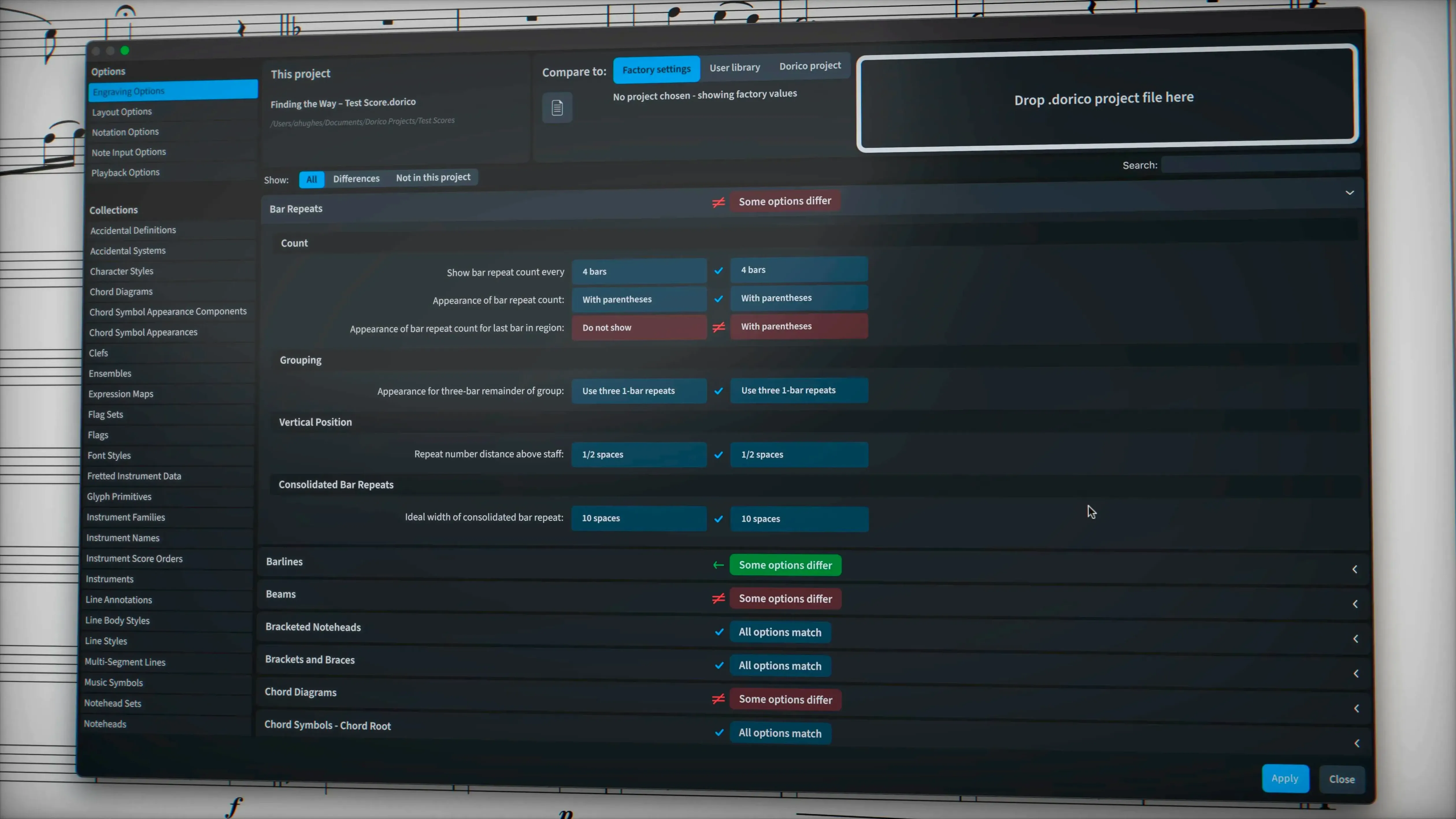
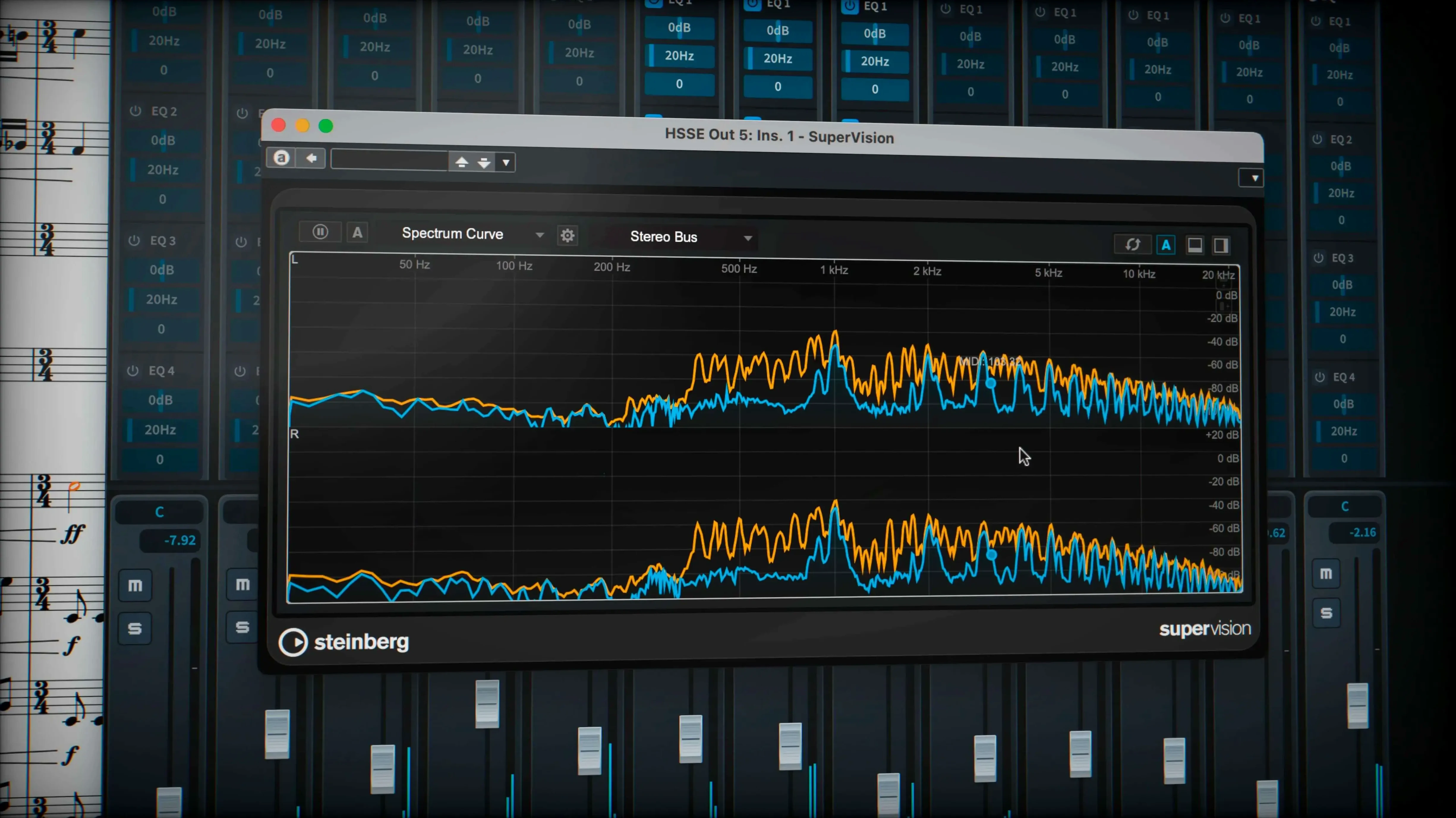
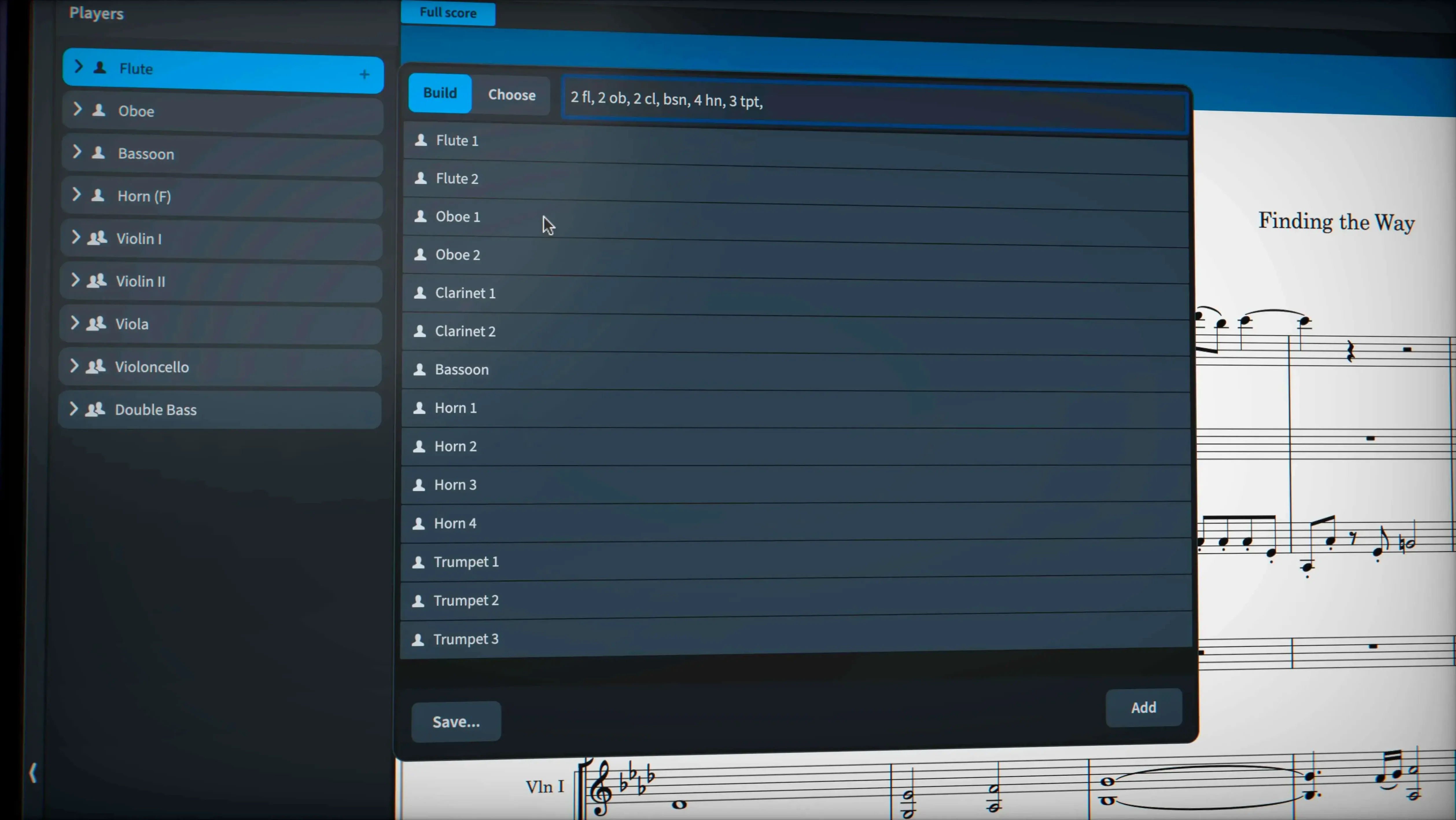
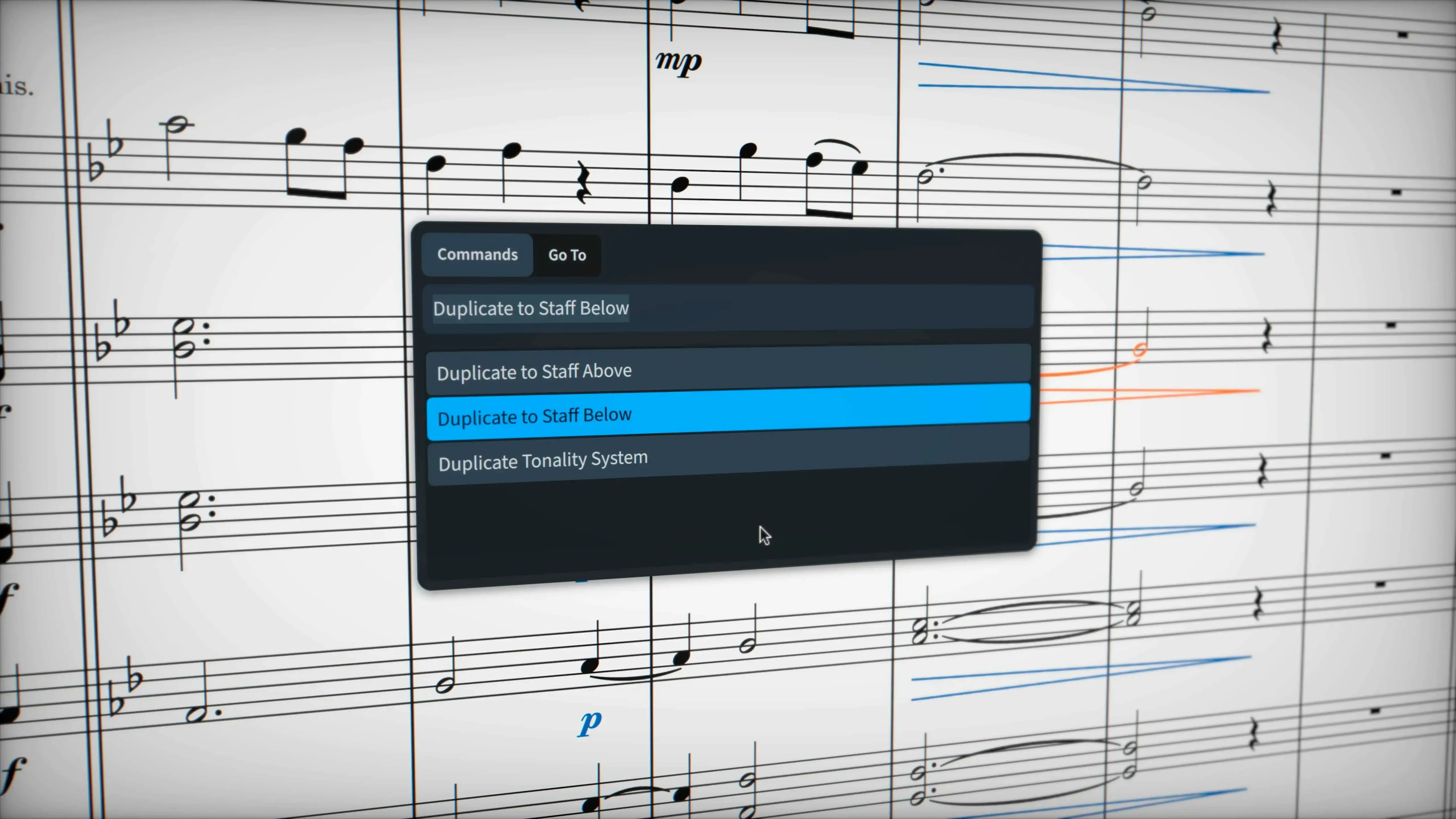
Dorico Pro handles almost 1,500 built-in sounds, supports VST 3 instruments and effects, and exchanges data via MusicXML, MIDI and PDF. It manages tuplets across beats, microtonality, and stemless music without workarounds. Version 6.2.30 improves hidden-note handling and adds independent voice playback for Cantai-routed instruments through the Track Inspector in Play mode.
Works on macOS 12 and later, native on Apple Silicon and Intel
Yes, if it runs macOS 12 or later. Dorico Pro 6.2.30 is native on both Apple Silicon and Intel Macs.
Can it import or export standard music formats?
Yes. It reads and writes MusicXML, MIDI, and exports to PDF. That covers most exchange scenarios with other notation or DAW software.
What notation quirks does it handle natively?
Regular maintenance updates like 6.2.30 with over 40 fixes
Dorico Pro sits alongside Finale and Sibelius as one of the three major Mac notation packages. Finale has legacy baggage and its development has slowed; Dorico Pro, by contrast, gets regular maintenance updates like 6.2.30 with more than 40 fixes and enhancements. Sibelius has a longer track record but relies on a more traditional engraving workflow, whereas Dorico Pro handles automatic page layout with collision avoidance from the start, which saves time when preparing scores for publishing or copying.
Of the three, Dorico Pro is the only one that includes nearly 1,500 built-in sounds and 30 VST 3 processors out of the box. Sibelius depends heavily on third-party sound libraries for playback, and Finale's bundled sounds are more limited. Dorico Pro also supports VST 3 virtual instruments and effects directly, so you can expand its palette without extra bridging software.
Sequencer-style MIDI editor with piano-roll view for note tweaks
You open Dorico Pro and start a new project. Choose a template or start blank. Enter your musical ideas in Write mode: the sequencer-style MIDI editor with piano-roll view lets you tweak note velocities and timings if you prefer that over step-time input. For complex chord symbols or percussion notation, Dorico Pro handles them natively, so you don't need workarounds.
When the notes are in, switch to Engrave mode. Dorico Pro's automatic page layout with collision avoidance places most elements sensibly. For individual adjustments, use the line style property to override how wiggly glissando lines appear — you can choose between the traditional trill wiggle glyph or a line style from the project. Export sustain and sostenuto pedal lines if your score needs them. Hidden notes are handled correctly now in 6.2.30, which matters when preparing parts for other players.
Final step: export to MusicXML, MIDI, or PDF. Dorico Pro writes sustain and sostenuto pedal lines properly and exports hidden notes as expected, which wasn't always the case before 6.2.30. MusicXML import and export issues were addressed in this release, so exchanges with other software are cleaner than before.
Nine language options and activation guide in the installer
Dorico Pro 6.2.30 runs on macOS 12 or later. It works on both Apple Silicon and Intel Macs — no emulation layer needed. The installer includes an activation guide in the package. The software is available in nine languages: Russian, English, German, Spanish, Italian, Simplified Chinese, Portuguese, French, and Japanese.
System requirements are modest for a notation application with this many built-in sounds. If your Mac already handles other music software, Dorico Pro should fit without issue. The architecture support covers both ARM and x86 64-bit systems, so it will run on recent MacBooks and older Intel iMacs alike.
Complex chord symbols, percussion notation, microtonality, and tuplets that cross bar lines. No workarounds needed for those.
No “what's new” for 6.2.30. The release line gave nothing I could check, and I will not stretch it into a changelog.
- macOS 12 or later
- Apple Silicon or Intel processor
Questions people ask
Does Dorico Pro include any built-in sounds?
Yes, it includes almost 1,500 built-in sounds and supports VST 3 virtual instruments and effects.
Can I exchange projects with other music software?
Yes, through MusicXML, MIDI, and PDF export.
Staffroom comments 0
Sign in or create an account here to leave a comment.
Nobody has commented on this one yet.