CorelCAD 2022.5 (macOS)
One download for Apple Silicon and Intel. Opens the install steps and mirrors.
- Version
- 2022.5
- Size
- 293 MB
- Earliest macOS
- 10.14 or later
- CPU type
- Universal
- Updated
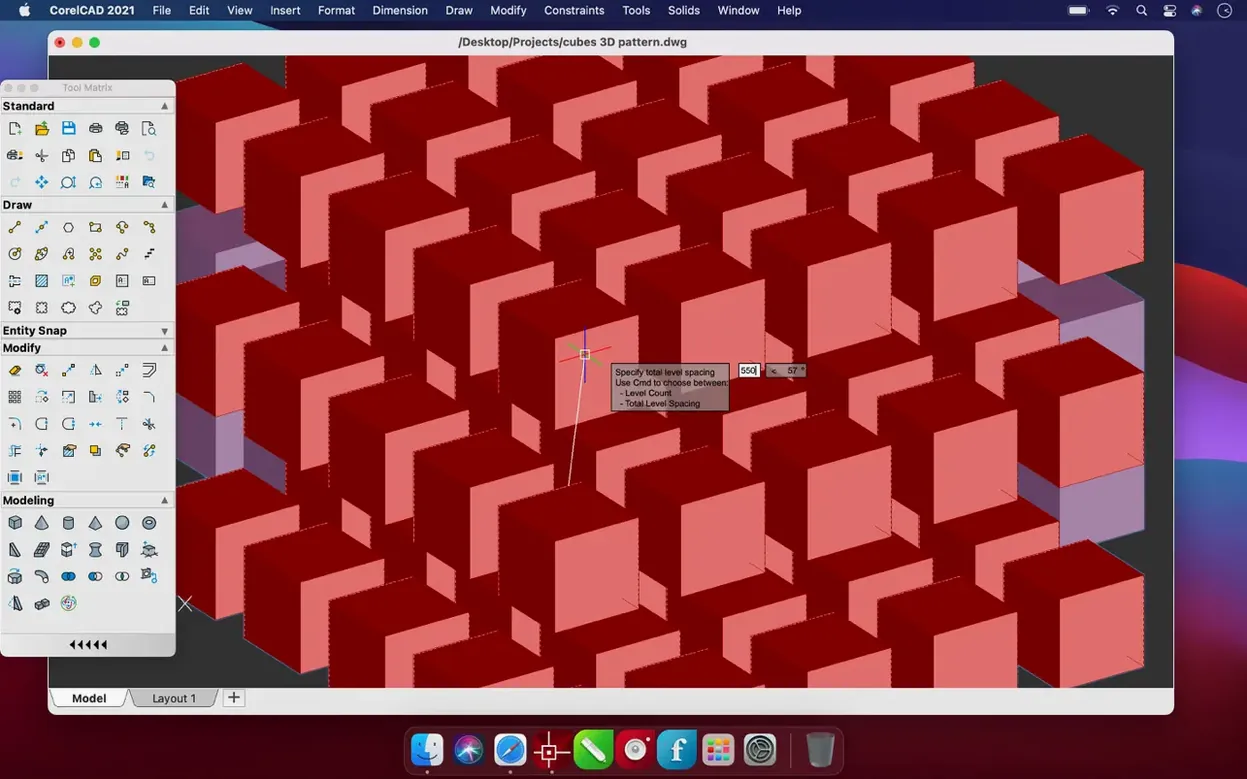
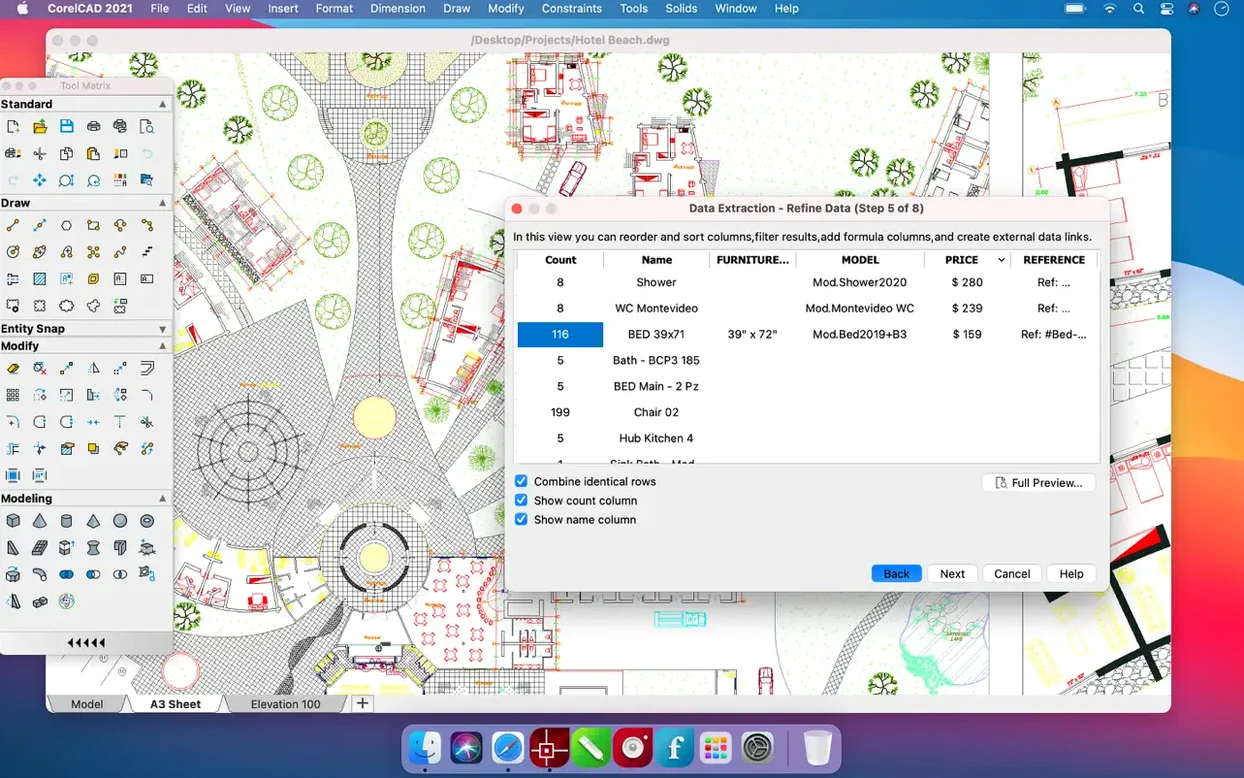
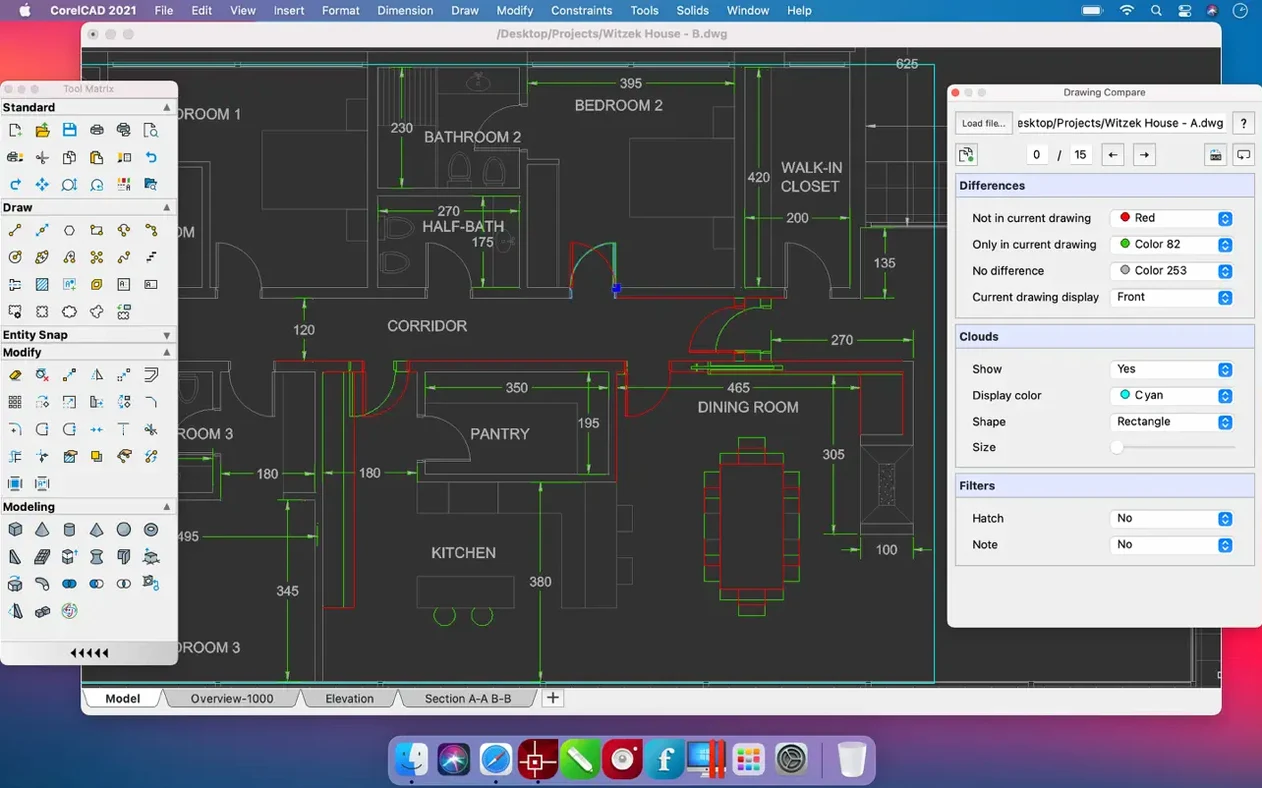
Scenario: a sole practitioner drawing up a kitchen refurbishment
A single architect working from a home office gets a call about a kitchen renovation. The client wants elevations, a plan view, and a rough 3D visual to see how the island fits. With CorelCAD, the architect starts the 2D floor plan in the morning, uses the same DWG file to extrude a simple 3D model after lunch, and exports the result as an STL for a local 3D-printing service to make a scale mock-up. No file conversion, no platform switch. The whole job stays in one app on one Mac.
DWG files need no conversion
- Native DWG round-trip — open a file from a Windows colleague, edit, save. No import/export dialogue needed. The file stays as a DWG, which avoids compatibility headaches with AutoCAD-centric offices.
- Format flexibility — beyond DWG, CorelCAD reads and writes PDF, SVG, EPS, DWF, STL, SAT, SHP, and DWS. That covers most common exchange formats, from vector illustrations to 3D mesh files.
- Interface languages — fourteen languages are built in. If a technician or a student prefers Russian, Polish, or Japanese, the interface can switch without a separate localisation pack.
- Same app for both architectures — the Mac version supports ARM and 64-bit x86. Whether the school supplies an Intel Mac or an Apple Silicon one, the same disk image works.
Open a PC colleague's DWG file first
- Open an existing DWG file first. Drag an old project from a PC colleague onto the CorelCAD window and check that layers, text, and dimensions appear as expected. This confirms the file translation is set.
- Set the default save format to DWG. If your workflow depends on AutoCAD compatibility, make sure CorelCAD saves in native DWG by default rather than the app’s own format. That avoids extra steps later.
- Test an STL export early. Draw a simple cube or cylinder, export as STL, and open it in a slicer or mesh viewer. This verifies the 3D printing pipeline works with your hardware.
- Switch the interface language if needed. If you or a colleague works better in a language other than English, change it in the preferences before starting a project. The setting sticks between sessions.
- Try the 2D-to-3D conversion. Draw a simple floor plan, then use the 3D tools to extrude it. The feature is one of the main selling points, and trying it early shows what the app can do in a few clicks.
- macOS 10.14 or later
- Intel or Apple Silicon processor
Questions people ask
Does CorelCAD support 3D printing?
Yes. CorelCAD can export designs as STL files, which are compatible with most 3D printers and slicing software.
Can I open AutoCAD DWG files in CorelCAD?
Yes. CorelCAD supports the native AutoCAD DWG file format, so you can open, edit, and save drawings created in AutoCAD without conversion issues.
Staffroom comments 0
Sign in or create an account here to leave a comment.
Nobody has commented on this one yet.