
Dehancer Pro 7.3.4 (macOS)
One download for Apple Silicon and Intel. Opens the install steps and mirrors.
- Version
- 7.3.4
- Size
- 382 MB
- Earliest macOS
- 11 or later
- CPU type
- Universal
- Updated
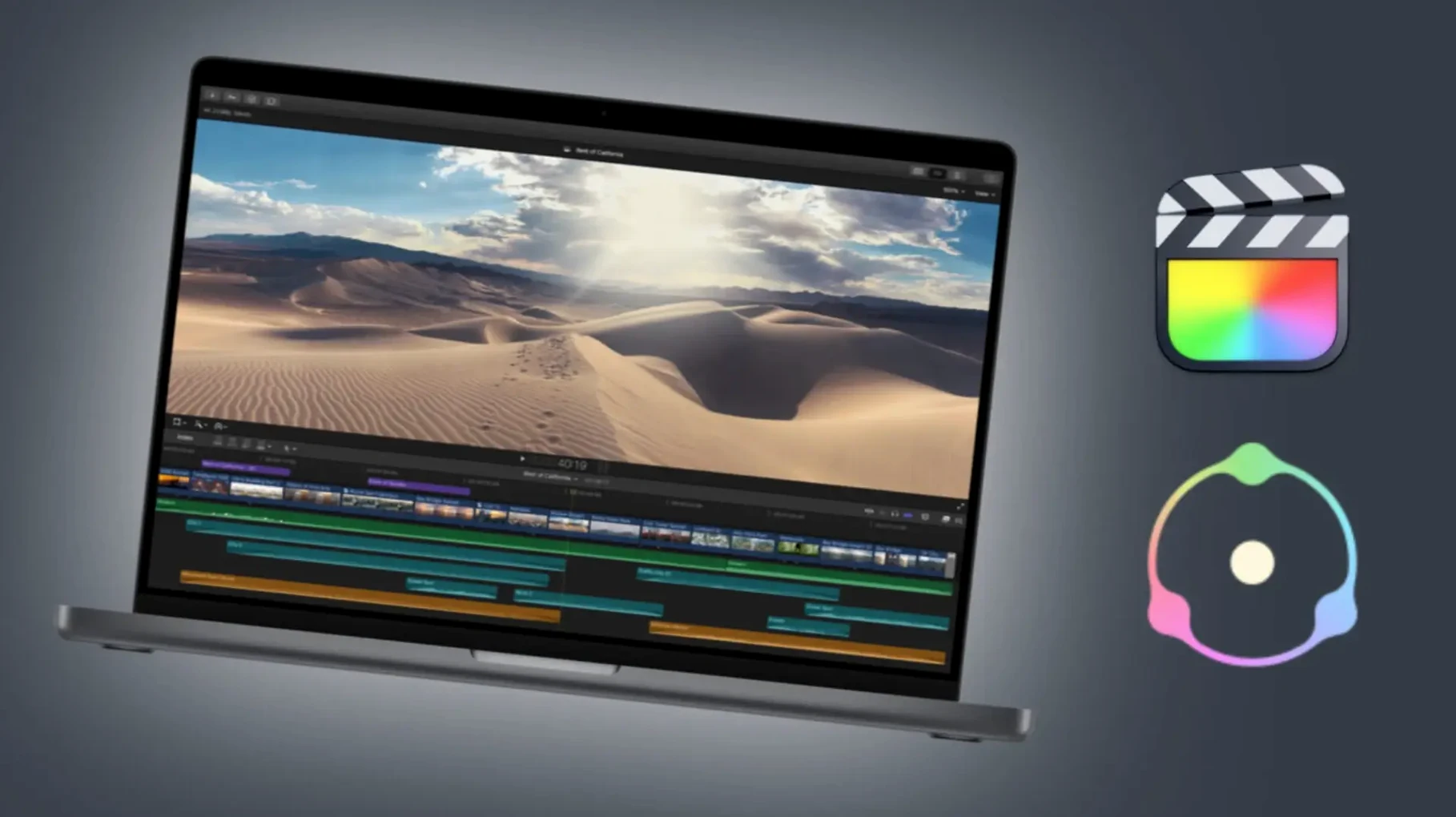
Halation — that red/amber bleed around bright edges on film stock — is one of the first controls I reach for. It lifts a digital frame into something that feels projected.
Controls at a glance
Film profiles — 60+ emulations covering stock, print and camera film. Each shifts colour and latitude differently.
Grain — spatial and temporal noise that scales with the profile. Fine or coarse, it moves like real emulsion.
Halation — light scatter off the film base. Adds warmth to highlights without crushing shadows.
Bloom — a soft, clipped glow around high-contrast edges. Less clinical than a diffusion filter.
Film damage — dust, scratches, gate weave. Subtle enough to sell the look without screaming “plugin”.
Overscan — a rounded, slightly cropped frame edge that recalls analogue projection.
LUT generator — bake the look out to a LUT for use outside the host app.
Since version 7.3.4 landed in August 2025, the everyday feel hasn’t shifted much — the tool still does what it always did. The bug fixes and performance improvements mean fewer unexplained stalls when you stack multiple film effects on a long timeline. The Production License Server support is invisible unless you manage a shared post-production facility; for a lone editor, it changes nothing at the desk.
Start halation at half the default radius
New users most often overdo the halation. The default radius looks right on a 13-inch laptop screen but turns every headlight into a bleeding sunburst on a calibrated external monitor. Start halation at half the default and nudge up.
Grain is another trap. Real film grain is subtle — at 1080p you barely see it unless the frame is dark. Beginners crank it until it looks like television static, then wonder why the footage looks fake. Match grain size to the film profile; a 16 mm emulation wants coarser grain than a 35 mm one, not more intensity.
Film damage is best kept off until the final pass. It adds a lot of CPU load and it is easy to lose track of a dust spec that looks deliberate on frame 200 but is absent on frame 201. Render the look without damage, check it, then apply damage as a separate pass if the timeline runs clean.
Overscan is frequently left on by accident. It crops and rounds the frame. Export without noticing and you are re-rendering a whole sequence.
Lock a film look before the final edit
Video editors working on short-form narrative and commercial work get the best return. A 60-second spot benefits from consistent film emulation across cuts, and the LUT generator means the colourist can lock the look before the edit is final.
Colourists grading in DaVinci Resolve or Final Cut Pro find the profile library saves time they would otherwise spend building film curves from scratch. The camera profiles help match footage from different cameras to a common stock look before grading begins.
Photographers who export video alongside stills — event shooters, for instance — use it to keep the film aesthetic consistent across both mediums. The same halation and grain settings from a still can be baked into a LUT for a video sequence.
Post-production teams working across multiple machines benefit from the Production License Server support in 7.3.4. One licence server handles the pool; nobody installs individual activations per edit suite.
For a school IT setup with a mix of Macs, Dehancer Pro is one of those plugins you install once per machine and forget. The students will find the grain and overscan before the colourist does, but the profile library keeps their experiments from looking like amateur filters.
All controls run inside Final Cut Pro on macOS 11 and later.
- Bug fixes and performance improvements.
- macOS 11 or later
- Intel or Apple Silicon
- Final Cut Pro
Questions people ask
What macOS versions does Dehancer Pro support?
Dehancer Pro runs on macOS 11 and later, on both Intel and Apple Silicon Macs.
How many film profiles are included?
The plugin ships with more than 60 film profiles covering stock, print and camera emulsions.
Is Dehancer Pro available as a standalone app or only a plugin?
It is a plugin designed for Final Cut Pro on macOS, not a standalone application.
Staffroom comments 0
Sign in or create an account here to leave a comment.
Nobody has commented on this one yet.