
Final Draft 13.5.0 (macOS)
Intel build. On Apple Silicon it runs through Rosetta 2. Opens the install steps and mirrors.
- Version
- 13.5.0
- Size
- 111 MB
- Earliest macOS
- 10.15 or later
- CPU type
- Intel
- Updated
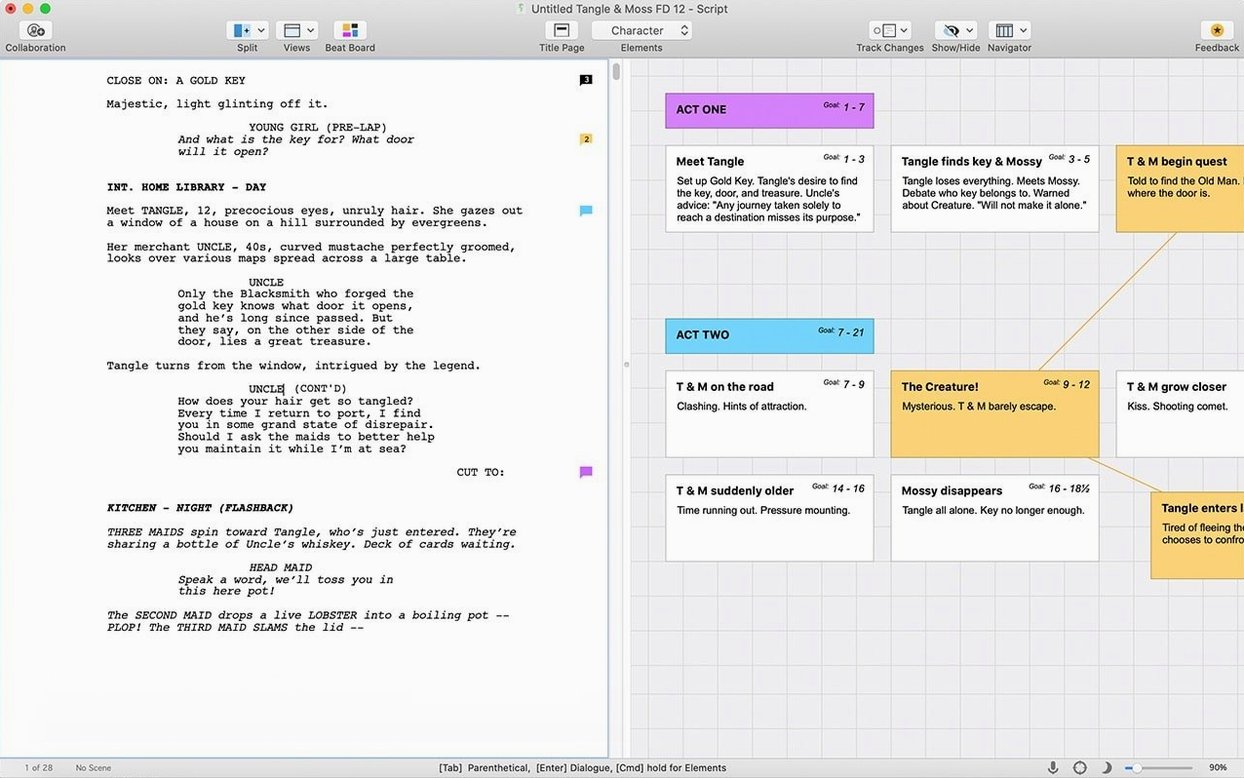
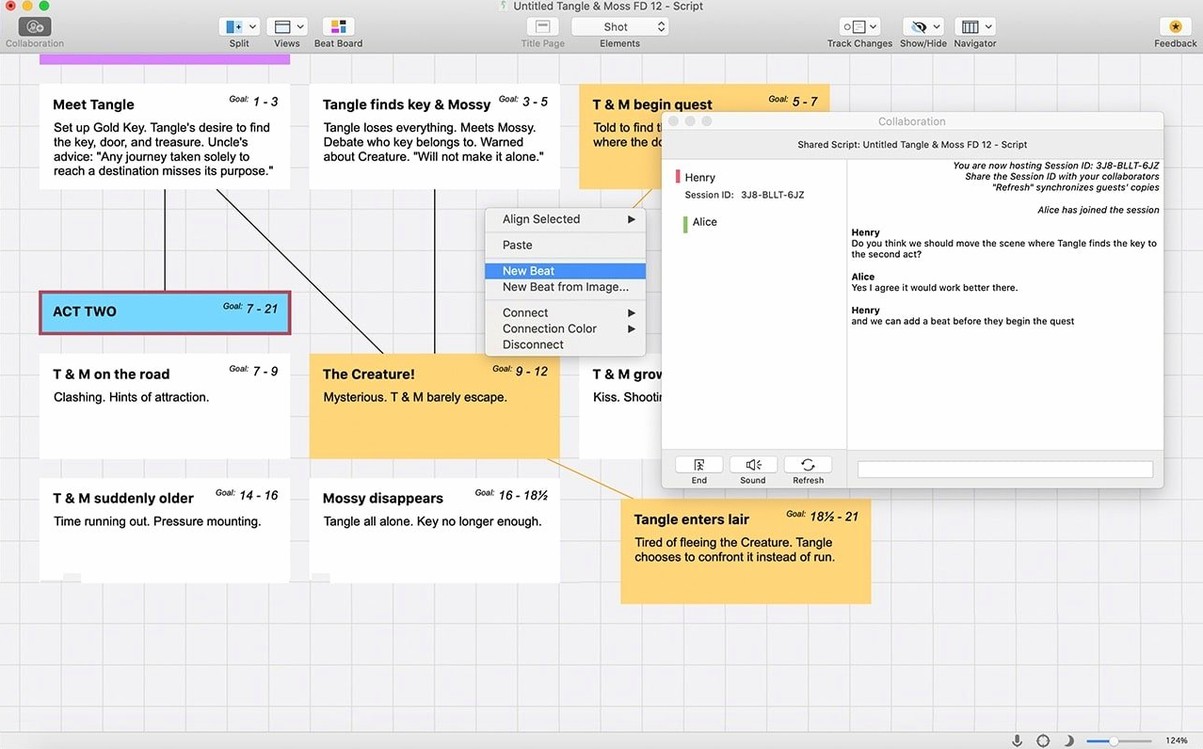
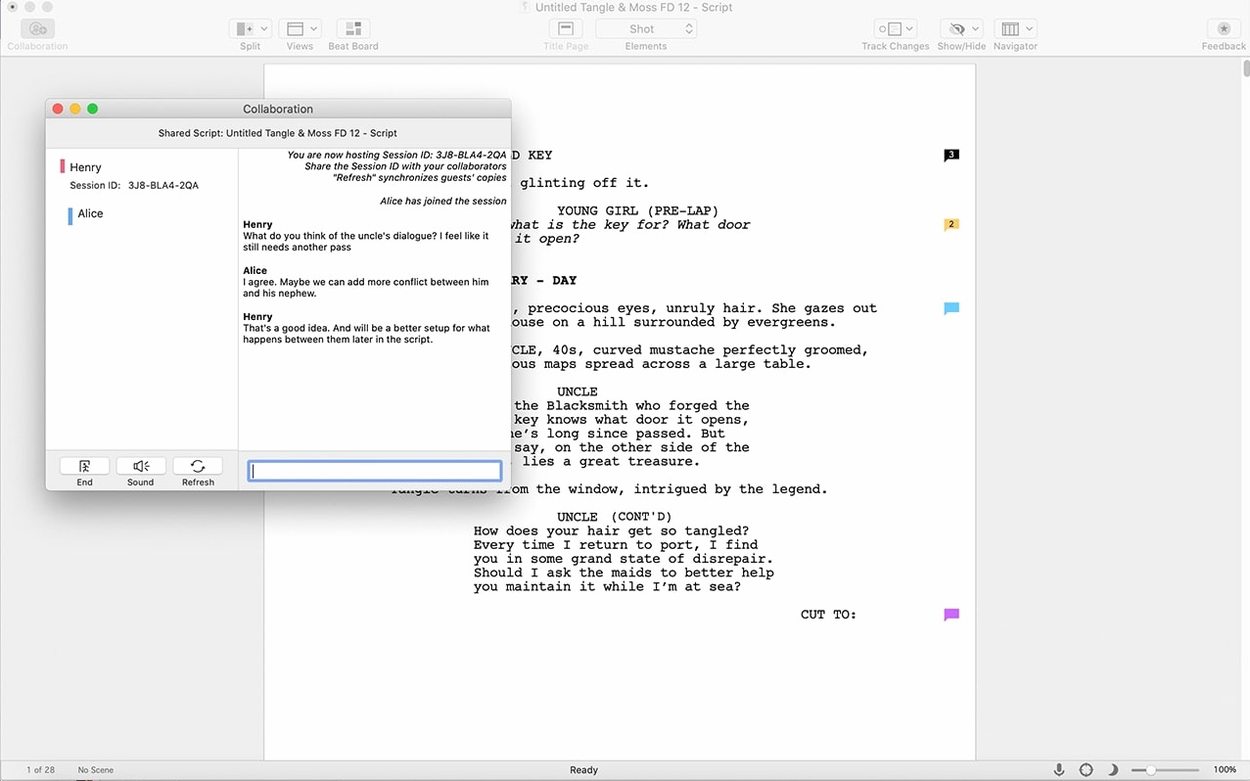
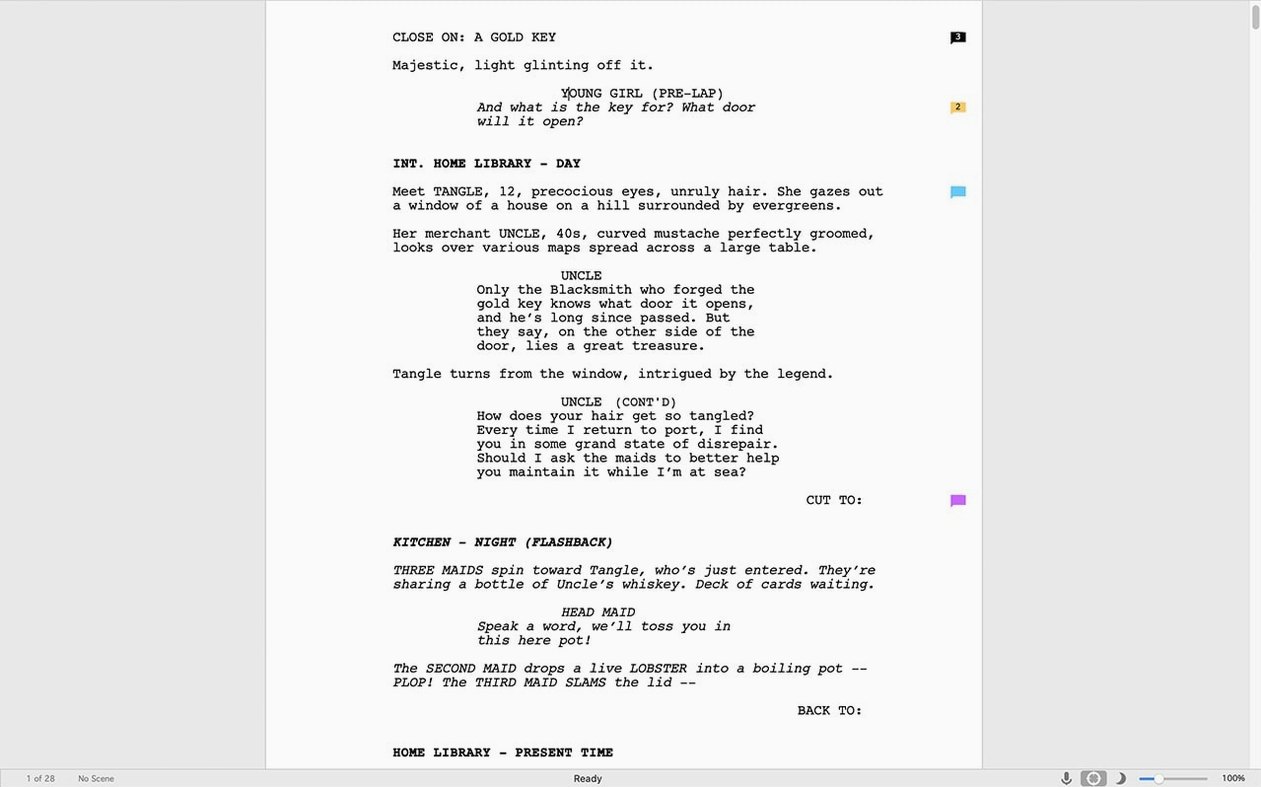
Over 120 pages of a feature script or a 60-page TV drama pilot — the page count grows, and Final Draft keeps the formatting locked without you touching a ruler. Version 13.4.0 for Mac is the current release, a simple-to-use package for writing film scripts, television episodes, and stage plays. It runs on Intel Macs, needs macOS 12 Monterey or later, and ties in with the iOS companion Final Draft Go when you want to read or edit away from the desk.
| What | Detail |
|---|---|
| Architecture | Intel (x86 64-bit) |
| macOS | 12 Monterey or later |
| Internet | Required for initial sign-in |
| Languages | English |
The toolset hasn't shifted much. Tab and Enter still navigate between character names, dialogue and action. Keyboard shortcuts stay the same. What the 13.4.0 update delivered was a round of minor bug fixes — nothing flashy, just tightening bolts on a machine that script coordinators and writers have used for years on both Mac and Windows. The initial sign-in wants an active connection, and once that's done, the app works offline.
Where Courier 12 and industry margins are non-negotiable
Not every writer needs Final Draft. The people who benefit are those who hand scripts to someone else — a script supervisor, a producer, a competition reader. Those readers expect Courier 12, one-inch margins, and scene headers that land in the right place without a fight.
TV staff writers live in it. A room breaks a story, the showrunner assigns scenes, and everyone writes in Final Draft because the .fdx format is the common currency of writers' rooms. No conversion, no reformatting, just open and go.
Film writers working on spec scripts or commissioned drafts run into the same expectation. An .fdx file opened in any other app, or a script pasted from Word, often lands with borked pagination or missing revision marks. Final Draft removes that variable.
Playwrights are a smaller slice of the user base, but the stage-play template handles the looser formatting conventions — character names centred above dialogue, act/scene breaks — without needing to build a custom template from scratch.
Students in screenwriting programmes also end up here. The learning curve is shallow enough that a first-year student spends more time on story than on the software.
If you write only for yourself, or you're drafting a novel, you don't need it. A plain text editor or a general word processor does the job. Final Draft earns its keep when your script leaves your hands.
A rewrite under pressure
A TV writer gets notes back at 9 p.m. — the line producer wants three scenes tightened and a new tag added before the 7 a.m. table read. The script is 52 pages, locked pages 1–38, and the changes start on page 22.
She opens the .fdx file, turns on revision mode, and marks the new draft as Blue. The locked pages hold; the revised pages pick up the blue revision marks and asterisks in the margins automatically. She writes the new tag, runs the pagination check, and sees the page count land at 54. No manual page-number fiddling. She emails the new .fdx to the script coordinator, who prints the blue pages and slots them into the binders before the actors arrive. The software handled the formatting, the revision colours, and the page lock — she handled the dialogue and the pacing.
First days: practical moves
Install it, sign in once, then do a few things that make the next weeks smoother.
- Set your default template. Pick Film, TV, or Stage Play in the New Document dialog and save it as your default. You won't think about it again.
- Turn on auto-save. It's off by default. Set it to every three minutes. Scripts are long documents and losing an hour of work to a crash is a special kind of misery.
- Learn the Tab/Enter rhythm. Spend ten minutes writing nonsense pages — character names, dialogue, action lines, parentheticals. The muscle memory forms faster than you'd expect.
- Pin the Character Navigator. It lists every speaking role. Clicking a name highlights all that character's dialogue. Useful when a producer says "we need to cut three of Dave's scenes."
- Test the .fdx export. Send a test file to a friend who uses Final Draft or a free .fdx reader. Confirm it opens clean. Do this before the deadline, not on the day.
- Pair Final Draft Go if you have an iPad. Write on the Mac, read and make small edits on the iPad. The sync isn't instant — save and push manually — but it works for notes on the move.
A working session, scene by scene
The writer sits down with coffee at 6:30 a.m. He's on Act Two of a feature, and yesterday he left a placeholder: "CHASE SCENE — WRITE LATER." Today, later has arrived.
He opens the project. The script sits at 61 pages. He scrolls to the placeholder, deletes it, and types EXT. WAREHOUSE DISTRICT — NIGHT. Final Draft recognises the caps and the period, formats it as a Scene Heading, and waits. He hits Enter, and the next line is already set to Action. He describes the warehouse, the chain-link fence, the guard's flashlight.
When the first line of dialogue comes, he types the character name in caps. Final Draft snaps it into Character format. He hits Tab, types the dialogue, hits Enter for the next character, and keeps going. He doesn't touch the mouse for twenty minutes.
Halfway through the scene he realises he needs to move a block of four speeches earlier. He selects the lines, drags them up, and the page breaks recalculate. No orphaned character names at the bottom of a page. No dialogue split across pages. The pagination engine keeps the script production-ready at all times.
At 7:15 he has six new pages. He runs the Scene Navigator, sees the new scene listed, and checks that the page count aligns with his outline. He saves, exports a dated .fdx draft — "warehouse_scene_2025-04-10.fdx" — and closes the lid. The session was ninety minutes. The software never interrupted him.
- Minor bug fixes.
- macOS 12 Monterey or later
- Intel processor (x86 64-bit)
- Active internet connection for initial sign-in
Questions people ask
Does Final Draft 13 need an internet connection to work?
An active internet connection is required only during the initial sign-in process. After that, the app works offline.
Staffroom comments 0
Sign in or create an account here to leave a comment.
Nobody has commented on this one yet.