GoodNotes 5.9.8 (macOS)
One download for Apple Silicon and Intel. Opens the install steps and mirrors.
- Version
- 5.9.8
- Size
- 442 MB
- Earliest macOS
- 10.15 or later
- CPU type
- Universal
- Updated
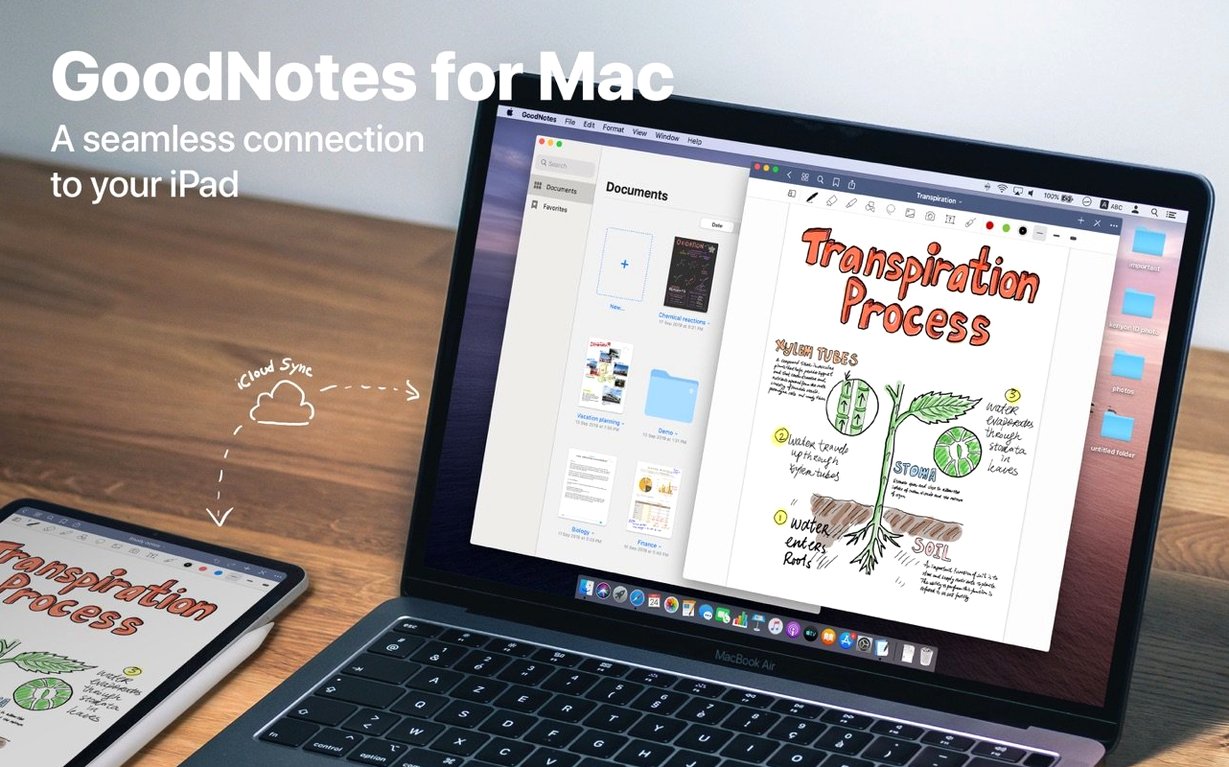
A secondary school with 120 Macs teaches you fast what makes a note-taking app stick: can a student find their notes from last term, and can a teacher drop a PDF into a notebook without asking for help. GoodNotes on the Mac does both, and it syncs through iCloud so the same notebook shows up on an iPad in a science lab or on an iPhone in a corridor.
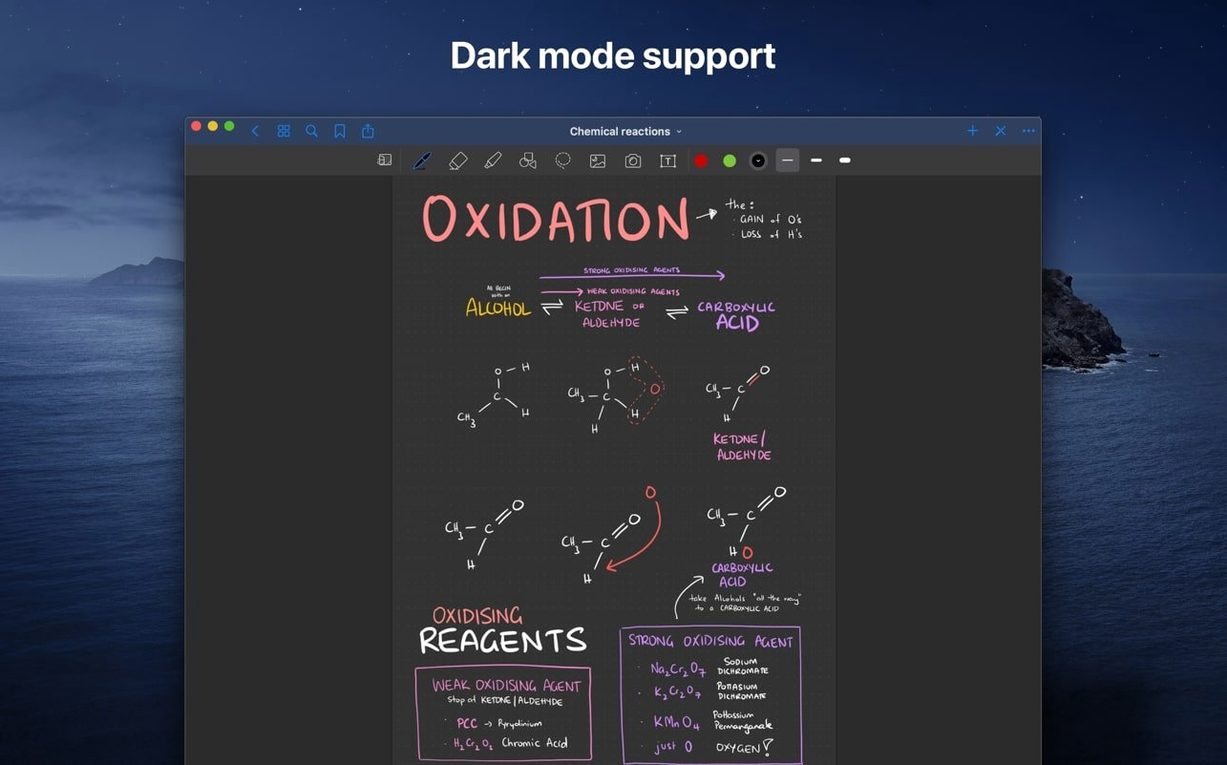
- Creates digital notebooks on the Mac. Handwrite, type, or draw on the same page. The highlighter eraser option removes only marker ink, leaving pen strokes alone.
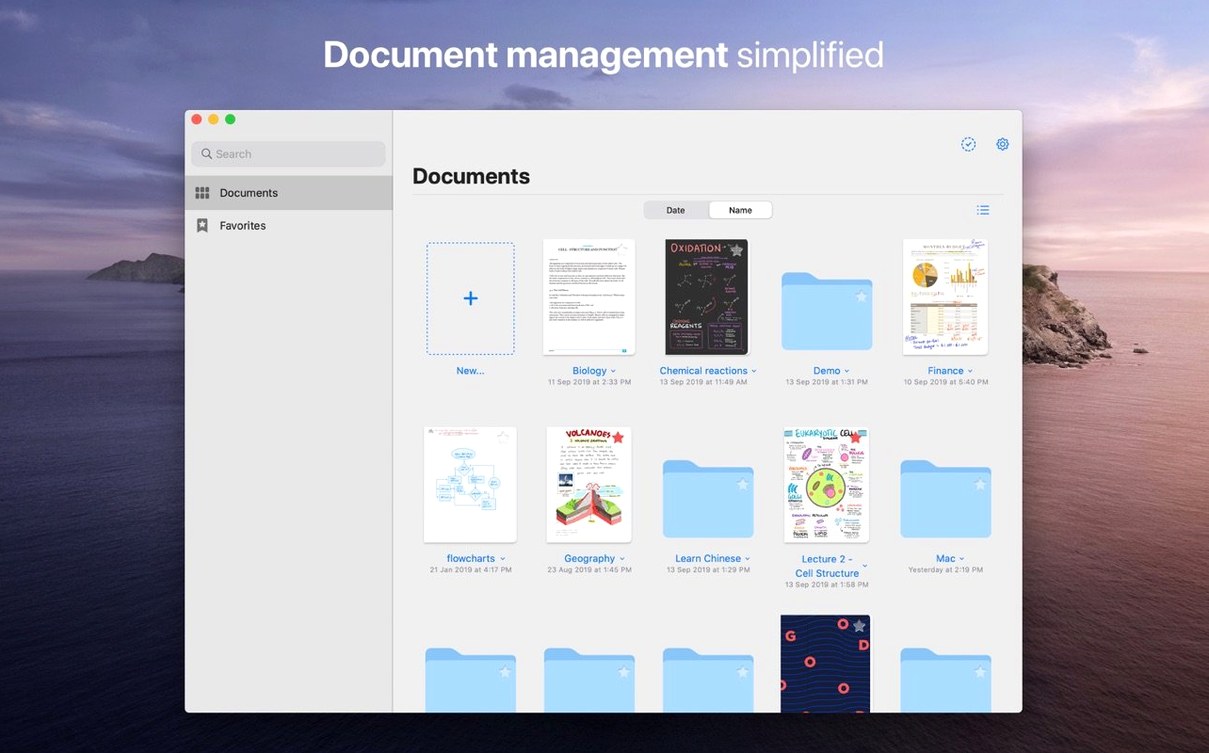
- Organises notebooks in folders and subfolders. A custom table of contents lets you jump to a chapter without scrolling.
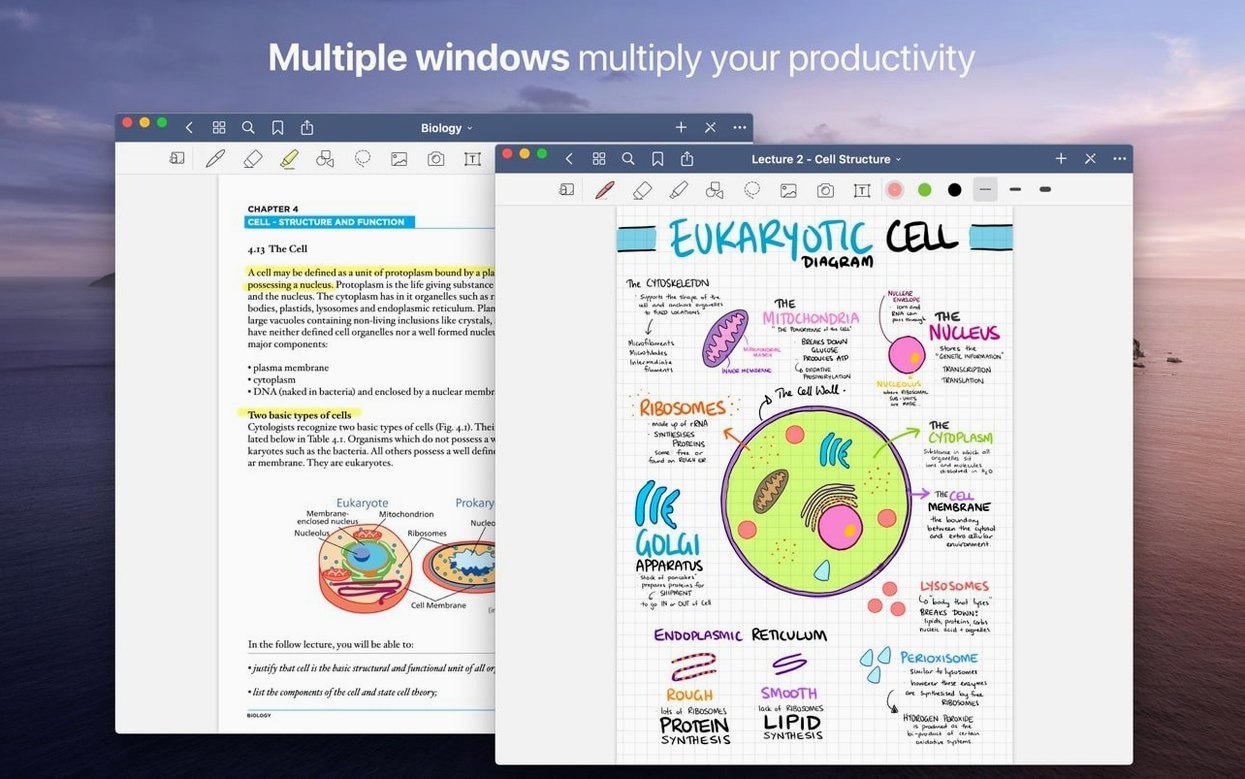
- Drag a PDF or an image from the Finder straight into a notebook. The app imports it as a new page.
- Syncs through iCloud. Edit on a Mac in the IT office, review on an iPad in a classroom, check on an iPhone between lessons.
- Eraser works two ways: remove a whole stroke or erase part of it for small corrections.
GoodNotes for Mac handles the everyday mess of school notes: PDFs, handwritten scribbles, typed handouts, all in one place. It does not get in the way, and that is the point.
Suits students and teachers who mark up PDFs across devices
Students and teachers who work across devices are the obvious fit, but the app suits anyone who collects PDF handouts or scans and needs to mark them up. At my school, the science teachers who annotate textbook PDFs with diagrams and the English department who leave feedback on student work both find it useful without retraining. Administrators who staple meeting agendas with handwritten margin notes also get value — the folder-and-subfolder structure keeps terms separate without file renaming. It is not a full DTP tool, but for daily document annotation and note organisation it covers the ground most people need.
Turn on eraser-only marker ink before highlighting PDFs
Before filling a notebook, open the app's preferences. Two options matter straight away:
- Eraser only marker ink – turn this on if you highlight PDFs. The eraser then leaves pen annotations untouched when you clean up marker overruns.
- Shape tool – enable it if you draw diagrams. The tool straightens lines and rounds shapes as you draw, which saves redoing hand-drawn tables on imported PDF worksheets.
Both are in the app's preferences panel. They are the kind of small changes that stop GoodNotes feeling like paper and turn it into a tool that works with your workflow.
Runs on any Mac from the last several years, installed via disk image
The requirements list macOS 10.15 or later and support for both ARM (Apple Silicon) and x86 (64-bit) architectures, so it runs on any Mac from the last several years. The download comes as a disk image; you drag the app to the Applications folder alias, wait for the copy to finish, then launch from Launchpad. No installer, no background services. The app takes up space only while it runs — no hidden daemons. It syncs through iCloud with the iPad and iPhone versions of GoodNotes 5, so notebooks edited on one device appear on others as long as you use the same iCloud account. The interface itself stays out of the way: folders on the left, notebooks in the centre, page tools on the right. Custom tables of contents live inside each notebook, letting you skip to a specific chapter without leafing through pages. Languages include English, German, French, Spanish, Italian, Dutch, Portuguese, Russian, Turkish, Thai, Korean, Japanese, and Chinese (simplified and traditional), so it suits multilingual departments.
No “what's new” for 5.9.8. The release line gave nothing I could check, and I will not stretch it into a changelog.
- macOS 10.15 or later
- Intel or Apple Silicon
Questions people ask
Does GoodNotes sync between Mac and iPad?
Yes. GoodNotes syncs notebooks through iCloud between Macs, iPads, and iPhones.
Can I import a PDF from my Mac hard drive?
Yes. Drag a PDF or image from the Finder and drop it into a notebook to add it as a new page.
Does the eraser remove highlighter marks only?
Yes. There is an eraser option that removes only marker ink, so your pen strokes stay untouched.
Staffroom comments 0
Sign in or create an account here to leave a comment.
Nobody has commented on this one yet.