QuickBooks Mac Plus 23.1.9 (macOS)
One download for Apple Silicon and Intel. Opens the install steps and mirrors.
- Version
- 23.1.9
- Size
- 169 MB
- Earliest macOS
- 12 or later
- CPU type
- Universal
- Updated
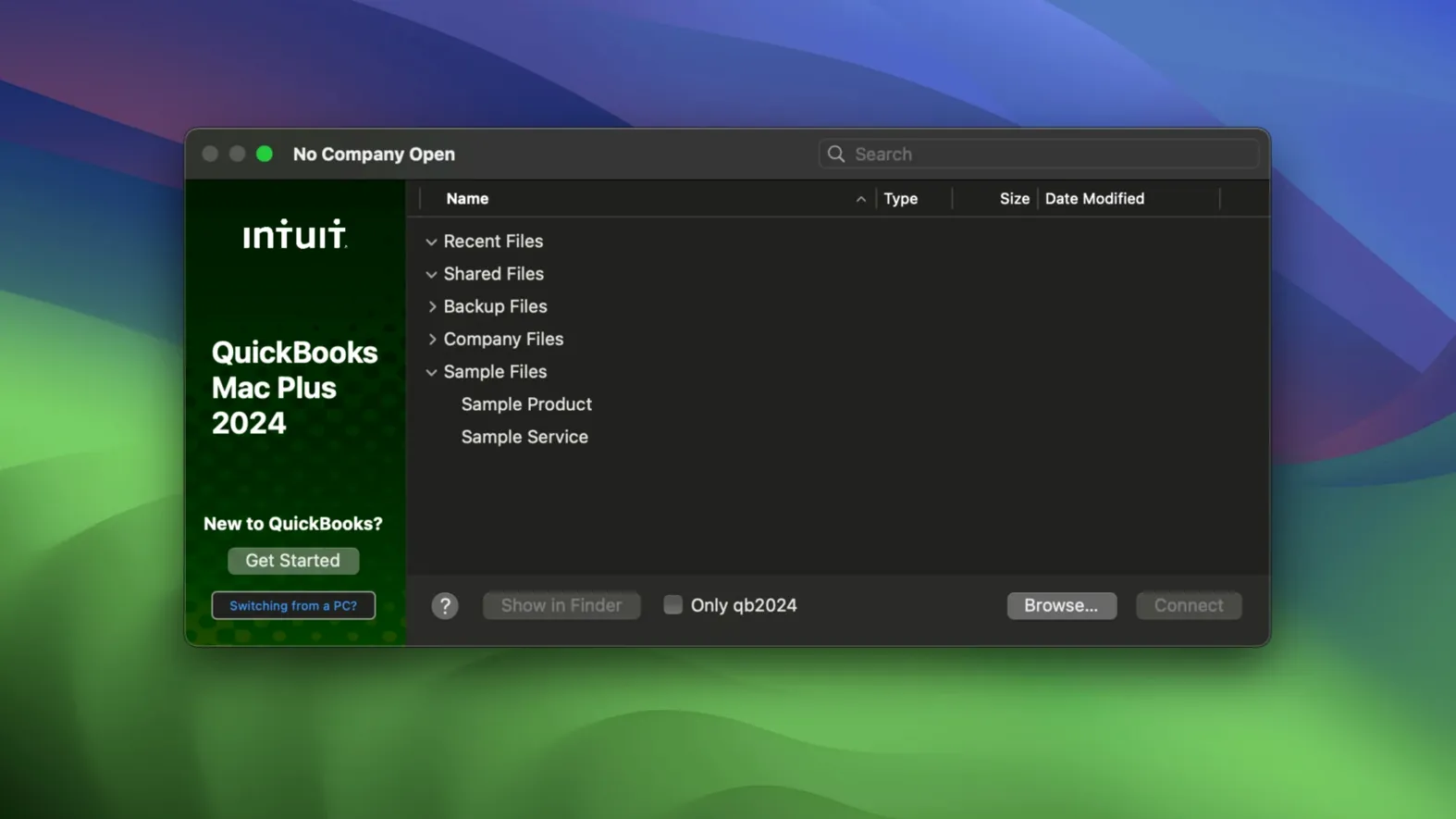
QuickBooks Mac Plus runs on macOS 12 Monterey and later, on both Intel and Apple Silicon Macs. If you are on an older system, you will need to update before installing. The current build is 23.1.9.R10 Plus, and it works with company files from previous versions.
For a small business, the dashboard gives you income, expenses, paid invoices and recent activity in one place. You can create and send invoices, track inventory in real time, upload receipts, run payroll and pull detailed reports. The inventory tool lets you enter products or services and monitor stock levels as you go.
Version R10 adds a Backup Save As option for manual backups and lets you set company-specific backup locations — small improvements that matter when you are rotating files between machines. The app is in English only.
Automatic tax calculation saves lookup time
A few details in QuickBooks Mac Plus are easy to overlook but save time once you know them. The automatic tax calculation on invoices and sales is one — it applies rates without you having to look them up each time. Bank account connection lets the app pull in transactions directly, so you are not entering them by hand.
Importing data from Excel or Xero tables means you can bring existing records into the app without starting fresh. The receipt upload stores them against transactions, which helps at year-end. Reports can show projected income and expenses for 90 days ahead, which is useful for planning, not just looking back.
Dashboard shows income and unpaid invoices first
You open QuickBooks Mac Plus and see the dashboard first. It shows income, expenses, paid invoices and recent activity in a single view. You spot an unpaid invoice from last week.
You open the customer record, check the invoice details and send a reminder. The app marks it as sent. You then move to the inventory tool to check stock on a product that has been moving quickly — the real-time count shows you are down to the last few units.
Next, you connect to the bank feed to pull in the week's transactions. A few new expenses appear. You drag a receipt image onto one of them and categorise it. The tax calculation adjusts automatically. Before closing, you run a 90-day projection report to see cash flow and income estimates for the quarter. You save the report as a PDF. You then use the Backup Save As option to write a manual backup to an external drive — company-specific location already set in R10.
Best for small owners managing invoicing, inventory and payroll
Small business owners who handle their own books are the obvious fit. If you run a retail shop, a trade business or a consultancy with a handful of staff, the combination of invoicing, inventory and payroll covers the main tasks without jumping between apps. Bookkeepers and accountants who work with company files from clients will find the import from Excel and Xero speeds up setup.
Mac-only offices benefit because it runs natively on Apple Silicon and Intel — no emulation, no Windows licence needed. If you already keep digital receipts and want bank feeds without a third-party bridge, it reduces the chain of tools. QuickBooks Mac Plus manages small business finances locally without requiring an internet connection or online account.
It is less suited to very large inventories or multi-currency trading; those scenarios likely need the enterprise tier. But for a single-entity business with straightforward needs, it covers the ground without extra layers.
- R10 adds a Backup Save As option for manual backups.
- R10 adds company-specific backup locations.
- macOS 12 Monterey or later
- Intel or Apple Silicon
Questions people ask
Can I use QuickBooks Mac Plus on an Apple Silicon Mac?
Yes, the app runs natively on both Intel and Apple Silicon Macs. It requires macOS 12 Monterey or later.
Does QuickBooks Mac Plus support payroll?
Yes, it includes payroll support alongside invoicing, inventory tracking, receipt storage and detailed reporting.
Staffroom comments 0
Sign in or create an account here to leave a comment.
Nobody has commented on this one yet.