
Airflow 3.3.10 (macOS)
Intel build. On Apple Silicon it runs through Rosetta 2. Opens the install steps and mirrors.
- Version
- 3.3.10
- Size
- 69 MB
- Earliest macOS
- 10.12 or later
- CPU type
- Intel
- Updated
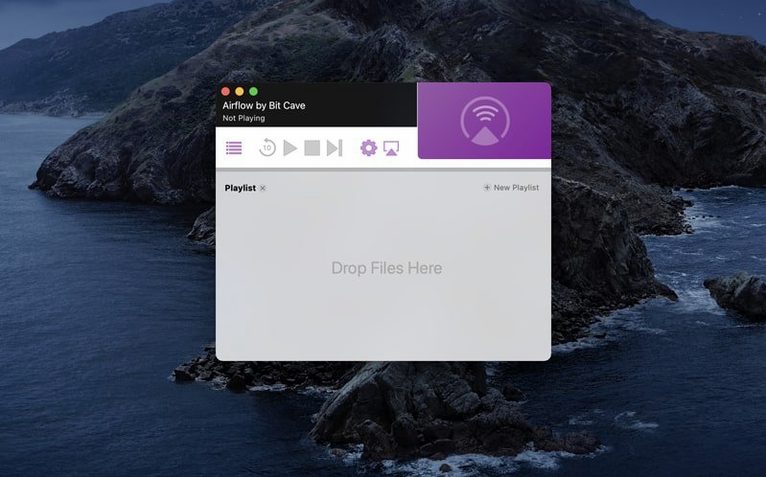
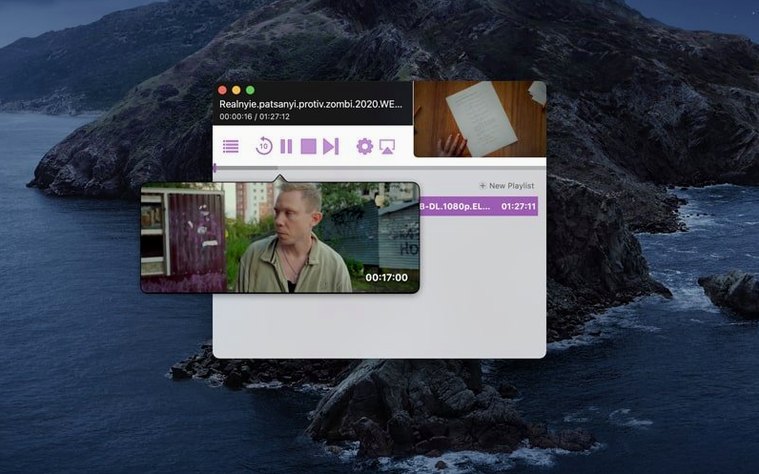
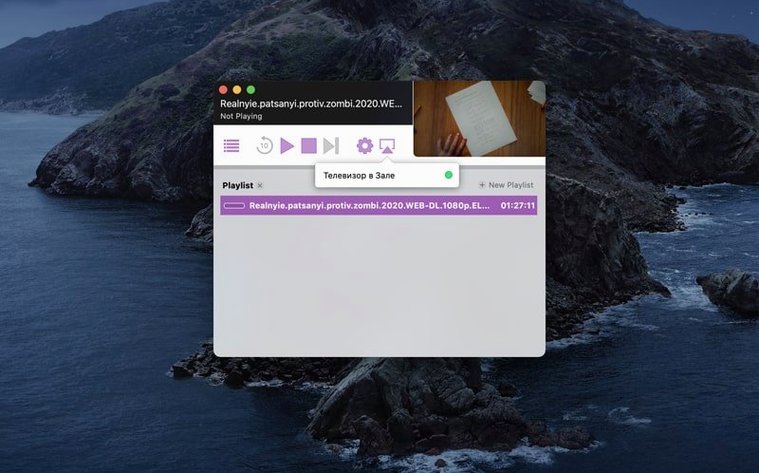
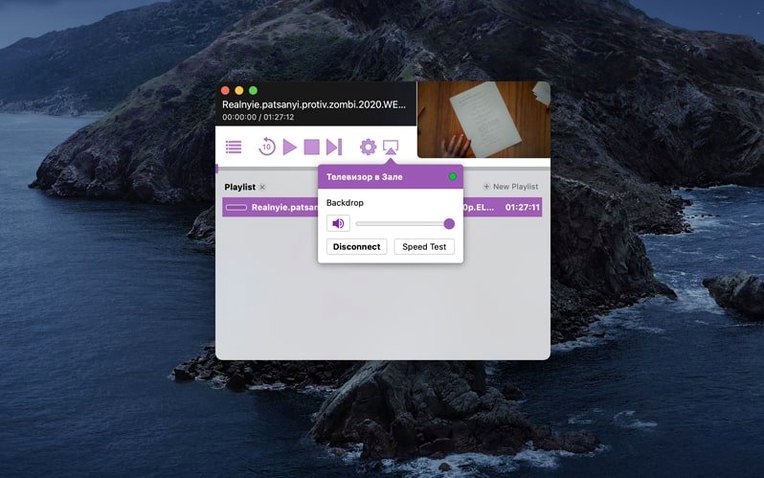
VLC plays everything on the desktop. Airflow takes that same file and puts it on the telly. It links a Mac's local video library to any Chromecast on the network without a browser tab or a media server.
Does it transcode on the fly?
Yes. The app handles the conversion so the Chromecast gets a format it understands. CPU usage ticks up on heavier files, but an Intel Mac running the current 3.3.10 build keeps pace for most 1080p content.
What's the quickest way to get a file playing?
Drag a video onto the window and drop it on a cast target. No menus, no library import — just point the file at a device.
Sits between IINA and Plex with no library management
It sits between a local player like IINA and a full media server like Plex. No library management, no metadata scraping — just cast the file you already have.
Casting a video from start to finish: a quick workflow
Say you have an MKV file of a TV episode on the desktop and a Chromecast plugged into the living room telly. Open Airflow. The main window shows a device list on the left and a drop zone on the right. Wait a second for the Chromecast to appear — it broadcasts itself on the network. Click the device name to select it. Drag the MKV from the Finder window into the drop zone. Playback starts after a short pause while Airflow checks the format and transcodes if needed. The Mac sends the stream over Wi-Fi; the Chromecast does the rest. To stop or change the file, click the stop button in the app or drag a new file in. That is the whole loop.
Drags weekend-ripped MP4s to a Chromecast on the downstairs telly
I have a folder of weekend-ripped MP4s and a Chromecast on the downstairs telly. I launch Airflow, let it scan the network, and see the device listed. The first file is a 1080p documentary. I drag it onto the drop zone. It starts on the telly within a few seconds. When that ends, I pull the next file from the same Finder window — no need to reopen the app or reselect the device. The third file of the night is an older AVI that the Chromecast does not natively support. Airflow handles the transcode without me touching any settings. The track is still watchable. The night’s last file is a short clip I drag in at the same time as the feature-length file; Airflow queues them and plays the next after the current one finishes. No remote, no browser tab, just the Mac and the app.
Mac must stay awake during playback
A common one: does the Mac need to stay awake during playback? Yes. The app streams from the Mac’s disk; if the Mac sleeps or closes the lid, the stream stops. Another: can I cast to more than one Chromecast at the same time? No — Airflow is designed to send to one device per session. You can switch targets mid-playback, but not cast to two rooms at once. People also ask about subtitle support. The app passes soft subtitles inside the container when the Chromecast can read them; for burned-in subs in the video stream, they show as normal. If the Chromecast does not handle the subtitle format, Airflow can sometimes burn them in during transcode, but it depends on the file. Finally, does the app need the Chromecast to be on the same Wi-Fi band as the Mac? Not necessarily, but both devices should be on the same local network for the discovery and stream to work reliably.
No “what's new” for 3.3.10. The release line gave nothing I could check, and I will not stretch it into a changelog.
- macOS 10.12 or later
- Intel 64-bit processor
Questions people ask
Does Airflow handle subtitle tracks?
The app reads embedded text tracks and can load external SRT files, so subtitles appear on the Chromecast during playback.
What macOS versions can run the current build?
Airflow 3.3.10 requires macOS 10.12 or newer on a 64-bit Intel Mac. Apple Silicon is not listed as a native target.
Staffroom comments 0
Sign in or create an account here to leave a comment.
Nobody has commented on this one yet.