Canopy 2 (macOS)
One download for Apple Silicon and Intel. Opens the install steps and mirrors.
- Version
- 2
- Size
- 11 MB
- Earliest macOS
- 26 or later
- CPU type
- Universal
- Updated
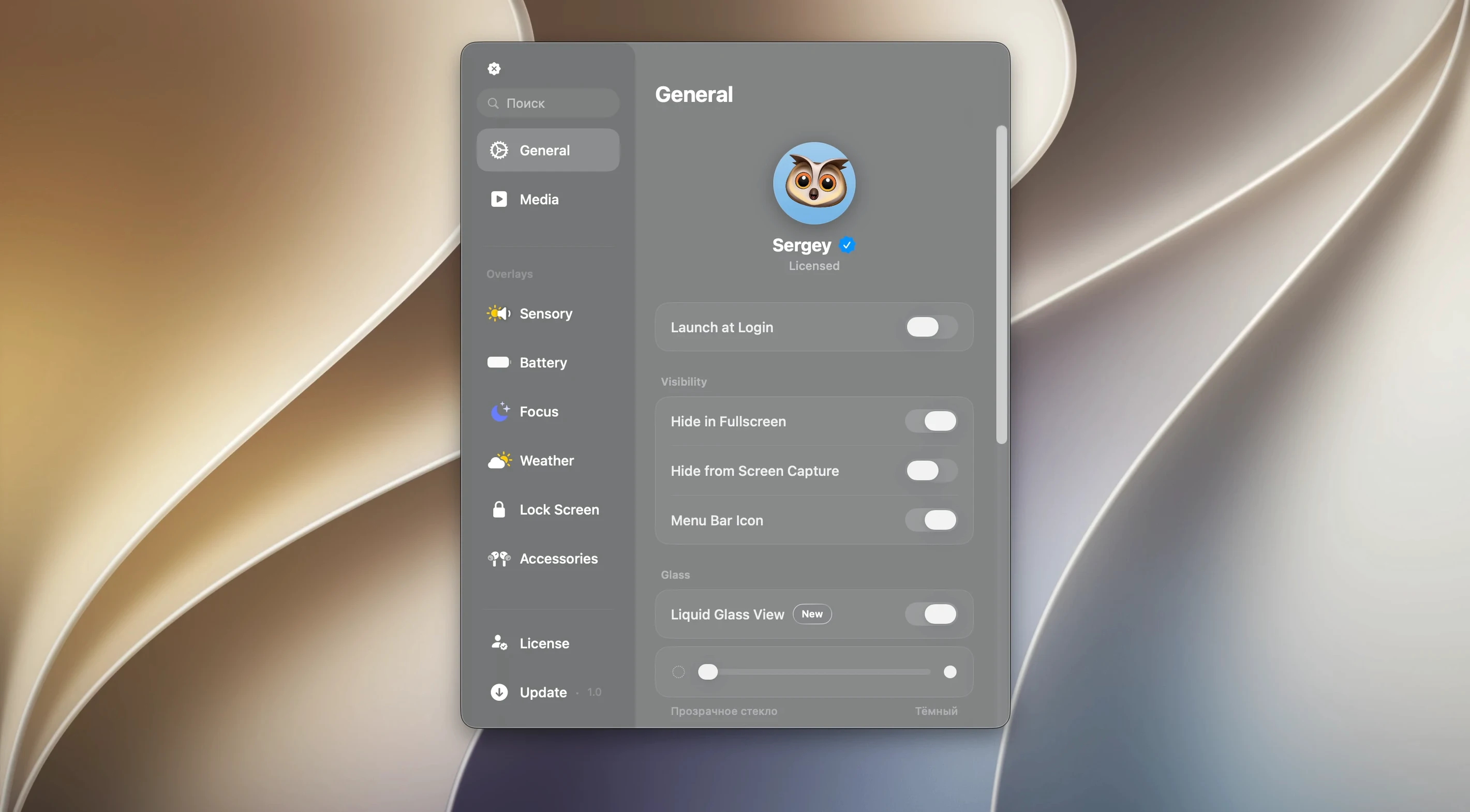
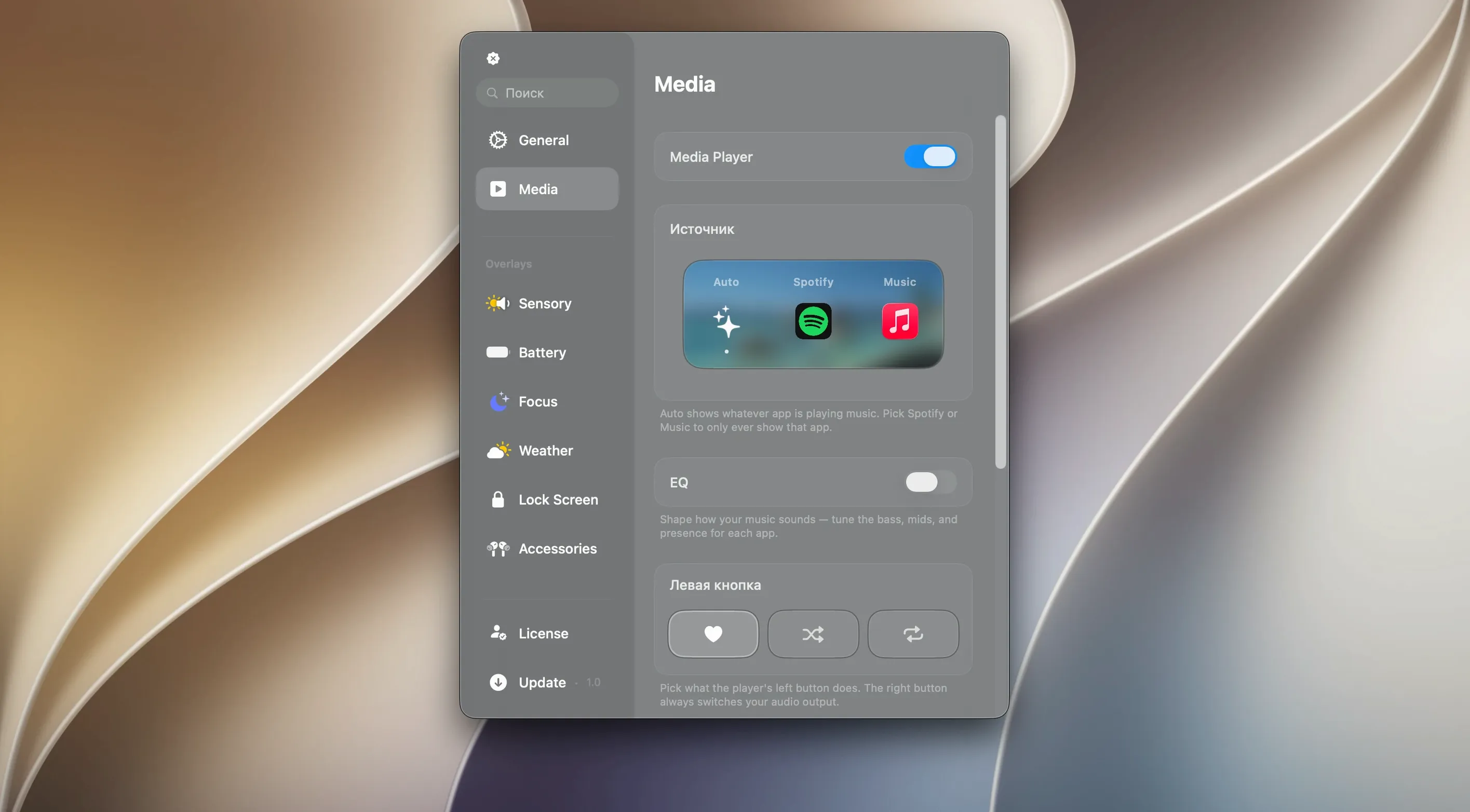
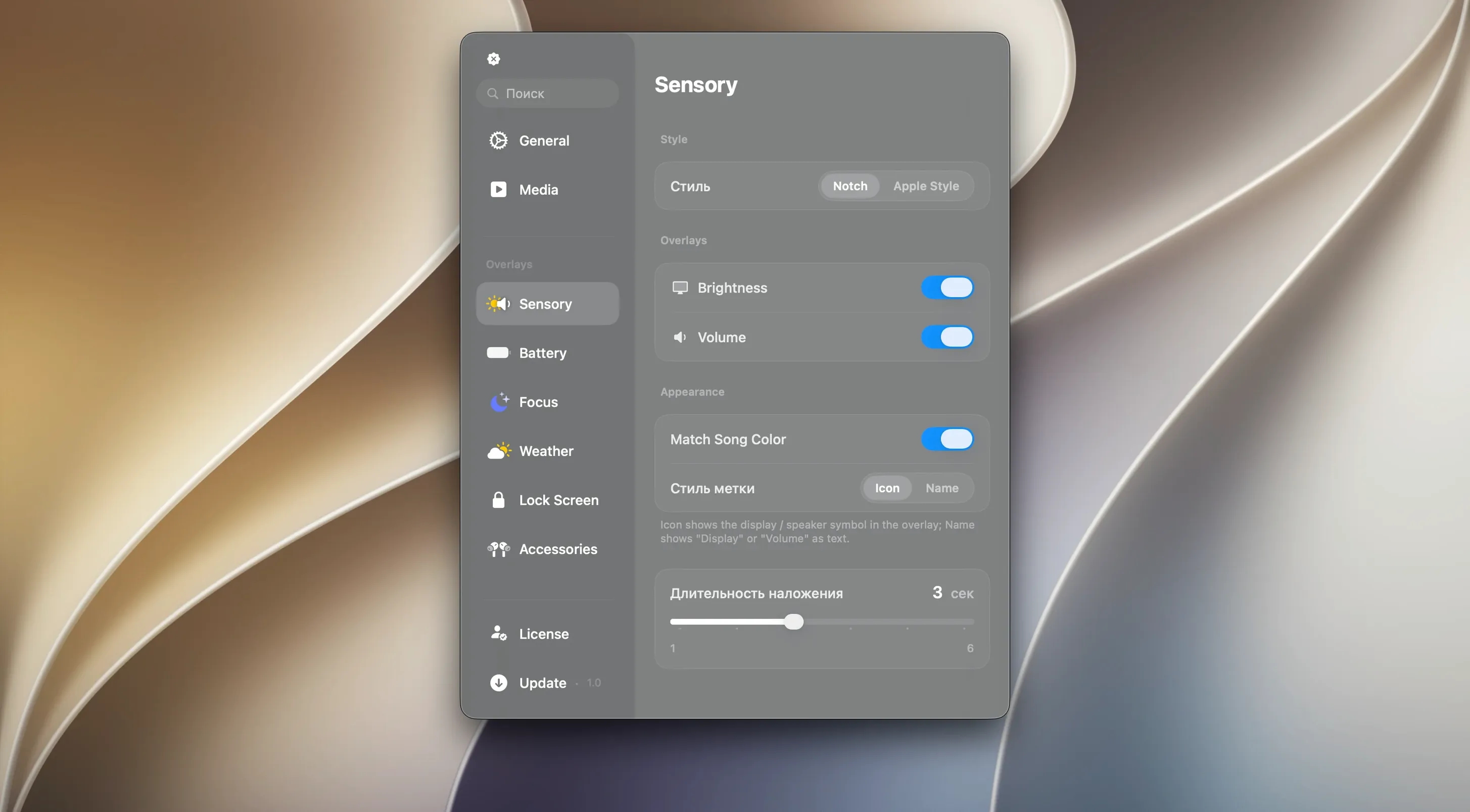
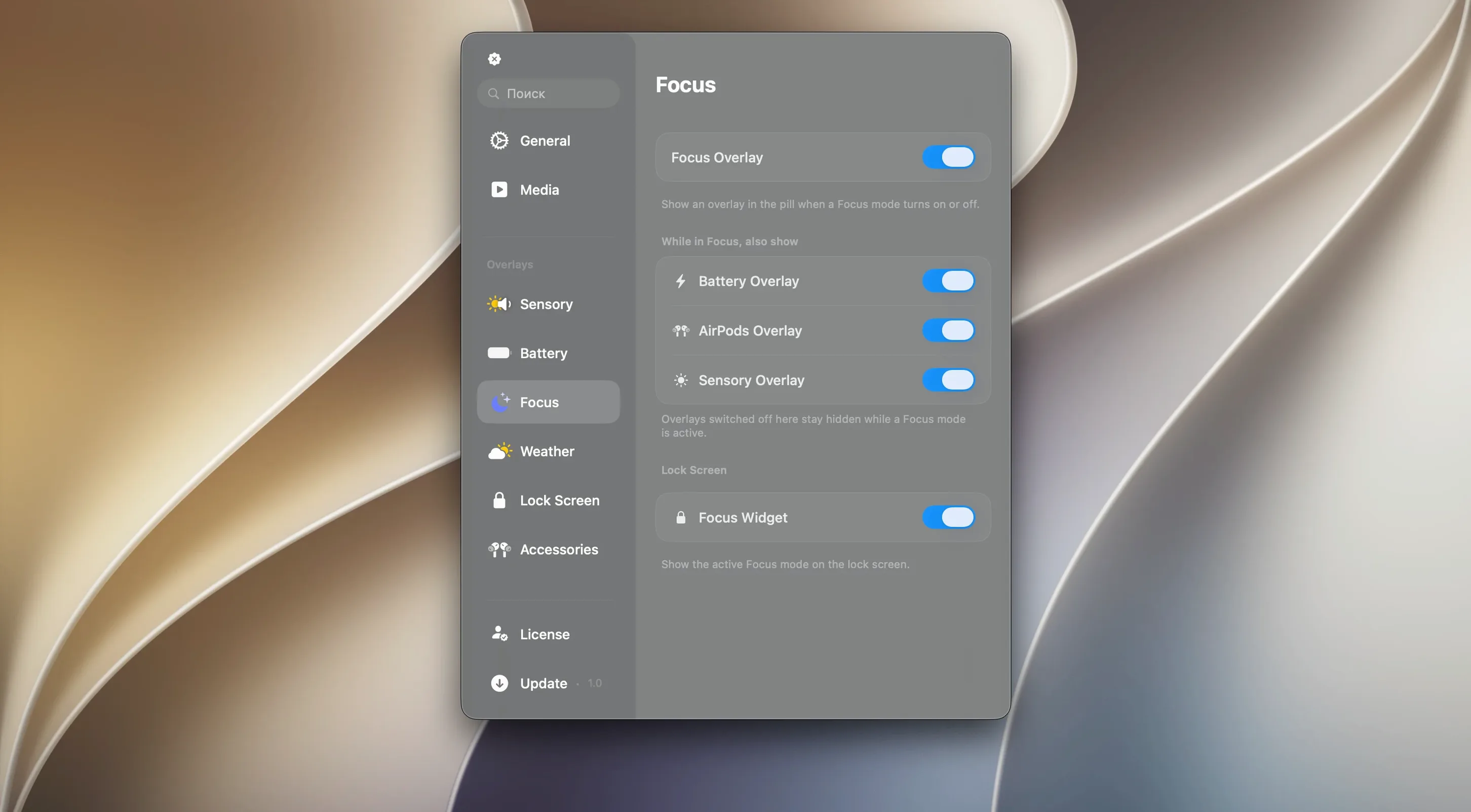
Users who want the iPhone's Dynamic Island behaviour without buying new hardware reach for Canopy. It drops an interactive panel onto the menu bar on notched Macs, or floats a widget at the top of the screen on older machines.
Places a notch-style control strip with liquid glass effects
- Places a Dynamic Island-style control strip on the menu bar or as a floating widget
- Applies Liquid Glass effects to the panel
- Works on any Mac, notch or no notch
- Localized in English
Same liquid glass styling, no feature changes
Version 2.1.0 shipped without feature changes. The same Liquid Glass styling remains, and the panel still anchors to the notch where one exists, or floats as a top-screen widget where it doesn't. No new permissions or admin rights surfaced in this build.
Suits anyone monitoring system activity or music playback
Canopy suits anyone who keeps an eye on system activity or music playback while working. It's a good fit for:
- People who like the iPhone-style notch but use a MacBook with a traditional flat screen
- Users who often switch tracks or podcasts and want one-click media controls without opening another app
- Anyone who uses timers or short reminders and would rather see them in the menu bar than dig through a separate utility
- Those who run multiple full-screen windows and want notifications that sit at the top edge of the screen without overlapping content
The app doesn't replace a full system monitor or a dedicated timer tool. It handles the quick glances and small interactions that otherwise break your flow.
Fixes for common setup and display issues
panel not showing on a notchless Mac
If the floating widget doesn't appear after launch, check that you've dragged the app into Applications and launched it from Launchpad, not from the disk image. The quickest fix is to quit the app, empty the disk image from the desktop, then re-launch from Applications.
media controls don't respond
Canopy picks up whatever media player macOS currently reports as active. If it's not showing the right track, try playing something briefly in a different app such as Safari or Spotify, then switch back to your usual player. That often wakes the system media service.
Liquid Glass effects look off
The transparency and reflection effects rely on the Mac's GPU compositor. If the panel looks flat or blocky, open System Settings > Accessibility > Display and check that Reduce Transparency is off. Restarting the app after that change usually resolves it.
Starts at boot and fills the notch with a tinted glass look
I fire up Canopy first thing after the morning boot. The app sits in the menu bar by the clock. My MacBook has a notch, so the panel fills that space neatly with a tinted glass look that matches the desktop wallpaper.
I start a playlist in Apple Music. The current track appears inside the notch panel with a small play/pause button. I can skip a song or glance at the time remaining without switching to the music window.
Mid-morning, I set a 25-minute timer for a Pomodoro block. The timer shows up in the same panel, counting down beside the music info. When it finishes, a small notification slides in from the right edge of the notch. I dismiss it with a click and start another one.
After lunch, I'm testing a few apps in full screen. Canopy's widget stays pinned to the top of the display, so incoming notifications appear along the top edge rather than popping up in the middle of my work. That keeps me from losing focus when a download finishes or a calendar reminder fires.
Late afternoon, I switch to a podcast. The media controls update automatically. I pause the episode to take a call, and the panel shows a brief "paused" indicator so I remember to resume later. At the end of the day, I close Canopy from its menu bar icon. It doesn't ask to confirm; it just goes quiet.
For a canopy app for macbook that doesn't demand setup time or constant attention, this one behaves itself. Users searching for canopy mac or canopy mac free will find version 2.1.0 does exactly what it says on the panel.
No “what's new” for 2. The release line gave nothing I could check, and I will not stretch it into a changelog.
- macOS 26
- Apple Silicon or Intel
Questions people ask
Does Canopy work on a Mac without a notch?
Yes. On notchless Macs it creates a floating widget at the top of the screen instead of embedding into the menu bar.
Staffroom comments 0
Sign in or create an account here to leave a comment.
Nobody has commented on this one yet.
Other Utilities tools
All Utilities tools-
 Boom 3D
2.2.6
Utilities
-
 Bloom
1.5.46
19 MB
Utilities
-
 CleanShot X
5.0.2
46 MB
Utilities
-
 CloudMounter
4.18Intel Macs only
68 MB
Utilities
-
 Cocktail Sequoia Edition
18.7.1Intel Macs only
3 MB
Utilities
-
 Commander One PRO
3.18.0
53 MB
Utilities
-
 Compressor
5.3
122 MB
Utilities
-
 dBpoweramp Music Converter
2026.09.13
31 MB
Utilities