
Roland ZENOLOGY Pro 2.0.7 (macOS)
One download for Apple Silicon and Intel. Opens the install steps and mirrors.
- Version
- 2.0.7
- Size
- 1.8 GB
- Earliest macOS
- 11 or later
- CPU type
- Universal
- Updated
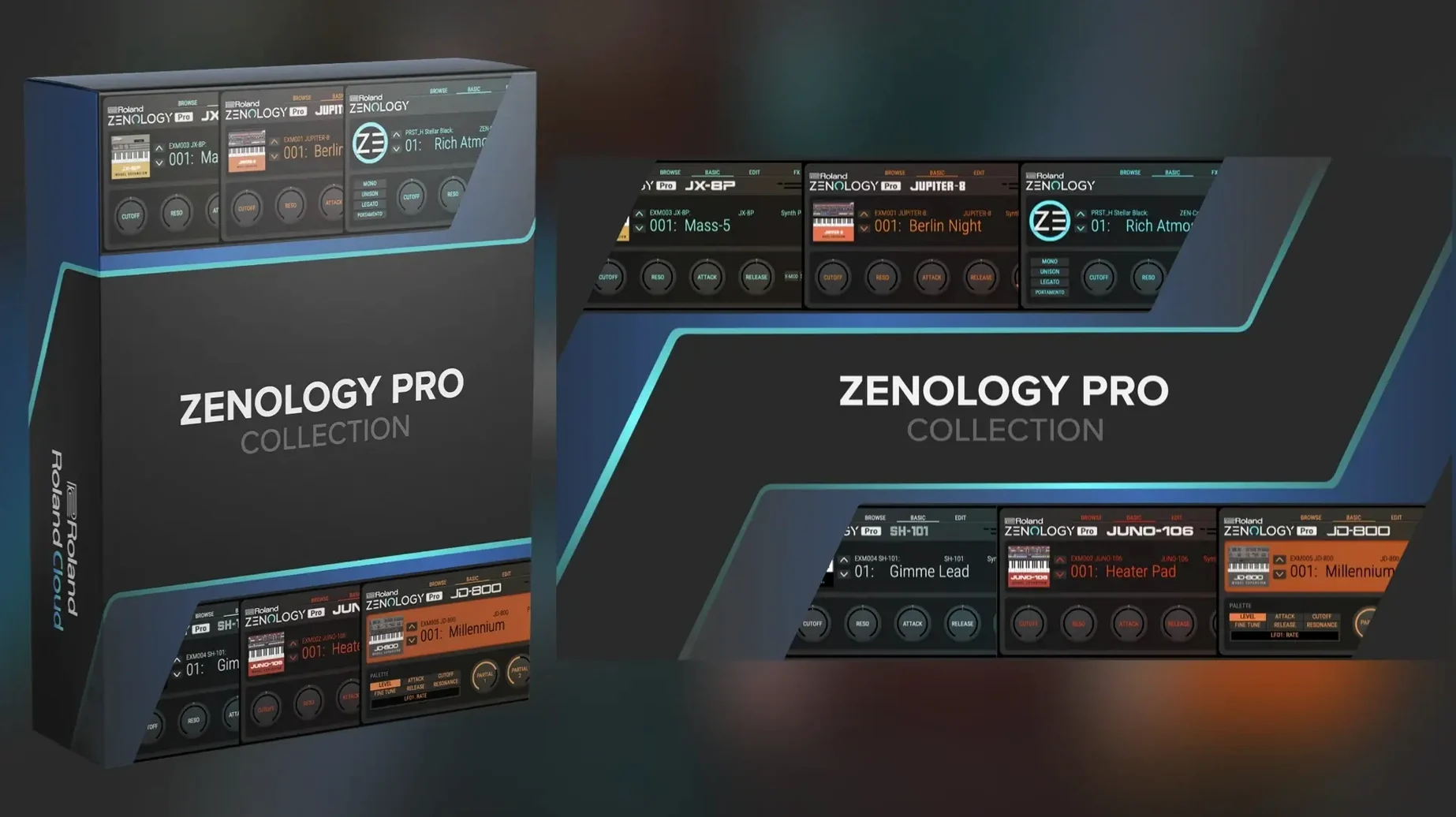
Partial tone editing. That is the first thing that stands out about ZENOLOGY Pro. It is the same ZEN-Core synthesis engine that runs inside a JUPITER-X or FANTOM, now sat inside your DAW.
| Detail | Spec |
|---|---|
| Version | 2.0.7 |
| Developer | Roland Cloud |
| Format | Plugin (VST/AU/AAX) |
| macOS | 11 and later |
| Architecture | Intel / Apple Silicon |
You get more than 4,000 tones and 200 drum kits to start with, built from 1,840 PCM waveforms. The filter section includes ten types, with models pulled from the JUPITER line. Eleven LFO shapes and four-part layering per tone give you room to build sounds that stay out of the factory presets. Sound Packs and Wave Expansions from Roland Cloud load straight in. If you own compatible ZEN-Core hardware, tones move between plugin and instrument with no conversion step.
Runs on macOS 11 and later, Apple Silicon and Intel
ZENOLOGY Pro 2.0.7 runs on macOS 11 and later, on both Apple Silicon and Intel 64-bit machines. The installer comes as a disk image file. Mount it, run the standard install procedure, and the plug-in appears in your DAW's instrument list. The interface is in English only — no localisation options at present.
Because it is a plug-in, there is no standalone application. You load it inside a DAW track as a VST, AU or AAX instrument. The interface resizes to fit your screen, which helps on smaller laptops or multi-monitor setups. Expect a single window with the tone browser, part editors and effects chain laid out in panels.
Star your go-to factory presets to reduce scrolling
Out of the box, the tone browser shows every factory preset. That is a lot of scrolling. Mark your go-to sounds as favourites as you find them — the star button in the browser saves them to a separate Favourites list, cutting the browse time considerably.
The four-part architecture per tone means each sound can have up to four layers running at once. If you are building a tone from scratch, start with Part 1 only, add the others once the core oscillator and filter are set. Doing it the other way round tends to eat CPU and clutter the edit window.
Effects are global to the tone unless you route them per part. If you want say reverb only on one layer, set the effect at the part level rather than on the master insert. That is not obvious from the default layout.
Works as a VST, AU, or AAX instrument in any major DAW
ZENOLOGY Pro works inside any DAW that hosts VST, AU or AAX plug-ins — Logic Pro, Ableton Live, Cubase, Pro Tools, Digital Performer, Studio One, Reaper. It behaves like any other instrument plug-in: you insert it on a MIDI track, play notes from a keyboard or the DAW's piano roll, and route audio out to the mixer.
Because it shares the ZEN-Core engine with Roland hardware such as the JUPITER-X and FANTOM, you can edit a tone on the plug-in, export it, and load it straight into the hardware. That works the other way too: sounds built on the keyboard show up in the plug-in's tone list. No format conversion, no extra utility.
macOS Audio MIDI Setup (or simply the DAW's own MIDI routing) handles the connection to external controllers. The plug-in responds to standard MIDI CC — useful for automating filter cutoff or LFO speed from a hardware knob or a clip in the DAW timeline.
Plug-in not showing? Check the /Library/Audio/Plug-Ins folder
- Plug-in not showing in the DAW. Happens most often when the installer places the plug-in file outside the DAW's scan folder. On macOS, the standard location is
/Library/Audio/Plug-Ins/VSTorAU. If the DAW still does not see it, point the DAW's plug-in manager to that folder manually. - Sounds missing after loading a project. ZENOLOGY Pro stores tone data inside the project file only if you set the plug-in to save embedded. Check the plug-in preferences — there is a toggle for 'embed tones in project'. Without it, the project references the tone location on disk, which breaks if you move files around.
- High CPU on complex tones. Four parts with two LFOs each and a global effects chain adds up. The easiest fix is to freeze or bounce the track once the sound is settled. You can also disable individual parts in the part editor — they stay in the session but stop processing.
- Wave Expansions and Sound Packs not appearing. These download from Roland Cloud and need to be placed in the correct user library. The plug-in looks for them in
~/Documents/Roland/ZENOLOGY Proby default. If they are elsewhere, the browser stays empty. Move them or create a symlink. - Interface text too small or too large. The UI is resizable. Drag the corner of the window, or check the preferences for a zoom slider. The layout reflows, so controls do not get clipped.
None of these are show-stoppers. They are the usual configuration friction you get with any plug-in that ships its own sample and patch library. A few minutes spent on the preferences and folder setup saves time later.
No “what's new” for 2.0.7. The release line gave nothing I could check, and I will not stretch it into a changelog.
- macOS 11 or later
- Intel or Apple Silicon processor
Questions people ask
Can I use ZENOLOGY Pro to edit sounds for my JUPITER-X or FANTOM?
Yes. ZENOLOGY Pro works with compatible ZEN-Core hardware, so you can edit and share sounds between the plugin and instruments like JUPITER-X and FANTOM.
What macOS versions does ZENOLOGY Pro support?
ZENOLOGY Pro 2.0.7 runs on macOS 11 and later, and supports both Intel and Apple Silicon Macs.
Staffroom comments 0
Sign in or create an account here to leave a comment.
Nobody has commented on this one yet.
Other VST Plugins tools
All VST Plugins tools-
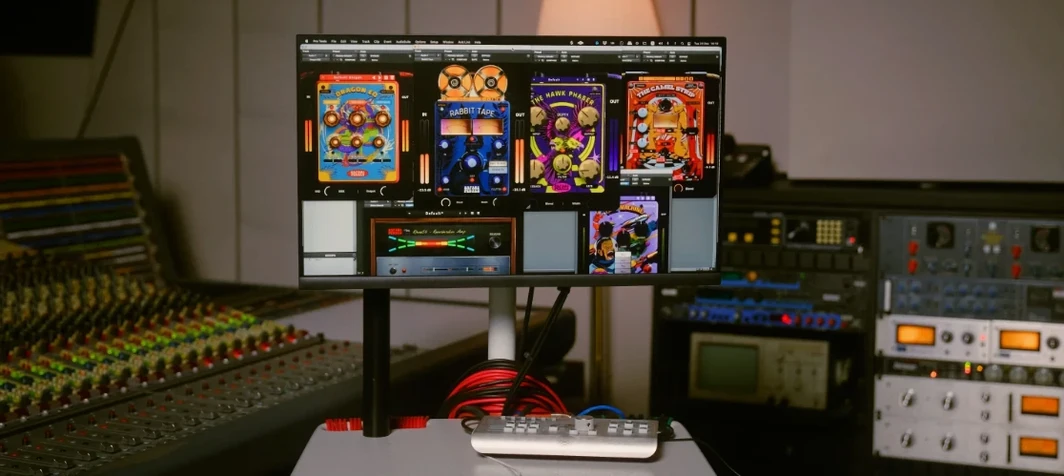 Safari Pedals Everything Bundle
2026.05
628 MB
VST Plugins
-
 RipX DAW Pro
8.0.3
1.6 GB
VST Plugins
-
 Revoice Pro
5.1.30
39 MB
VST Plugins
-
 Scaler 3
3.3.2
1.4 GB
VST Plugins
-
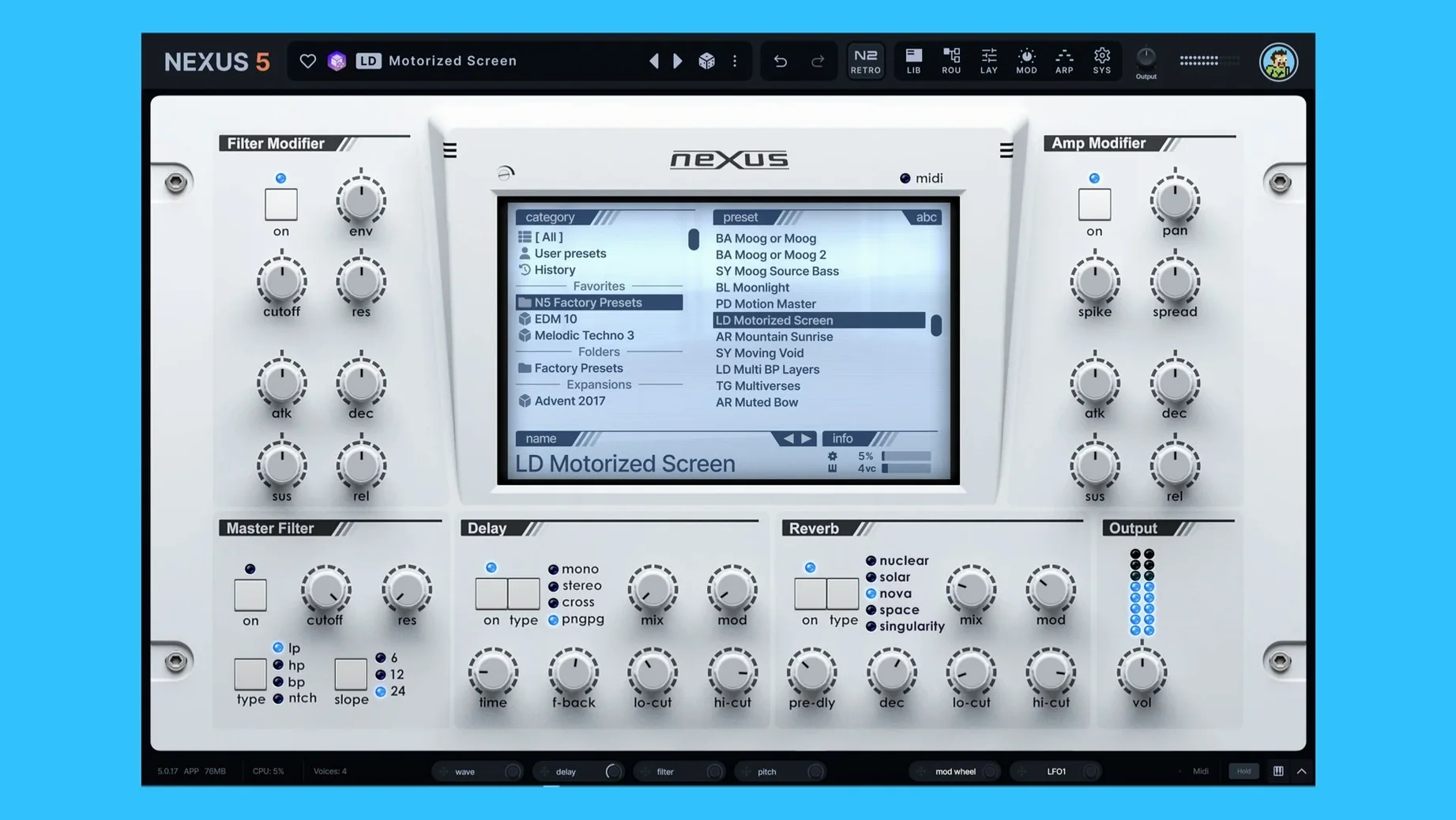 reFX Nexus
5.5.21
72 MB
VST Plugins
-
 Serum
2.1.5
1.2 GB
VST Plugins
-
 Slate Digital Storch Filter
1.0.6
69 MB
VST Plugins
-
 Slate Digital Submerge
1.0.5
38 MB
VST Plugins