
RipX DAW Pro 8.0.3 (macOS)
One download for Apple Silicon and Intel. Opens the install steps and mirrors.
- Version
- 8.0.3
- Size
- 1.6 GB
- Earliest macOS
- 10.15 or later
- CPU type
- Universal
- Updated

You have a recording with a note that rings too sharp, or background noise that sits on the same frequencies as the vocal. RipX DAW Pro lets you pick that note apart — adjust its overtone level, restore a missing fundamental, or draw the pitch back into line. The same workspace handles stem separation, so you can isolate an instrument, then clean the result with the Restoration panel.
Clean up a stem
Use the advanced stem cleanup tools to remove background noise, limit foreground artefacts, and reduce specific tones. The separation handles both pitched and unpitched sounds, and you can balance them without committing to a destructive edit.
Fix a note in the harmonic editor
Split or join notes, clone characteristics from a clean take, and draw pitch or apply patterns. The harmonic editor shows each note’s overtones, so you can reduce a ringing harmonic or boost a weak fundamental.
Write a custom repair script
RipScripts let you automate repetitive audio repair tasks — pull noise profiles, apply a pattern to every note in a region, or batch clean a folder of stems. The tools from the Restoration panel are available as script commands.
Some of the useful details in RipX DAW Pro are easy to overlook until you need them. The Restoration panel works non-destructively, which means you can tweak a noise-reduction setting and still revert later. The Harmonic Editor displays overtones per note, so you can see exactly where a buzz sits before you touch it. The clone-characteristics tool copies the tonal profile from one note to another — handy when a single vocal syllable sounds different from the rest of the take.
Workflow: clean a vocal stem
Start by loading a mixed track into RipX DAW Pro and using the stem separation tool to isolate the vocal. The separation splits the audio into pitched and unpitched components. Switch to the Harmonic Editor and scan for notes with uneven overtone levels — a common sign of room resonance or mic handling noise. Select those notes and use the adjust-overtone-level tool to flatten the profile.
Apply the Restoration panel next: run the background-noise removal, then check for any remaining foreground artefacts and limit those separately. If the vocal still carries a low-frequency rumble, the reduce-tones tool handles that without affecting the voice’s upper harmonics. Finally, use the restore-fundamental-harmonics option on any notes that lost body during cleanup. The result is a clean stem ready for mixing or further editing.
Runs standalone, not as a plugin
RipX DAW Pro runs standalone — it is not a VST or AU plugin, so you cannot load it inside Logic Pro or Ableton Live. What you can do is process audio in RipX, then export the cleaned stem and import it into your main DAW. The workflow makes sense for tracks that need surgical repair before they mix well.
The app uses the standard macOS audio routing, so system audio preferences and any aggregate interfaces you configure in Audio MIDI Setup carry in. If you keep a library of noise profiles (fan hum, traffic, chair creaks), you can load those from disk and apply them to new recordings via RipScripts. The script engine also lets you chain multiple cleanup steps — pull a noise profile, apply a pattern, reduce tones — and run them on a folder of stems overnight.
For batch work, the combination of RipScripts and the Restoration panel means you can treat a whole session’s worth of tracks with the same noise-reduction settings. The stem separation handles both stereo and polyphonic material, so orchestral stems or multi-instrument mixes break down the same way as a simple vocal-and-guitar track.
No “what's new” for 8.0.3. The release line gave nothing I could check, and I will not stretch it into a changelog.
- macOS 10.15 or later
- Intel or Apple Silicon
Questions people ask
Can RipX DAW Pro separate stems?
Yes, it includes stem and instrument separation tools built into the editor.
Does it work on Intel and Apple Silicon Macs?
Yes, it supports both architectures on macOS 10.15 and later.
What kind of audio repair can it do?
It can remove background noise, reduce tones and noise, restore harmonics, and clean both pitched and unpitched sounds.
Staffroom comments 0
Sign in or create an account here to leave a comment.
Nobody has commented on this one yet.
Other VST Plugins tools
All VST Plugins tools-
 Revoice Pro
5.1.30
39 MB
VST Plugins
-
 Roland ZENOLOGY Pro
2.0.7
1.8 GB
VST Plugins
-
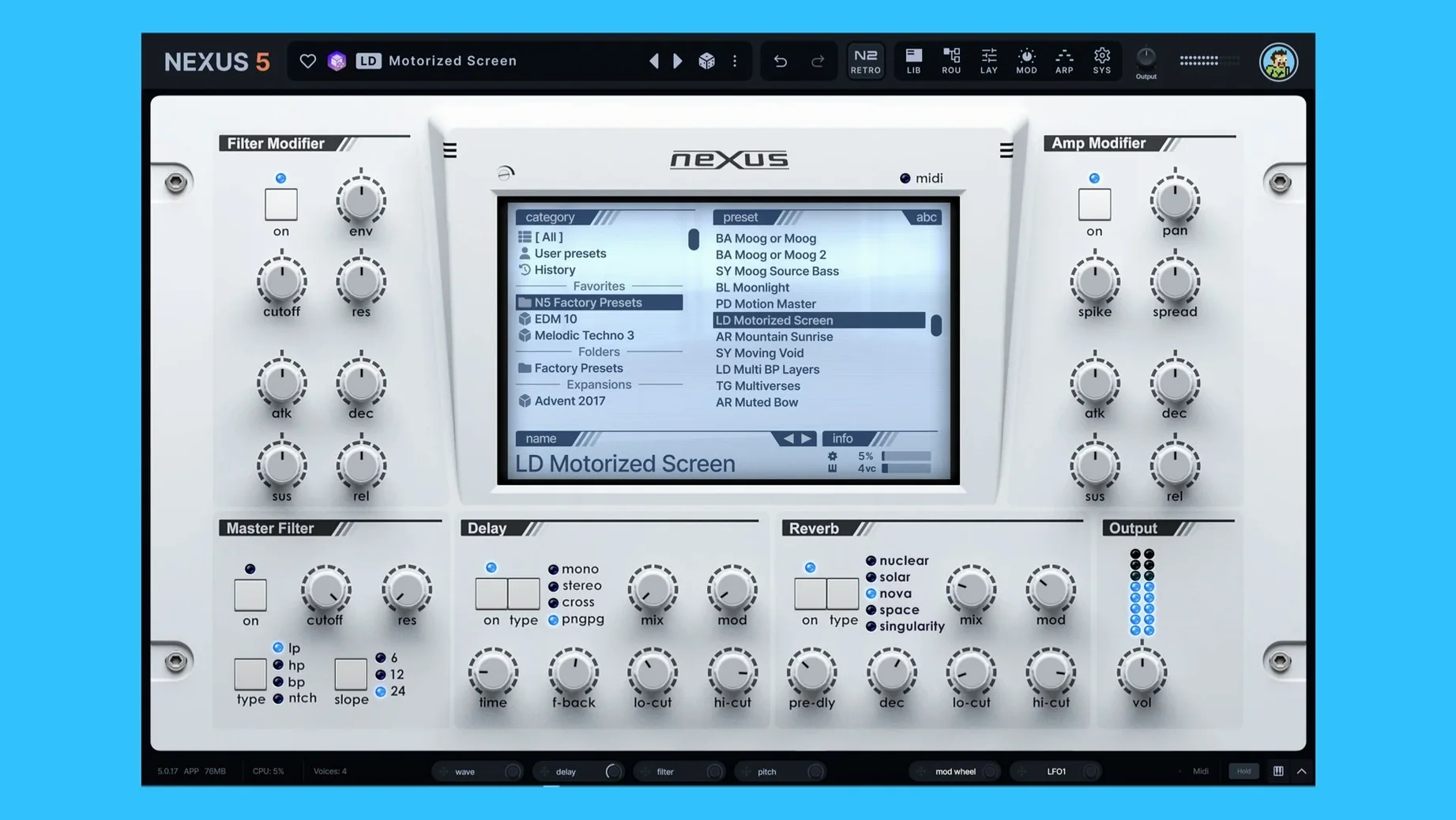 reFX Nexus
5.5.21
72 MB
VST Plugins
-
 Safari Pedals Everything Bundle
2026.05
628 MB
VST Plugins
-
 Scaler 3
3.3.2
1.4 GB
VST Plugins
-
 Serum
2.1.5
1.2 GB
VST Plugins
-
 Plugin Alliance Shadow Hills OptoMax
1.0.0
73 MB
VST Plugins
-
 Plugin Alliance Brainworx Bundle
2025.06.16
2.1 GB
VST Plugins