Clip Studio Paint 4.1.4 (macOS)
One download for Apple Silicon and Intel. Opens the install steps and mirrors.
- Version
- 4.1.4
- Size
- 403 MB
- Earliest macOS
- 14 or later
- CPU type
- Universal
- Updated
The Colour mixing brush set to Running color no longer force-closes the app, and Quick Look finally previews .clip files properly on macOS 15. That is Clip Studio Paint 4.1.4 in a nutshell: a pile of small fixes that matter when you are mid-panel and the Finder decides to misbehave.
Works on Apple Silicon and Intel Macs
Clip Studio Paint 4.1.4 needs macOS 14 or later. It runs on both Apple Silicon and Intel Macs, so the M2 mini in my office and the old 2019 iMac in the art room are both fine. You want 2 GB of memory minimum; 8 GB is the sensible target for anything beyond a single layer sketch. An OpenGL 3.3 compatible GPU is required, and a pressure-sensitive tablet is supported, though a mouse will get you through basic vector work.
Vector tools, layered PSD support, and frame-by-frame animation
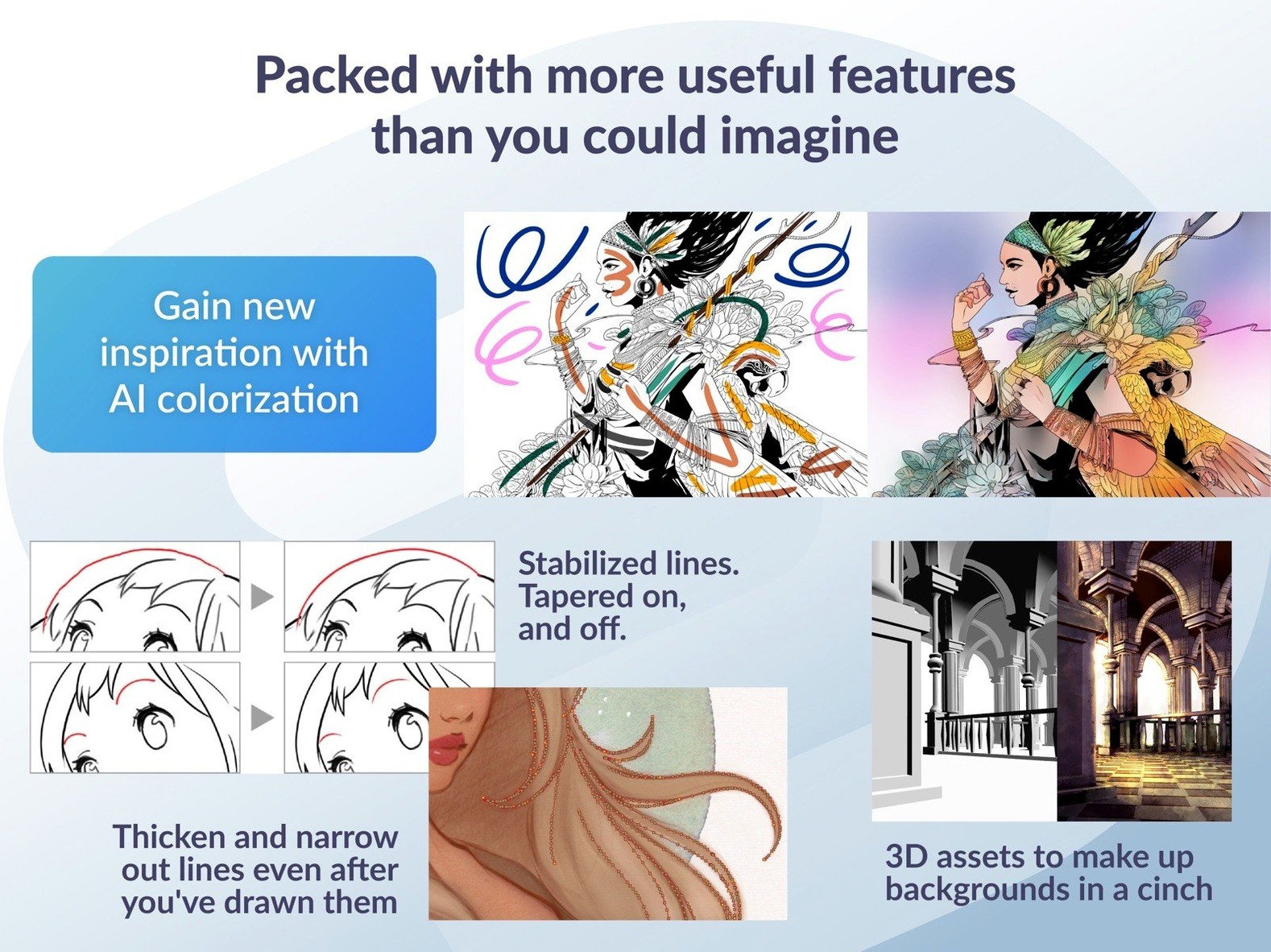
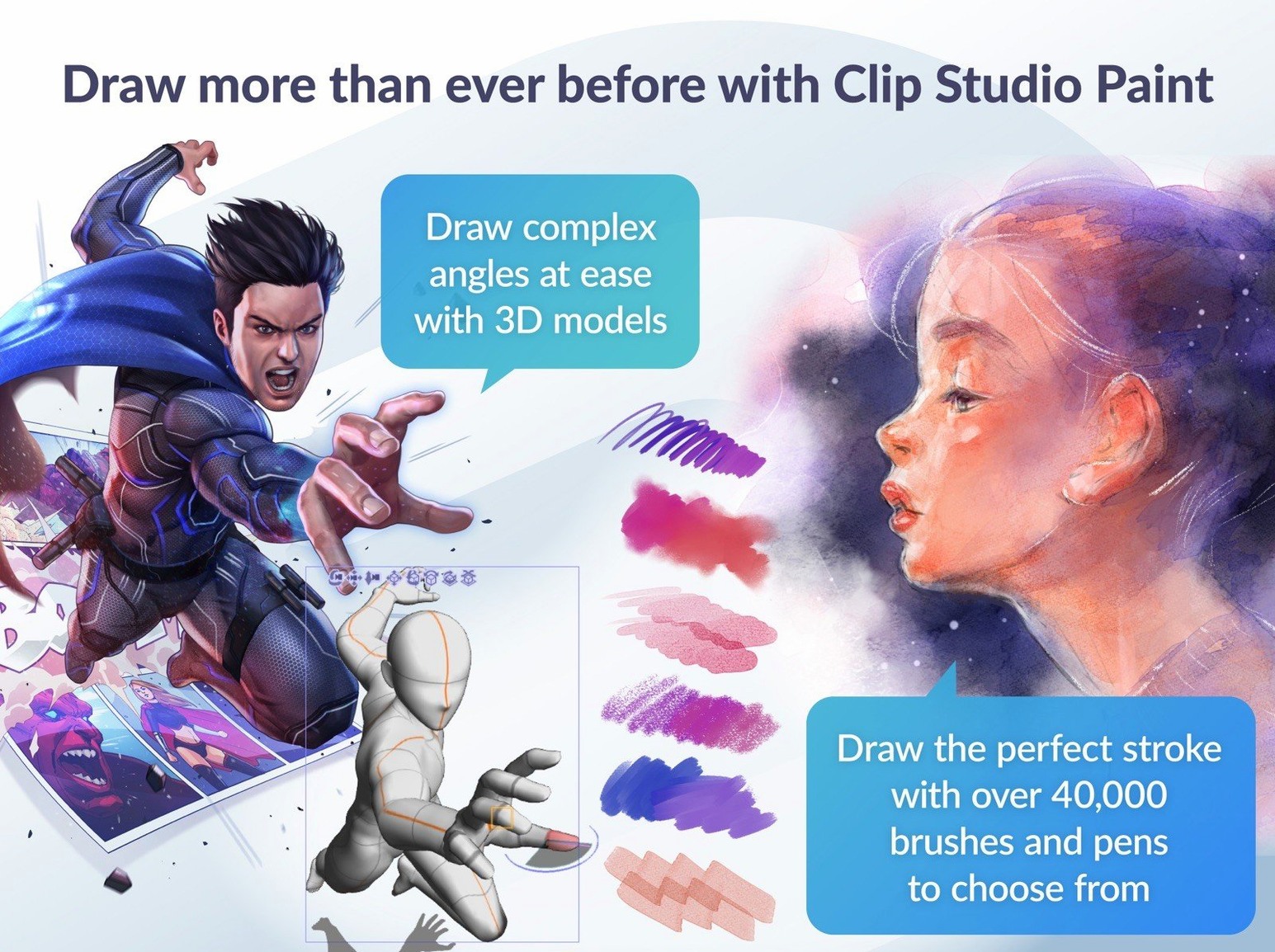
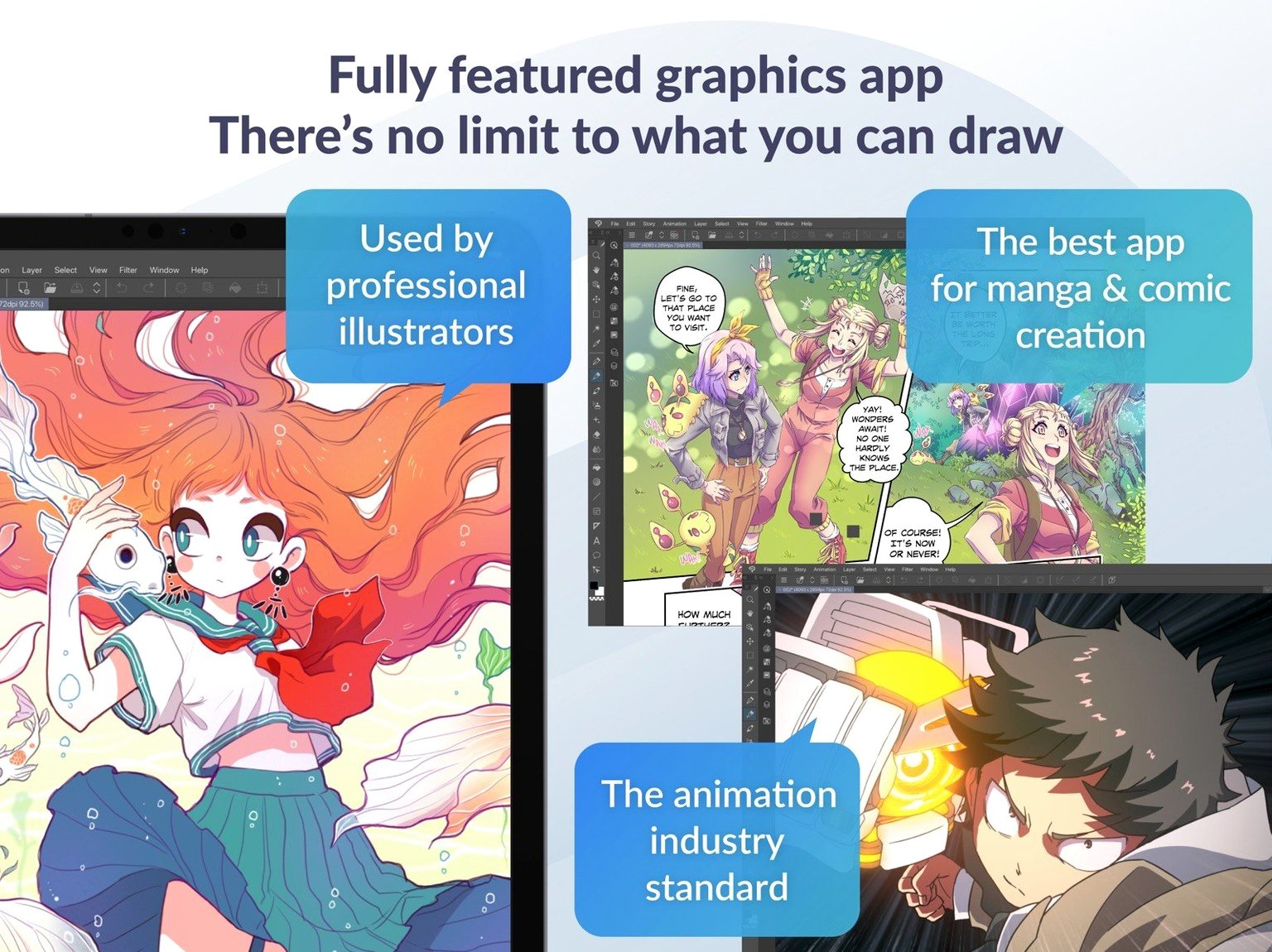
The core is vector tools and layered PSD import/export, which keeps your work moving between Clip Studio and Photoshop without flattening everything. Frame-by-frame animation with onion skin display is in there, and you can export as sequential images, GIFs or movie files. The EX edition adds multi-page story layouts; PRO covers single-page work. Version 4.1.4 also fixed PSD exports of certain sizes appearing correctly in Finder on macOS 15, and cleared up stray cels or keyframes after resizing clips.
Moves layered PSD between Photoshop and Clip Studio for inking and color
Clip Studio Paint sits alongside graphics apps without much friction. Layered PSD import and export means you can move a character sketch from Photoshop into Clip Studio, ink it with vector tools, then send a layered PSD back for colour work. The same goes for exporting animation frames as sequential images or movie files — QuickTime or DaVinci Resolve can pick them up without a conversion step. 3D objects and figures import as materials, and you can drop them into a scene while keeping vector or raster layers underneath.
macOS integration is straightforward. The installer mounts a disk image, runs a standard installer, and you choose EX or PRO on first launch. Quick Look previewing of .clip files works in macOS 15 now — no more guessing which file is which from the thumbnail alone. The app uses system file dialogs for export, so your usual Finder tags and saved locations are available.
Fixes the Running color mixing brush crash
The fixes in 4.1.4 are the kind that stop you swearing at the screen. The Running color mixing brush no longer force-closes the app — that one was a regular annoyance when working wet brushes into a shaded area. Edge artifacts in canvas previews with Quick Filters and Quick Effects have been cleaned up, so your preview matches the final render. The PSD export fix for certain sizes is specific to macOS 15 — Finder now shows the correct preview, not a grey box.
Simplified Chinese was added as a display language, which broadens the interface options. Everything else — English, German, Spanish, Korean, French, Japanese — was already there.
Requires macOS 14, runs on Silicon and Intel, 2 GB RAM minimum
Clip Studio Paint 4.1.4 is a 64-bit application. It requires macOS 14 or later, and runs on both Apple Silicon (ARM) and Intel (x86) architectures. You need at least 2 GB of memory; 8 GB or more is recommended for any serious work. An OpenGL 3.3 compatible GPU is required — integrated Intel graphics on older Macs may not meet this, so check your model. A pressure-sensitive tablet and stylus are supported; pen input is the expected workflow, though a mouse works for vector paths and basic selections. An internet connection is needed for some functions and to verify the software license on first launch.
For multi-page comic layouts, the EX edition includes tools that PRO lacks. If you are working on a 30-page story, EX handles the page management. PRO is fine for single illustrations and short animations.
- Simplified Chinese added as a display language.
- Improved Quick Look previewing of .clip files in macOS 15.
- Fixed PSD exports of certain sizes appearing correctly in Finder on macOS 15.
- Fixed cels or keyframes remaining after deleting resized clips or changing frame rate.
- Fixed an edge artifact in canvas previews with Quick Filters and Quick Effects.
- Fixed a force-close issue related to Color mixing set to Running color.
- macOS 14 or later
- Apple Silicon or Intel
- 2 GB memory minimum; 8 GB or more recommended
- OpenGL 3.3 compatible GPU
- A tablet and stylus with pen pressure sensitivity are supported
- An internet connection is required for some functions and to verify the software license
Questions people ask
Does Clip Studio Paint 4.1.4 work on Apple Silicon Macs?
Yes. The app supports both Apple Silicon and Intel architectures, provided you are running macOS 14 or later.
What are the minimum memory and GPU requirements?
You need 2 GB of memory and an OpenGL 3.3 compatible GPU. 8 GB of memory is recommended for heavier work.
Staffroom comments 0
Sign in or create an account here to leave a comment.
Nobody has commented on this one yet.