
FxFactory Pro 9.0.7 (macOS)
One download for Apple Silicon and Intel. Opens the install steps and mirrors.
- Version
- 9.0.7
- Size
- 68 MB
- Earliest macOS
- 12.6 or later
- CPU type
- Universal
- Updated
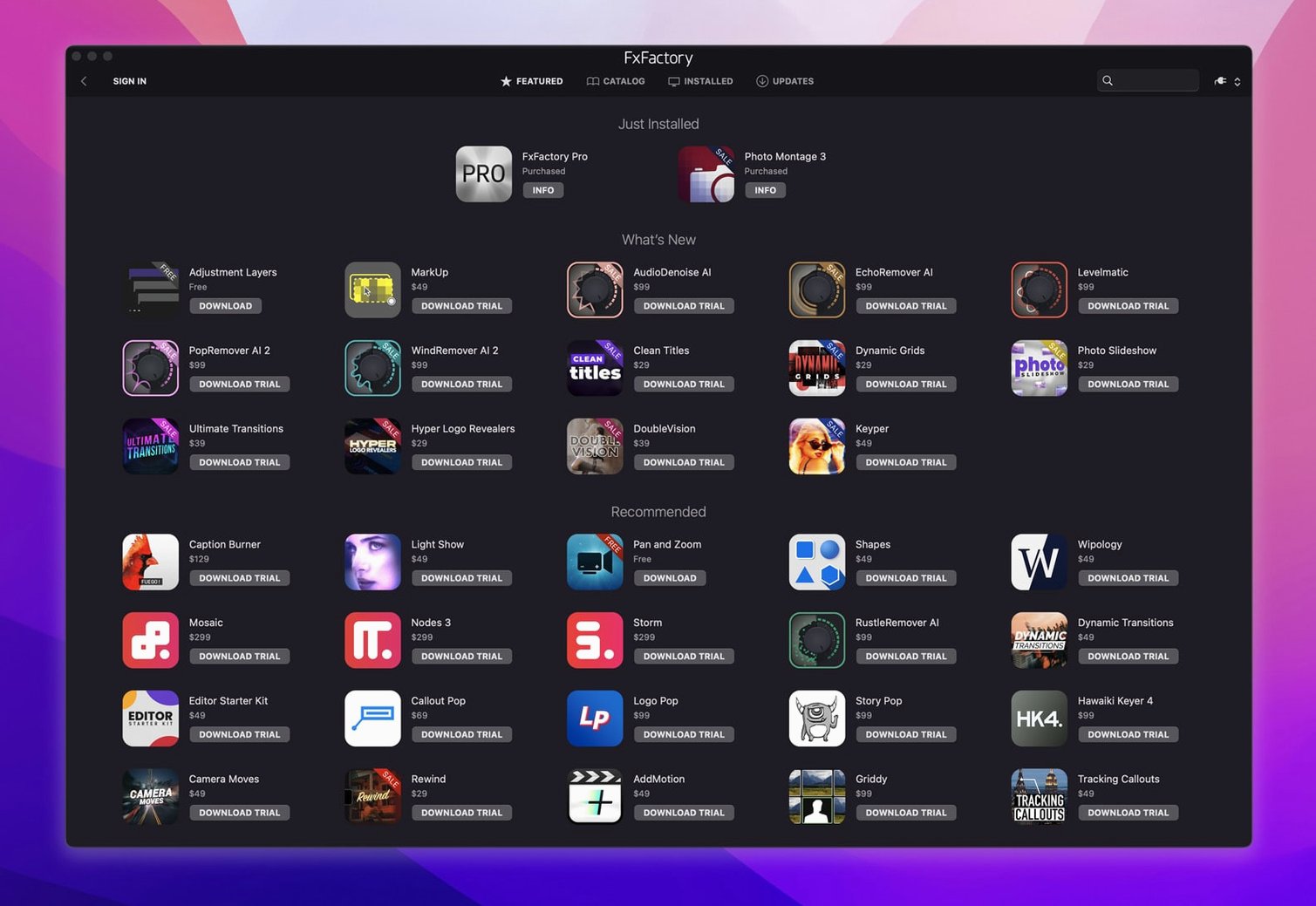
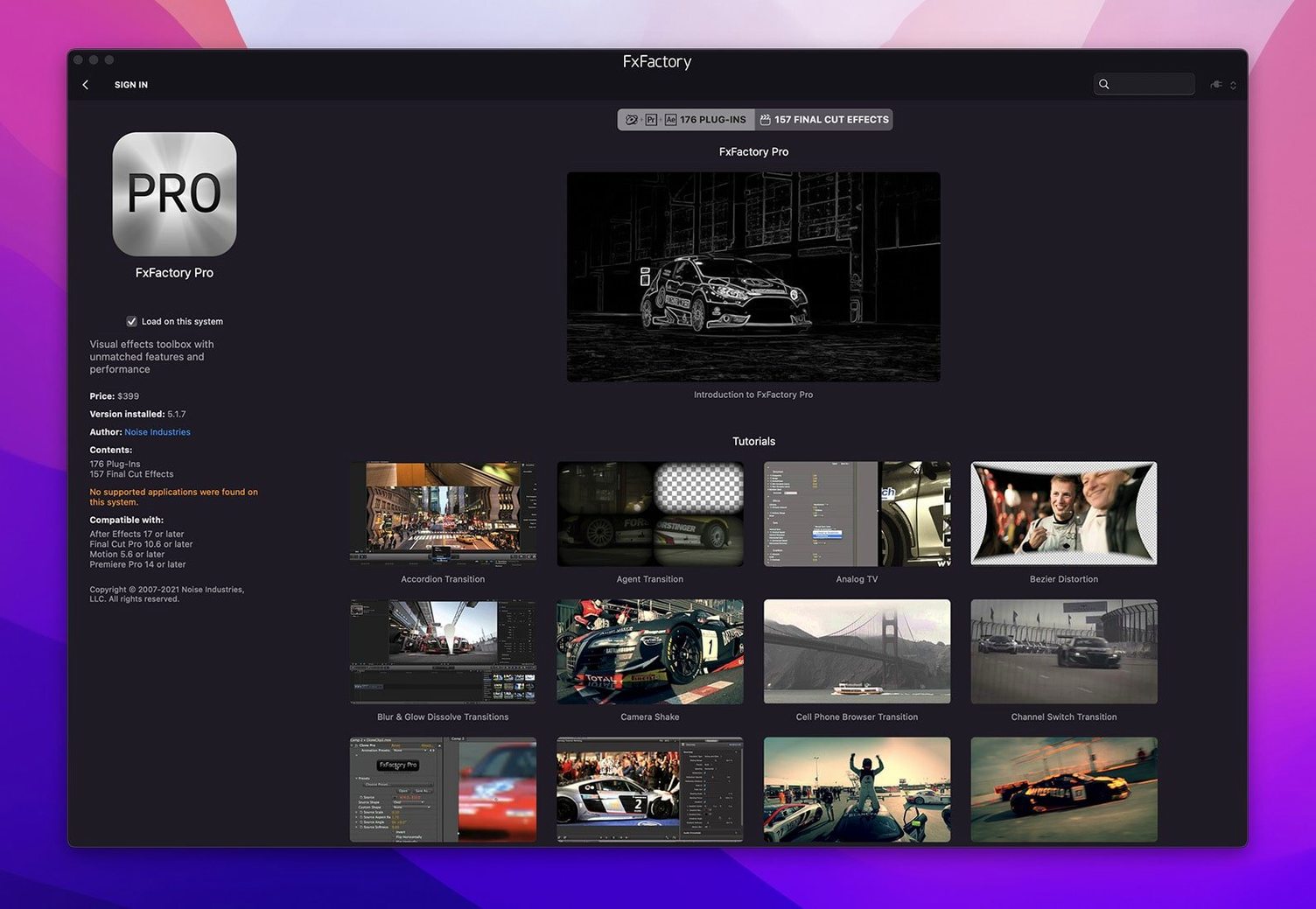
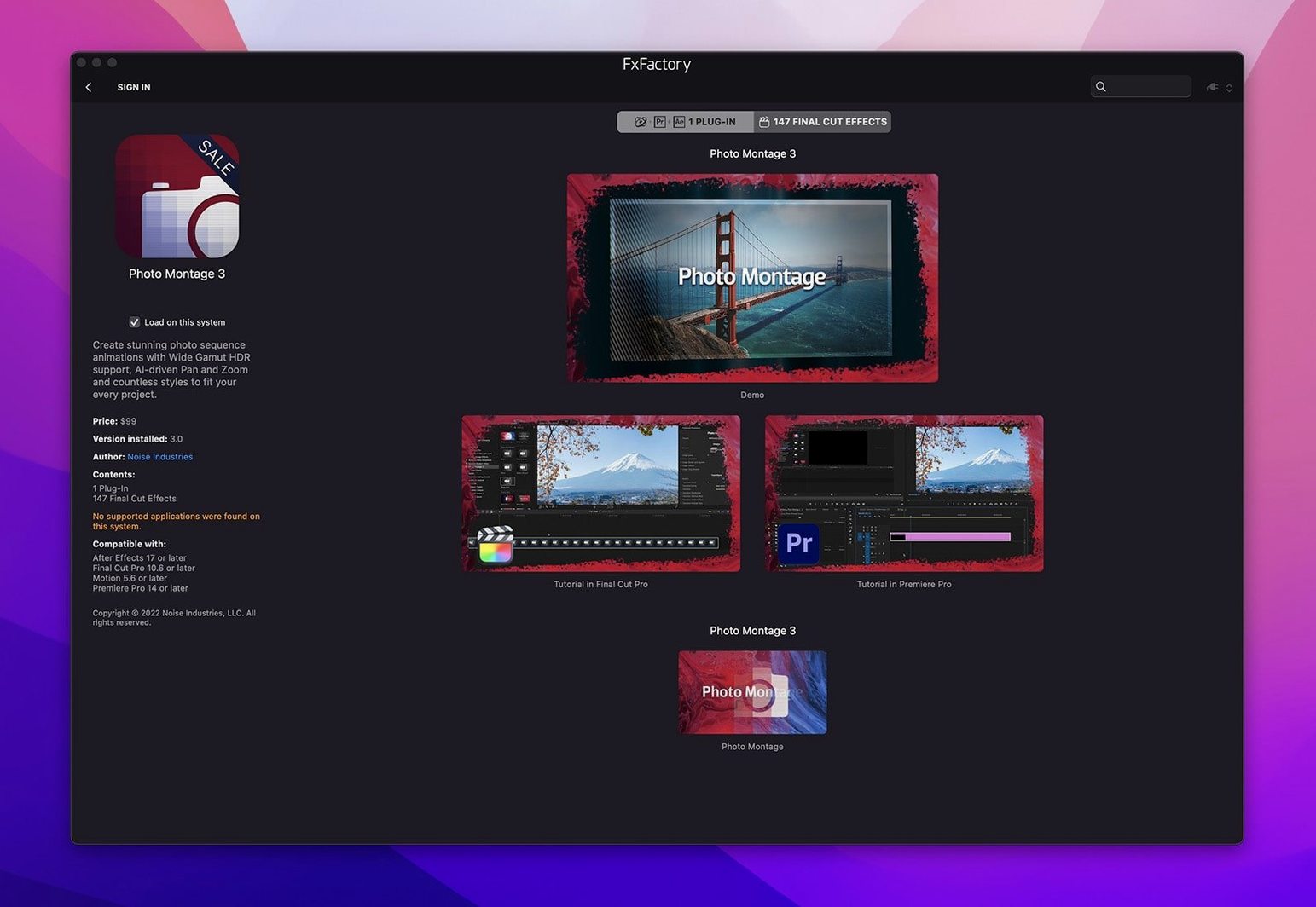
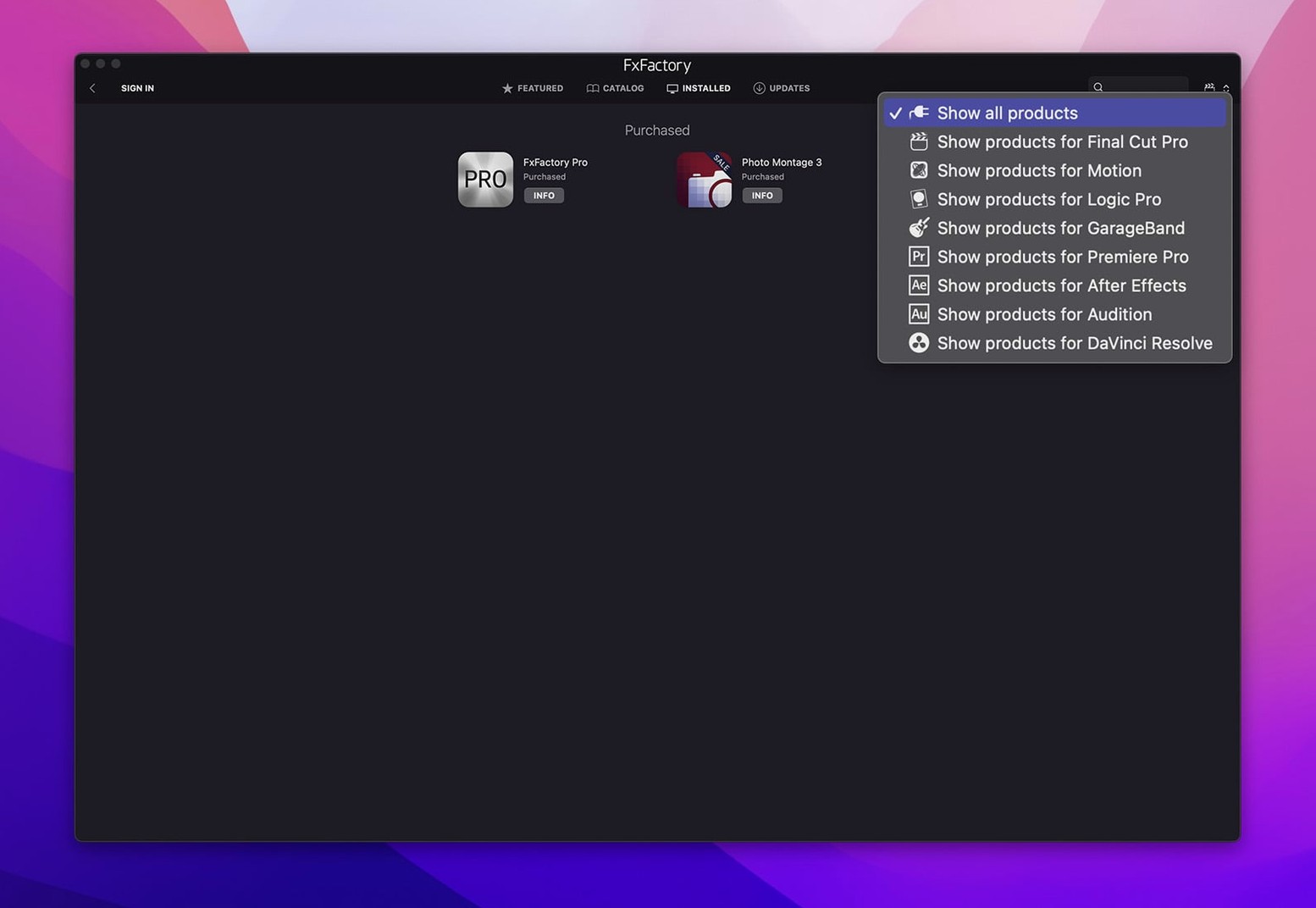
Editors and motion designers working in Final Cut Pro, Motion, Premiere, After Effects, or DaVinci Resolve reach for FxFactory Pro when they need a central place to manage their visual effects. It is a plugin manager and a management environment for plugins, letting you connect effects to a project, apply them to content, and use them for preview and rendering — all without writing code.
- Browse and install effects from a built-in interface without leaving your host app.
- Preview how a plugin looks on your footage before committing it to the timeline.
- Buy and register commercial plugins directly through the manager.
- Organise installed effects, hide what you do not use, and keep the list clean.
- Run on both Intel and Apple Silicon Macs with a single installer.
Integrates with five major NLEs
FxFactory Pro is one of those tools that sits in the background until you need it – and then it becomes the thing you open first. It integrates with Final Cut Pro, Motion, Premiere, After Effects, and DaVinci Resolve through FxPlug, which means once you have installed a plugin pack, the effects appear inside the host application's effects panel. No separate export step, no drag-and-drop of files between apps.
For editors who jump between Premiere and Resolve on the same machine, FxFactory Pro keeps the same plugin set available across both. That is useful when you are handed a project in one app but your effects library is built for another. You install once, and the manager handles where each plugin shows up.
On the macOS side, the installer respects standard system permissions. It does not ask for admin rights during the plug-in management itself, though the initial install may prompt you. The build label says 'without SIP disabling', which means you can leave Secure Boot and SIP enabled – no need to drop into recovery mode to make plugins work. That is rare for plugin managers of this depth.
The Pro Pack plugins inside FxFactory Pro support 16-bit and 32-bit motion graphics processing. That means colour depth stays higher than 8-bit throughout the pipeline, which matters if you are grading or compositing in a 32-bit float project. The host app handles the colour space; FxFactory Pro handles the precision.
Disable unused plugins to speed startup
Plugins not showing in the host app
This is the most frequent issue. After installing a plugin pack, you open Final Cut or Premiere and the effects panel is empty. Usually the cause is one of two things: the host app was open during install, or the plugin is installed for a different architecture than the host.
Close the host app completely, then restart it. If the effects still do not appear, check that you are running a 64-bit version of the host – FxFactory Pro does not support 32-bit hosts. On Apple Silicon Macs, confirm you installed the ARM-compatible version of the plugin pack, not the x86 one.
Effects preview is slow or unresponsive
Preview rendering puts load on the GPU, especially with 32-bit plugins. If the preview stutters, try switching the project to a lower resolution temporarily – 1080p instead of 4K – or disable other effects in the timeline. The preview engine is not designed for real-time playback of heavy composites; it is meant for spot-checking before render.
Activation not sticking after reboot
Some commercial plugins require a license file that references your machine ID. If the activation disappears after a restart, check that your system clock is accurate and that the plugin is not tied to a network license server that is unreachable. FxFactory Pro's own activation instructions cover the manual entry path; use those if the auto-activation fails.
Only keep the plugins you actually use
New users often install every plugin they see, then wonder why the effects panel is cluttered and the host app takes longer to launch. FxFactory Pro lets you hide or disable individual plugins – use that. Only keep the ones you use in the current project. The manager also supports filtering by category, so you can show only transitions or only text effects.
Another common mistake is treating FxFactory Pro as a standalone effects editor. It is not. It manages plugins and lets you preview them, but the actual compositing and timeline work happens in the host app. You apply the plugin in Premiere or Resolve; FxFactory Pro is where you install, organise, and license them. Trying to build a sequence inside the manager will not work.
Beginners also sometimes skip the readme that comes with each plugin pack. Plugin packs can have dependencies – a specific version of After Effects or a required font, for instance. The readme lists those. Ignoring it is the fastest route to a render error at 2 AM.
Active plugins only affect startup time
Will it slow down my NLE?
FxFactory Pro loads plugins at startup of the host app. The more plugins you have active, the longer that startup takes. But once the app is open, idle plugins do not consume CPU. The performance impact depends entirely on what you apply to the timeline – a 32-bit particle generator will tax the GPU more than a simple colour tool. That is the nature of the effect, not of the manager.
Can I move my plugins to a different Mac?
Yes. The same installer works on both machines as long as the architecture matches. Commercial plugins may need reactivation on the new machine. FxFactory Pro's built-in license management handles that, but keep a note of your activation codes.
Premiere and Resolve trials also support third-party plugins.
Do I need separate installers for each host app?
No. FxFactory Pro installs once, and the effects become available in every supported host app that is installed on that machine. The manager detects which apps are present and registers the plugins accordingly. If you add a new host later, you may need to re-run the installer or trigger a rescan from within FxFactory Pro.
The current version (9.0.5-8654) works on macOS 12.6 and later. It installs via a single package that handles both ARM and x86 64-bit hosts.
No “what's new” for 9.0.7. The release line gave nothing I could check, and I will not stretch it into a changelog.
- macOS 12.6 or later
- Intel or Apple Silicon processor
- English interface
Questions people ask
What host applications does FxFactory Pro work with?
FxFactory Pro supports Final Cut Pro, Motion, Premiere Pro, After Effects, and DaVinci Resolve.
Staffroom comments 0
Sign in or create an account here to leave a comment.
Nobody has commented on this one yet.
Other Mac Apps tools
All Mac Apps tools-
 Flicker Free
2.1.6
24 MB
Mac Apps
-
 Guitar Pro
8.1.5
1 GB
Mac Apps
-
 Guitar Rig
7.0.2
951 MB
Mac Apps
-
 FileMaker Pro
21.0.1
397 MB
Mac Apps
-
 HitPaw Video Converter
4.5.0Intel Macs only
577 MB
Mac Apps
-
 HitPaw Watermark Remover
2.4.7Intel Macs only
290 MB
Mac Apps
-
 Imagenomic Plugin Suite
2027
71 MB
Mac Apps
-
 iReal Pro
2026.3.2
145 MB
Mac Apps