
MAMP PRO 6.9.0 (macOS)
Intel build. On Apple Silicon it runs through Rosetta 2. Opens the install steps and mirrors.
- Version
- 6.9.0
- Size
- 472 MB
- Earliest macOS
- 10.12 or later
- CPU type
- Intel
- Updated
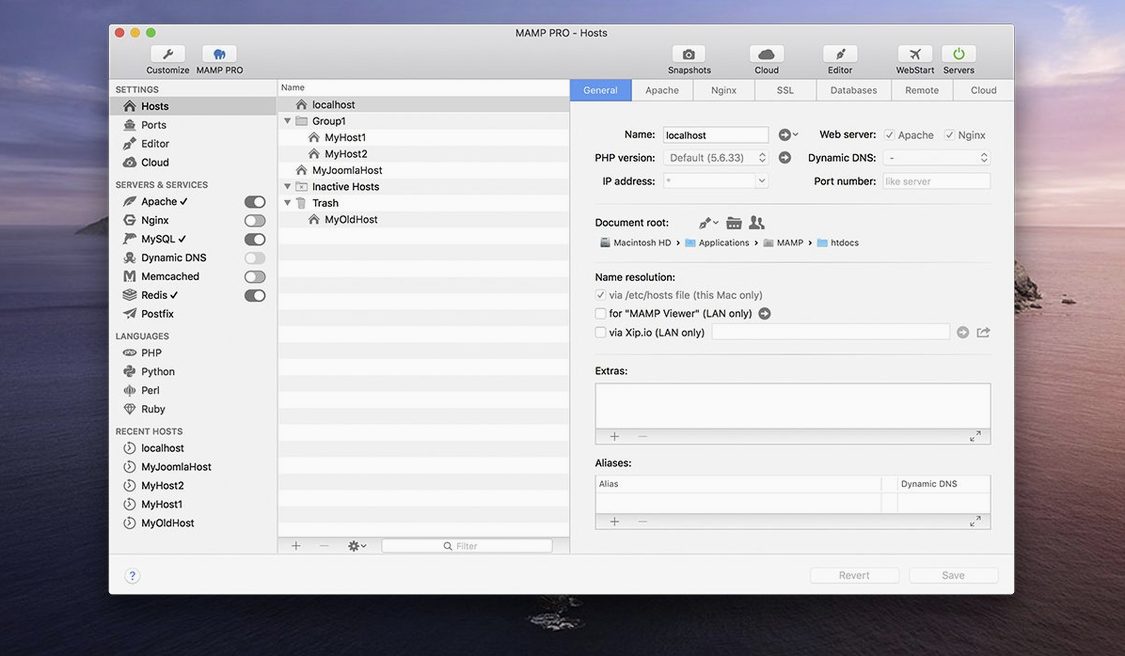
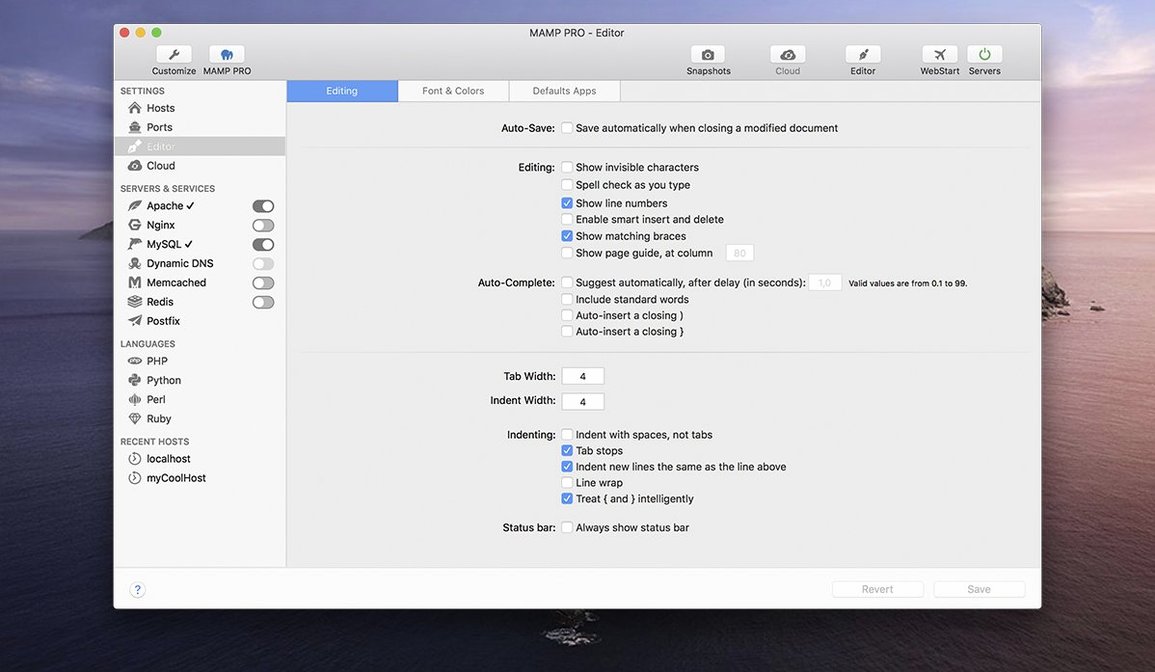
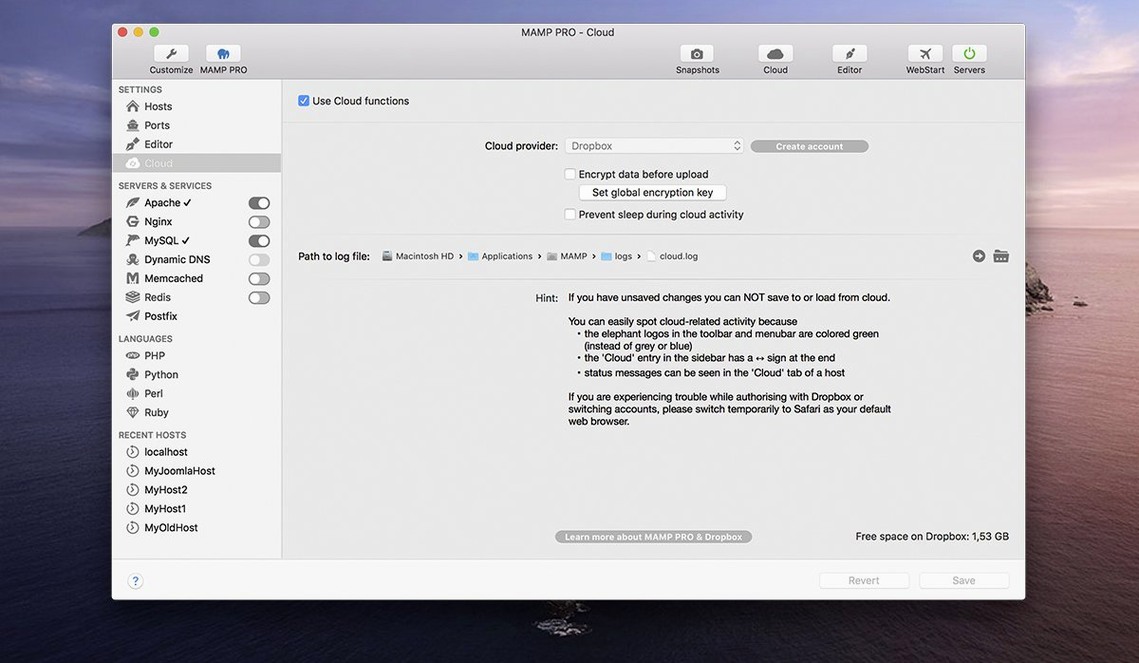
The host create dialog in MAMP PRO 6.9 got optimised, so setting up a new site takes fewer clicks than before. That matters when you manage multiple local projects and need each one running its own PHP version or Python interpreter. The app keeps a built‑in web server stack under one toolbar, and you can import a WordPress site from a live server with the same tool.
Can I manage PHP versions without the pro front end?
MAMP PRO is the professional front end for the free MAMP. Without it you lose the per‑host PHP and Python version management, one‑click WordPress installs, and the ability to publish a local site directly to a server.
What does a MAMP PRO torrent or crack skip?
A torrent or crack gets you the app binary, but the install steps still require bypassing Gatekeeper on modern macOS versions. More importantly, the MAMP Cloud feature and automatic PHP version installation rely on network services that a cracked copy cannot authenticate with. Version 6.9 fixed a crash when editing host‑specific server configs — something you only get from a proper copy.
Does version 6.9 run on Apple Silicon?
Yes. Version 6.9.0 is a 64‑bit Intel build that runs on ARM Macs with macOS 11.0 or later, and on Intel Macs with macOS 10.12 or later. The interface language is English.
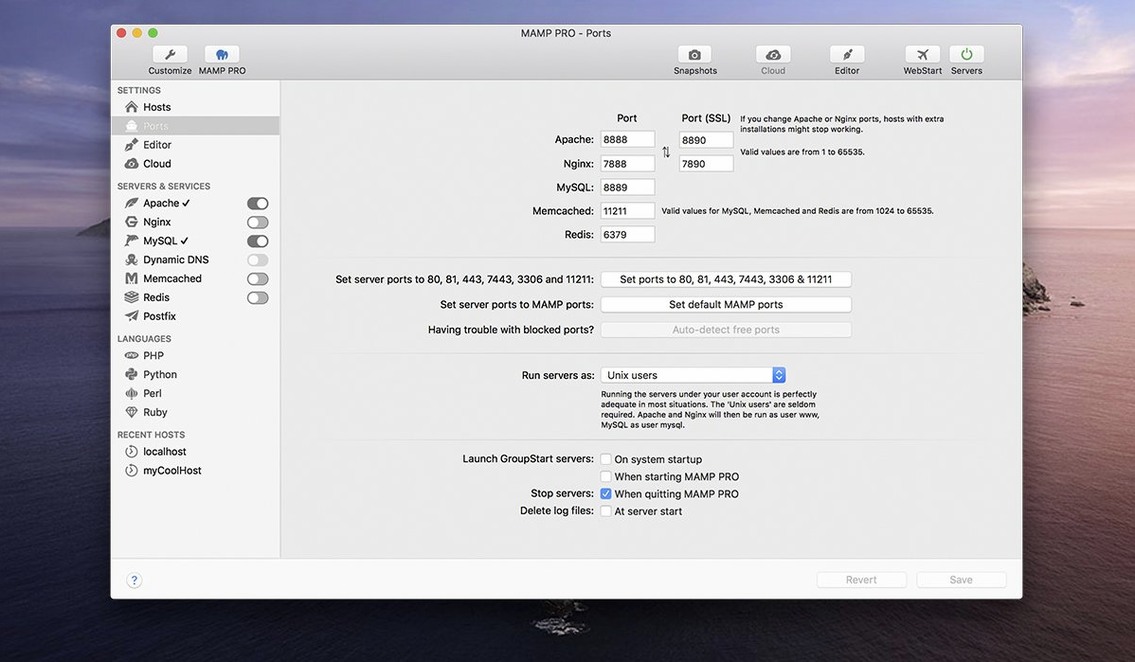
Set port bindings in general preferences
After you drag MAMP PRO into Applications and launch it, you will see a toolbar and a clean host list. Before you start adding sites, open the general preferences and check the port bindings. The default Apache or Nginx ports are 80 and 443, but if something else on your system already uses those, the app will warn you. Switch to 8080 or 8888 for the first few days if you see a conflict.
Try creating one test host with its own PHP version. Choose a PHP 7.4 or 8.0 interpreter in the host dialog, point the document root at a folder with a simple index.php file, then start the server. If the phpMyAdmin alias works first time, the improved alias handling in 6.9 is doing its job. If not, check the alias path in the host config.
Redis and Memcached are off by default. Turn them on only for a project that needs them – running both for every host uses memory you do not need.
Avoid port clashes with Docker or Homebrew
MAMP PRO lives alongside other local dev tools without much trouble. If you also run Docker, Homebrew’s MySQL or a separate PostgreSQL install, watch for port clashes on 3306. You can reconfigure MAMP PRO to use a different MySQL port in the main settings. The same goes for Redis on port 6379.
For WordPress work, you can export a local database through phpMyAdmin and import it into a staging server with the same credentials. The one‑click WordPress install creates a fresh WP site under the host’s document root, which is handy when you need a quick sandbox for testing a plugin or a theme. Host ordering keeps the list tidy when you have a dozen projects in the sidebar.
Stop port 80 or 443 conflicts with lsof
- Apache or Nginx will not start – another process is holding port 80 or 443. Use
lsof -i :80in Terminal to find the culprit, then either stop it or change the port in MAMP PRO’s settings. - phpMyAdmin returns a 404 – the alias was improved in 6.9, but if the path is wrong, edit the host’s server config file and correct the
Aliasdirective. Restart the server. - MAMP Cloud sync fails – the 6.9 network fixes should help, but a cracked copy will not authenticate with the cloud service anyway. If you have a legitimate install, check your firewall and that the cloud server address is reachable.
- PHP version install hangs – the 6.9 release notes mention improved installation. If it still stalls, quit MAMP PRO, delete the partial download from
~/Library/Application Support/MAMP/and try again. - Host-specific config crashes – this was a known crash in earlier builds. Version 6.9 fixed it. If you hit it, make sure you are running the 6.9 binary and not an older cracked copy.
- Fixed a crash when editing host‑specific server configurations.
- Fixed several network issues in the MAMP Cloud feature.
- Improved installation of PHP versions.
- Opening phpMyAdmin 5 via alias was improved.
- macOS 10.12 or later
- Apple Silicon or Intel
- Interface language: English
Staffroom comments 0
Sign in or create an account here to leave a comment.
Nobody has commented on this one yet.