Luminar Neo 1.26.0 (macOS)
One download for Apple Silicon and Intel. Opens the install steps and mirrors.
- Version
- 1.26.0
- Size
- 3.8 GB
- Earliest macOS
- 11 or later
- CPU type
- Universal
- Updated
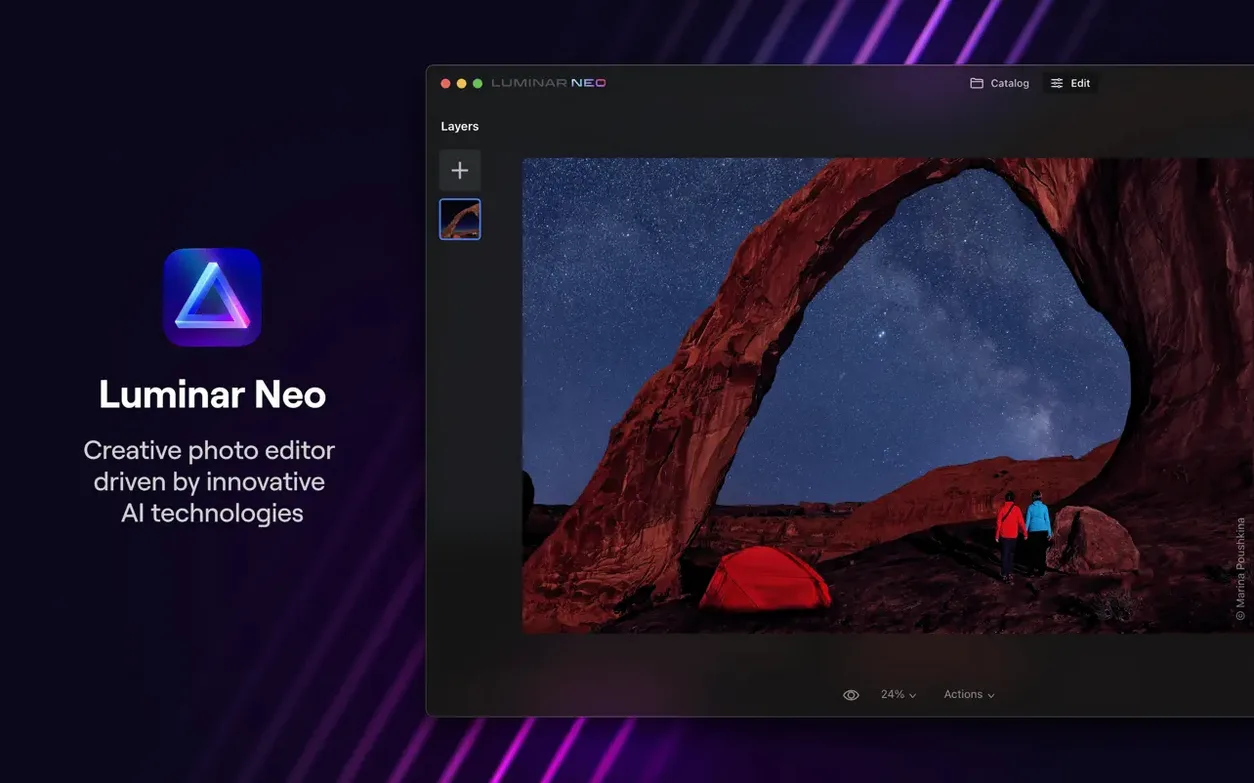
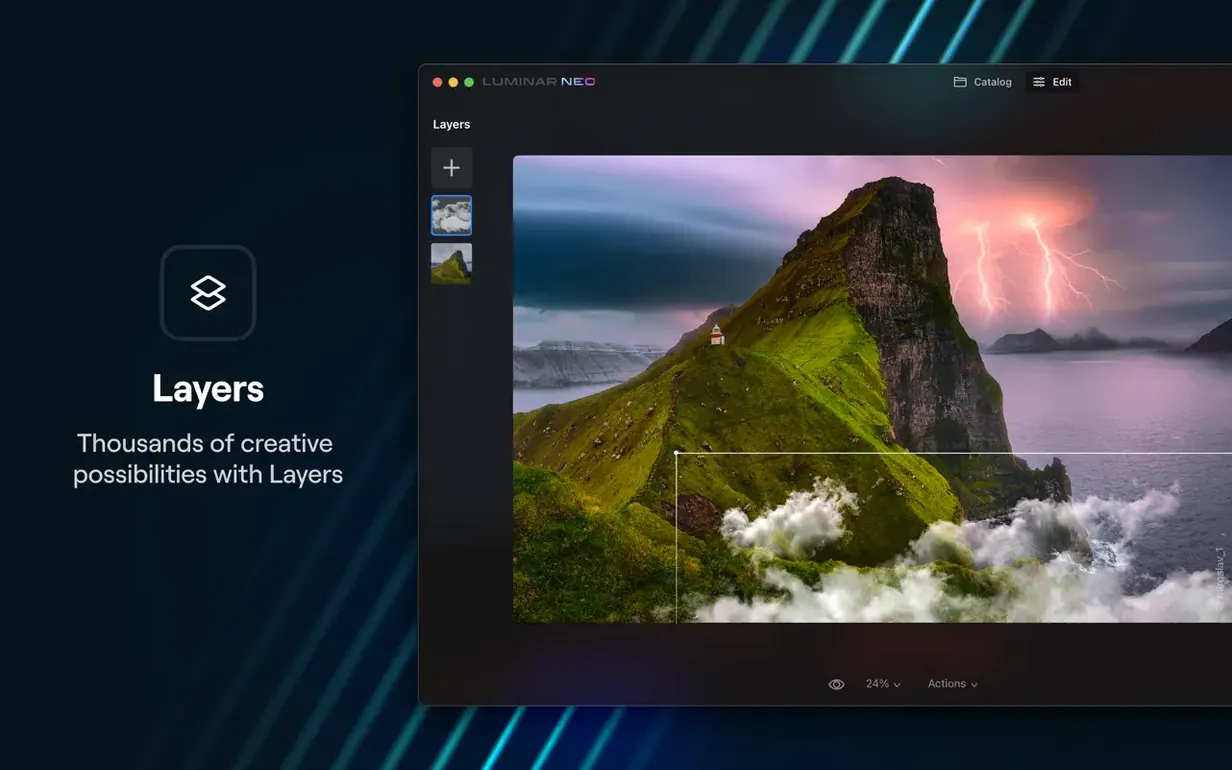
Luminar Neo 1.26.0 runs on macOS 12.0 or later, both Intel and Apple Silicon. It needs 8 GB of RAM minimum; 16 GB is recommended. The app analyses each image for scene depth and contents, then applies AI-driven adjustments.
First edits to try
- Open a raw or JPEG file. Luminar Neo reads most common formats natively.
- Go to the Edit tab. The new AI Assistant is here and in Presets. Let it scan the image.
- Adjust relighting. The tool re-lights faces and backgrounds separately without masking.
- Browse the Presets tab. Categories like Landscape or Portrait apply a look in one click.
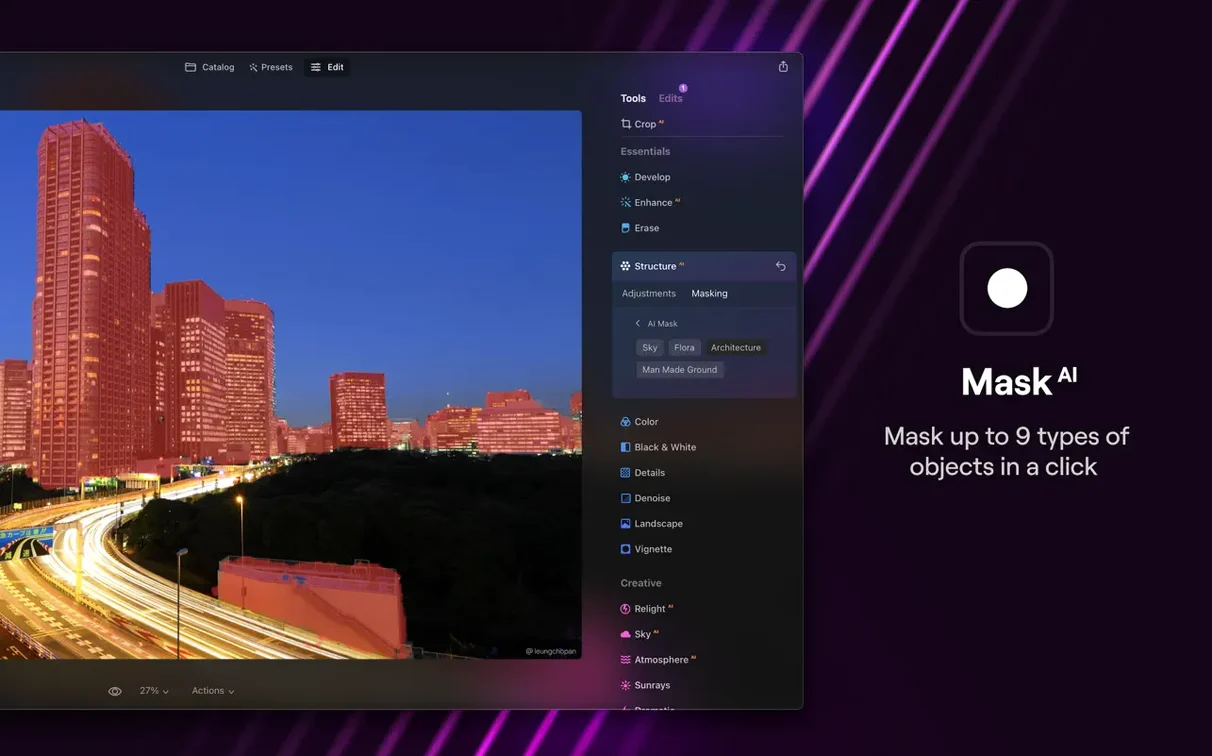
- Use the masking tools — sky replacement and depth masking are two of the smarter ones.
- Export as TIFF, JPEG, or PNG. Layers and non-destructive edits stay in the .luminar file.
Raw shooters gain hours with AI masking and relighting
Photographers shooting raw on a regular basis — that is the core audience. Portrait and wedding shooters get the most from the AI masking and relighting: sessions that would take ten minutes per frame in the layer mask panel of a traditional editor can be done in a fraction of the time. Landscape photographers benefit from the depth analysis and sky swap, especially when dealing with high-contrast sunrise or sunset frames where the horizon line is tricky to mask by hand.
School technicians who handle staff photos, event galleries and promotional images find the batch-oriented side useful. The analysis happens per image, but each adjustment can be saved as a preset and applied across a folder of shots. The dust removal tool alone saves time when scanning old prints or library images. Digital artists who work with composite images use the layers panel and background replacement to build scenes without leaving one app.
Import 180 sports-day raws and edit the first one
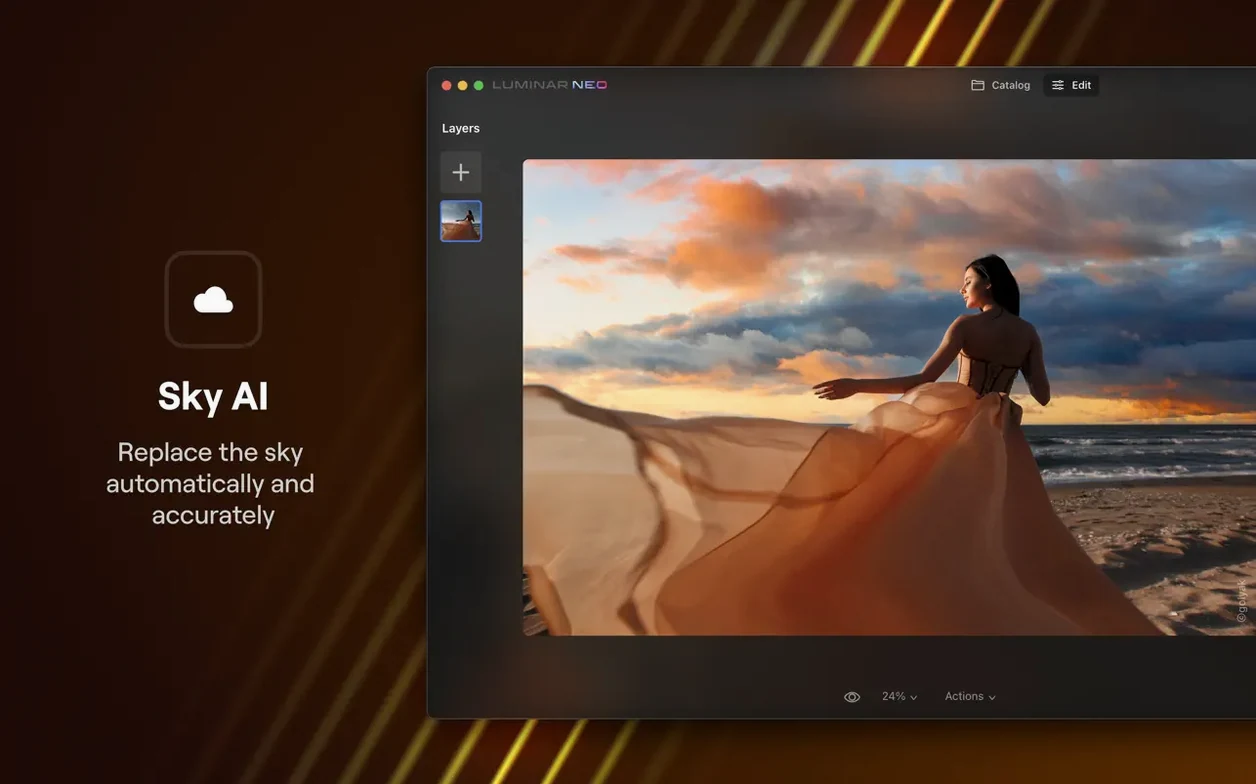
You come back from a school sports day with 180 raw files. Offload them into a folder, then open Luminar Neo. Import the whole folder — the interface shows thumbnails in a filmstrip along the bottom. Pick the first image that needs a sky swap: the playing field is fine but the sky is blown out. Open the Edit tab, let the AI Assistant scan the scene. It identifies the sky region, the grass, the faces in the foreground. One click applies a sky replacement from the built-in library. The depth map means the treeline at the edge of the field stays intact, no halos around the branches.
Next image: a group photo under mixed lighting. The Assistant has already detected faces. Slide the relighting control to brighten the shadows on the left side of the group. The tool adjusts only the faces and clothing, not the already-bright background. No layer masks needed. Copy the edit, paste it onto the next four similar group shots.
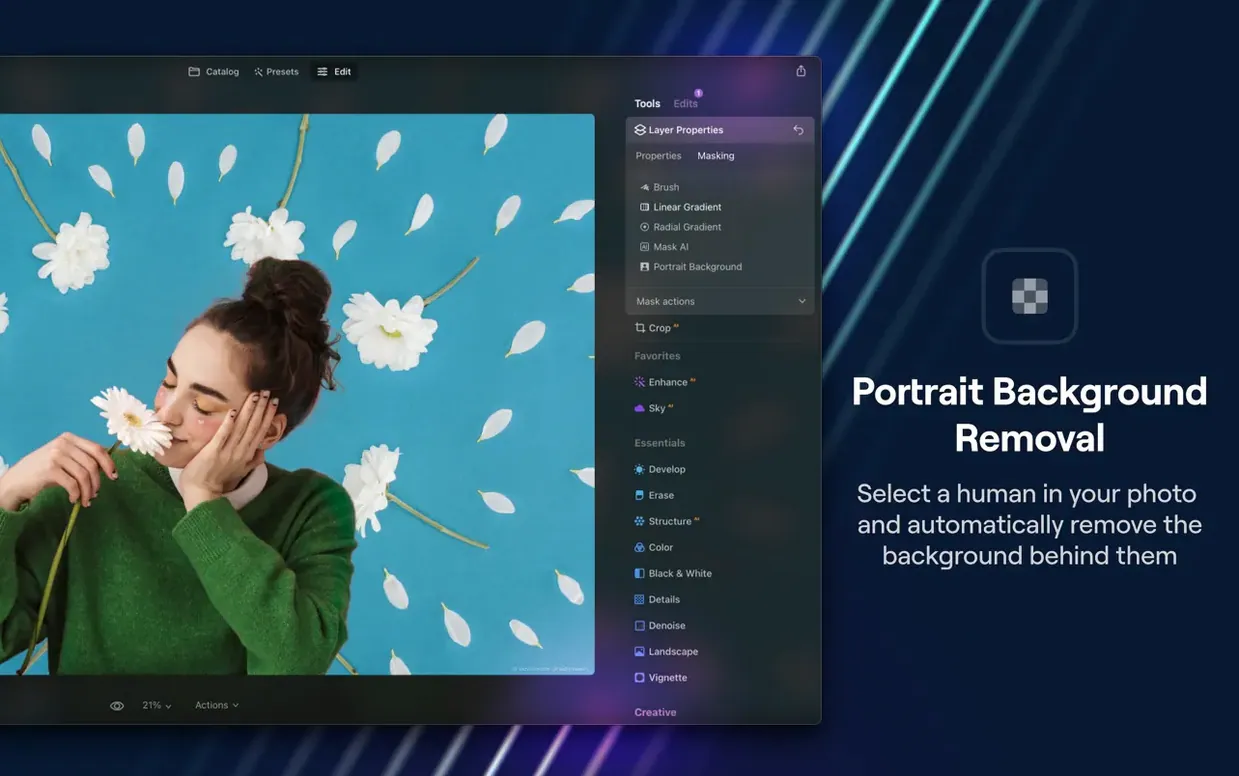
Third image: a portrait of the head teacher against a cluttered background. Use the background replacement tool. The AI analyses the scene depth, separates the subject, and swaps in a plain backdrop from the presets. Fine-tune the edge feathering with a slider. Done.
Finally, export the edited selects as high-res JPEGs into a subfolder. The non-destructive edits stay in the .luminar file if you need to revisit them later.
Send TIFFs to an external pixel editor for fine retouching
Luminar Neo works as a standalone editor, but it also integrates into a workflow that includes other tools. Export a TIFF from Luminar Neo and open it in an external pixel editor for detailed retouching that the AI tools are not built for. The app reads the macOS colour profile, so images look consistent between the editing window and the system viewer. The file picker uses the standard macOS open/save dialogs, which means you can drop images from Finder straight into the import panel.
The export options include sRGB, Adobe RGB and ProPhoto RGB profiles, so the output matches whatever your print lab or web platform expects. The .luminar project files are self-contained — hand them to another Luminar user on the same network and they open exactly as authored.
Click the AI Assistant icon without stopping your edits
- The AI Assistant in the Edit tab sits as a small icon. Click it once to let the scan run; it does not interrupt your current adjustments.
- Dust removal is one dedicated tool, not buried inside a healing brush sub-menu.
- The background replacement tool keeps the original image intact on a separate layer in case the swap needs re-doing.
- Presets in the Presets tab are grouped by genre. Hovering over a preset shows a live preview on the current image before you commit.
- The relighting control uses a single slider for the whole adjustment — no separate highlights, shadows and midtones sliders to balance.
For a luminar neo crack or luminar neo torrent search, the version 1.26.0 build is the current release. The architecture covers both ARM and x86, so it runs on older Intel Macs as well as newer Apple Silicon ones. The activation is handled by the TNT team.
The interface uses English, German, Spanish, Italian, Chinese (traditional and simplified), Korean, Dutch, Portuguese, Ukrainian, French and Japanese. That covers most school IT setups.
- macOS 12.0 or later
- Intel or Apple Silicon
- 8 GB RAM (16 GB recommended)
Questions people ask
Does Luminar Neo work on older Macs?
It runs on macOS 12.0 and above. The minimum supported version will soon be macOS 13 Ventura.
What does the AI Assistant do?
It appears in the Presets and Edit tabs. It analyses the scene and suggests edits, making the first adjustments faster.
Staffroom comments 0
Sign in or create an account here to leave a comment.
Nobody has commented on this one yet.