Logic Pro 12.3.1 (macOS)
One download for Apple Silicon and Intel. Opens the install steps and mirrors.
- Version
- 12.3.1
- Size
- 1.5 GB
- Earliest macOS
- 15.6 or later
- CPU type
- Universal
- Updated
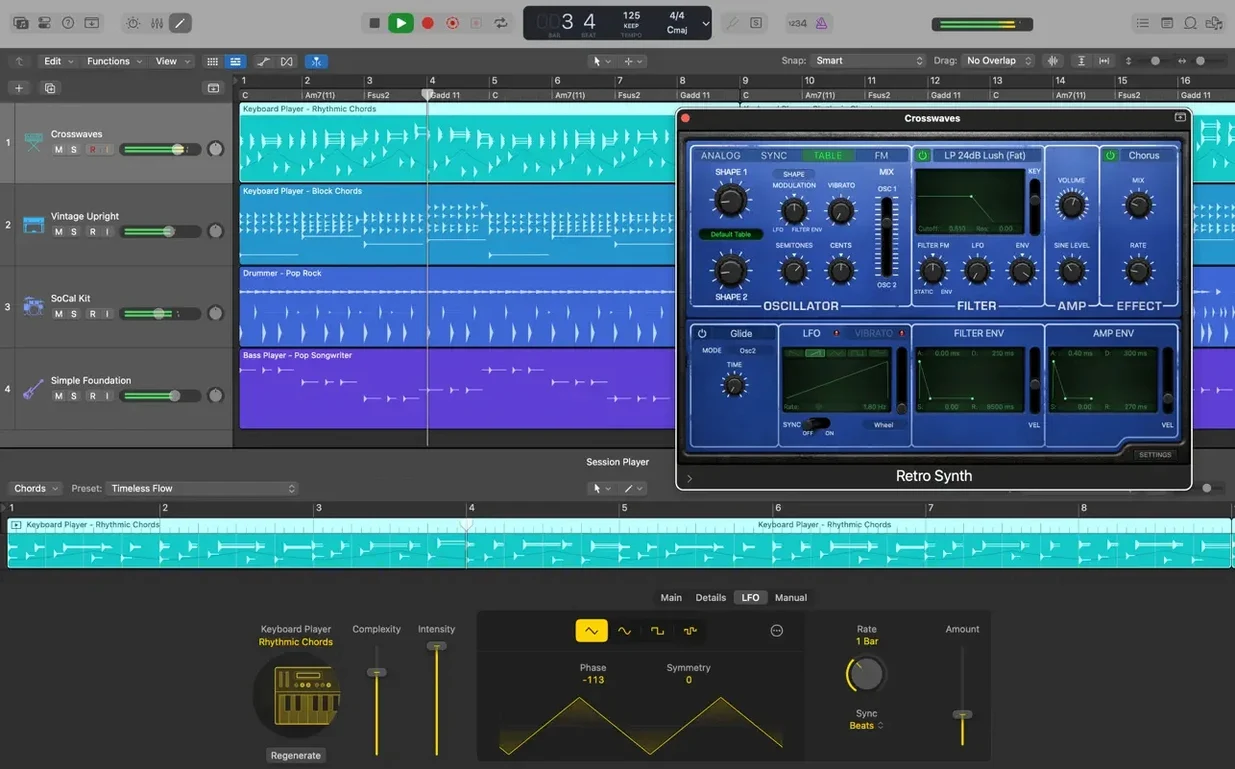
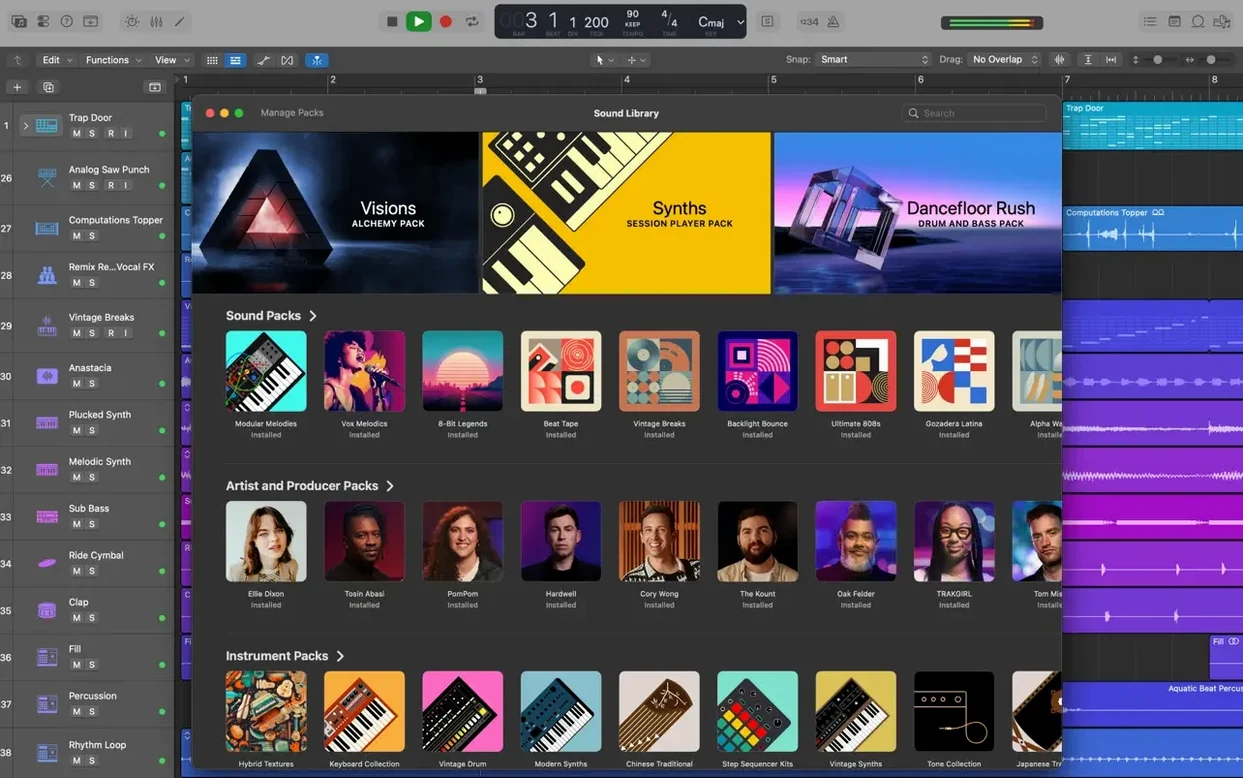
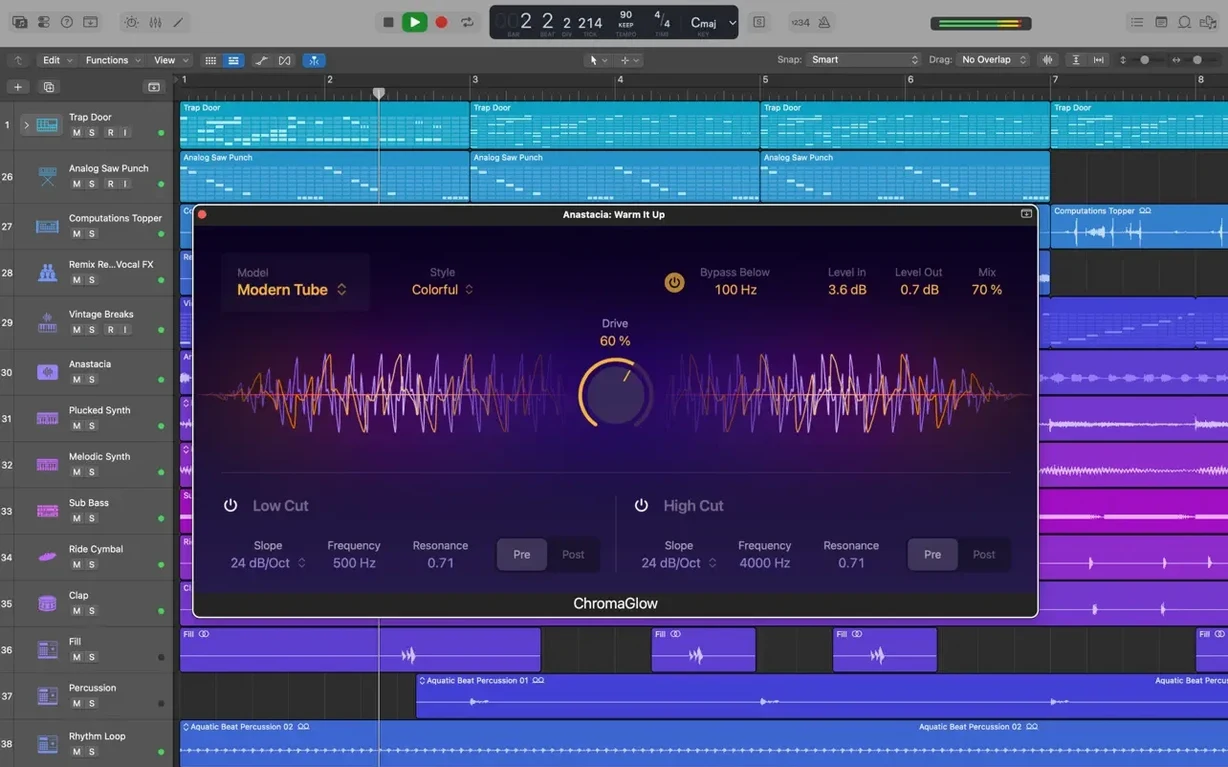
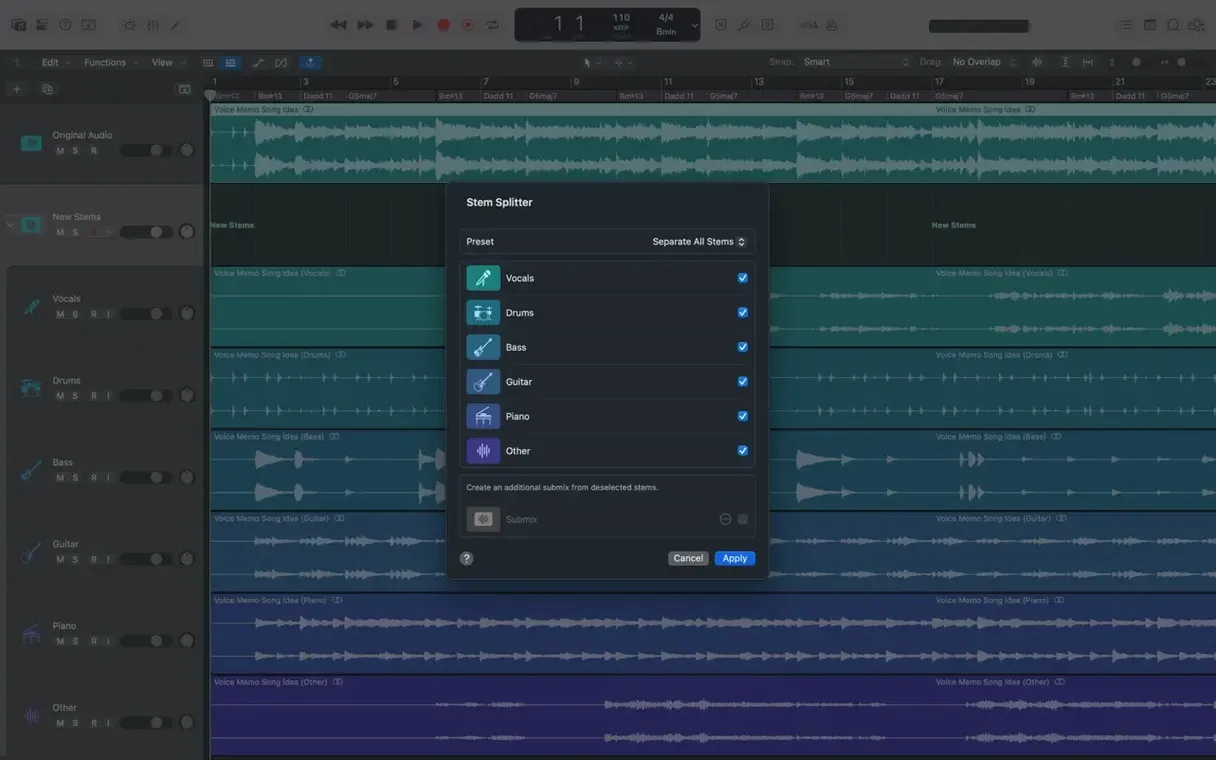
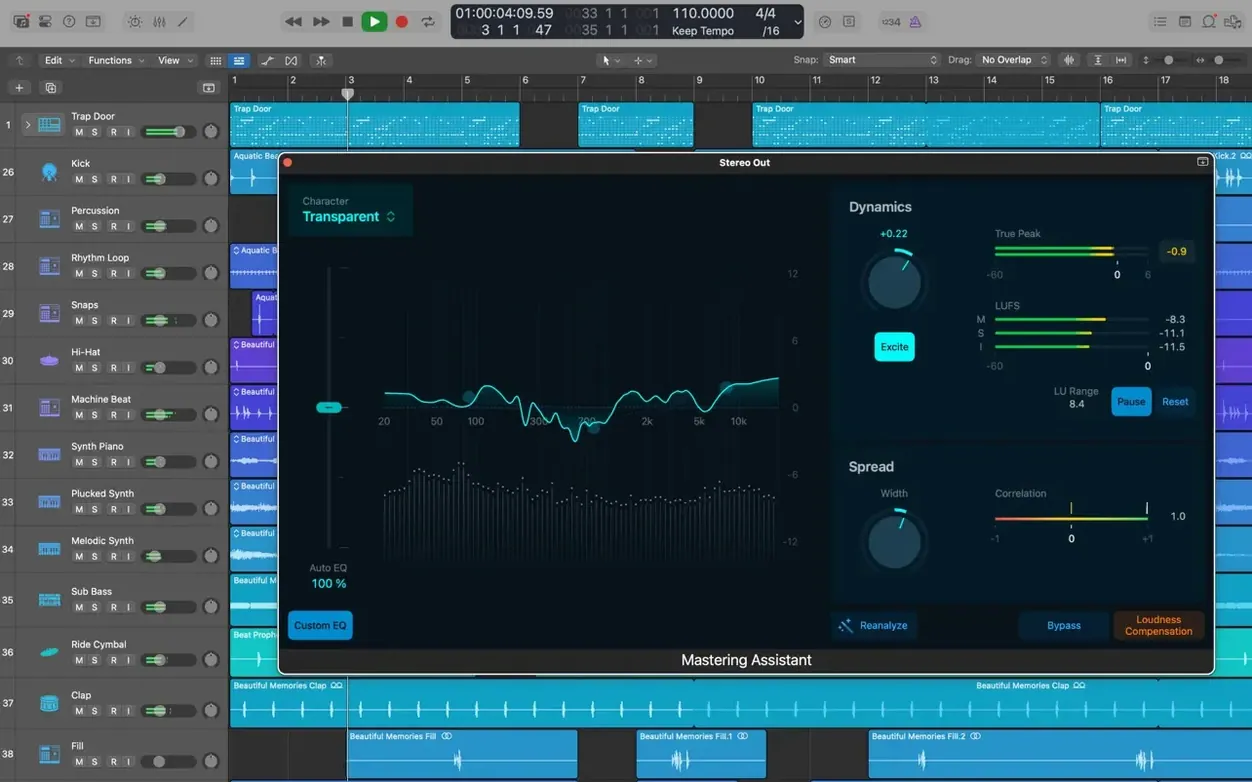
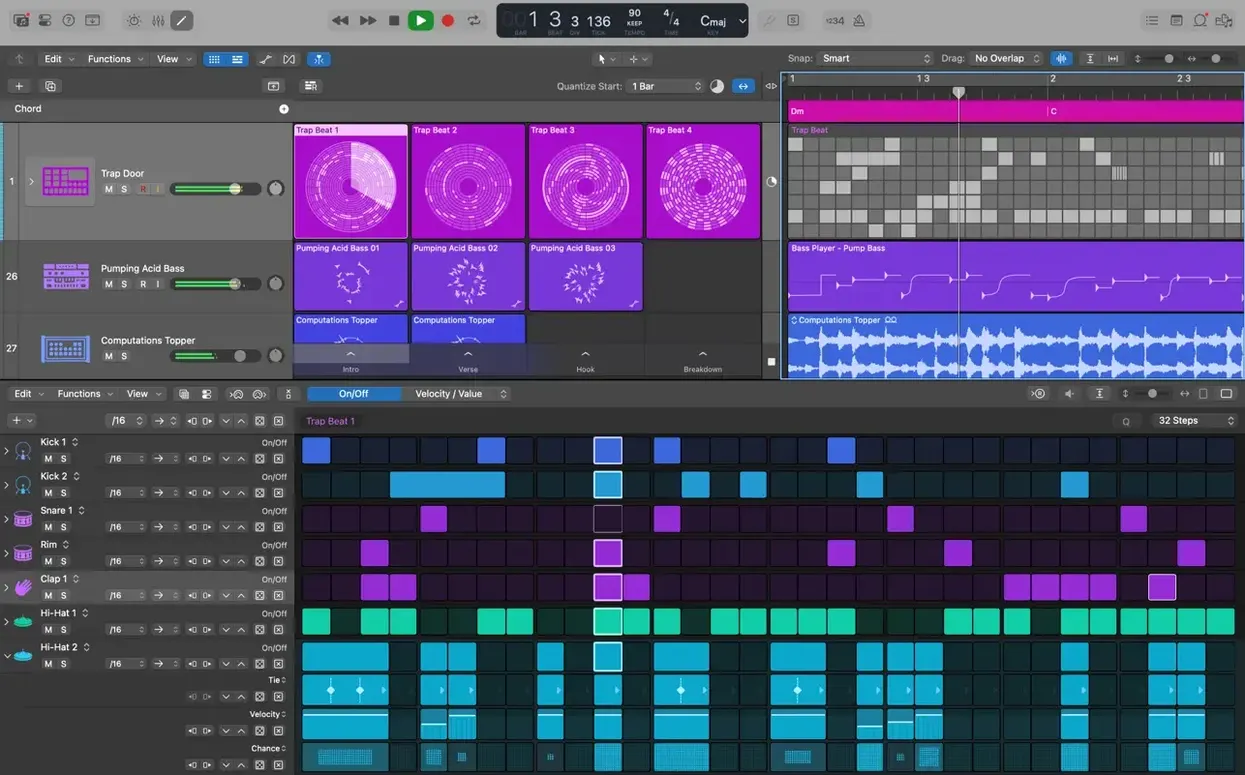
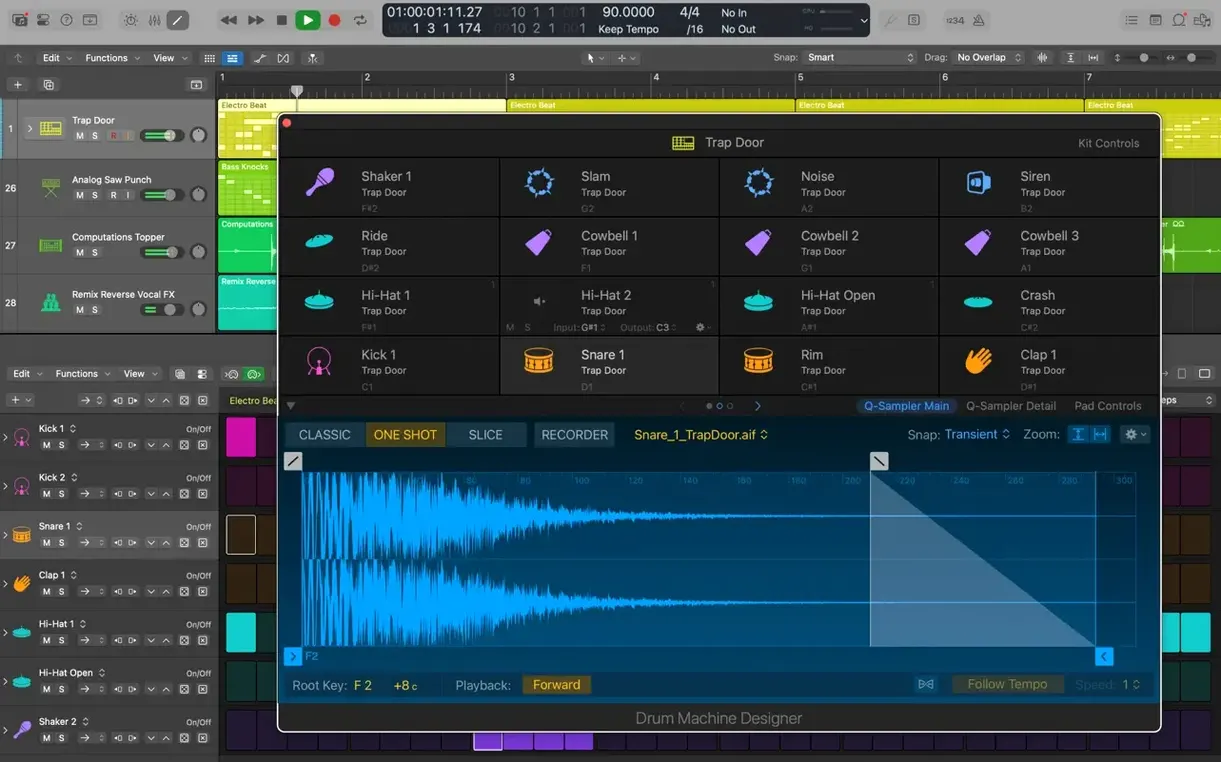
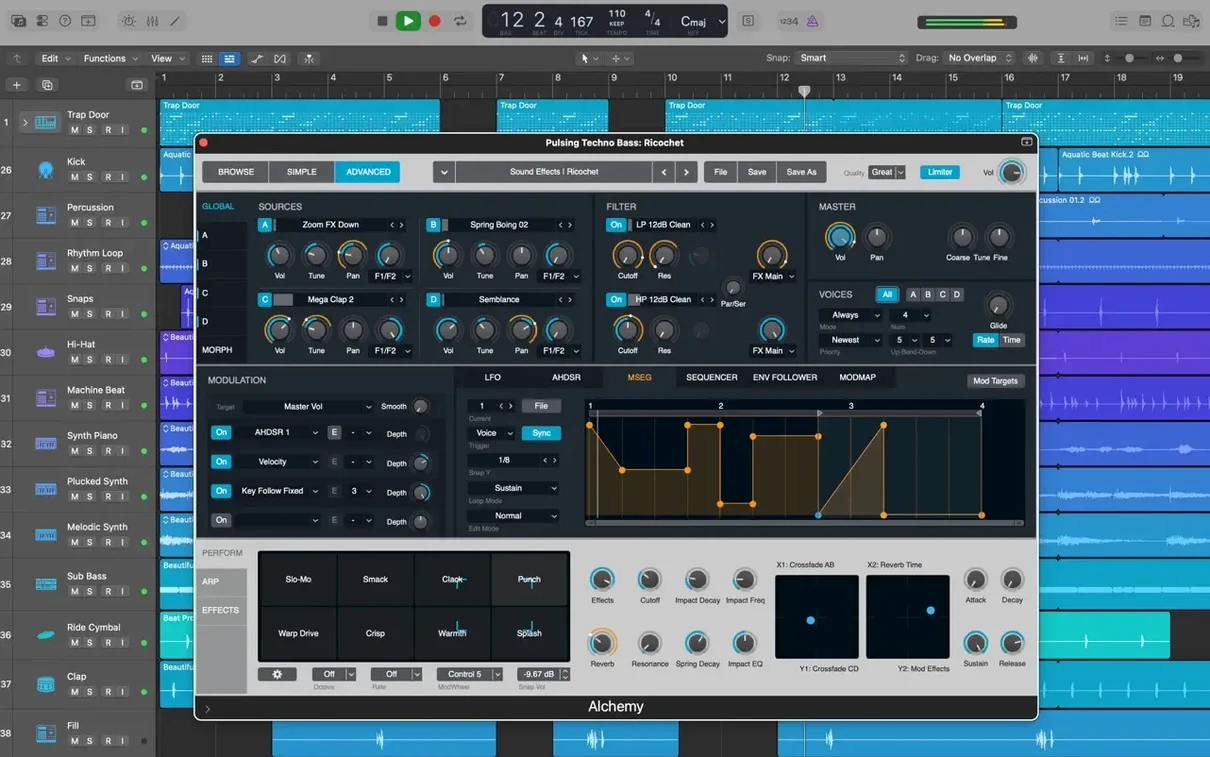
Singers, guitarists, beat-makers and podcast producers all end up here eventually. Logic Pro is the big room at the end of the Apple audio corridor — the one GarageBand users graduate to and the one that reads projects sent straight from an iPad.
Graduated from GarageBand but still dragging pedals
- A GarageBand workflow that outgrew its limits — Logic opens those projects and adds proper mixing depth
- Guitarists who build pedal chains without floor space — Pedalboard models stacks of stompboxes and amp cabinets
- Anyone wrestling with timing — Flex Time lets you shift transients on recorded audio without slicing by hand
- Sound designers who want a sampler that goes deep — Alchemy does granular, additive and spectral resynthesis in one plug-in
- iCloud handoff from iPhone or iPad — export from GarageBand on iOS, pull the track straight into a Logic session
63 GB sound library hides behind a 6 GB minimum install
- The full Sound Library weighs in at 63 GB — a minimum install needs 6 GB but strips out most sampled instruments
- Third-party plug-ins must be 64-bit Audio Units; older 32-bit effects won't load
- macOS 15.6 is the floor — earlier systems are locked out
- Surround mixing is there, but most home setups stay stereo unless you wire up a proper monitoring rig
A beat-making run from blank project to finished bounce
Open a new empty project and pick a software instrument track. The Library browser sits on the left — select Drum Kit Designer, load a SoCal kit and tap out a kick-snare pattern on a MIDI keyboard or the Mac keyboard. Quantise to 1/16-note if the timing needs tightening. Add a second software instrument track, load Alchemy, browse the Bass category and pull up a synth bass patch. Play a simple root-note line that locks with the kick drum.
Create a third track — Drummer this time. Drag the Drummer region out to eight bars. Set the follow checkbox to the kick track so the hi-hat and ghost notes move around the bass rather than fighting it. Dial the swing knob up a little; the whole groove loosens without pushing notes off the grid.
Once the core loop works, group the drums, bass and Drummer track into a Track Stack. Fold it closed. Now the arrangement window shows one tidy row instead of eight scattered lanes. Record a synth pad from Alchemy over the top, then open Flex Pitch on a vocal take dragged in from Finder. Fix the flat third in the chorus — just grab the note block and nudge it up a semitone. No third-party plug-in needed.
Hit Cmd-B to bounce the project. Pick WAV, 24-bit, no normalisation. Point it at a folder on the desktop. Three clicks and the stereo file is ready to drop into a playlist or send to a mix engineer.
Nudge the recording delay to match your interface
- Recording delay — open Preferences > Audio > General and set the recording delay to match your interface. A small offset here stops every new region landing a few samples late.
- I/O buffer size — 128 samples works for tracking; switch to 512 or 1024 when you move to mixing with heavy plug-in chains. Logic does not pop a warning, so check it manually.
- Cycle pre-processing — turn it off in the Cycle menu if you loop-record MIDI takes. Keeping it on merges overlapping regions in ways that get messy when you comp later.
- Catch playhead — disable it when editing regions at the bottom of a long arrangement. The screen stops jumping back to the playhead every time you click.
- Snap to grid — set to Smart by default; switch to Absolute when lining up sound effects to a video frame, or Off when sliding a region by milliseconds.
What the installer demands from your Mac
The disk image unpacks a single app bundle. Dragging it to Applications writes about 6 GB — that is the minimum install, enough to launch the app, load Alchemy and open a handful of core patches. Most instruments and all the Apple Loops sit in the optional Sound Library. If you tick the full download, expect 63 GB of samples, loops and impulse responses spread across the system drive. An external drive works for the library if internal space is tight; Logic asks for a location on first launch.
RAM is listed at 4 GB, but the sampler instruments and Flex Pitch analysis both page to memory constantly. On an 8 GB Mac, a project with a dozen Alchemy instances and a Drummer track will feel tight. The display requirement is 1280 by 768 — the mixer and piano roll fit on a 13-inch screen, though the full Smart Controls panel scrolls on anything smaller.
Logic opens projects from version 5 onwards, so a library of old sessions from school studios or early Intel Macs loads without conversion. Final Cut Pro X XML round-trips mean an editor can send a rough cut as XML, you score to picture in Logic and export stems back with frame-accurate timestamps. Audio Unit plug-ins must be 64-bit; the app scans the Components folder on launch and ignores anything 32-bit without a warning dialog.
- Beat mapping transients can be relocated again
- Staff Style changes in the Score Inspector now stick
- Right side of a crossfade drags and extends without snapping back
- MIDI playback in projects with video no longer causes unexpected quits
- Projects with many regions run smoother
- macOS 15.6 or later
- Intel or Apple Silicon Mac
- 4 GB RAM
- 1280 x 768 display or higher
- 6 GB free disk space (minimum install)
- 63 GB free disk space (full Sound Library)
- 64-bit Audio Unit plug-in support
Questions people ask
Can I move a GarageBand project from my iPad into Logic Pro?
Yes. Export the project from GarageBand on iOS to iCloud, then add the tracks from the Logic file browser on your Mac.
What plug-in formats work with Logic Pro?
It uses 64-bit Audio Unit plug-ins. VST and AAX formats are not supported.
Staffroom comments 0
Sign in or create an account here to leave a comment.
Nobody has commented on this one yet.