
MotionVFX mInfographics (macOS)
- Size
- 8 MB
- Updated
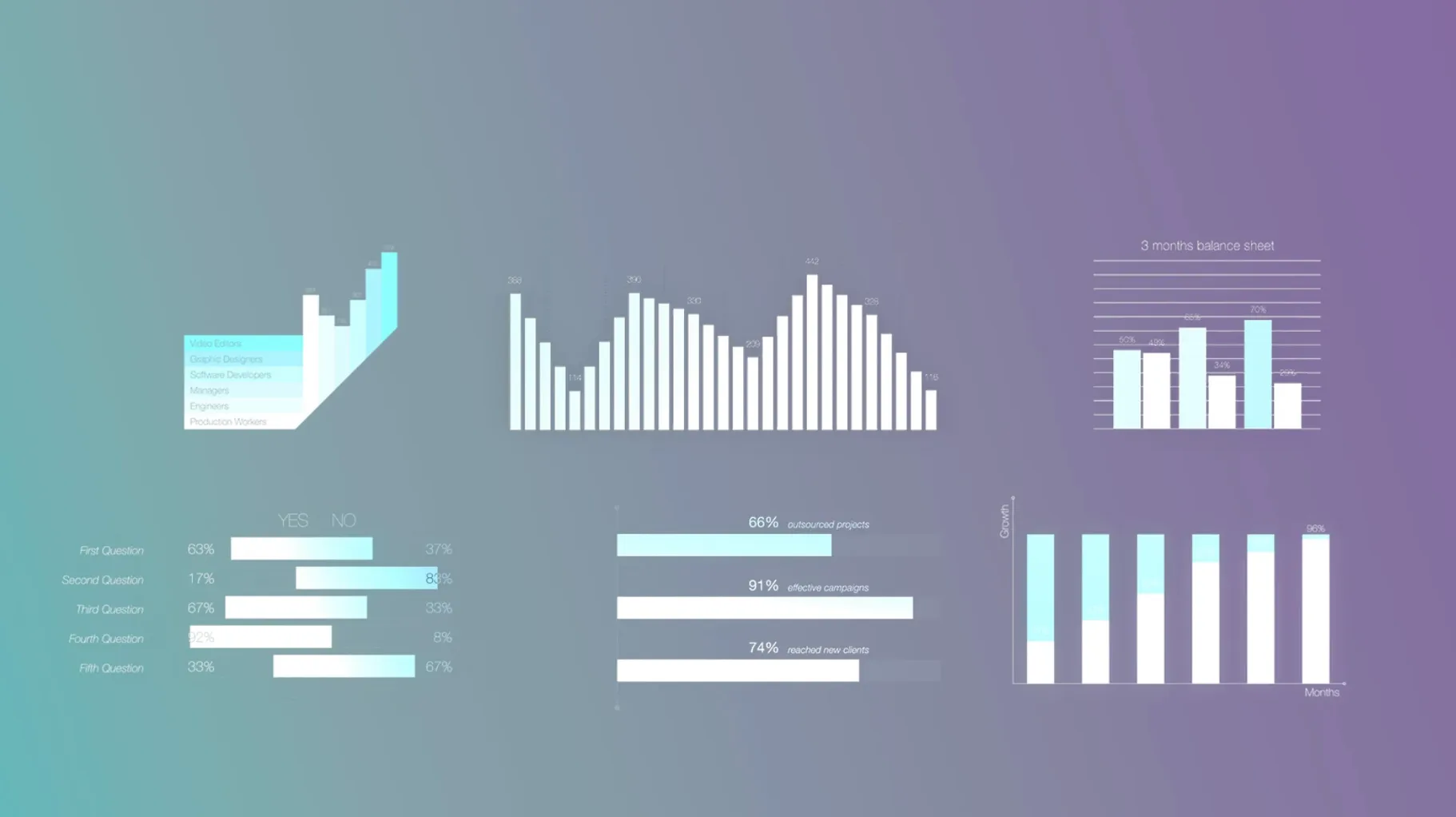
MotionVFX mInfographics is a Final Cut Pro plugin that puts infographic elements directly into your video timeline. Charts, graphs and data visualisations appear as motion templates – drag them in, adjust with on-screen controls, and they render in real time.
Built specifically for Final Cut Pro, mInfographics works on both Intel and Apple Silicon Macs. The interface is English only. You install it by moving the folders into /Users/YOURNAME/Movies/Motion Templates/Titles.
This is a tool for video editors who need quick data visuals without leaving the NLE. No extra software, no rendering out – just clip, adjust and cut. MotionVFX is a supported developer under Apple’s Final Cut Pro ecosystem, so compatibility stays solid across macOS versions.
Core sixty elements stay stable across macOS updates
The current version of mInfographics keeps the core sixty elements stable. Recent updates focused on keeping the plugin working across macOS releases – no new elements were added, but the existing ones don't break when Apple pushes a Final Cut Pro update. That matters more than it sounds: motion templates that rely on older code often fail silently.
On-screen controls got a minor refresh. The sliders for number values and description text now respond a fraction faster when you're tweaking a chart's data range or swapping caption styles. Nothing dramatic, but it saves a click or two per adjustment.
Installation and use issues that crop up regularly
A few things crop up regularly when people install or use mInfographics.
Templates don't show up in Final Cut Pro
Most often this is a folder path problem. Check the templates are in /Users/YOURNAME/Movies/Motion Templates/Titles – not in a subfolder, not in the system-wide Library path. Restart Final Cut Pro after moving them. If they still don't appear, go to Final Cut Pro > Preferences > General and click Reset All Motion Content Caches.
Graphics look stretched or cropped
This happens when the timeline resolution differs from what the template expects. Select the clip in the timeline, open the inspector panel and check the Basic tab. Set Scale to Fit to Fill and adjust the tracking or position values from there. Most mInfographic elements scale fine once you tell Final Cut Pro the frame size.
On-screen controls are unresponsive
If a slider or button in the viewer doesn't move, you're probably in a multicam or a nested sequence. Exit back to a normal timeline, apply the template again and adjust. It's a Final Cut Pro limitation, not a plugin bug.
No direct match for Final Cut infographics among other tools
A few other tools cover the same ground, though none are a direct swap.
Red Giant's Universe – more of a general effects pack. It has some infographic-looking transitions and lower thirds, but it's built for After Effects and Premiere Pro. On a Mac it works through the Red Giant app installer, which can be heavy. mInfographics is lighter because it's native to Final Cut Pro's motion template system – no background services needed.
Motion Array's templates – these are downloadable projects for After Effects and Premiere Pro. You get the same chart and bar-graph look, but you need After Effects installed to customise anything beyond basic text. mInfographics keeps you inside Final Cut Pro for all edits, which is faster if you don't own After Effects.
You can find infographic packages there, but they vary in quality and aren't built by a single developer who tests them against Final Cut Pro updates. MotionVFX makes mInfographics template packs for Final Cut Pro, and motionvfx torrent files are available online.
No “what's new” for this build. The release line gave nothing I could check, and I will not stretch it into a changelog.
- macOS (version not specified by developer)
- Intel or Apple Silicon
- Final Cut Pro
Staffroom comments 0
Sign in or create an account here to leave a comment.
Nobody has commented on this one yet.