
Compressor 5.3 (macOS)
One download for Apple Silicon and Intel. Opens the install steps and mirrors.
- Version
- 5.3
- Size
- 122 MB
- Earliest macOS
- 15.6 or later
- CPU type
- Universal
- Updated
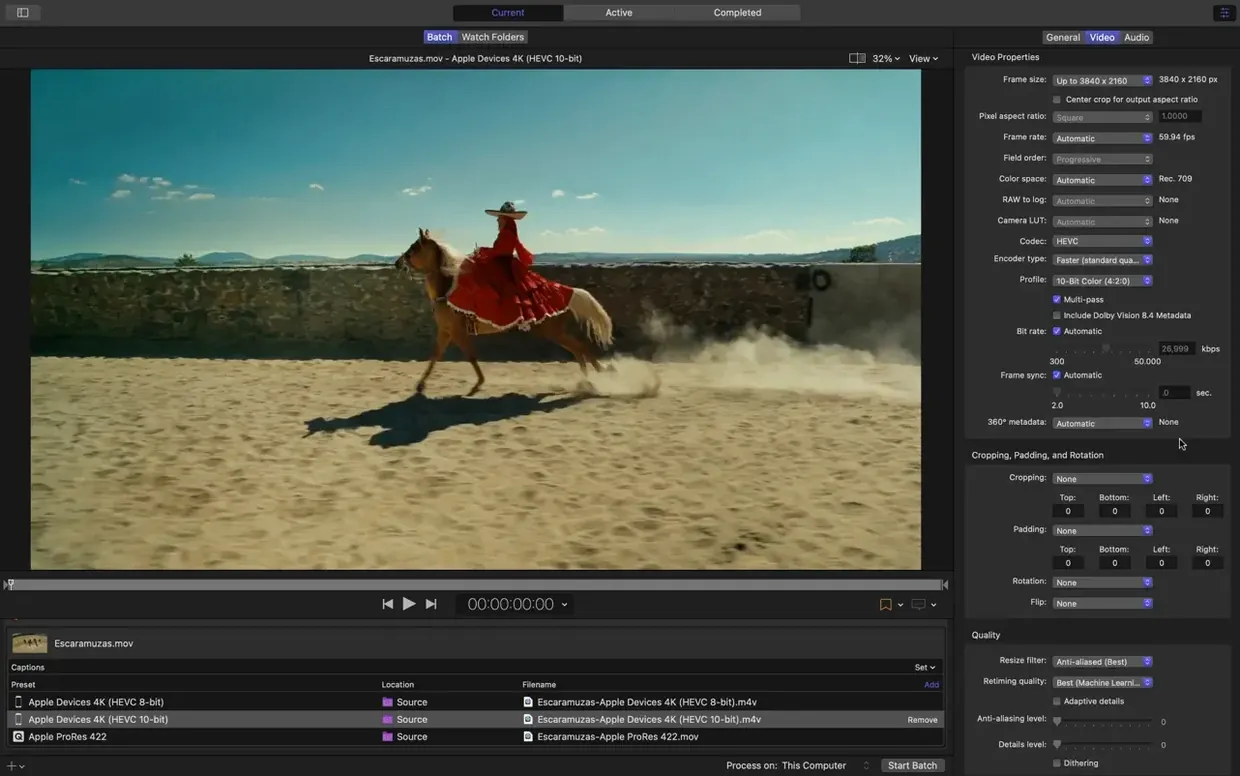
Compressor is Apple's media transcoding app for macOS, used to convert video and audio into formats suited for delivery, archive, or further editing.
Requires macOS 15.6 and 8 GB of memory
Compressor 5.3 requires macOS 15.6 or later. It runs on both ARM (Apple Silicon) and 64-bit Intel Macs. You need at least 8 GB of memory and 1.2 GB of free disk space for the installation.
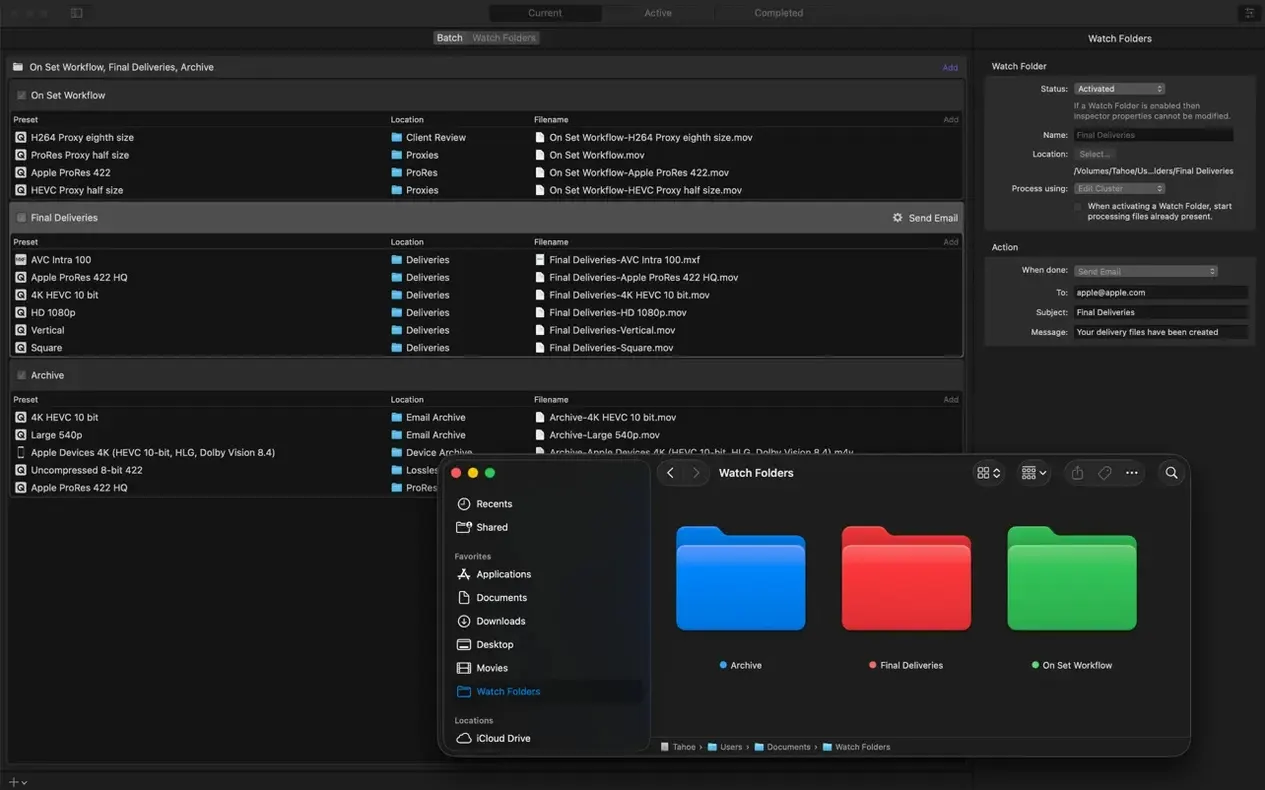
Distributes work across CPU cores and links to Final Cut Pro
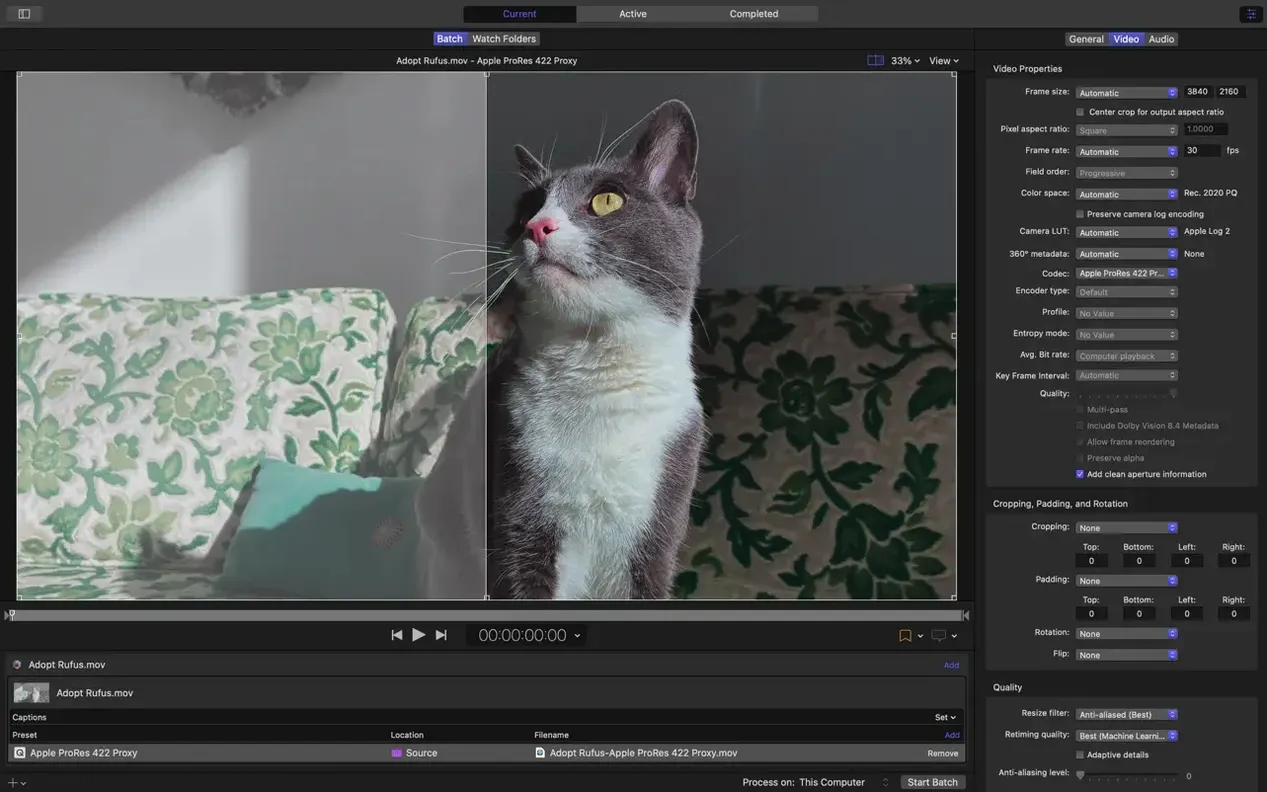
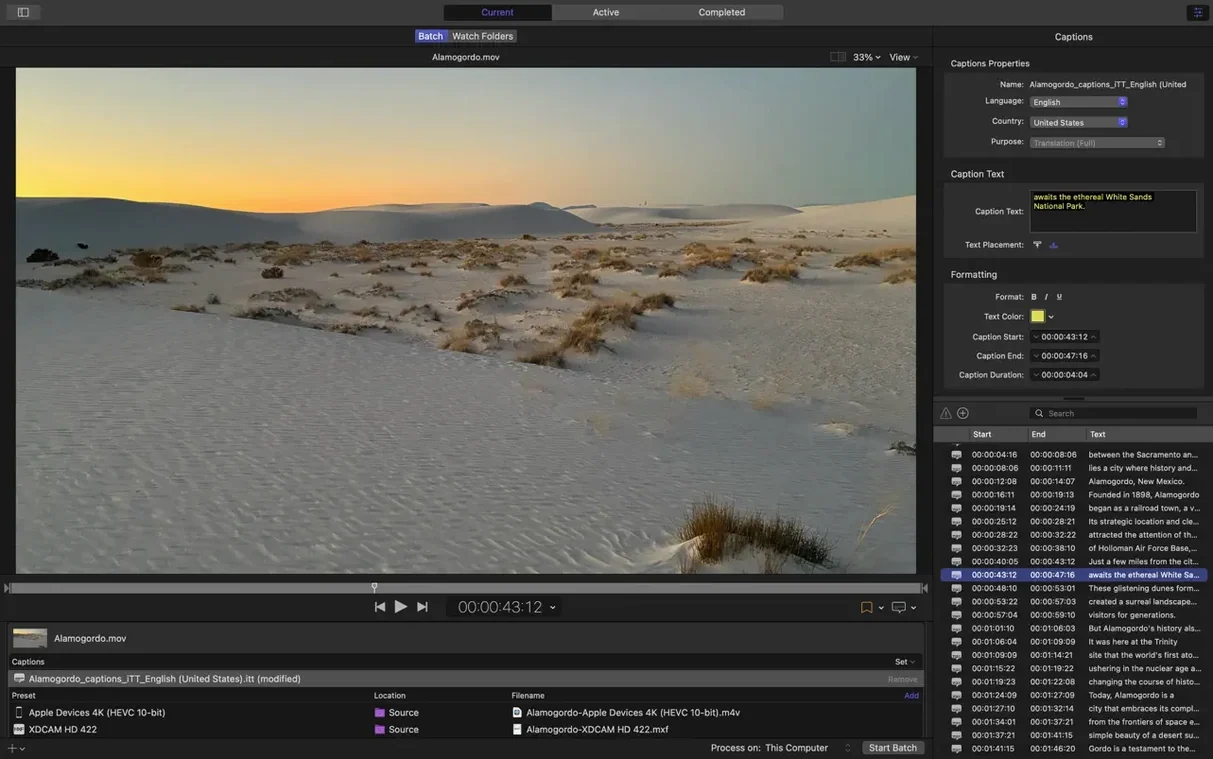
A side panel holds your encoding settings; an inspector gives you control over advanced audio and video properties. It can distribute work across multiple CPU cores to speed up batch jobs. It works with Final Cut Pro and Motion as part of Apple's pro video workflow.
Formats and output options
It supports 360° video, HDR, HEVC, and MXF. Custom output settings let you target HDR, HEVC, 360° video, and MXF. You can also encode 180° Apple Projected Media Profile output and choose an anaglyph preview for stereoscopic video.
New metadata viewer and anaglyph preview for 360° footage
The biggest practical change is the immersive metadata viewer that appears before encoding. It shows you what is inside a clip without having to open it in another app. For anyone handling 360° or stereoscopic footage, the new anaglyph preview option means you can check depth alignment on a regular monitor without specialised glasses or a headset.
There are two additions for audio output. A 5.1 AAC option has been added to the Apple Device export settings, which matters if you deliver surround sound for Apple hardware. The other is support for transcoding immersive sources that lack WAV files to Apple Immersive outputs — fewer failed jobs when the source is unusual.
For Apple Silicon Macs, you can now set HEVC data rate limits. This is useful when you need to cap bitrate for streaming delivery without re-encoding the whole timeline in Final Cut Pro.
Delivering stereoscopic 360° video for museum installations
You work for a small production company that delivers 360° video for museum installations. Your workflow is Final Cut Pro for editing, then Compressor for output. The client supplies stereoscopic pairs shot on a dual-lens rig.
Before version 5.3, checking left and right eye alignment meant exporting a test file or loading the pair into a separate player. With the anaglyph preview you can flip it on in Compressor's settings and check the overlay on screen in seconds. The 180° Apple Projected Media Profile output covers the delivery format the museum requests. You set the HEVC data rate limit to stay under the venue's streaming server cap and let Compressor distribute the encode across your Mac's cores overnight.
First launch registers codecs and hardware encoders
- Open Compressor once to let it register its codecs and hardware encoders. The first launch takes a moment while it checks available hardware.
- Import a short clip from Final Cut Pro using the Send to Compressor command. It will pre-populate the source and timeline markers.
- Try the immersive metadata viewer on a 360° clip. Click the clip in the batch window and inspect the metadata panel before you set any encoding options.
- If you handle stereoscopic video, enable the anaglyph preview from the viewer menu. Test it on a known-good pair to see how it handles depth cues.
- Check the 5.1 AAC option in the Apple Device preset if you deliver surround audio. It is not enabled by default.
- Set a post-encode action (email, file copy, or script) for repeat batches. It saves checking the queue manually.
- For HEVC encodes on Apple Silicon, try setting a data rate limit in the custom settings before a long batch. Confirm the output size matches what you expect.
Keep an eye on the macOS version requirement. Compressor 5.3 will not run on anything older than macOS 15.6.
- Immersive metadata viewer before encoding.
- Support for 180° Apple Projected Media Profile output.
- Anaglyph preview option for stereoscopic video.
- 5.1 AAC option in Apple Device export settings.
- HEVC data rate limits on Apple silicon devices.
- Transcoding immersive sources without WAV files to Apple Immersive outputs.
- macOS 15.6 or later
- ARM or 64-bit Intel processor
- 8 GB memory
- 1.2 GB available disk space
Staffroom comments 0
Sign in or create an account here to leave a comment.
Nobody has commented on this one yet.
Other Utilities tools
All Utilities tools-
 Commander One PRO
3.18.0
53 MB
Utilities
-
 Cocktail Sequoia Edition
18.7.1Intel Macs only
3 MB
Utilities
-
 CloudMounter
4.18Intel Macs only
68 MB
Utilities
-
 CleanShot X
5.0.2
46 MB
Utilities
-
 dBpoweramp Music Converter
2026.09.13
31 MB
Utilities
-
 Canopy
2
11 MB
Utilities
-
 Boom 3D
2.2.6
Utilities
-
 Bloom
1.5.46
19 MB
Utilities