Commander One PRO 3.18.0 (macOS)
One download for Apple Silicon and Intel. Opens the install steps and mirrors.
- Version
- 3.18.0
- Size
- 53 MB
- Earliest macOS
- 10.13 or later
- CPU type
- Universal
- Updated
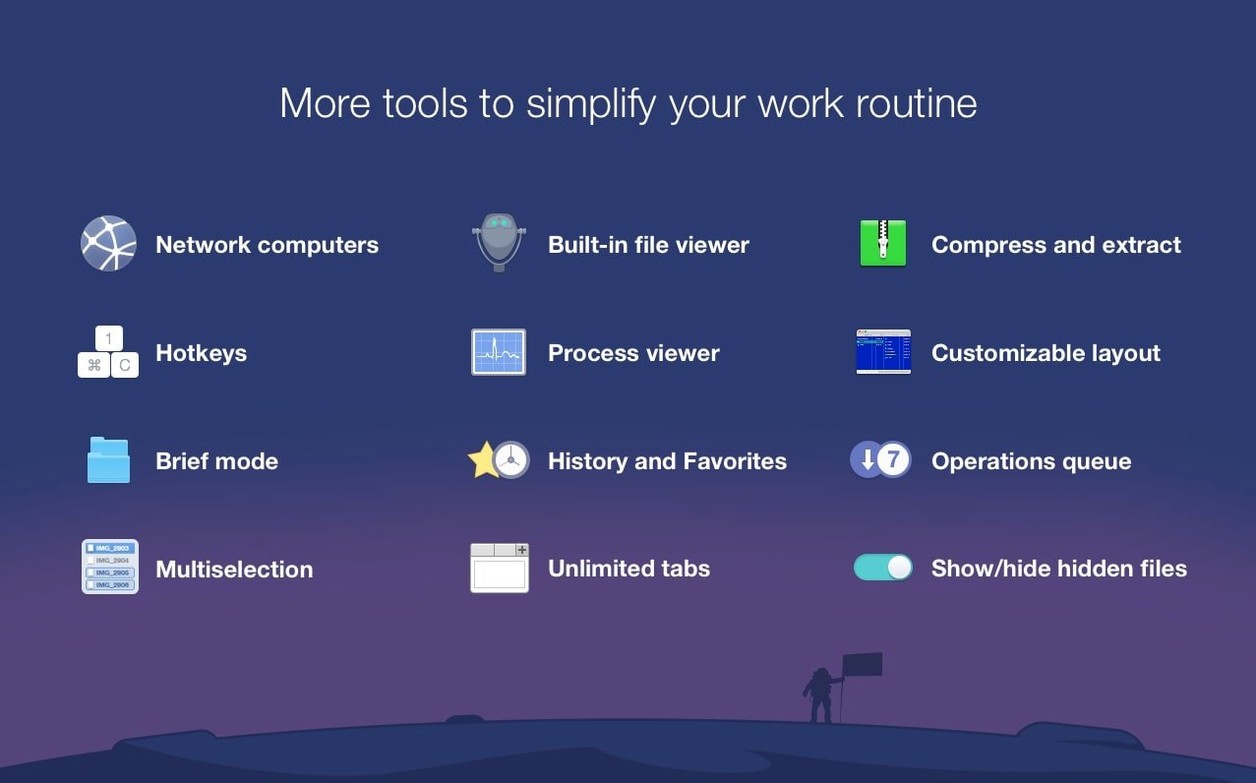
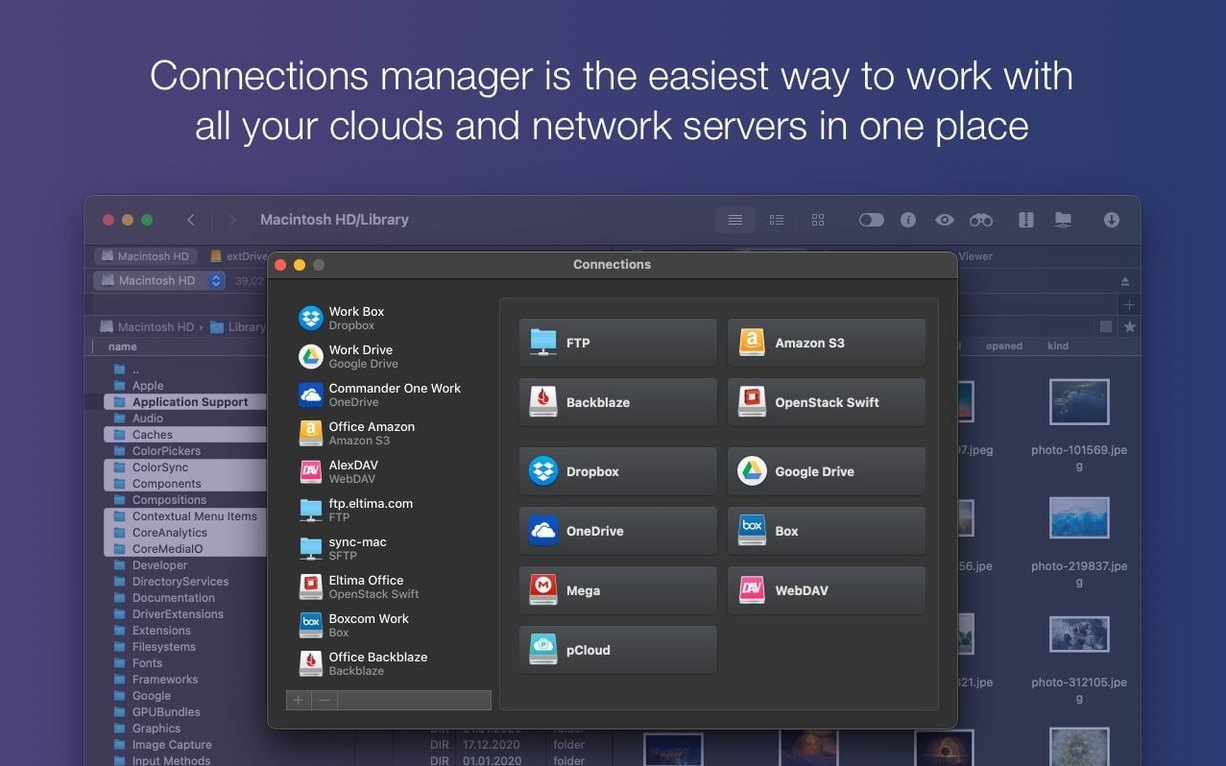
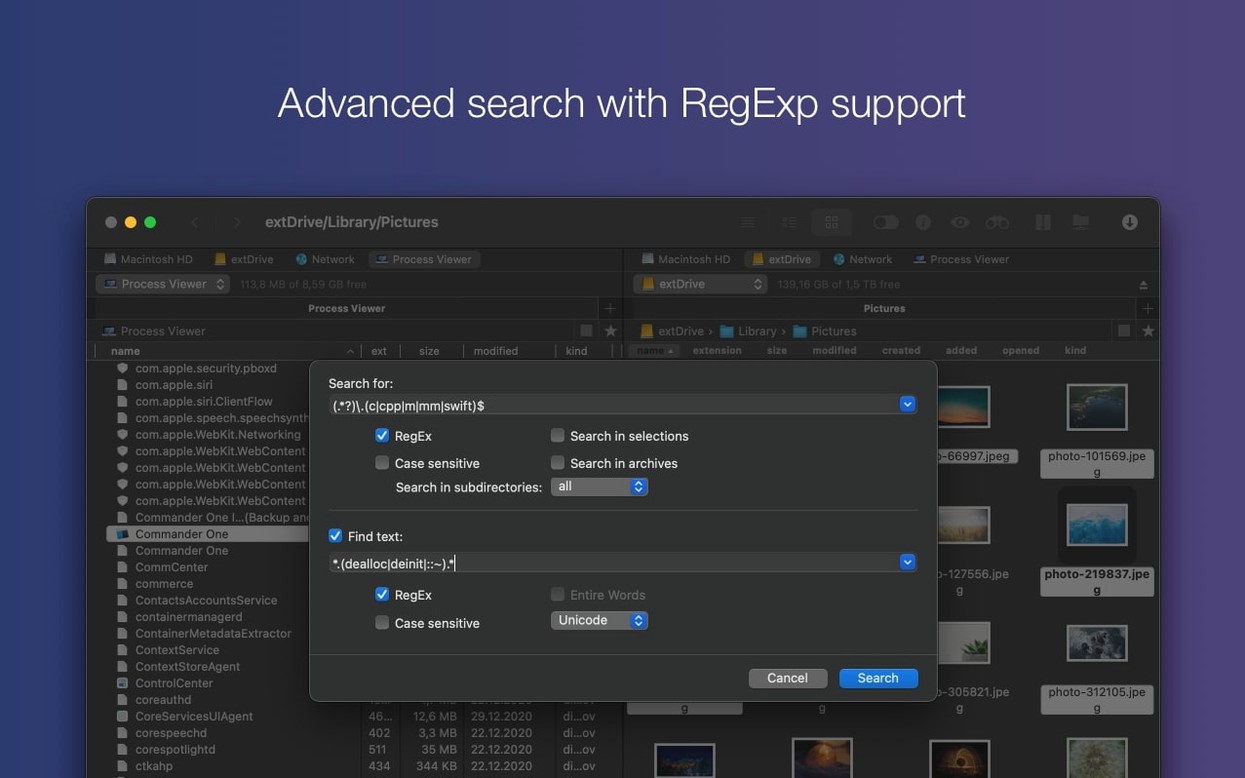
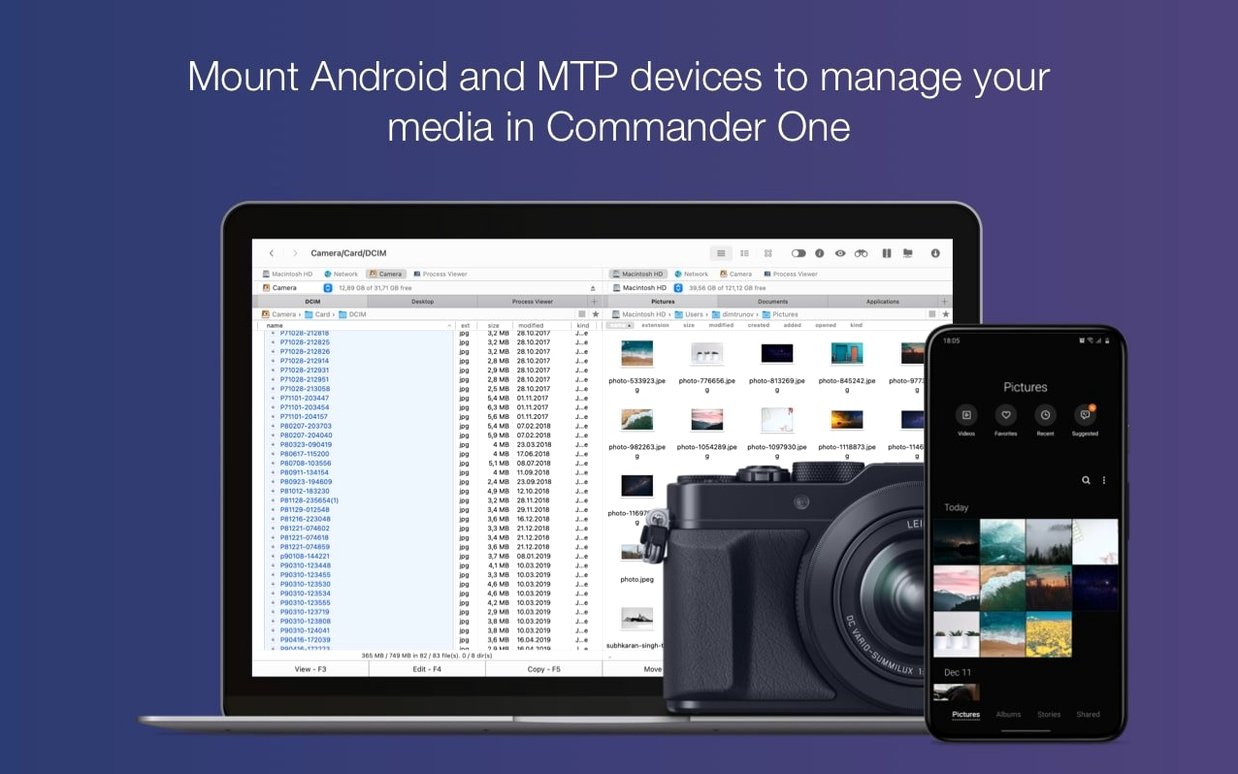
Commander One PRO 3.18.0 supports FTP, Amazon S3, iOS and Android devices, and regular expression searches. It also shows hidden files and includes a Brief Mode for viewing multiple files at once. Here are three things a newcomer should try first.
Toggle hidden files and connect to a remote server
- Toggle hidden files. Press Cmd+Shift+Dot to see system files and folders that Finder hides. Useful for cleaning or troubleshooting.
- Connect to a remote server. Use the built-in FTP client or add an Amazon S3 bucket. Commander One PRO handles both without extra software.
- Search with regular expressions. Open the search panel and turn on regex mode. Lets you find files by pattern, not just name.
Brief Mode for batch operations
Select a group of files and switch to Brief Mode. It shows file names in a compact list, making it quicker to rename, copy or delete several items at once. Works with local drives, cloud storage and connected devices.
Lab technicians managing local drives and network shares
A school technician setting up a lab of iMacs needs one window for the local drive and another for the network share where master images live. Commander One PRO shows both panes without tabbing between Finder windows. The same person can keep Google Drive open in the third tab for backing up config files.
People who deal with mixed storage get the most out of it:
- IT technicians who switch between local folders, FTP servers and cloud accounts during a single job.
- Media editors who offload footage to an S3 bucket and need to browse it like a local folder.
- Anyone who archives regularly — the built-in unpacker handles ZIP, RAR, TBZ, TGZ and 7z without a separate app.
Process viewer spots file-locking and frozen apps
Commander One PRO includes a Process Viewer that shows what is running on the Mac. Useful when a background task is holding onto a file you need to move, or when an app has frozen and Force Quit is the next step.
The app can show hidden files, which matters when you are cleaning out the remains of an uninstalled application. Finder needs a terminal command or a third-party tweak to do the same.
Brief Mode is not just for file lists. It works across local, cloud and device connections, so you can manage files the same way whether they are on an Android phone, an MTP camera or a Google Drive folder. That consistency saves time when you are pulling photos off a device and pushing them to a network share.
The search panel accepts regular expressions. That means you can find files by pattern — .+\.conf$ for config files, for instance — rather than scrolling through long directories. Useful when a student has saved a dozen versions of a document with slightly different names.
- Compatibility with macOS 27 improved.
- Drag and drop of files on macOS 27 fixed.
- Handling of some hotkeys with non-English keyboard layouts fixed.
- macOS 10.13 or later
- Intel or Apple Silicon
- 52.82 MB of free space
Questions people ask
Can Commander One PRO show hidden files?
Yes. Press Cmd+Shift+Dot to toggle hidden files on and off. No Terminal commands needed.
Staffroom comments 0
Sign in or create an account here to leave a comment.
Nobody has commented on this one yet.
Other Utilities tools
All Utilities tools-
 Compressor
5.3
122 MB
Utilities
-
 Cocktail Sequoia Edition
18.7.1Intel Macs only
3 MB
Utilities
-
 CloudMounter
4.18Intel Macs only
68 MB
Utilities
-
 CleanShot X
5.0.2
46 MB
Utilities
-
 Canopy
2
11 MB
Utilities
-
 dBpoweramp Music Converter
2026.09.13
31 MB
Utilities
-
 Boom 3D
2.2.6
Utilities
-
 Bloom
1.5.46
19 MB
Utilities