
Downie 4.13.1 (macOS)
One download for Apple Silicon and Intel. Opens the install steps and mirrors.
- Version
- 4.13.1
- Size
- 42 MB
- Earliest macOS
- 11 or later
- CPU type
- Universal
- Updated
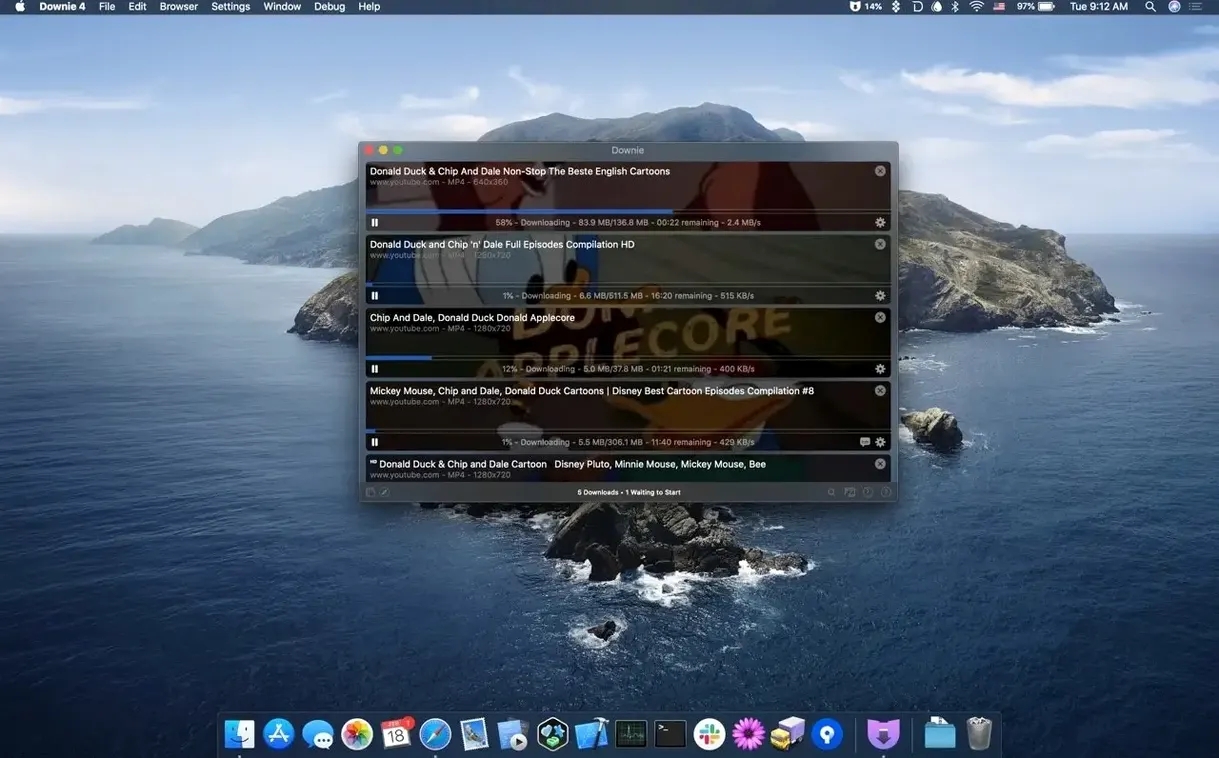
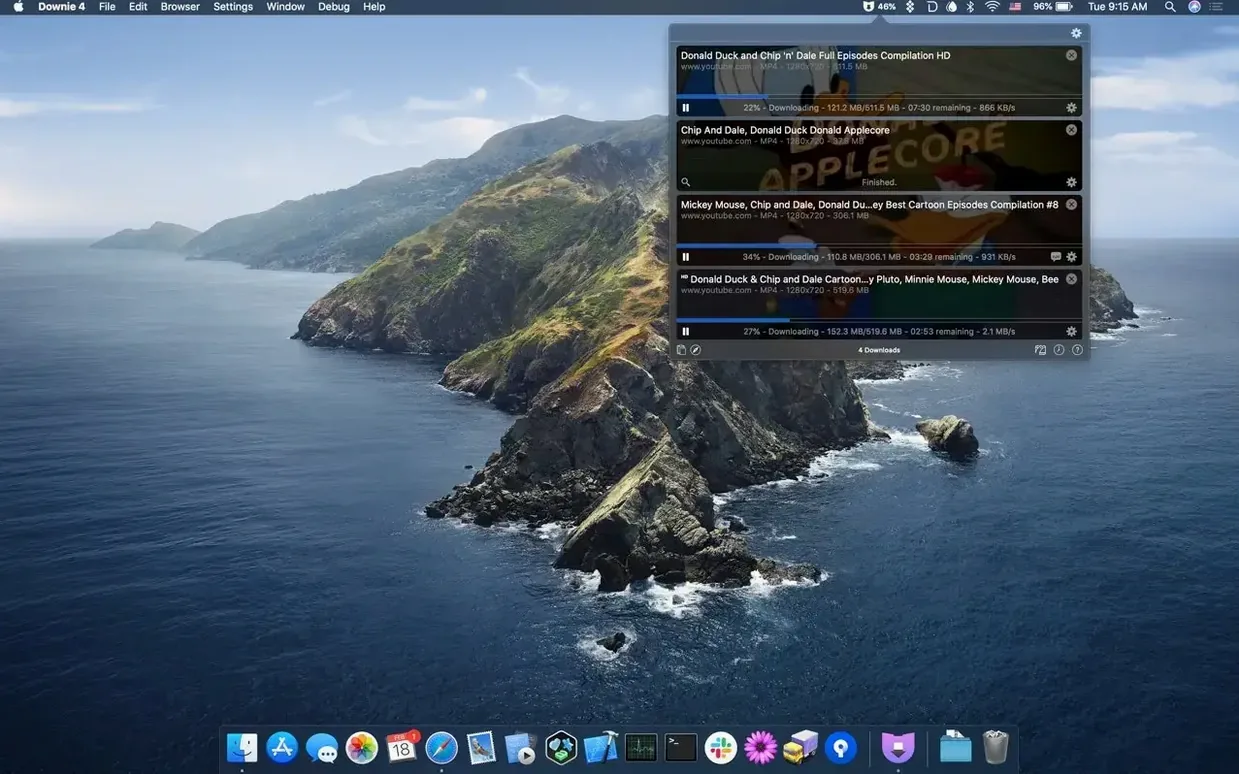
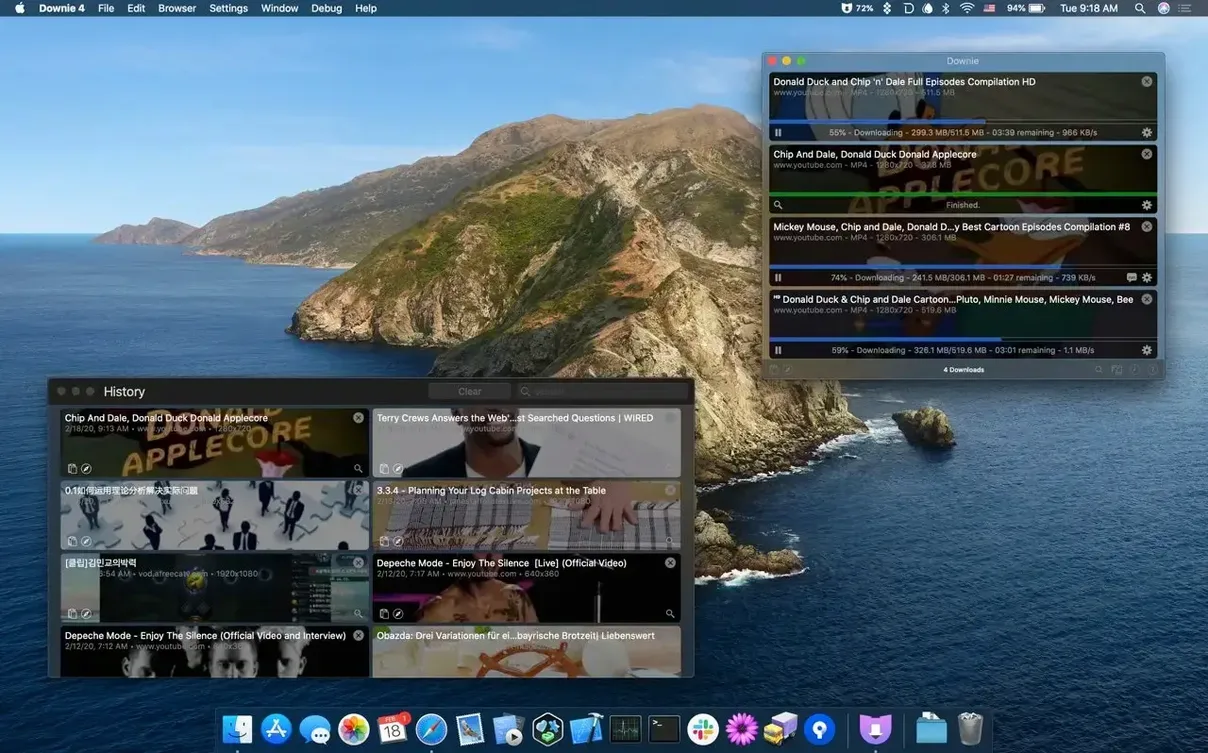
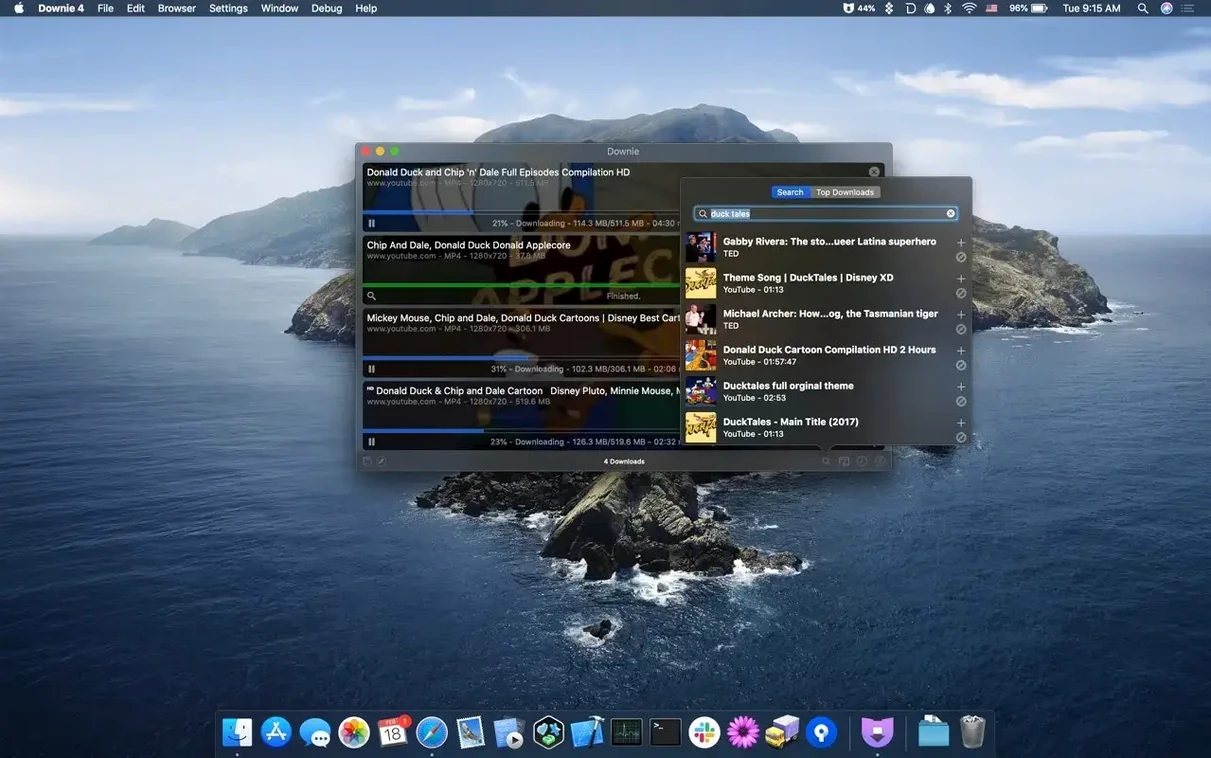
Downie handles video downloads from more than 1,200 websites — YouTube, Vimeo, Facebook, Instagram and plenty more. Here’s what the standout features actually do.
Can I save only the audio from a video?
Yes. Downie can extract just the audio track and save it as a file, skipping the video entirely.
Does it convert downloads automatically?
It can convert downloaded videos to MP4 on the fly, or you can hand them to Permute for more involved conversions like joining parts into a single file.
How do I feed it a batch of links?
Import a CSV or XML file containing the URLs and custom titles. Downie processes the whole list without you clicking each link individually.
What about browser integration?
Set a default download location and auto-convert
Before you start downloading, open the preferences panel. A few tweaks there will save time later.
- Output folder — set a default download location. Without one, files land in the Downloads folder, which fills up fast.
- Auto-convert to MP4 — turn this on if you want a single format for everything. Downie can convert as it downloads, so you avoid sitting through a separate conversion step.
- Browser extension — enable the integration for your browser. It removes the need to copy and paste URLs manually.
- Language — pick your interface language from the 32 available. The app ships with Russian, English, German, Arabic and more, so you are not stuck with the default.
Avoid the paste-trigger surprise
A few common gotchas crop up when people first use Downie. Here they are, so you can skip them.
- Not checking the paste-trigger setting — by default, Downie can start a download the moment you paste or drag a URL into the window. If you do not want that, turn it off in preferences.
- Forgetting to update the browser extension — the extension and the app talk to each other. If one is outdated, the hand-off between them may stop working.
- Ignoring the CSV/XML import feature — for a list of a dozen or more links, typing them one by one is slow. A CSV file with titles and URLs processes the whole lot at once.
- Assuming every site supports 4K — Downie can save YouTube videos in 4K, but not every source offers that resolution. The app grabs whatever the server provides.
- Overlooking Permute integration — if you need to join parts of a downloaded video or convert to a different container, Permute handles that. Downie alone does not splice files together.
Runs on macOS 11+, Apple Silicon and Intel
Downie 4.13.1 runs on macOS 11 or later. It supports both Apple Silicon and Intel 64-bit machines, so it will work on an M-series Mac or an older Intel model without issues. The app is a standard disk-image install — mount the downloaded image, drag the app to the Applications folder alias, then open it from Launchpad once the copy finishes.
No background services or daemons are installed. The app sits in your Applications folder and runs only when you launch it. Browser extensions are separate installs, one per browser you use.
The interface uses one of the 32 bundled languages. If you want a language not in the list, you are out of luck — no custom translation files are exposed for editing.
Expect a single-window app that stays out of your way. It watches the clipboard if you enable that option, or waits for you to paste or drag URLs. For bulk work, prepare a CSV or XML file beforehand. The app then runs through the list unattended, which is the main reason to use it over in-browser downloads.
Browser extensions let you send links straight to Downie instead of copying and pasting manually.
No “what's new” for 4.13.1. The release line gave nothing I could check, and I will not stretch it into a changelog.
- macOS 11 or later
- Apple Silicon or Intel processor
Questions people ask
Which macOS versions does Downie support?
Downie requires macOS 11 or later. It runs on both Apple Silicon and Intel Macs.
Can Downie work with Permute?
Yes. Downie can send downloads to Permute for format conversion or to join parts of a video into one file.
Staffroom comments 0
Sign in or create an account here to leave a comment.
Nobody has commented on this one yet.
Other Utilities tools
All Utilities tools-
 Duplicate File Finder Pro
9.2.1
37 MB
Utilities
-
 DVDFab
12.0.8
413 MB
Utilities
-
 dBpoweramp Music Converter
2026.09.13
31 MB
Utilities
-
 Find Any File
2.6.1
14 MB
Utilities
-
 Compressor
5.3
122 MB
Utilities
-
 Commander One PRO
3.18.0
53 MB
Utilities
-
 Cocktail Sequoia Edition
18.7.1Intel Macs only
3 MB
Utilities
-
 Gemini
2.10.2Intel Macs only
47 MB
Utilities