
Gemini 2.10.2 (macOS)
Intel build. On Apple Silicon it runs through Rosetta 2. Opens the install steps and mirrors.
- Version
- 2.10.2
- Size
- 47 MB
- Earliest macOS
- 10.13 or later
- CPU type
- Intel
- Updated
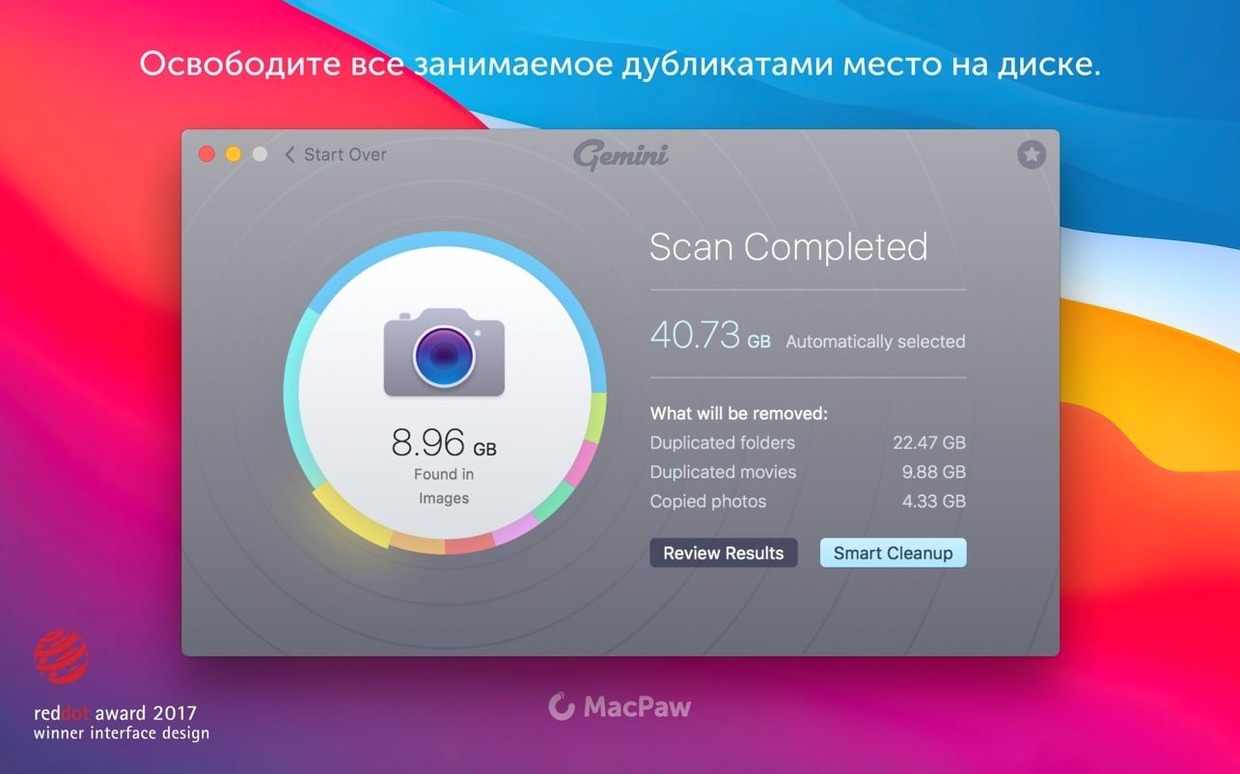
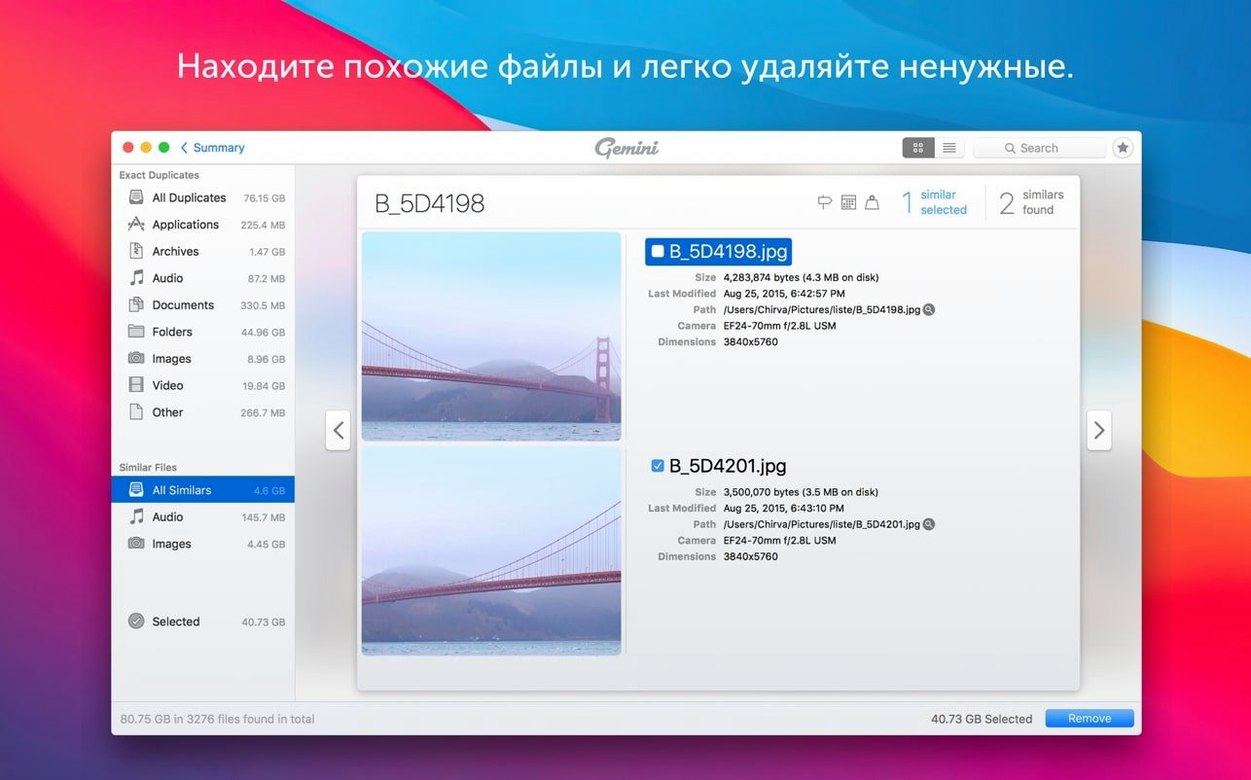
Gemini 2 runs on any Mac with macOS 10.13 High Sierra or later. Intel silicon only — no native Apple Silicon build listed in the current specs. The app is a duplicate file finder that groups identical files and lookalikes so you can review, select and move them in one pass.
One real cleanup job
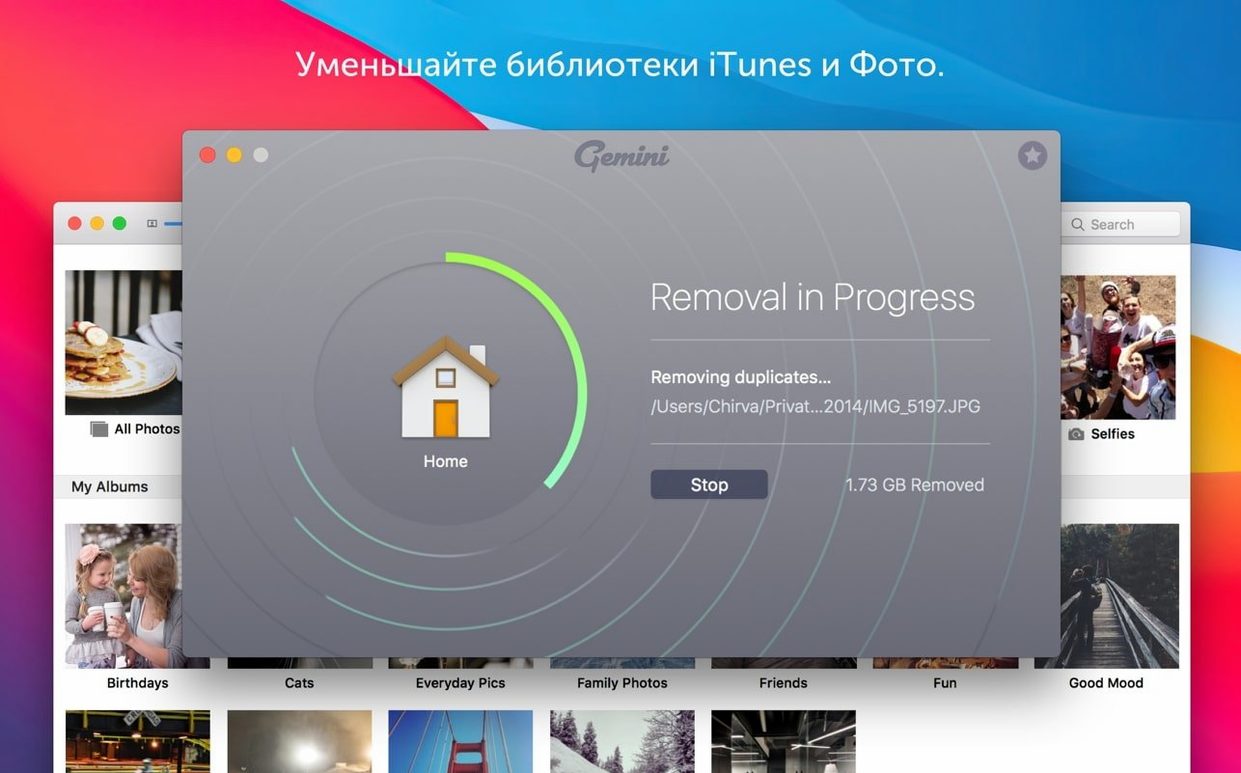
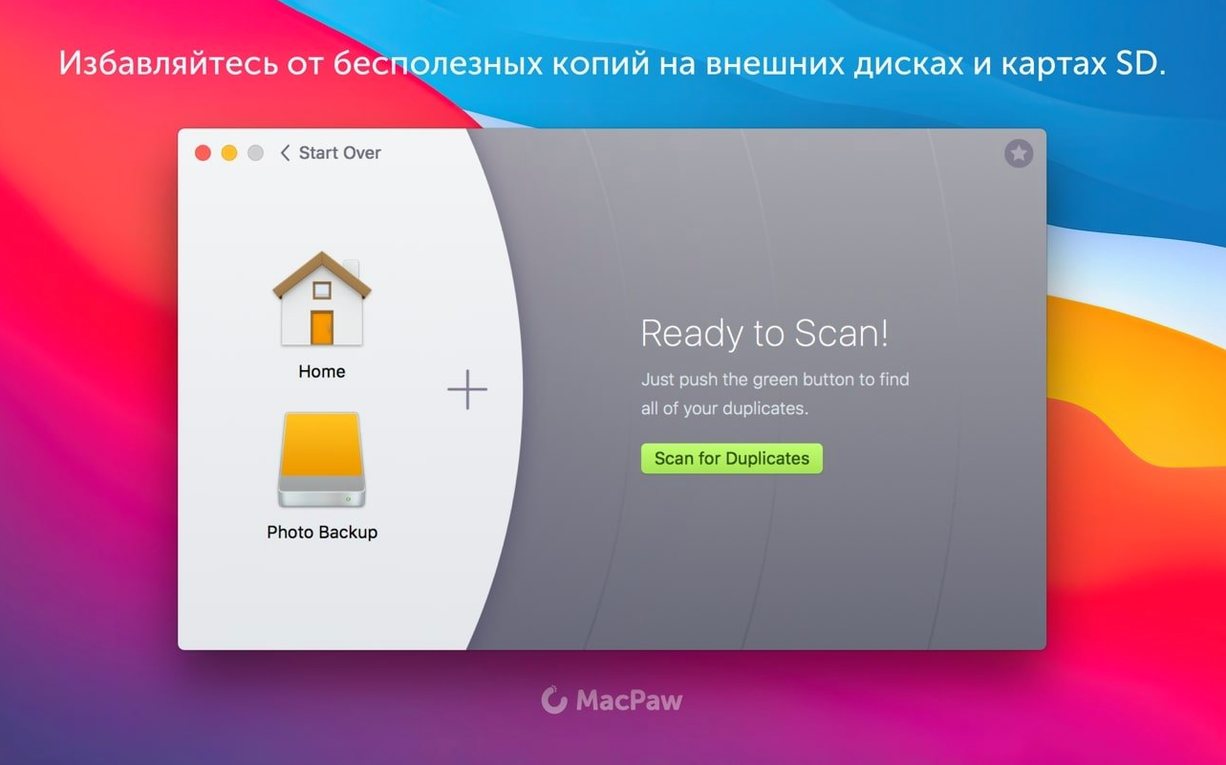
Drag a folder onto Gemini 2’s window. It scans and groups duplicates by content, not just name. You can mark entire groups or individual files, then hit ‘Remove’. The tool remembers your choices for the same files next time — useful if you scan the same folders regularly. Anything deleted goes to a Recently Deleted area in case you need it back.
Gatekeeper and install
Settings beginners miss
First run, most people just click Scan and hope for the best. A few settings save you time. The scan scope lets you exclude system folders and hidden directories early — no point scanning macOS itself. The file type filters let you skip certain extensions before the scan starts, which cuts down results if you only care about photos or documents.
Smart Select is on by default. It picks files it thinks are safe to remove. New users sometimes delete everything Smart Select highlights without checking. The app learns from your past approvals, so a hasty first cleanup trains it badly. Spend the extra minute reviewing the preselected group before you click remove.
Similar files, not just duplicates
Gemini 2 is not limited to byte-identical copies. It finds files that look alike or have matching names. This catches things like a renamed download next to the original. It also picks up near-identical images — the same photo saved at different compression levels. Beginners sometimes overlook the similarity slider. Turning it up or down changes how strict the match is, which matters when scanning photo libraries.
Check scan targets when it finishes too fast
- Scans that finish too quickly. If the app finishes in seconds, check it is scanning the right volume. External drives do not always mount in time for the scan. Remount and try again.
- Recently Deleted fills up. The app keeps removed files in a trash-style area. That area uses disk space. Check it after a few cleanups and empty it when you are sure the deletions were correct.
- Gatekeeper re-enables. The install bypass works only for that session. If you move the app later or reinstall, Gatekeeper may block it again. Repeat the Terminal step if the app does not open.
Narrow scans to user folders only
The most common one is scanning everything at once. Scanning the whole system drive picks up caches, temp files, and browser data that look identical but are safe to leave. Narrow the scan to user folders or specific directories.
Another is assuming all duplicates are useless. App resources and library files often appear twice. Deleting them can break software. Stick to Documents, Downloads, and Desktop for your first few scans until you are comfortable reading the results.
People also forget the language switch. Gemini 2 ships with a dozen interface languages, including English, German, Spanish, and Japanese. If the menus show up in Russian or Ukrainian, check the preferences. The setting is in the app itself, not the system locale.
Lastly, skipping the Recently Deleted review. A week after cleanup, something breaks. The file is often still in there. Check that area before you empty it.
Mount the disk image, then open Gatekeeper-friendly mode. Press Enter in Terminal to bypass Gatekeeper. Drag the app into Applications and open it.
No “what's new” for 2.10.2. The release line gave nothing I could check, and I will not stretch it into a changelog.
- macOS 10.13 High Sierra or later
- Intel processor
Staffroom comments 0
Sign in or create an account here to leave a comment.
Nobody has commented on this one yet.
Other Utilities tools
All Utilities tools-
 Haptyk
2.0.4
18 MB
Utilities
-
 Find Any File
2.6.1
14 MB
Utilities
-
 iDownerGo
10.15.0Intel Macs only
76 MB
Utilities
-
 iExplorer
4.6.0Intel Macs only
30 MB
Utilities
-
 iMazing
3.6.5
242 MB
Utilities
-
 DVDFab
12.0.8
413 MB
Utilities
-
 Duplicate File Finder Pro
9.2.1
37 MB
Utilities
-
 iTubeGo
10.15.0Intel Macs only
115 MB
Utilities