
Find Any File 2.6.1 (macOS)
- Version
- 2.6.1
- Size
- 14 MB
- Earliest macOS
- OS X 10.11 or later
- CPU type
- Universal
- Updated
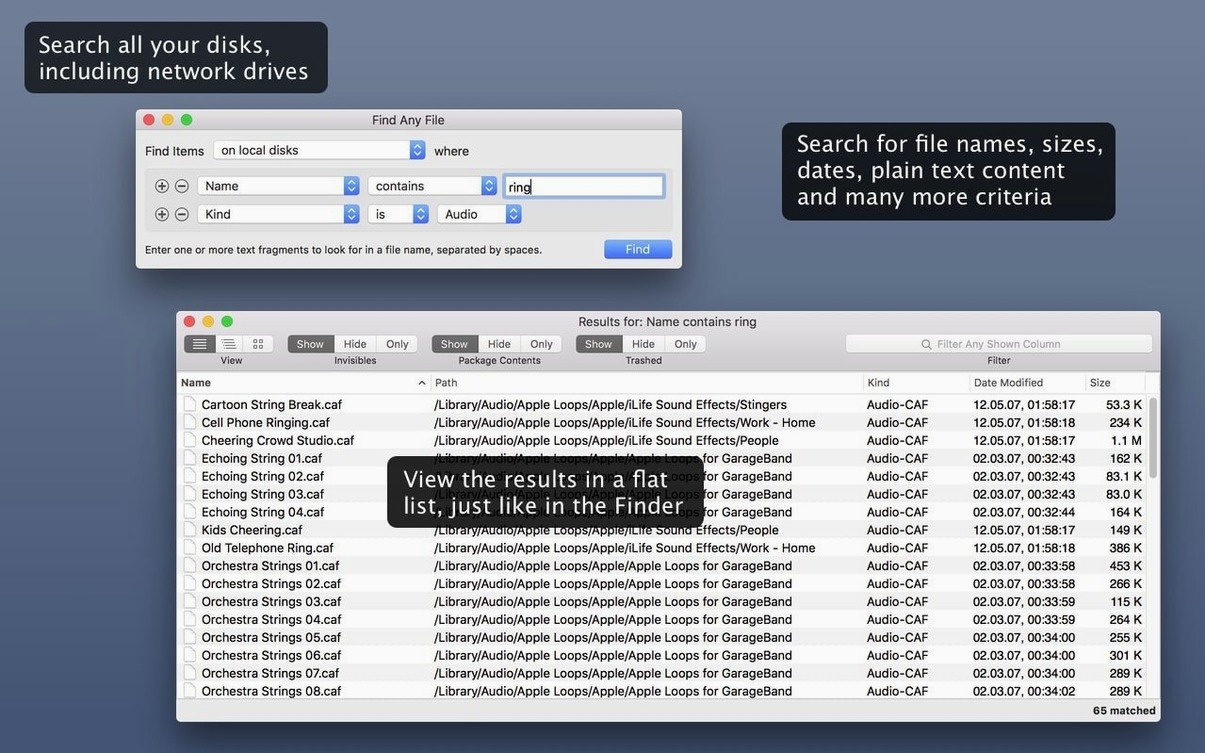
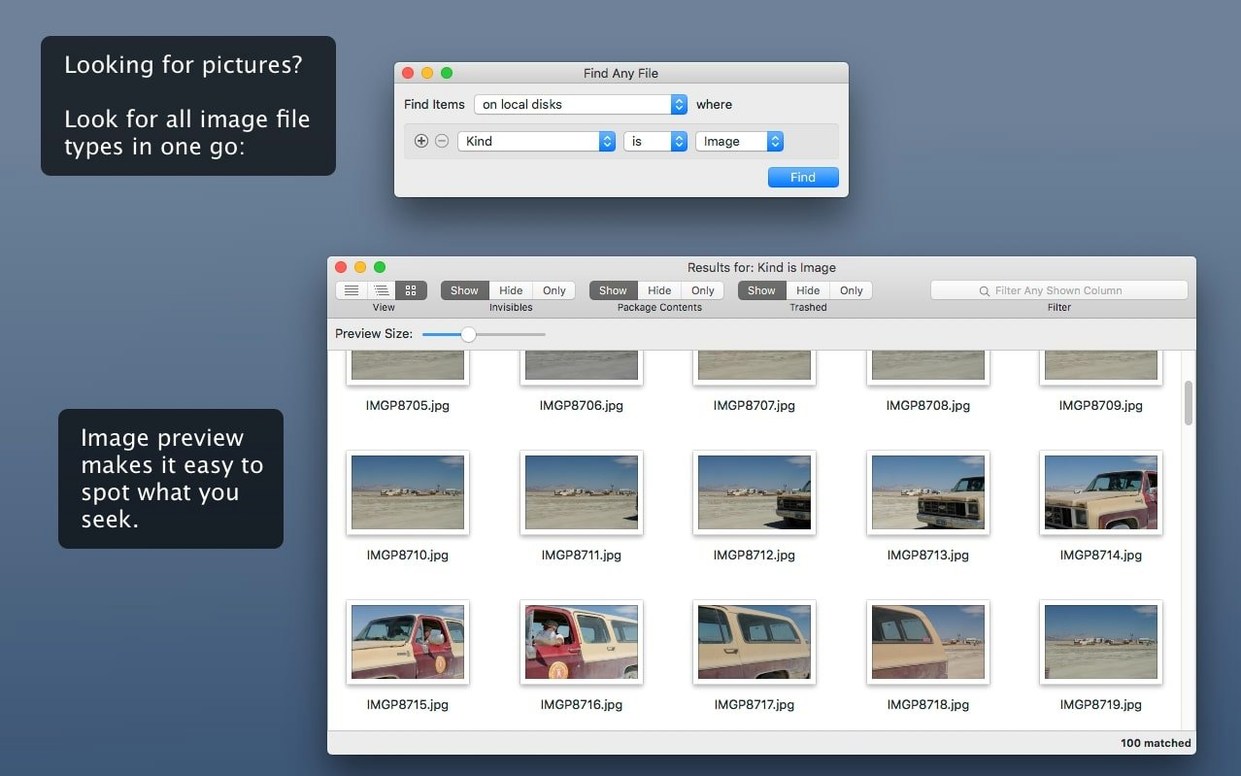
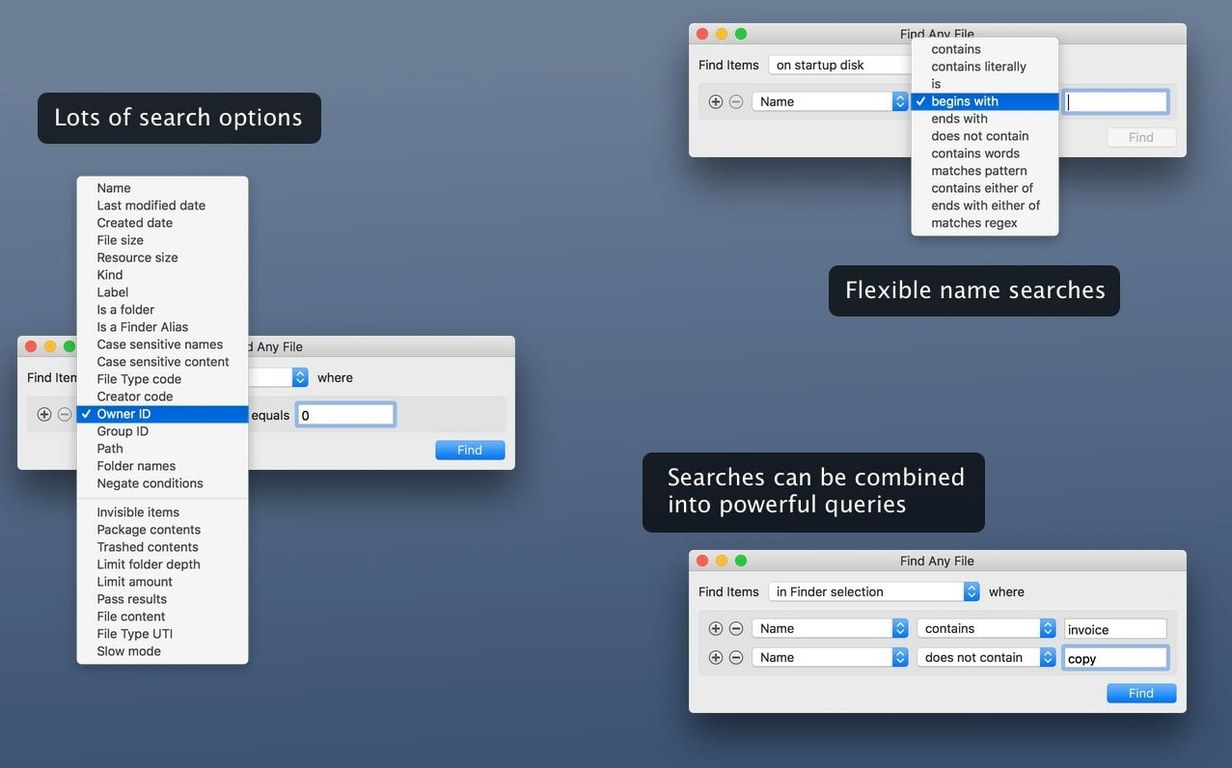
The Finder's own search bar can't reach into every system folder. Find Any File (FAF) steps in where Spotlight leaves off. It looks by name, date, size, and plain text content, and it digs into those system areas Spotlight usually ignores.
Does not replace Spotlight but can be scripted
- Does it replace Spotlight? No. It's a companion. For email, Word, PDF, and similar documents, stick with Spotlight.
- Can I script it? Yes. AppleScript support arrived in the 2.6 release.
When you need more than Spotlight
FAF shows columns for Comments, Trashed, and Hidden, and comment finding got more reliable in 2.6. If you're after a file Spotlight won't surface, this is the tool to try.
Where it sits alongside your other tools
Find Any File doesn't try to replace the Finder. It covers the ground the Finder's own search misses. If you use Tembo to improve Spotlight results, think of FAF as the deep-search counterpart — one refines what Spotlight sees, the other finds what Spotlight can't see at all.
AppleScript support (added in 2.6) lets you hook FAF into your own workflows. Write a script that feeds it search parameters, or have it pass results back to another app. The developer calls it a companion, and that is the right way to use it.
Hierarchical folder view and extra columns
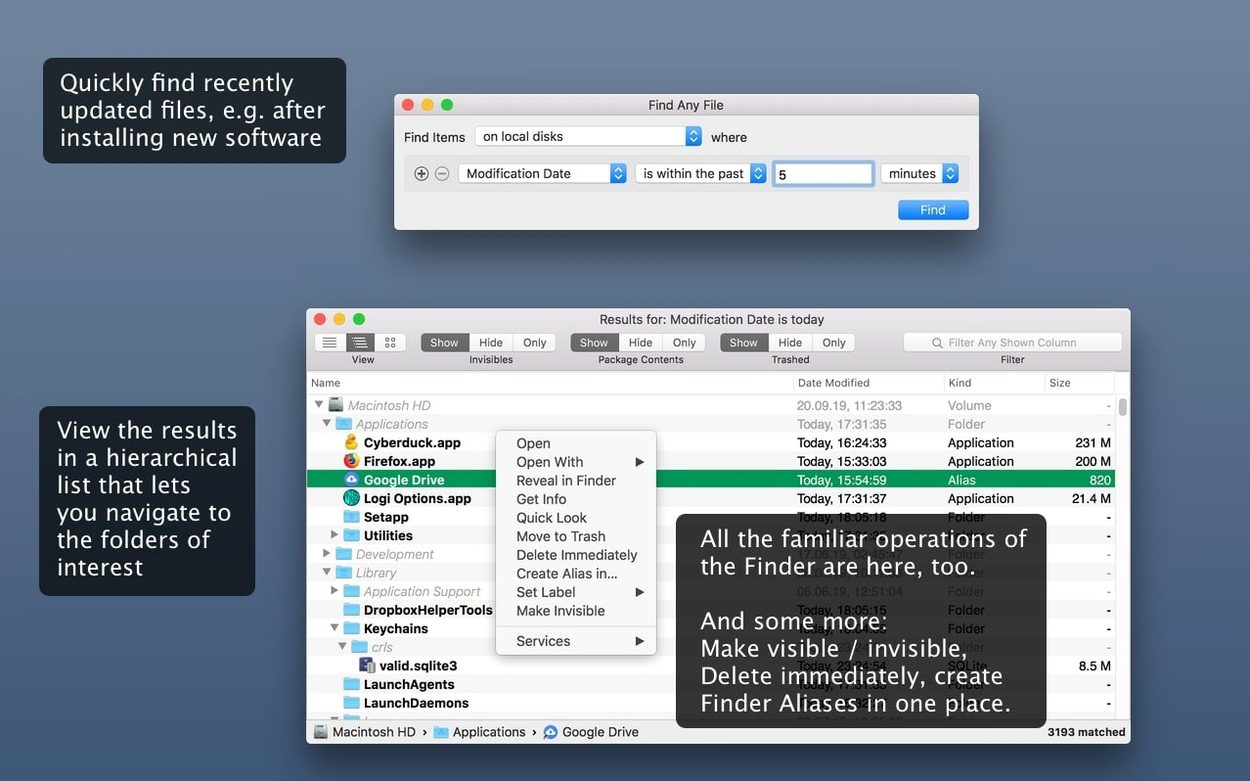
- Hierarchical folder view — results appear in the same folder tree structure you see in the Finder. No flat list, no guessing where a file lives.
- Columns for Comments, Trashed, and Hidden — these three extra columns (added in 2.6) show you file details the standard search hides. Particularly useful for spotting files you thought were gone.
- Plain text content search — it reads inside unformatted text files. Good for config files, logs, and scripts where Spotlight won't bother looking.
- Network and system volumes — because FAF scans disks directly rather than relying on a database, it works on server volumes and system partitions that Spotlight has never indexed.
Scenario: a technician cleaning up a school machine
You manage a lab of iMacs. A teacher reports a slow machine. You suspect leftover user profiles or orphaned config files sat in /System or /private/var. Spotlight won't touch those. The Comments and Hidden columns flag files that were due for deletion. You clean up three machines in the time it would take the Finder to finish indexing one.
Reads disk structure directly for files inside .app and .pkg containers
FAF sits alongside the macOS file system at a lower level than most search tools. It reads the disk structure directly, which means it can find files inside macOS bundles and packages — the .app and .pkg containers that Spotlight treats as single objects. If you need to locate a specific resource inside a driver bundle or an extension package, FAF will show it.
AppleScript support lets you orchestrate searches from the command line or from other utilities. For example, you could write a shell script that runs FAF before a backup job, then feeds the results into rsync or cp. No GUI interaction needed once the search criteria are set.
What the columns tell you that the Finder won't
The Trashed column is the one most people miss. A file copied to the Trash folder is still on disk, but the Finder's index doesn't flag it. FAF shows you exactly which results are trashed, so you can decide whether to restore or purge them. The Hidden column works the same way — many system files are hidden by a dot prefix or a hidden attribute, and the standard search skips them. FAF exposes them.
When you'd reach for FAF over other search tools
- Network volumes not indexed by Spotlight — NAS shares, server volumes, external drives formatted as NTFS or exFAT. FAF scans them directly.
- System recovery work — locating a missing kernel module, a log file in
/var/log, or a config file hidden inside a package. - Bulk file auditing — combine the Size and Date columns with the Comments column to find large, old, annotated files across an entire partition.
- AppleScript support added in 2.6.
- Columns for Comments, Trashed, and Hidden added in 2.6.
- Finding comments more reliable in 2.6.
- macOS OS X 10.11 or later
- Intel or Apple Silicon
- Interface: English
Questions people ask
Does Find Any File replace Spotlight?
No. It works alongside Spotlight, finding files in system folders that Spotlight usually excludes, but it won't search email, Word, PDF, and similar documents.
What macOS versions does it support?
Version 2.6.1 runs on macOS 10.11 through 27, on both Intel and Apple Silicon.
Can I automate it with AppleScript?
Yes. AppleScript support was added in the 2.6 release.
Staffroom comments 0
Sign in or create an account here to leave a comment.
Nobody has commented on this one yet.
Other Utilities tools
All Utilities tools-
 Gemini
2.10.2Intel Macs only
47 MB
Utilities
-
 DVDFab
12.0.8
413 MB
Utilities
-
 Duplicate File Finder Pro
9.2.1
37 MB
Utilities
-
 Downie
4.13.1
42 MB
Utilities
-
 Haptyk
2.0.4
18 MB
Utilities
-
 dBpoweramp Music Converter
2026.09.13
31 MB
Utilities
-
 iDownerGo
10.15.0Intel Macs only
76 MB
Utilities
-
 iExplorer
4.6.0Intel Macs only
30 MB
Utilities