
DVDFab 12.0.8 (macOS)
One download for Apple Silicon and Intel. Opens the install steps and mirrors.
- Version
- 12.0.8
- Size
- 413 MB
- Earliest macOS
- OS X 10.10 or later
- CPU type
- Universal
- Updated
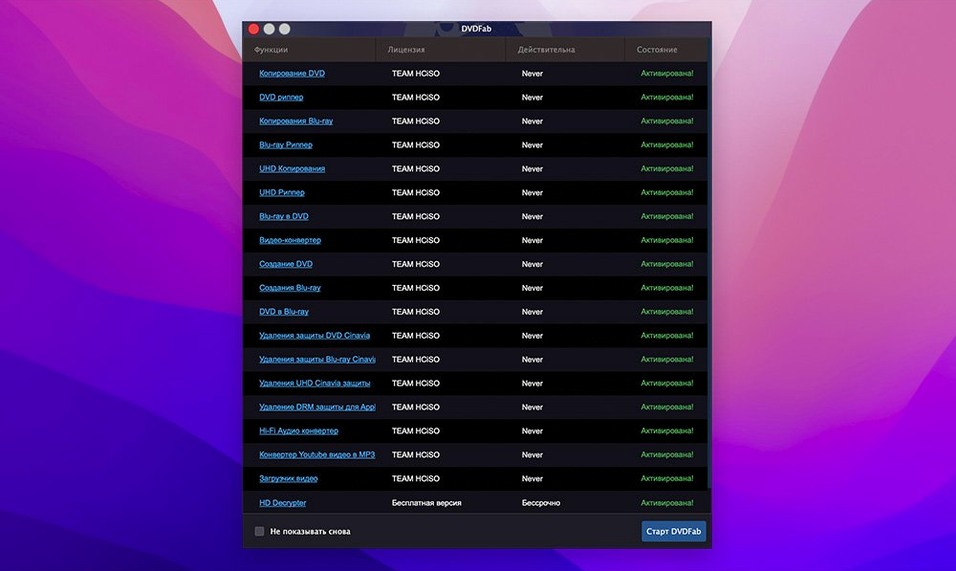
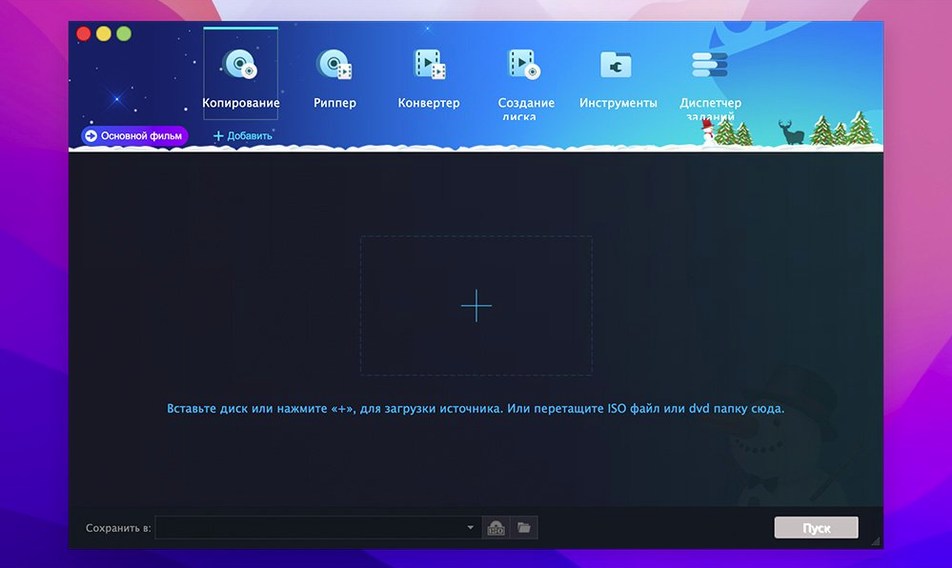
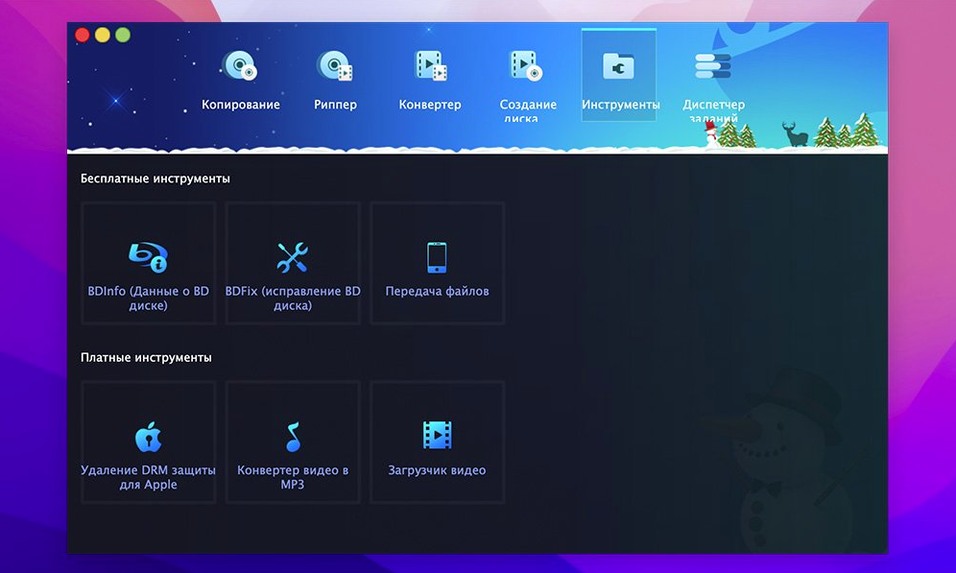
Version 12.0.8.2 continues the 12.x branch of DVDFab, a suite that handles DVD copying, ripping, burning, and conversion from a single app. Before you download, here is what you need to know about running it on your Mac and what the tools actually do.
Copy a DVD
DVDFab makes identical copies of DVDs, menus and trailers included. It supports DVD-5, DVD-9, DVD+R/RW, DVD-R/RW, and dual-layer discs. Eight copy methods cover everything from full disc clones to splitting a DVD-9 across two DVD-5 discs, or merging titles into one disc.
Rip a DVD
The ripping tools handle NTSC and PAL DVDs. If the IFO file is unreadable, DVDFab can still restore the information needed to rip the disc. Output can be written to dual-layer or standard discs.
Burn a disc
Burn DVD folders or ISO images to blank media. The suite also includes authoring tools, so you can go from a raw rip to a playable disc without switching software.
What the 12.x branch changed
The 12.x branch of DVDFab, of which 12.0.8.2 is the current release, was a ground-up rebuild. It unified the old separate tools (copy, rip, burn, convert) into a single application window. That means fewer clicks to jump from ripping a title to burning the resulting ISO. The interface was also modernised, though the logic behind the eight copy methods stayed the same.
For everyday use, the noticeable change is in the conversion module. The 12.x line added device presets for newer portable players and tablets. The old Zune and iPod presets are still there, but you also get profiles for more recent hardware. The merge function, which lets you combine titles from multiple source discs into one output, also became more reliable under the 12.x interface.
Scenario: A film-club organiser
Say you run a small film club that meets fortnightly. You have a library of PAL DVDs, some with damaged menus or unreadable IFO files. You want to create a single compilation disc of short films from three separate sources, each with its own region coding.
With DVDFab, you rip the three discs individually, using the main movie method to save time. The tool strips the region coding and CSS protection as it goes. You then use the Merge copy method to combine the three titles into one authored DVD, keeping the best menu from the original discs. Finally, you burn the result to a DVD-R DL. The whole process stays inside one window, no dragging folders between apps.
For a school technician like me, the value is in that single-suite approach. One app to teach, one licence to track, and the same interface whether you are copying a full disc or building a custom compilation.
No “what's new” for 12.0.8. The release line gave nothing I could check, and I will not stretch it into a changelog.
- macOS: OS X 10.10 or later
- Architecture: Intel and Apple Silicon
- Interface languages: Russian, English, German, Arabic, Bulgarian, Hungarian, Greek, Danish, Spanish, Italian, Traditional Chinese, Simplified Chinese, Korean, Dutch, Norwegian, Polish, Portuguese, Romanian, Slovak, Turkish, Finnish, French, Croatian, Czech, Swedish, Japanese
Questions people ask
Which macOS versions does DVDFab 12.0.8.2 support?
DVDFab 12.0.8.2 requires OS X 10.10 or later. It runs on both Intel and Apple Silicon Macs.
Staffroom comments 0
Sign in or create an account here to leave a comment.
Nobody has commented on this one yet.
Other Utilities tools
All Utilities tools-
 Duplicate File Finder Pro
9.2.1
37 MB
Utilities
-
 Downie
4.13.1
42 MB
Utilities
-
 Find Any File
2.6.1
14 MB
Utilities
-
 dBpoweramp Music Converter
2026.09.13
31 MB
Utilities
-
 Gemini
2.10.2Intel Macs only
47 MB
Utilities
-
 Compressor
5.3
122 MB
Utilities
-
 Commander One PRO
3.18.0
53 MB
Utilities
-
 Cocktail Sequoia Edition
18.7.1Intel Macs only
3 MB
Utilities