
iDownerGo 10.15.0 (macOS)
Intel build. On Apple Silicon it runs through Rosetta 2. Opens the install steps and mirrors.
- Version
- 10.15.0
- Size
- 76 MB
- Earliest macOS
- OS X 10.10 or later
- CPU type
- Intel
- Updated
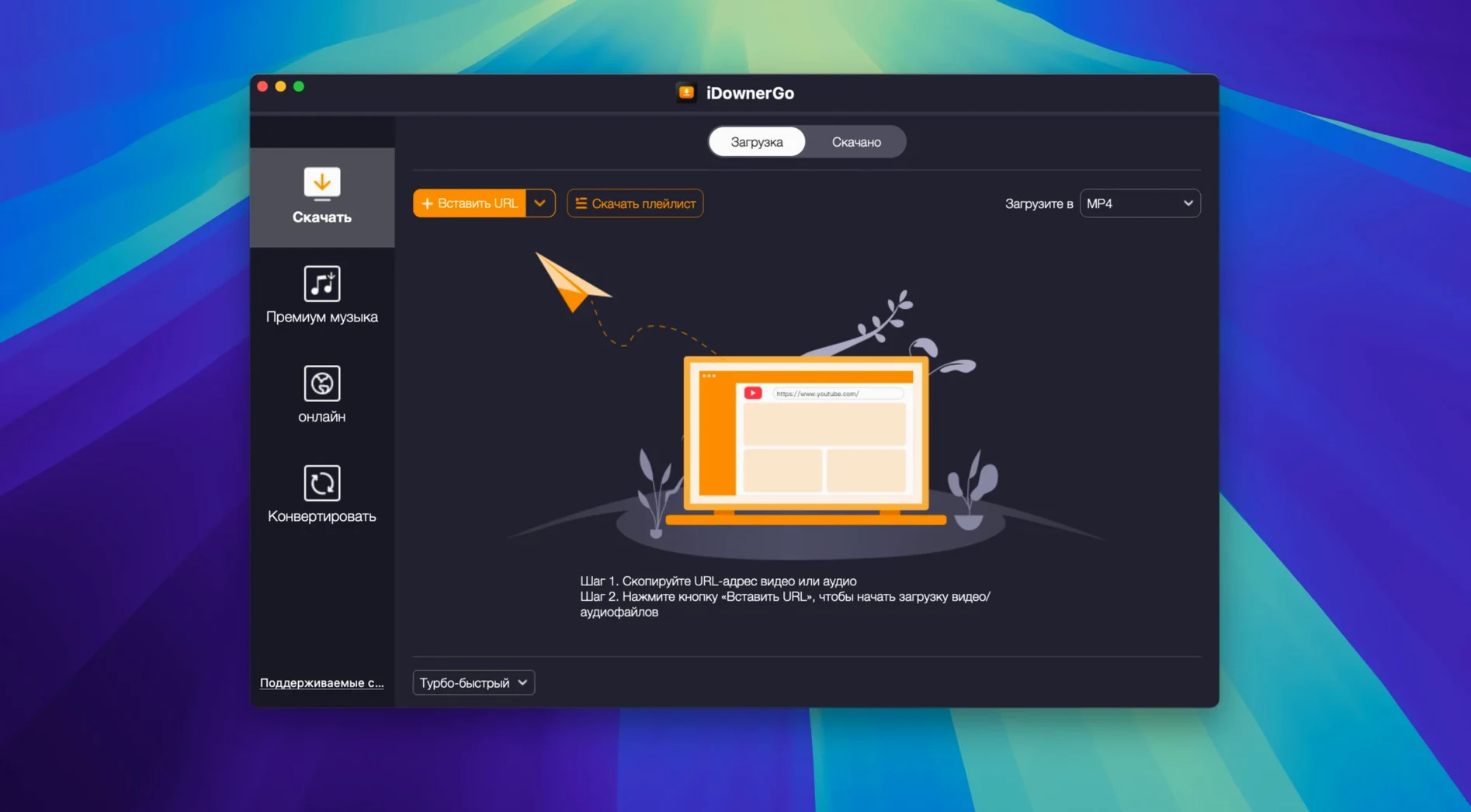
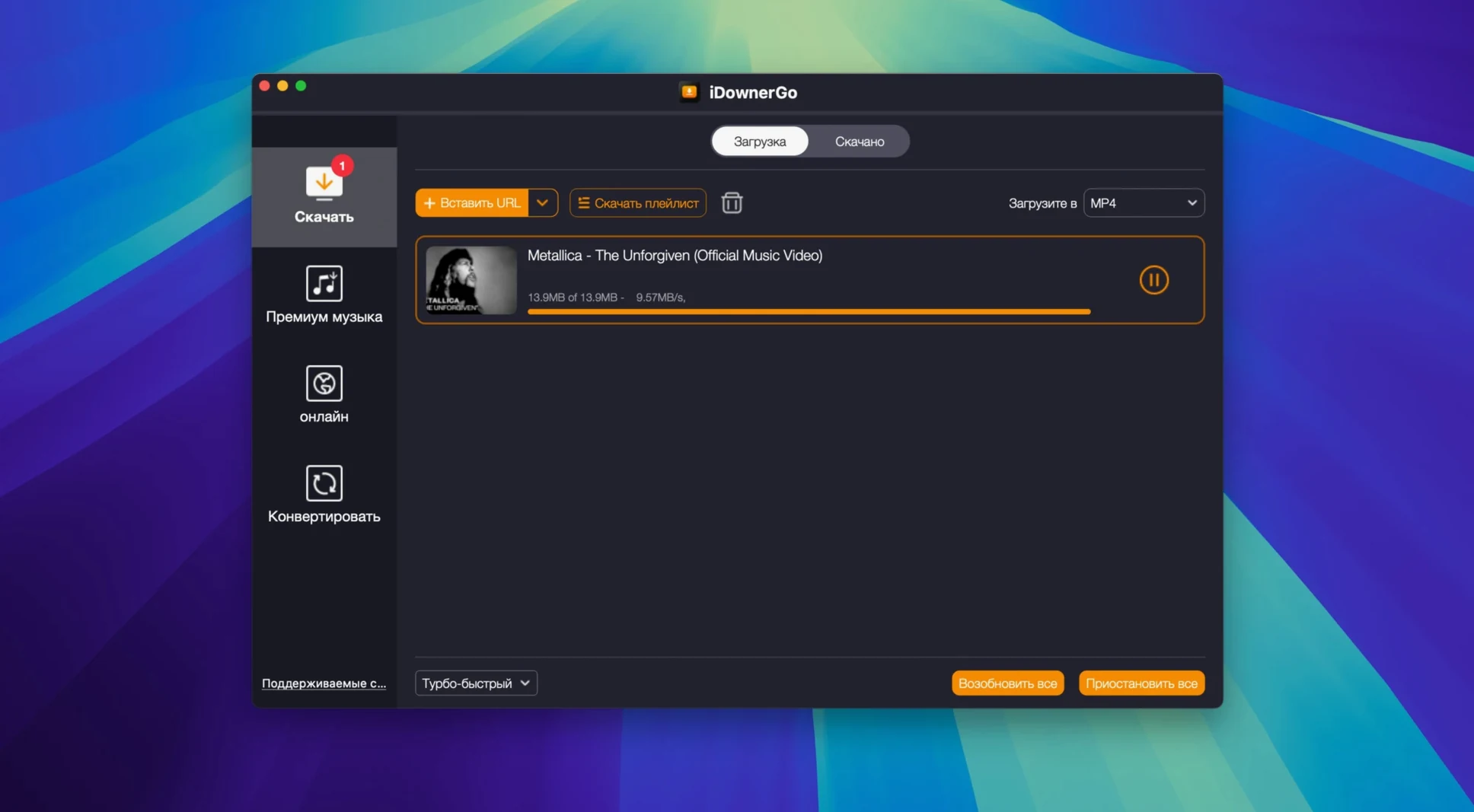
You want a clip from a streaming site, a music track from a video, or an 8K file that won't reload every time you watch it. iDownerGo does that one job without fuss.
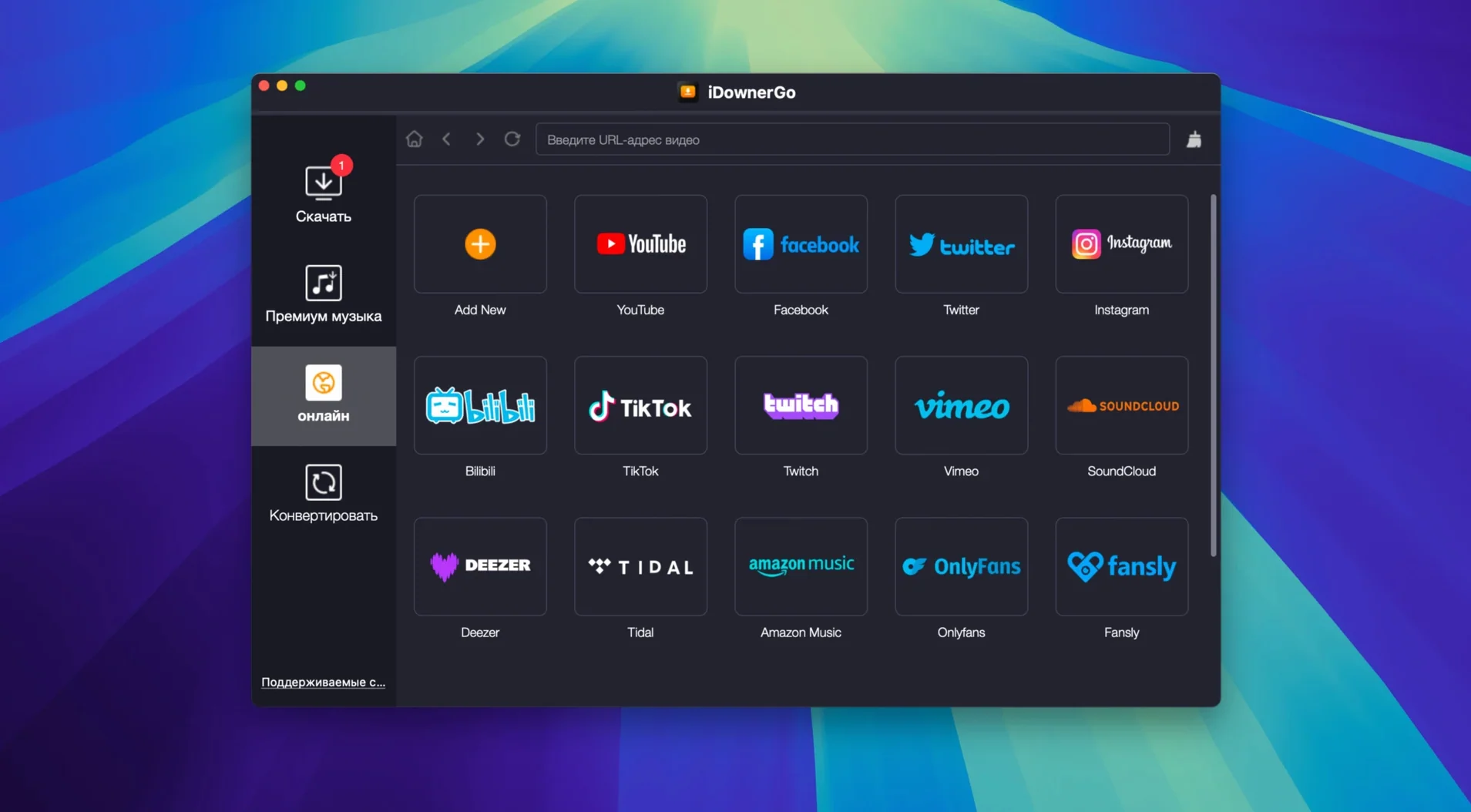
Download video from 10,000+ sites
It catches streaming video in real time and saves it in up to 8K Ultra HD. The app works with most major platforms — paste a link, pick your quality, and it lands in a local folder.
Extract audio and save as MP3
If you only need the sound, iDownerGo strips the video track and exports it as MP3. No second conversion step needed.
Bypass Gatekeeper on first run
Quick fixes for first-run issues
A few things trip people up when they first run iDownerGo. None are serious.
Pasted link doesn't start downloading
Check that the URL is a direct video or playlist page, not a channel or user feed. If the site requires a login to view the content, iDownerGo cannot grab it — log into the site in your browser first, then copy the link from the watch page.
Downloaded file has no sound
Some streaming services deliver video and audio as separate streams. Switch the output format to a container that holds both, such as MP4 or MKV, before you paste the link. The app keeps tracks together that way.
Gatekeeper prompt appears again after install
If you moved the app before running it the first time, the system may flag it again. Drag a fresh copy from the disk image into Applications, press Enter in Terminal when prompted, and it should settle.
Set output folder and video quality defaults
- Output folder. Set a dedicated download directory early. iDownerGo defaults to your user folder. Pick something like ~/Downloads/iDownerGo so files are easy to find.
- Default video quality. If you mostly watch 1080p, change the default from 4K or 8K. It saves bandwidth and disk space. You can still pick higher per link when needed.
- Audio format. If MP3 is all you use, set it as the default for audio extraction. Saves one click per job.
- Language. The interface ships with over twenty languages. Switch it to yours on the first launch — no restart needed.
Teachers and students save offline clips
Anyone saving video from the web will find it useful, but a few groups lean on it more than others.
Teachers and students who collect clips for lessons or research can pull local copies that play offline, without buffering or ad interruptions. The 4K and 8K options matter less here than reliability.
Music collectors use it to rip audio from Bandcamp, YouTube, or SoundCloud playlists and land straight MP3 files. No separate converter needed.
Social media managers who grab content from Instagram, TikTok, or Facebook for scheduling tools appreciate the consistent format output. Paste, pick quality, move on.
Anyone on a limited or metered connection downloads once in full quality rather than streaming the same video repeatedly. If you have seen idownergo 10.14.0 or idownergo 10.3 mentioned in forums, the same workflow applies here — paste, download, done.
The install flow asks you to press Enter in Terminal once to authorise it. After that it opens normally.
No “what's new” for 10.15.0. The release line gave nothing I could check, and I will not stretch it into a changelog.
- macOS OS X 10.10 or later
- Intel 64-bit processor
- Interface languages: 24 including English, German, French, Japanese, Chinese
Questions people ask
Does iDownerGo work on Apple Silicon Macs?
The app is built for Intel 64-bit Macs. It runs under Rosetta 2 on Apple Silicon machines.
What macOS versions does it support?
It requires OS X 10.10 or later. The official minimum is macOS 10.12.
Can it download live streams?
Yes, iDownerGo can capture streaming video in real time from supported sites.
Staffroom comments 0
Sign in or create an account here to leave a comment.
Nobody has commented on this one yet.
Other Utilities tools
All Utilities tools-
 iExplorer
4.6.0Intel Macs only
30 MB
Utilities
-
 iMazing
3.6.5
242 MB
Utilities
-
 iTubeGo
10.15.0Intel Macs only
115 MB
Utilities
-
 Haptyk
2.0.4
18 MB
Utilities
-
 Gemini
2.10.2Intel Macs only
47 MB
Utilities
-
 LanScan
8.2.17
17 MB
Utilities
-
 Little Snitch
6.5
39 MB
Utilities
-
 Find Any File
2.6.1
14 MB
Utilities