iZotope RX 12.1.0 (macOS)
One download for Apple Silicon and Intel. Opens the install steps and mirrors.
- Version
- 12.1.0
- Size
- 3.6 GB
- Earliest macOS
- 14.7 or later
- CPU type
- Universal
- Updated
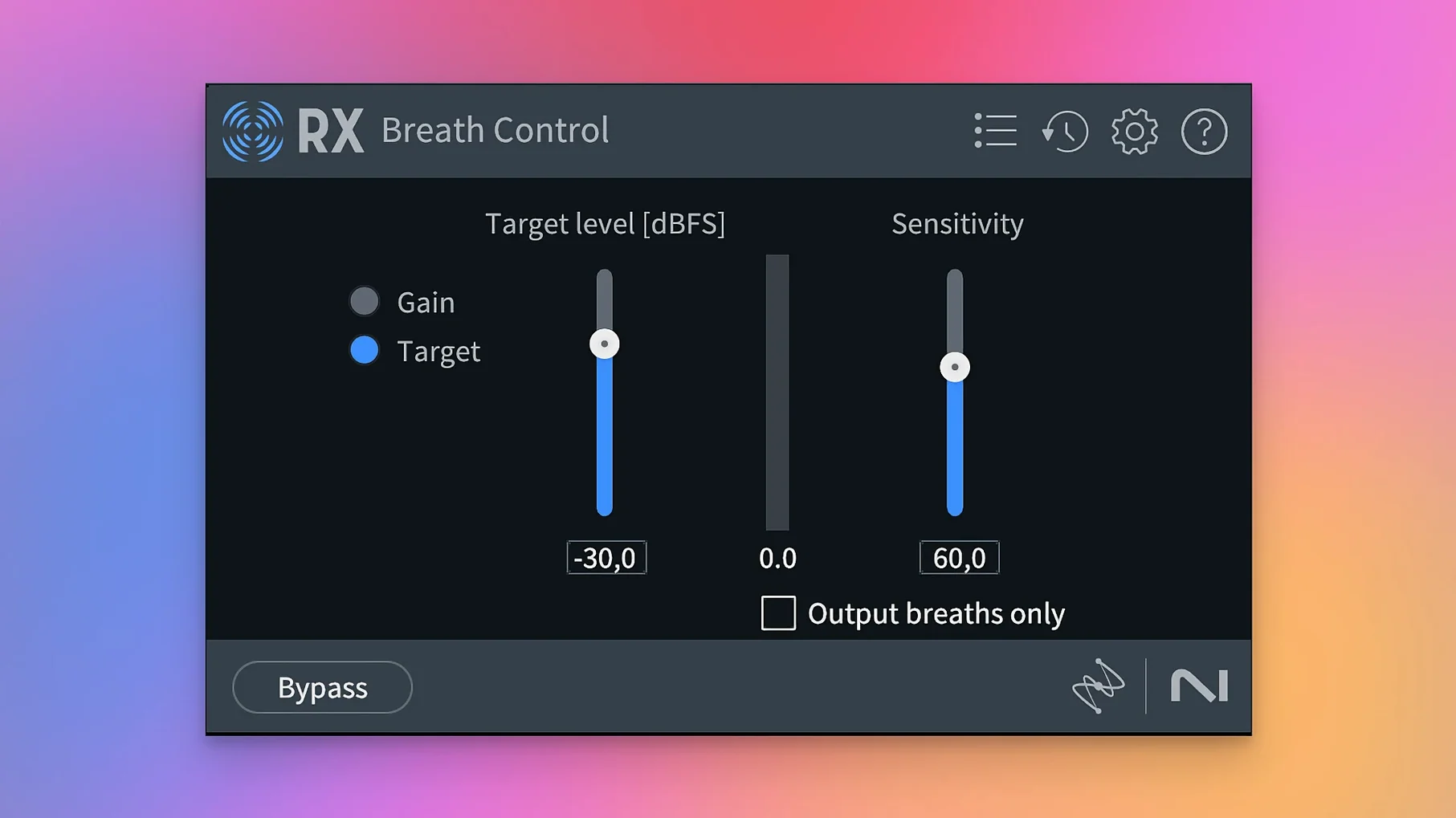
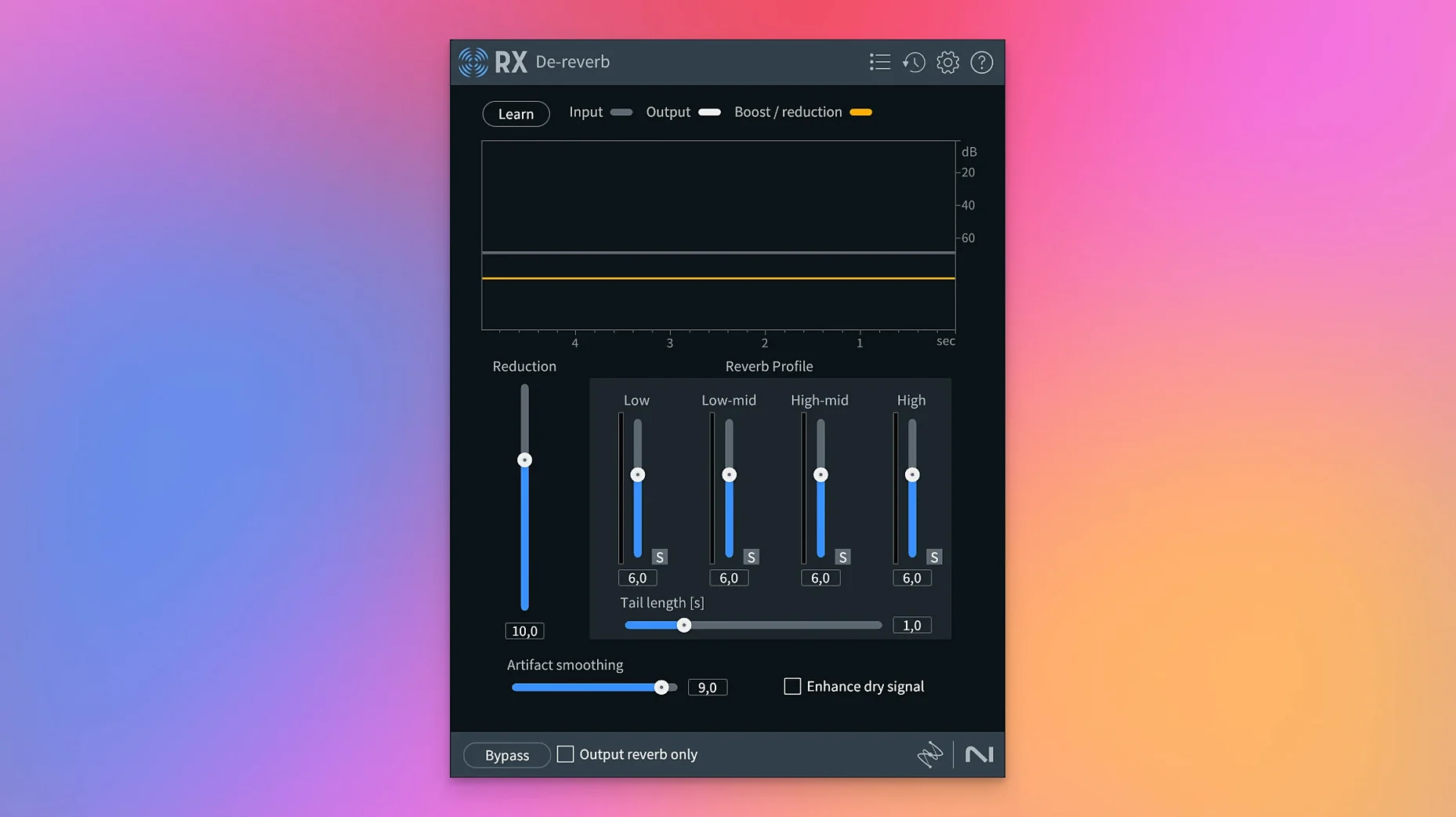
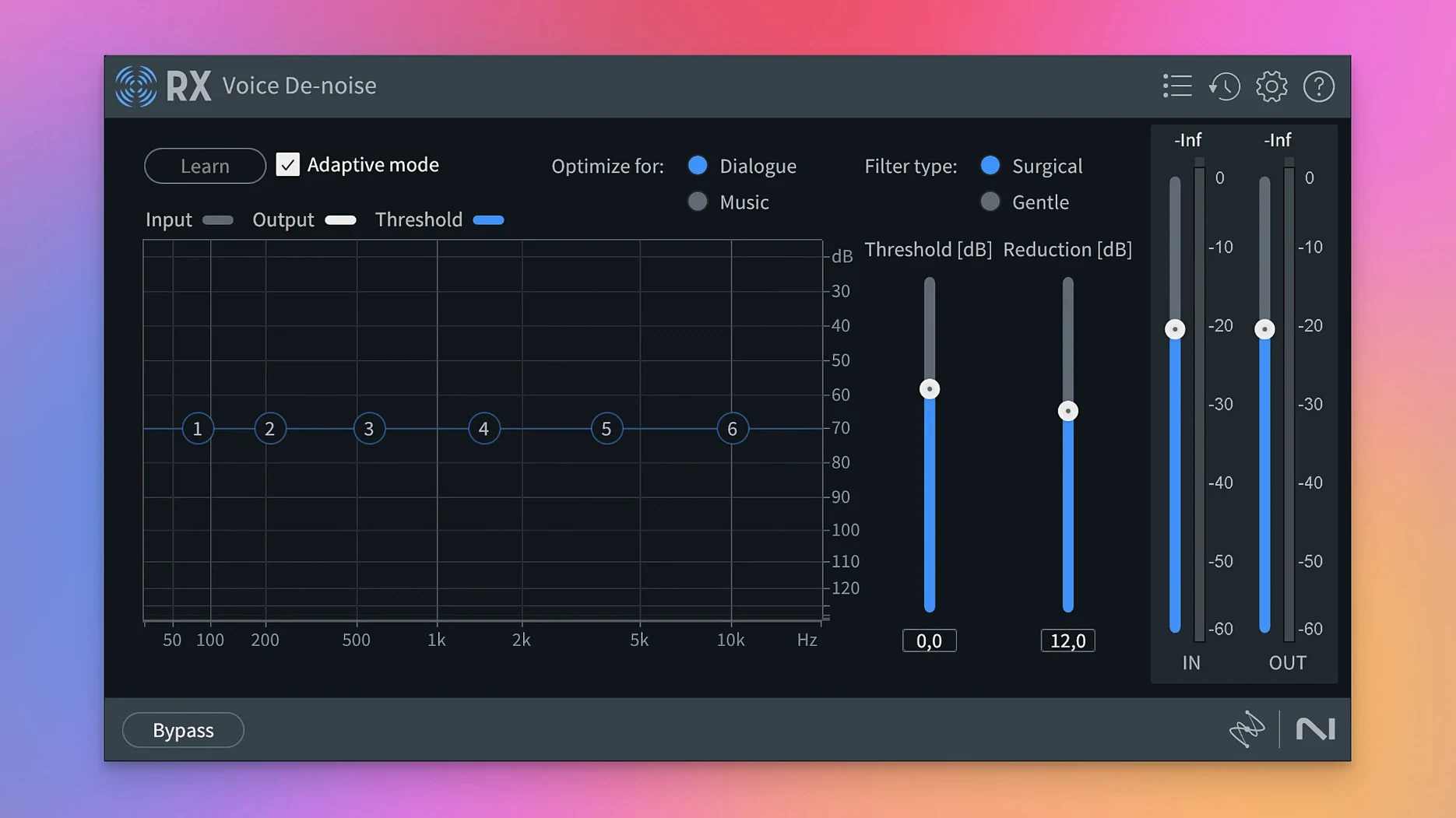
RX 12 rebuilds Breath Control and adds Scene Rebalance, Trim Silence, and Stems View. The toolkit now splits dialogue, music, and effects for separate processing.
Which hosts and formats does it support?
RX runs as VST3, AU, and AAX on Apple Silicon and Intel Macs. The standalone application handles WAV, AIFF, FLAC, and MP3, while the modules load in any compatible DAW or NLE.
What does the standalone app do that plugins cannot?
The RX Audio Editor gives you the Spectral Editor and Repair Assistant. You can paint out noise directly on the spectrogram, then send cleaned files back to your session.
Which repair modules are included?
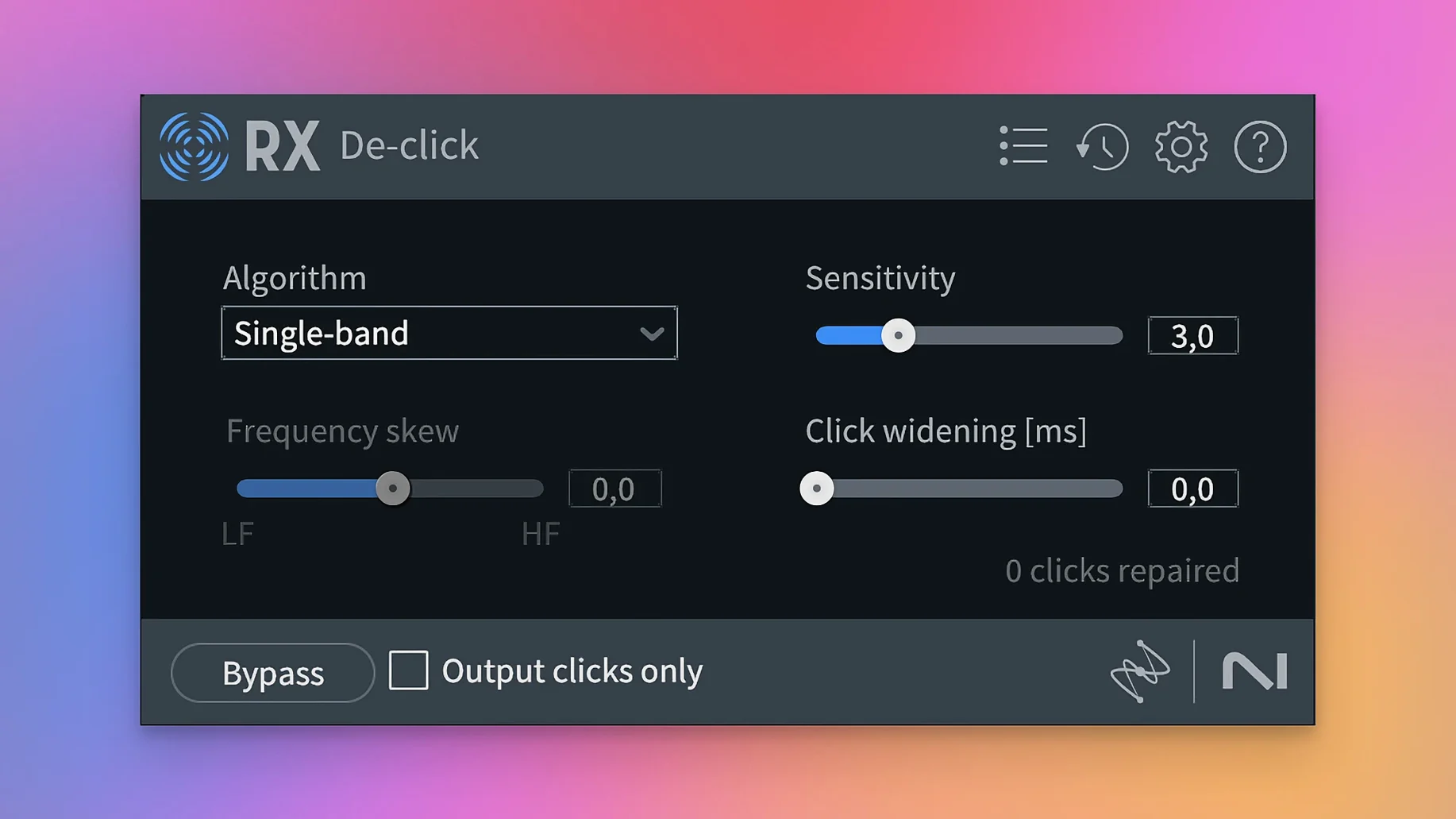
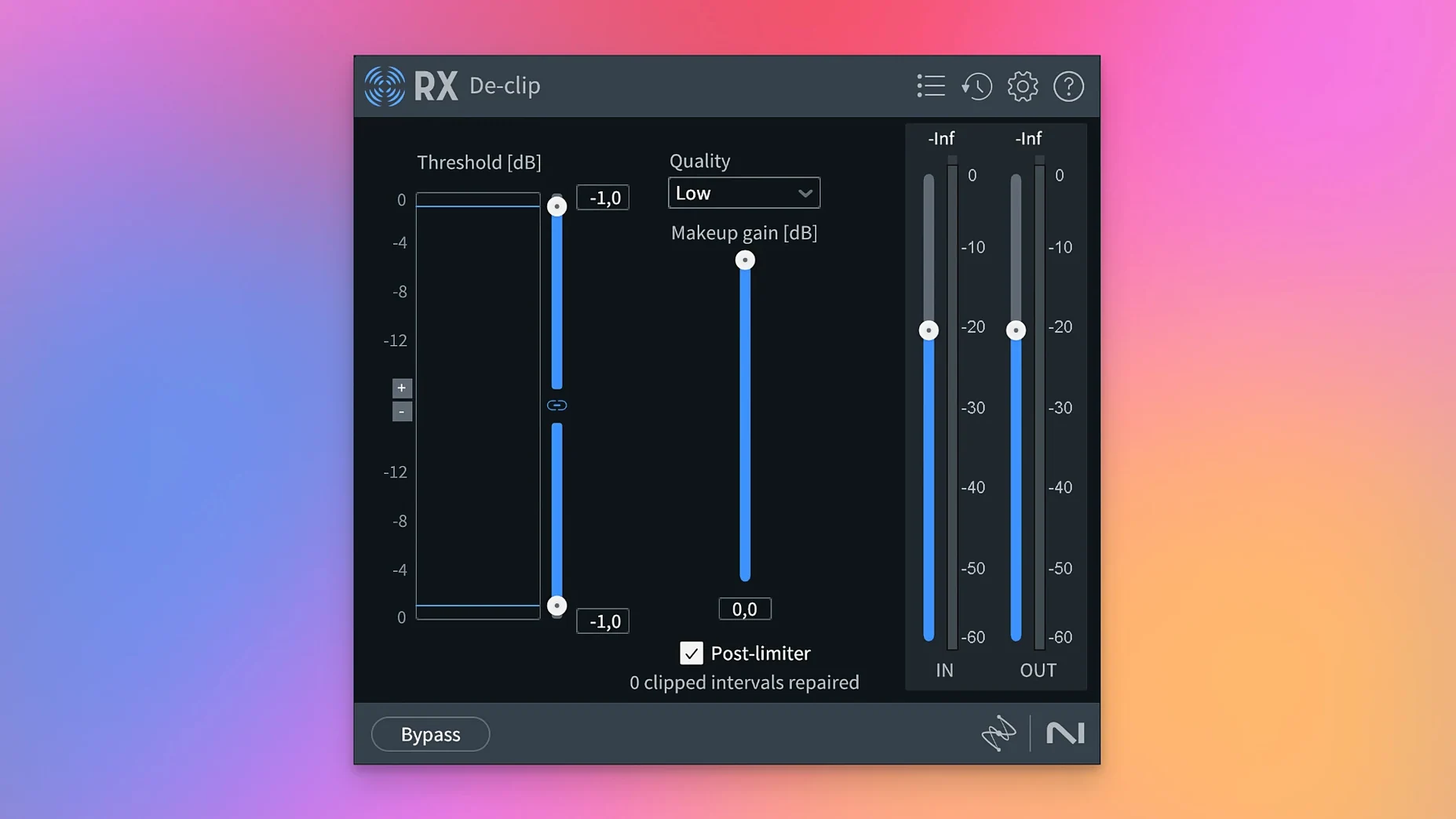
De-click, De-clip, De-crackle, De-ess, De-hum, and De-reverb cover most common faults. Spectral De-noise handles broadband hiss and room tone.
Support for your current macOS setup
Plug-ins land in standard Audio and Application Support folders
The installer places the RX Audio Editor application, the plug-in files, and a set of component libraries. Nothing gets scattered outside the standard Audio and Application Support folders. AAX, VST3, and AU versions all land where your DAW expects them, and the standalone app sits in /Applications/iZotope RX 12 Audio Editor.app.
On first launch the app runs a quick scan for compatible plug-in hosts. It also builds an index of the repair modules so the Repair Assistant can load suggestions without a delay. You will see a splash panel listing the modules it found, then a blank project window. No audio gets analysed until you open a file.
Long-form material such as a two-hour podcast or a feature film stem will push the session size up, especially if you keep multiple undo states. Disk cache writes to the system temp volume, so a fast internal SSD helps when scrubbing through a dense spectrogram.
Let Repair Assistant suggest its first module chain
Open a short, familiar clip first: thirty seconds of dialogue with some room noise. Run the Repair Assistant on it and watch which modules it chains together. That gives you a baseline for what RX considers fixable without touching a control. Then undo and apply the same modules manually, one at a time, to hear what each contributes.
Set the default file format to 32-bit float WAV in the preferences before you export anything. The modules produce cleaner results when the source stays at high bit depth, and you avoid clipping the output buss by accident.
If you work inside a DAW, load the modules as offline (AudioSuite) processors first. Real-time AAX or VST3 instances are useful for auditioning settings, but committing the repair as a new clip keeps the session responsive and makes A/B comparison trivial.
For the new Stems View, feed it a stereo mixdown rather than a multitrack session stem. The separation algorithms for dialogue, music, and effects rely on the spectral balance of a full mix. A single close-mic track with no background gives the module less to work with.
Trim Silence is blunt compared to a strip-silence tool in a DAW. Use it on long-form material where you want to remove dead air before detailed editing. Set the threshold conservatively; you can always tighten the cut points in a second pass.
Modules solve problems EQs and gates miss
Will RX 12 replace my existing noise-reduction chain? It can, but most people run it alongside other tools. The modules solve specific problems — mouth clicks, broadband hiss, clipped peaks — that general-purpose EQs and gates handle poorly. You might still use a channel strip for tone shaping and let RX tackle the surgical fixes.
Does it require an internet connection? No. The machine-learning models ship with the installer. The Repair Assistant and the reverb removal algorithms all run locally. No cloud processing, no account sign-in needed for offline use.
Can I install it on two Macs? The package includes activation instructions that cover a single machine. People who split time between a studio desktop and a laptop often keep the standalone app on the travel machine and the plug-ins on the main rig, but the included activation method determines what is possible.
How does Scene Rebalance differ from Music Rebalance? Scene Rebalance targets post-production mixes: dialogue, music, and effects layers. Music Rebalance handles stems inside a music track: vocals, bass, percussion, and other instruments. Feed a film mix to Scene Rebalance; feed a song to Music Rebalance.
What is the most practical De-bleed improvement? The rebuilt module now separates sources with less comb-filtering artefact. Headphone spill from a click track, for instance, gets attenuated without hollowing out the vocal range. It still works best when the bleed source is quieter than the wanted signal.
No. RX 12 needs macOS 14.7 Sonoma or later, running on ARM or x86 64-bit hardware.
- Scene Rebalance splits dialogue, music, and effects
- Trim Silence handles long files
- Stems View applies the toolkit to isolated stems
- De-bleed and Breath Control rebuilt
- macOS 14.7 Sonoma or later
- ARM or x86 64-bit Mac
- English interface
Questions people ask
Is iZotope RX 12 native on Apple Silicon?
Yes, the package supports ARM and x86 64-bit Macs.
What macOS version does RX 12 require?
macOS 14.7 Sonoma or later.
Does RX 12 include De-reverb and De-ess?
Yes, both modules are part of the standard toolkit.
Staffroom comments 0
Sign in or create an account here to leave a comment.
Nobody has commented on this one yet.
Other VST Plugins tools
All VST Plugins tools-
 iZotope Tonal Balance Control
3.0.0
264 MB
VST Plugins
-
 iZotope Insight
2.4.0
VST Plugins
-
 LFOTool
1.768
7 MB
VST Plugins
-
 Melodyne
5.4.2
97 MB
VST Plugins
-
 EZdrummer
3.1.2
786 MB
VST Plugins
-
 EZbass
1.3.3
81 MB
VST Plugins
-
 elastiquePitch
2.5.0
17 MB
VST Plugins
-
 Neural DSP Archetype Rabea X
1.0.1
742 MB
VST Plugins