
EZdrummer 3.1.2 (macOS)
One download for Apple Silicon and Intel. Opens the install steps and mirrors.
- Version
- 3.1.2
- Size
- 786 MB
- Earliest macOS
- 10.15 or later
- CPU type
- Universal
- Updated
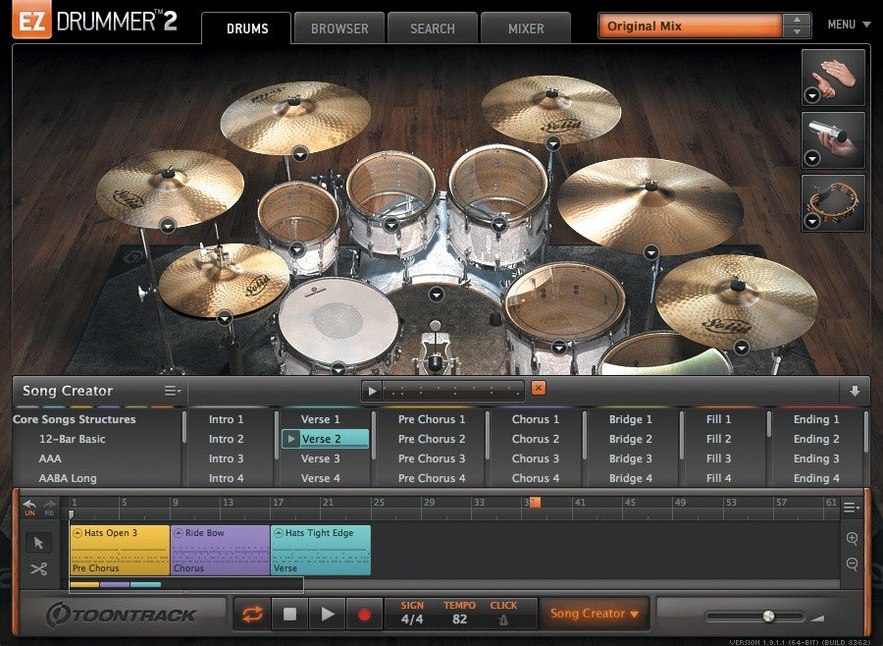
Bandmate can take a piece of audio or MIDI you drag in and suggest a drum part around it. That alone saves a lot of staring at an empty song track. But the real time-saver is Tap2Find — tap a rhythm on your keyboard or MIDI controller and it searches the groove library for a match.
Find a groove, build a song
Browse and preview the MIDI groove library, star what works, or drag grooves straight to your song track. The Song Creator turns that idea into a full arrangement. Once it's in the song track, you can cut, copy, paste and rearrange sections like a DAW's arranger.
Change the feel without editing MIDI
Edit Play Style alters a base groove in real time — no note-by-note tweaking. The three included rooms give you different acoustic spaces to place the kit in. Mix-ready presets get you a finished sound quickly.
Keep the host happy
EZdrummer 3.1.2 runs on macOS 10.15 and later, Intel or Apple Silicon. The standalone and project icons now match the macOS Tahoe style. Internal work was done for Infinity Grid EZX compatibility. Song-track CC recording and mixer Solo/Mute recall states are also fixed in this release.
Songwriters working solo get the most use
Songwriters who work alone will find the most use here. If you write on guitar or keys and need a believable drum part without learning how to program one, EZdrummer 3 does the heavy lifting. Producers who work to a deadline also benefit — the Song Creator and Edit Play Style turn a rough idea into a finished track section in minutes. For drum programmers who know their way around MIDI, the Grid Editor and groove library still give enough control to fine-tune every hit. Anyone who has spent time auditioning drum samples or editing velocity lanes will appreciate having a single window for the whole process.
Bandmate is the feature that sets this apart from a standard drum VI. Drag in a guitar scratch track or a bass MIDI line, and it returns a suggested groove. That is faster than building from a one-bar loop and copying it across the timeline. For teachers or students who want to demonstrate a feel without playing drums, the Tap2Find search is a quick way to land on the right style.
Start with the mix presets for quick sound shaping
Start with the mix presets. Seven kits and three rooms give you a lot of raw material, but the mix-ready presets are what get you past the initial sound-shaping stage. Pick a preset close to what you need — close, dry, roomy — then adjust from there. The Edit Play Style control is worth learning early. It sits within the main interface and lets you dial back a groove from busy to simple, or add more ghost notes and fills, without touching individual MIDI notes. That alone saves time when you need a verse that breathes and a chorus that hits harder.
If you use the standalone mode, check the audio and MIDI routing before loading a kit. The standalone icon now uses the macOS Tahoe style, so it is easier to spot in the Dock or in a Finder search. Make sure your controller is picked up in the MIDI preferences before you start tapping out rhythms for Tap2Find.
Filter and star grooves for consistent feels across songs
The groove library can be filtered by time signature and complexity. Starring grooves builds a shortlist you can return to in later sessions. That is useful when you are working on multiple songs in one sitting and want consistent feels across a project. The Grid Editor lets you write patterns from scratch, but it also shows the velocity and articulation of every hit — useful if you want a snare that drags or a hi-hat that sits back on the beat.
Percussion parts are included across the kits, which means you can layer shaker or tambourine over a kick-snare pattern without a separate plugin. The Song Creator works with both audio and MIDI sources, so you can feed it a verse idea and get back a full arrangement with fills and breaks. Cutting, copying and pasting sections on the song track works like a DAW timeline — familiar enough that you will not need the manual.
EZdrummer 3 Full Torrent offers realistic drum sounds for music producers needing quick, professional tracks. It includes the Infinity Grid EZX improvements and the fix for hi-hat pedal CC recording that could drop notes during song-track recording. Earlier builds do not have that fix. For anyone working with EZX expansion packs released from Q4 2025 onward, version 3.1.2 is required. The same goes for ez drummer torrent or ez drummer 3 torrent searches — make sure the version matches before installing.
- Standalone and project icons updated to macOS Tahoe style.
- Internal improvements for Infinity Grid EZX.
- Fixes for song-track CC recording and mixer Solo/Mute recall states.
- macOS 10.15 or later
- Intel or Apple Silicon
Staffroom comments 0
Sign in or create an account here to leave a comment.
Nobody has commented on this one yet.
Other VST Plugins tools
All VST Plugins tools-
 EZbass
1.3.3
81 MB
VST Plugins
-
 elastiquePitch
2.5.0
17 MB
VST Plugins
-
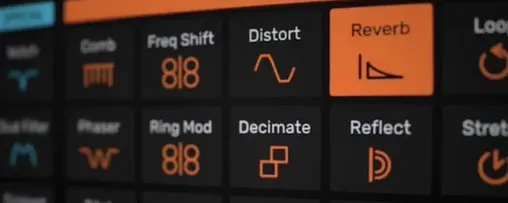 Devious Machines Infiltrator
2.5.26
46 MB
VST Plugins
-
 Cymatics VOXITY
1.0.0
97 MB
VST Plugins
-
 iZotope Insight
2.4.0
VST Plugins
-
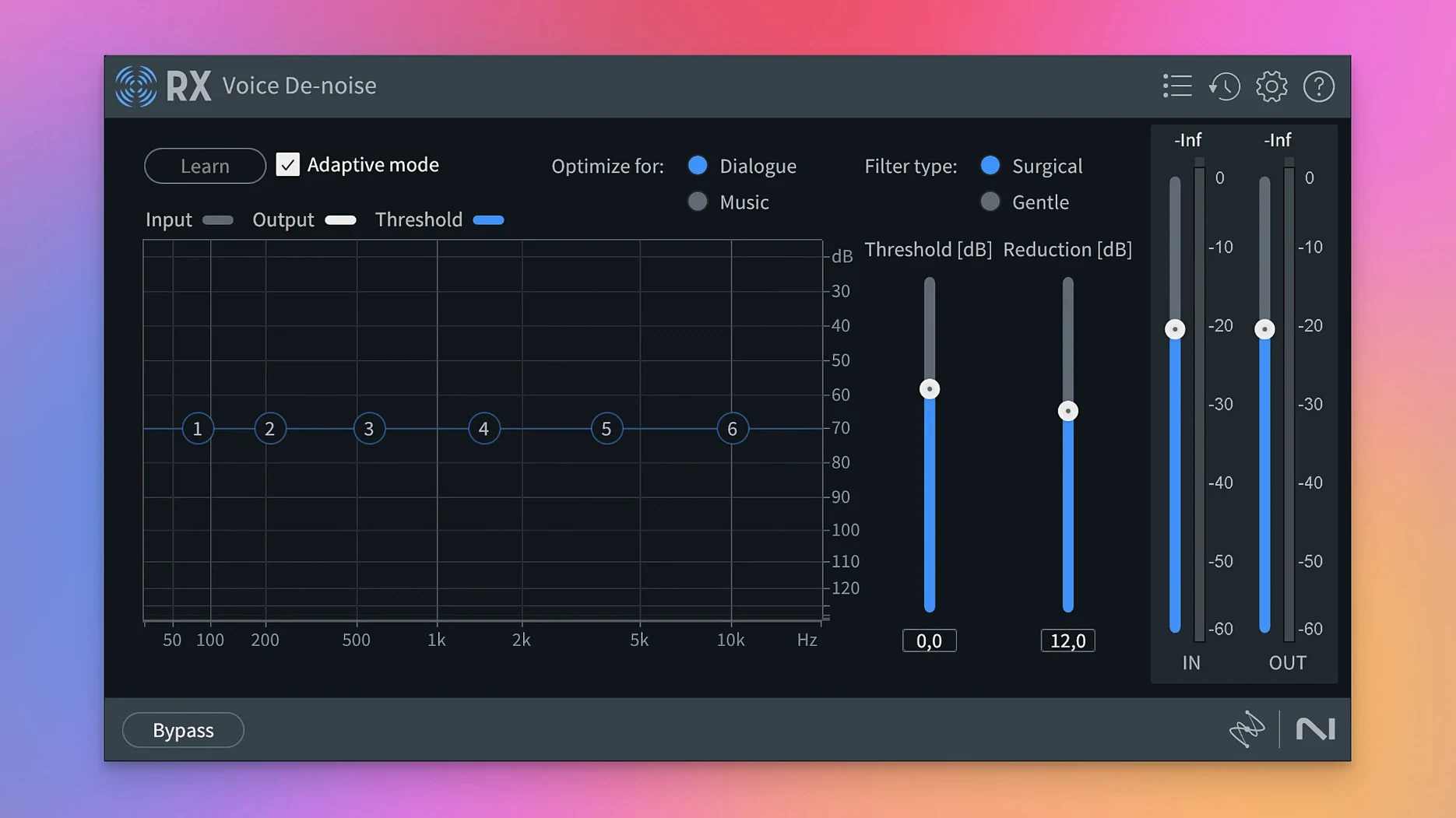 iZotope RX
12.1.0
3.6 GB
VST Plugins
-
 iZotope Tonal Balance Control
3.0.0
264 MB
VST Plugins
-
 Bogren Digital Ampknob BDH 66o6 Plus
1.2.118
253 MB
VST Plugins