
elastiquePitch 2.5.0 (macOS)
- Version
- 2.5.0
- Size
- 17 MB
- Earliest macOS
- 10.15 or later
- CPU type
- Universal
- Updated
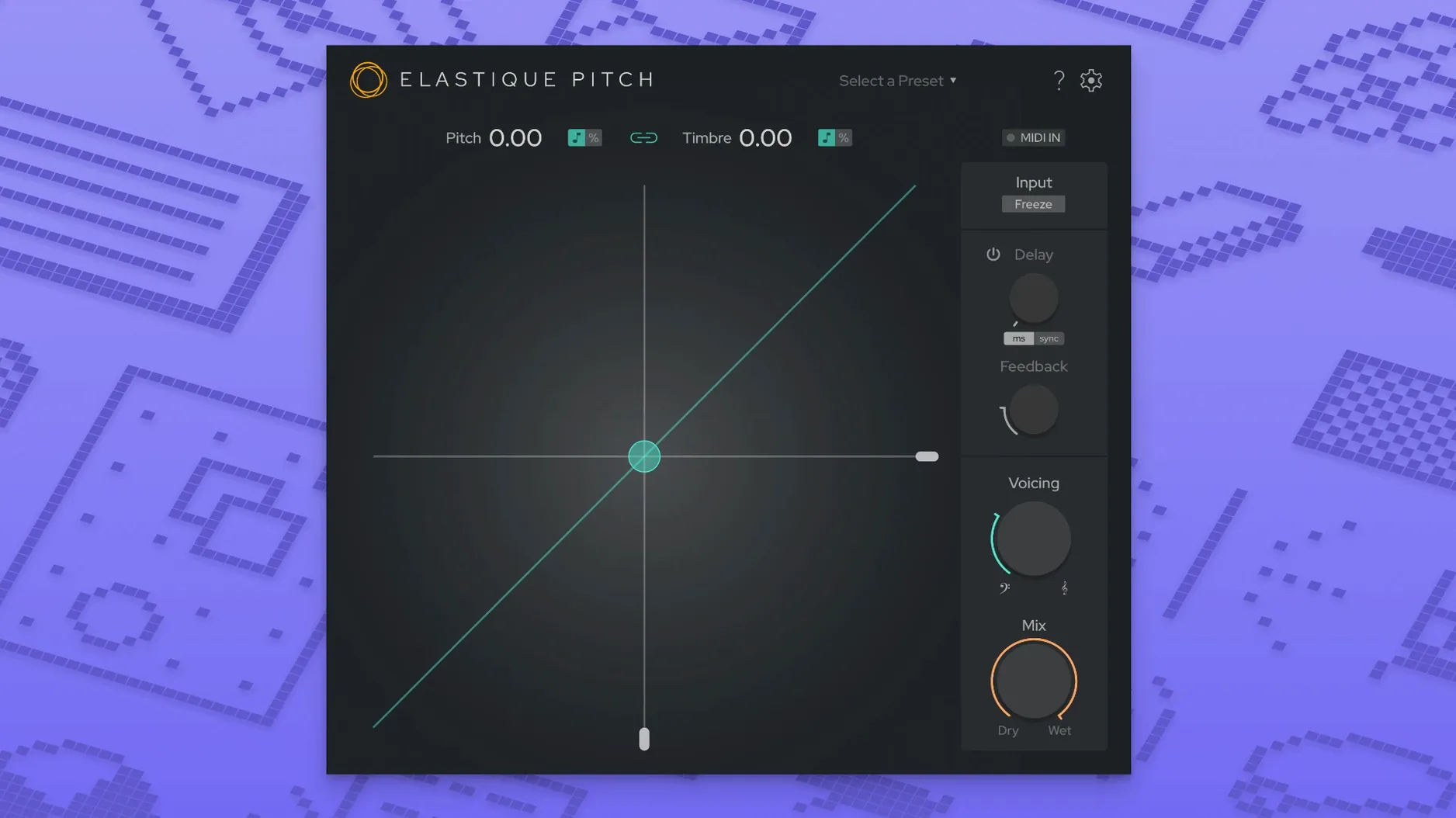
Pitch-shifting in a DAW often sounds like a chipmunk or a slowed-down tape. elastiquePitch v2 is a real-time plug-in that keeps the audio sounding natural. It shifts pitch, formants and grain size independently, so you can change a vocal's register without making it sound cartoonish.
- Set the pitch shift — semitones or cents. The new ÉLASTIQUEPRO algorithm handles the heavy lifting.
- Adjust formants — this is what separates a realistic voice change from a helium effect. Formant shifting runs in real time alongside the pitch.
- Freeze a grain — latch onto a single moment of sound and sustain it. Useful for glitch textures or holding a note while you tweak the mix.
- Add pitch-shifted echo — the echo repeats at a different pitch. It is not a separate delay plug-in; it is part of the same window.
Version 2.5.0 brings a redesigned interface and expanded multichannel support up to 16 channels. The plug-in works in VST3, AU and AAX native formats, so it fits into Logic, Pro Tools, Cubase and most other Mac DAWs running macOS 10.15 or later.
Fix plugin not showing in DAW after install
The most frequent issue people hit is the plug-in not showing up in their DAW after installing it. Running the standard installer from the disk image puts the files in the right place, but some DAWs cache the plug-in list. Restart the DAW, not just the session. If it still does not appear, check the plug-in scan path in your DAW's preferences — VST3 goes to ~/Library/Audio/Plug-Ins/VST3, AU to ~/Library/Audio/Plug-Ins/Components, and AAX to ~/Library/Application Support/Avid/Audio/Plug-Ins.
Another snag: the pitch sounds fine in stereo but behaves oddly on a multichannel track. Version 2.5 supports up to 16 audio channels, but each DAW maps channel routing differently. Make sure your track is configured for the right channel count before loading the plug-in, not after.
Formant shifting can sometimes feel unresponsive if the source material has very little harmonic content — think pure sine waves or noise floors. The algorithm needs something to work with. If you are getting no audible change, try feeding it a fuller signal first to confirm the plug-in is active.
Runs natively on Apple Silicon Macs
People often ask whether elastiquePitch v2 works on Apple Silicon Macs natively. It does. The plug-in is compiled for ARM and x86 architectures, so it runs without Rosetta on an M-series machine, provided your DAW is also native.
Another common question is whether you need the old version installed first. You do not. Version 2.5.0 is a standalone installer, not an update patch. The disk image contains everything needed for a clean installation.
Some ask about using it for frame-rate conversion or synchronisation work. Yes — because pitch and formant are handled independently, you can adjust playback speed without generating the vocal artefacts that other tools introduce. It is not a dedicated time-stretcher, but for short-form synchronisation it works well.
- macOS 10.15 or later
- Intel or Apple Silicon Mac
- Interface language: English
Questions people ask
Does elastiquePitch v2 support multichannel audio?
Yes, version 2.5.0 expands support up to 16 channels, so it works with surround and multi-output setups.
Staffroom comments 0
Sign in or create an account here to leave a comment.
Nobody has commented on this one yet.
Other VST Plugins tools
All VST Plugins tools-
 EZbass
1.3.3
81 MB
VST Plugins
-
 EZdrummer
3.1.2
786 MB
VST Plugins
-
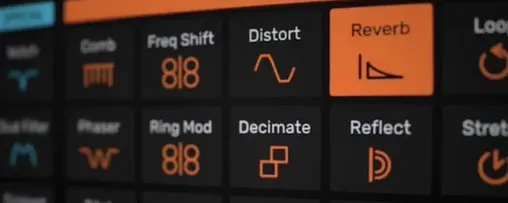 Devious Machines Infiltrator
2.5.26
46 MB
VST Plugins
-
 Cymatics VOXITY
1.0.0
97 MB
VST Plugins
-
 iZotope Insight
2.4.0
VST Plugins
-
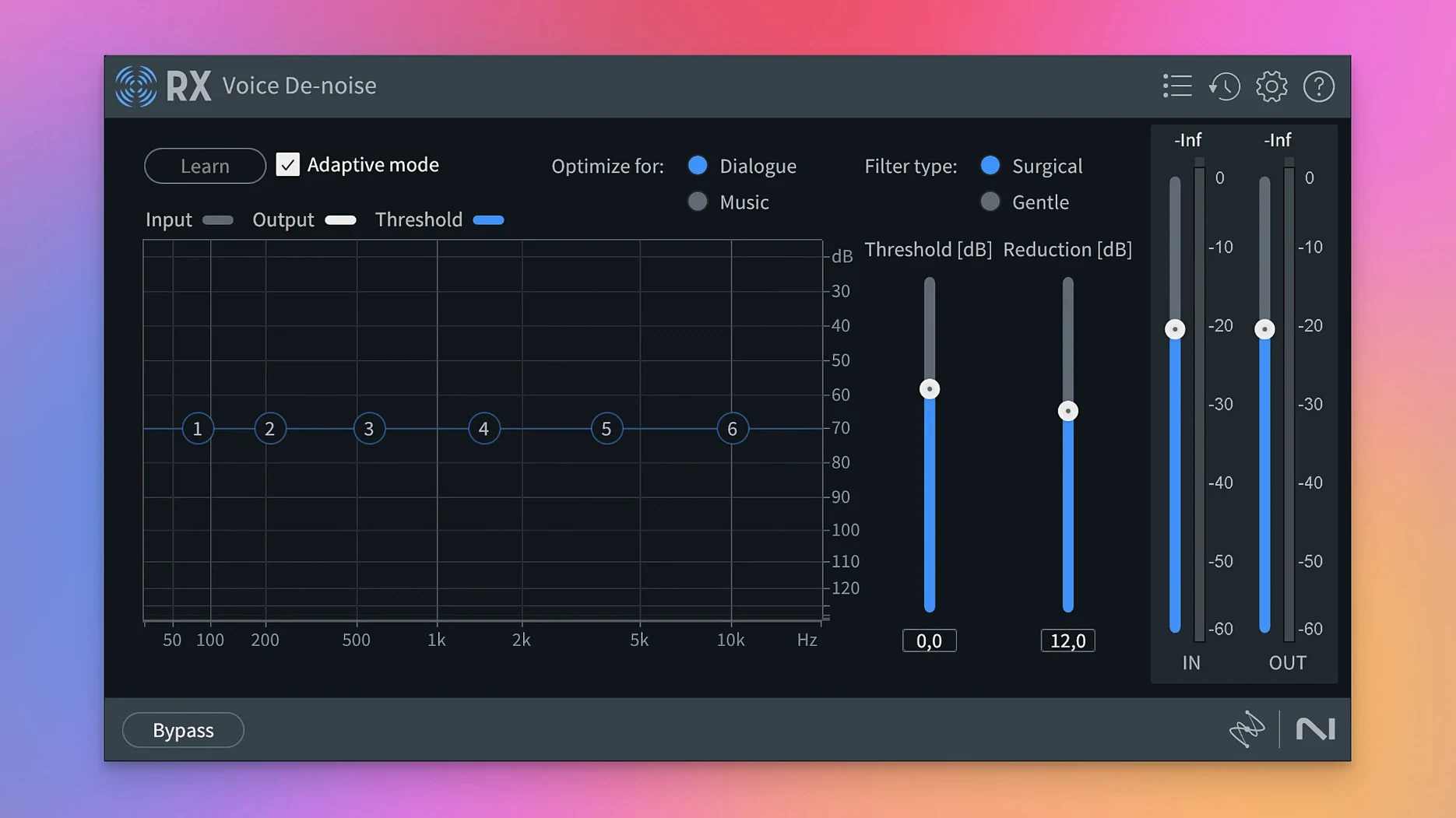 iZotope RX
12.1.0
3.6 GB
VST Plugins
-
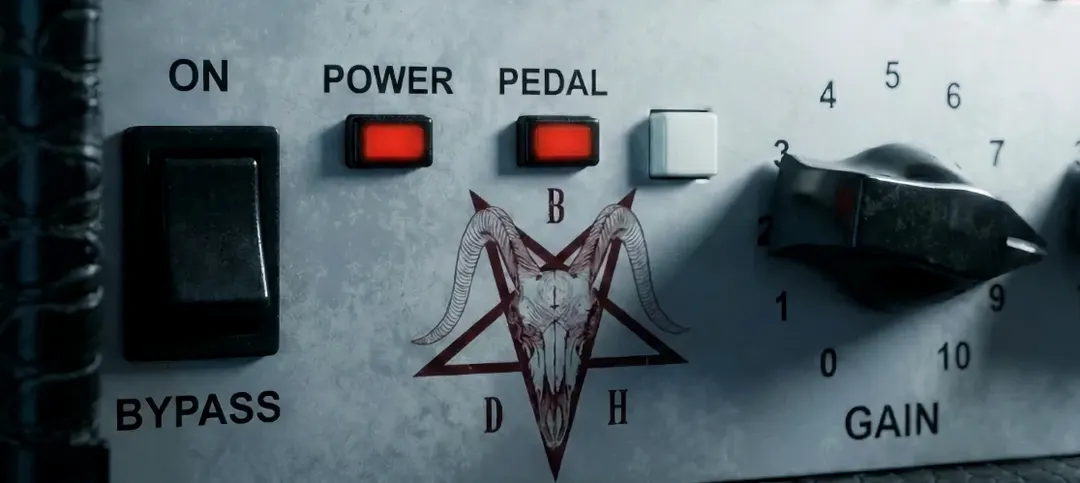 Bogren Digital Ampknob BDH 66o6 Plus
1.2.118
253 MB
VST Plugins
-
 iZotope Tonal Balance Control
3.0.0
264 MB
VST Plugins