iZotope Tonal Balance Control 3.0.0 (macOS)
One download for Apple Silicon and Intel. Opens the install steps and mirrors.
- Version
- 3.0.0
- Size
- 264 MB
- Earliest macOS
- 13.4 or later
- CPU type
- Universal
- Updated
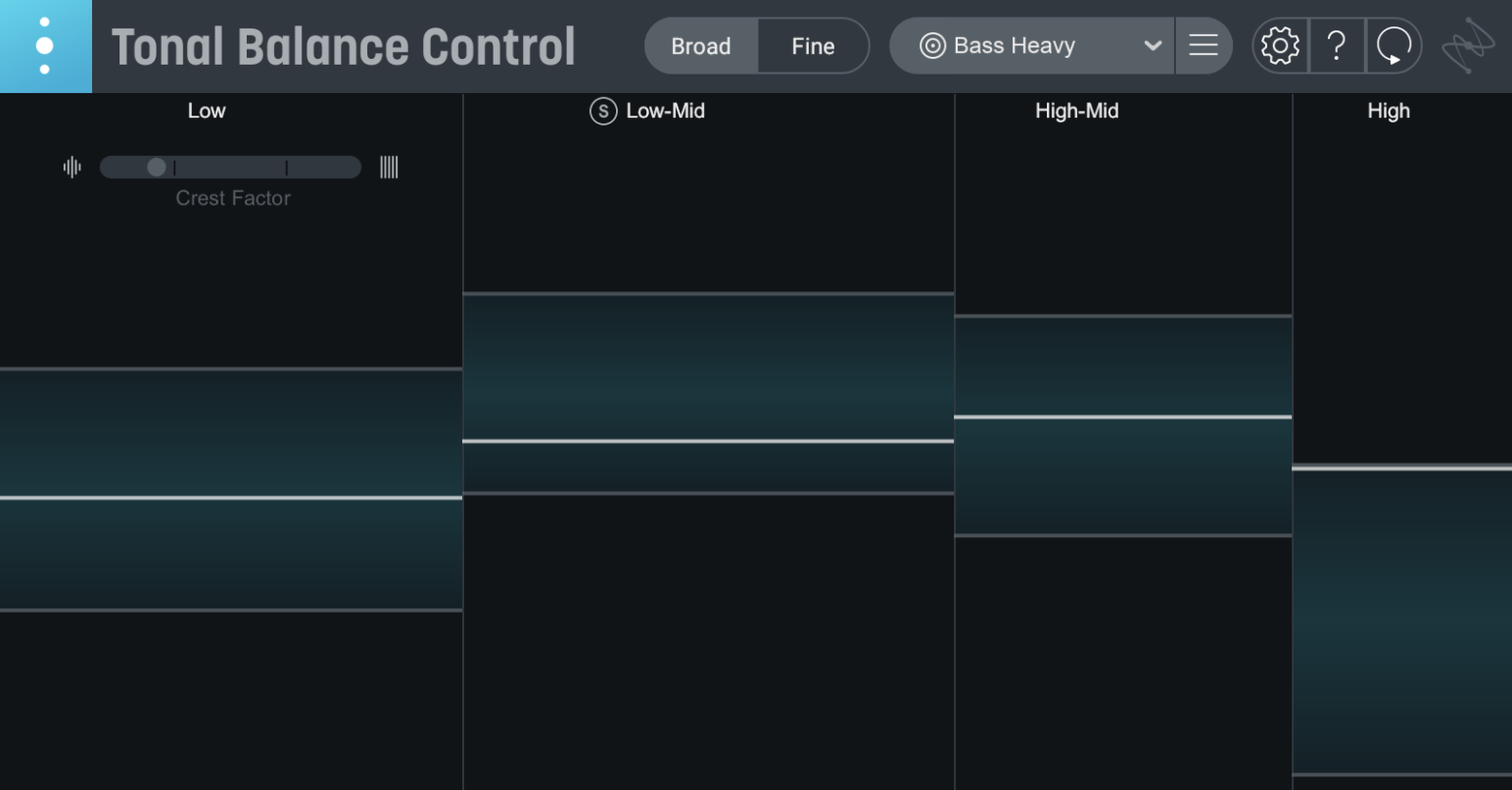
Mixing engineers and producers who want a mix to sit in a known tonal zone use Tonal Balance Control. It compares your audio against reference curves for 12 popular genres, then shows where your mix drifts.
Pick a genre curve to compare your mix balance
- Target curves: pick a genre curve and the meter shows how your mix's balance lines up with it.
- Custom reference: load an audio file and Tonal Balance Control builds a curve from it, so you can match a specific track.
- Built-in hybrid EQ: new in version 3, lets you adjust the balance directly inside the plugin rather than switching tools.
- Extra meters: vocal balance, dynamics and stereo width meters give a broader picture than frequency alone.
- iZotope integration: open and control Ozone and Neutron EQs from inside the interface.
In practice
Load it on your master bus, choose a target, and the meter tells you if the low end is heavy or the highs are thin. The hybrid EQ means you can nudge a band and watch the meter respond immediately. It works as a plugin in your DAW or as a standalone app, and the extra meters cover the areas that frequency analysis alone misses.
Match a rough mix to a rock target curve
I start a session with Tonal Balance Control 3 on the master bus. My rough mix is in place, levels are reasonable, but I haven't touched EQ yet. First thing: pick a genre. For a rock track I'll choose the rock curve. The meter shows a heavy low mid bump and a dip around 4 kHz. That matches what I'm hearing — the guitars are fighting the kick.
I open the hybrid EQ from inside the plugin and cut 2 dB at 250 Hz on the master. The meter moves. The low-mid bump flattens. Then I switch the view to vocal balance and see the vocal sits below the reference line. Instead of reaching for the channel EQ, I open Neutron from the Tonal Balance Control interface and add a gentle shelf at 2 kHz. The vocal balance meter climbs into the zone.
Next, the stereo width meter shows the mix is narrow below 200 Hz — fine for mono compatibility — but wide in the high mids. I leave it; the width meter is telling me the mix is working. I save the session with the curve snapshot for recall later.
Use a custom reference when genre curves don't fit
- Target curve doesn't match what you hear: genre curves are averages. If your track is a hybrid — say, folk with electronic elements — load a custom reference from a similar track. Drag an audio file onto the reference panel and Tonal Balance Control builds a curve from it.
- Hybrid EQ changes aren't sticking: check that the plugin is inserted on the correct bus and not bypassed in your DAW. The EQ works on the signal passing through it, so a bypassed master track does nothing.
- iZotope integration won't open Ozone or Neutron: Tonal Balance Control 3 looks for compatible iZotope plugins in your plugin folder. If they aren't scanned in, open your DAW, load the plugin once on a track, then close and reopen Tonal Balance Control. The integration list updates.
- Relay gain changes feel too coarse: Relay lets you adjust gain, pan and stereo imaging. For fine moves, set your DAW's grid to a fine division so you can automate Relay's parameters per bar rather than per beat.
- Meters show no response: make sure audio is playing when you expect it. Tonal Balance Control meters need signal to move. Check that your interface routing isn't sending solo'd tracks to the plugin.
- Initial major release of Tonal Balance Control 3.
- Added standalone desktop app.
- Added extra meters for vocal balance, dynamics, and stereo width.
- Added a built-in hybrid EQ.
- macOS 13.4 or later (macOS Sonoma 14.7)
- Architecture: Apple Silicon and Intel
- Interface language: English
Questions people ask
Can I use my own reference track?
Yes, load an audio file and Tonal Balance Control creates a custom target curve from it.
Does Tonal Balance Control work on Apple Silicon Macs?
Yes, it supports both ARM and x86 64-bit architectures.
What macOS versions are supported?
macOS 13.4 or later, including macOS Sonoma 14.7.
Staffroom comments 0
Sign in or create an account here to leave a comment.
Nobody has commented on this one yet.