
Scaler 3 3.3.2 (macOS)
One download for Apple Silicon and Intel. Opens the install steps and mirrors.
- Version
- 3.3.2
- Size
- 1.4 GB
- Earliest macOS
- 10.15 or later
- CPU type
- Universal
- Updated
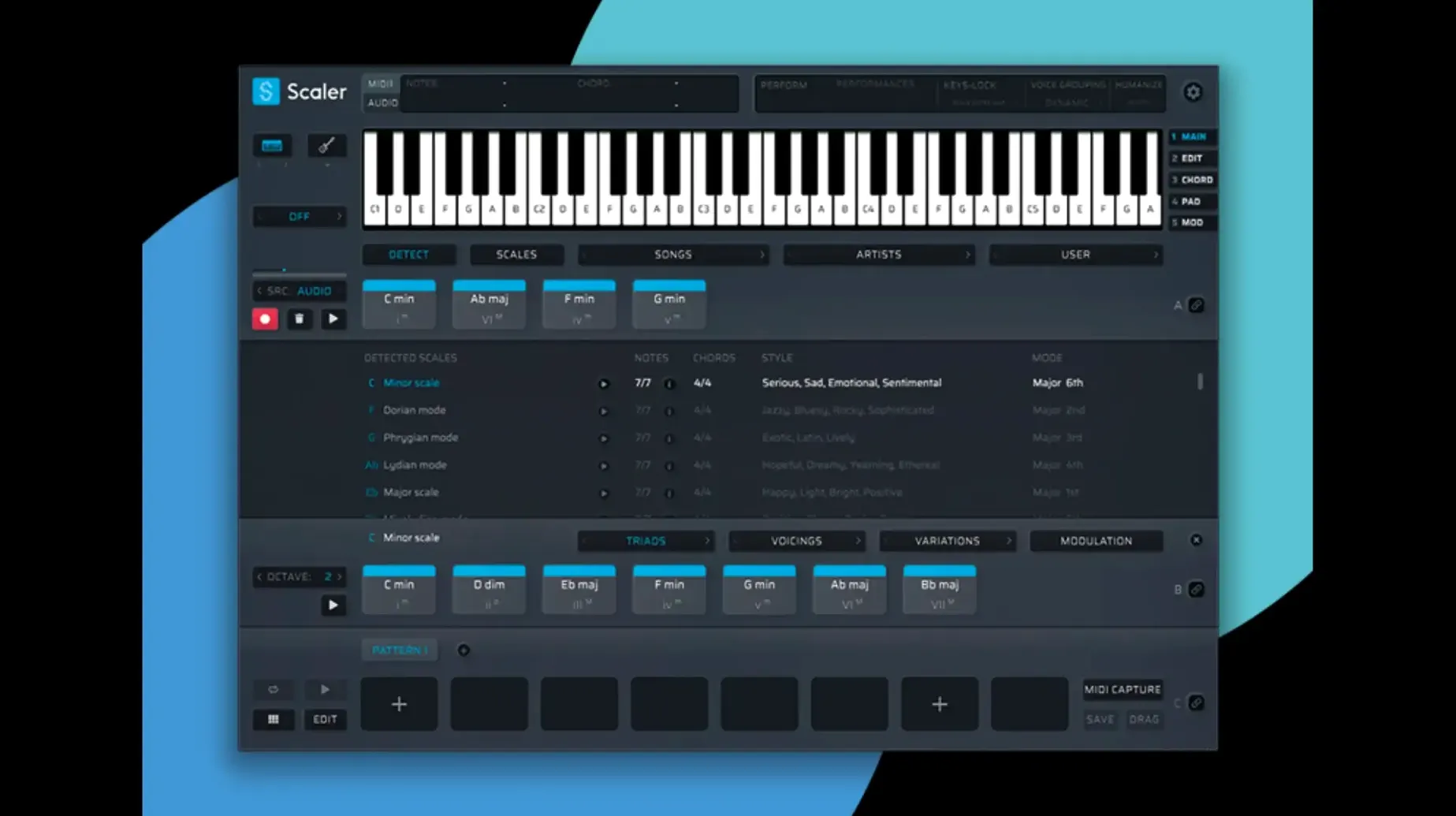
Version 3.3.2 of Scaler 3 crops empty space at the start of exported MIDI sequences and fixes MIDI Editor display issues that could cause missing notes or incorrect chord representations.
Browse chord presets by artist or genre
Chord selection — Browse a library of presets grouped by artists and genres. The plugin suggests chords that fit your key and style.
Multi-Bind — Link multiple tracks so changes to one chord set update all bound tracks at once. Saves time when layering.
Plugin hosting — Host VST and AU instruments on chord and MIDI sections inside Scaler 3. No need to leave the window to audition sounds.
MIDI editing — Edit note data directly in the built-in editor. The 3.3.2 fix removes unwanted blank space before chords and corrects chord representations.
Standalone mode — Run Scaler 3 without a DAW for sketching ideas quickly.
Fix missing MIDI notes after dragging out
MIDI notes disappear after dragging out — The 3.3.2 update fixes missing notes in the MIDI Editor, but you must ensure your DAW’s MIDI clip length matches the exported sequence. If notes still vanish, check that the clip in your DAW starts at bar 1, beat 1. Scaler now crops leading empty space, so a clip that expects a long silence may cut off the first chord.
Chords show wrong voicing in the plugin — The display fix in 3.3.2 corrects this, but if you still see odd inversions, toggle the key lock off and back on. That forces a refresh of the chord library. Also verify you have not accidentally bound the track to a different chord set with Multi-Bind — a common cause of “wrong” voicings that is actually the right voicing for a different lane.
Plugin hosting does not see your VSTs — Scaler 3 looks at the system’s default VST paths. If your instruments are in a custom folder, add it to your DAW’s plugin scan paths before opening Scaler. Restart the DAW after adding the path. The plugin hosting is useful for auditioning sounds, but it will not scan hidden or symlinked folders.
Multi-Lane Timeline stutters on large projects — Keep phrase tracks short when using the standalone mode. The timeline handles a lot of data, but very long bass or melody lanes can slow down redraw. Break a long passage into two shorter lanes and link them with Multi-Bind to keep the interface responsive.
Lock key and scale before dragging chords
- Key and scale lock — Set your key before you start dragging in chords. The library suggestions and generated melodies respect the locked key. Change it later and all bound lanes update — but you avoid accidental chromatic notes if you set it early.
- MIDI export crop — The 3.3.2 update crops empty space automatically. If you prefer a bar of silence at the start for timing, add a blank bar in your DAW after export rather than fighting the auto-crop. There is no toggle to disable it.
- Multi-Bind default group — When you open a new project, all chord, melody and bass lanes start unbound. Bind them as a group before you edit anything. That way, any chord change updates every lane at once, which is faster than binding later when lanes already contain different ideas.
Workflow: Build a verse-chorus progression from scratch
Open Scaler 3 in standalone mode. Set the key to C minor and the scale to natural minor. The chord library on the left shows presets grouped by genre; pick a “pop ballad” preset for the verse. Drag four chords into the chord lane on the Multi-Lane Timeline.
Enable Multi-Bind on the chord lane. Scaler 3 generates a matching bass line automatically — you can nudge notes in the built-in MIDI editor if the root positions do not suit you. Now bind the melody lane to the same chord set. Use the arpeggio generator to create a simple eighth-note pattern over the verse chords.
For the chorus, add a new chord lane. Pick a “cinematic” preset from the library — it will suggest chords with more tension, like a IV-V-vi progression. Bind this lane to a fresh bass and melody lane. Switch between verse and chorus lanes by clicking their headers. The plugin hosting lets you load a VST pad sound on the chord lane to hear the texture change without switching to your DAW.
When the progression sounds right, export the MIDI from the chord lane. The auto-crop removes any leading silence, so the sequence starts exactly on the first chord. Drag the file into your DAW and assign your own instruments. The bound melody and bass lanes export separately — you get three MIDI files, one per lane.
- Fixed MIDI Editor display issues that could cause missing notes, incorrect chord representations, and unwanted blank space before chords.
- Exported MIDI now automatically crops empty space at the start of the sequence.
- macOS 10.15 or later
- 64-bit only
- Intel or Apple Silicon
Questions people ask
What macOS versions does Scaler 3 support?
Scaler 3 requires macOS 10.15 or later and runs on both Intel and Apple Silicon Macs.
Can I use Scaler 3 without a DAW?
Yes, Scaler 3 has a standalone mode so you can work on chord progressions and compositions without opening a DAW.
Staffroom comments 0
Sign in or create an account here to leave a comment.
Nobody has commented on this one yet.
Other VST Plugins tools
All VST Plugins tools-
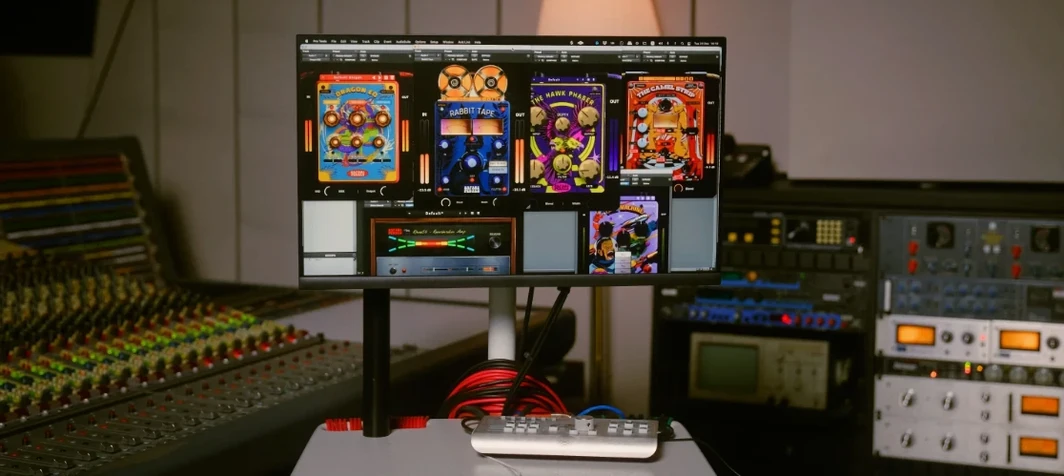 Safari Pedals Everything Bundle
2026.05
628 MB
VST Plugins
-
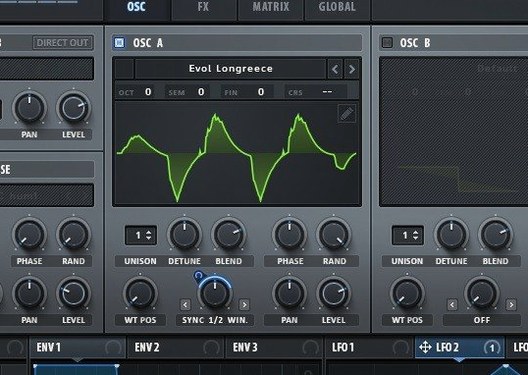 Serum
2.1.5
1.2 GB
VST Plugins
-
 Roland ZENOLOGY Pro
2.0.7
1.8 GB
VST Plugins
-
 RipX DAW Pro
8.0.3
1.6 GB
VST Plugins
-
 Revoice Pro
5.1.30
39 MB
VST Plugins
-
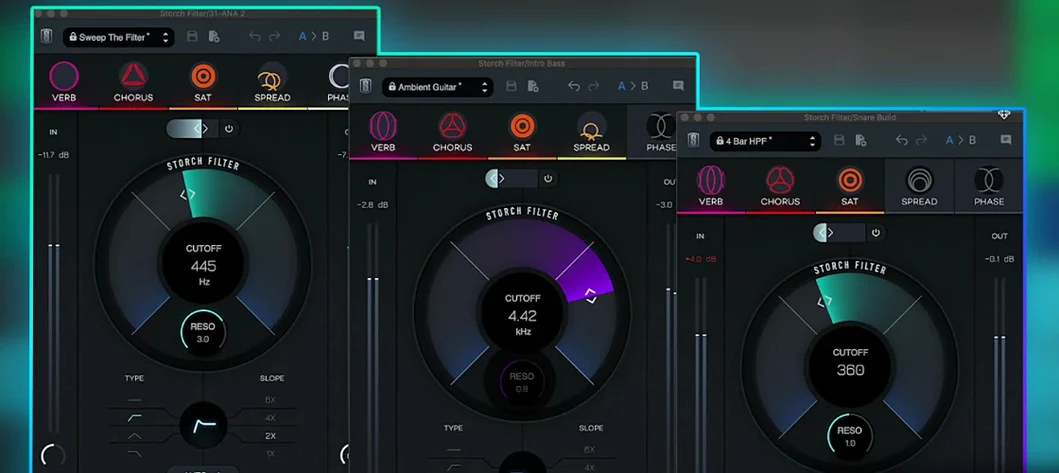 Slate Digital Storch Filter
1.0.6
69 MB
VST Plugins
-
 Slate Digital Submerge
1.0.5
38 MB
VST Plugins
-
 reFX Nexus
5.5.21
72 MB
VST Plugins